
Encumbered (Player Weight)
A configurable weight mod that lets you add weight to every item in the game. No more carrying the universe in your pocket.
Screenshots
About this Mod
Overview
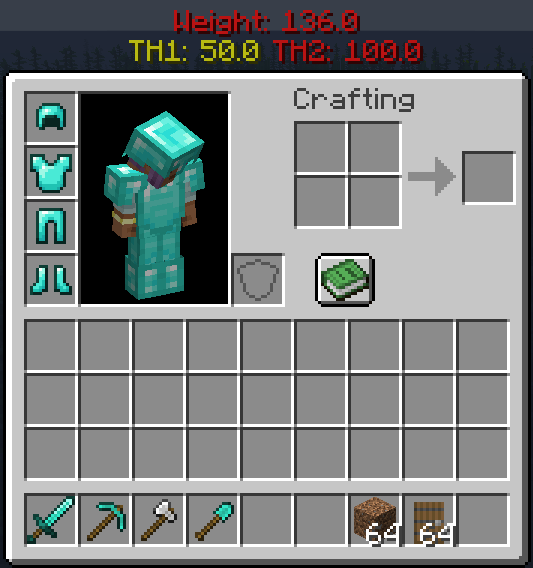
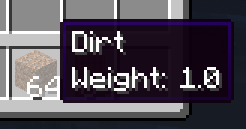
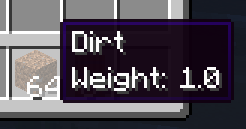
This mod lets you add weight to items. The more items you carry, the more you weigh.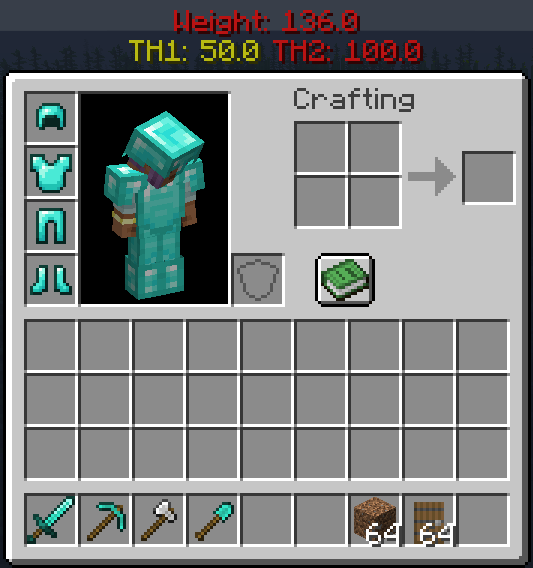
How It Works
There are three stages of encumberment:
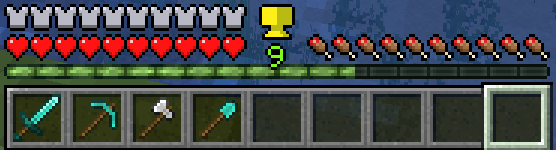
Unencumbered: You can move normally.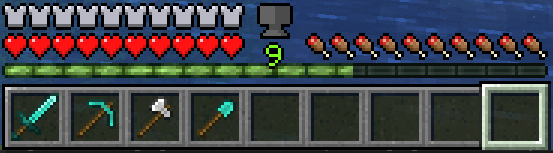
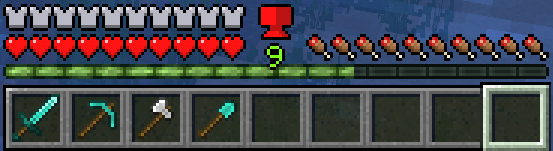
Encumbered: You can no longer sprint.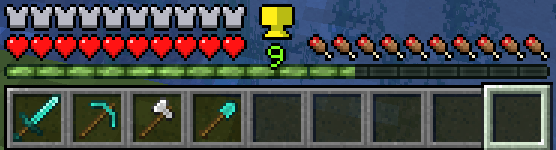
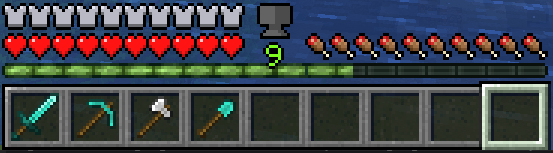
Over Encumbered: You can barely move (no sprinting, jumping, slower movement, and sinking in fluids).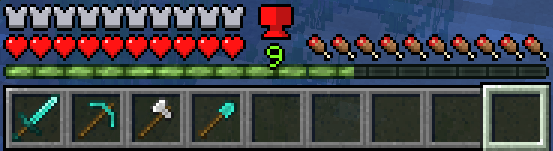
Features
- 🔧 Configurable weights, encumberment thresholds, and UI.
- 🎒 Support for shulker boxes and some backpack mods (Sophisticated Backpacks).
- 🐎 Riding entities takes into account your weight
- ✈️ Elytra considers weight
- 🖥️ User-friendly GUI with a helpful weight indicator icon.
- 🌍 Multiplayer support!
Planned Features
- 🔄 Further mod support (Curios Slot, Backpacks, etc.).
- Version back/forward porting (1.20.x and above. Others upon request to popular versions)
More updates to come! Questions? Check us out on Discord 🎮
Mod Setup
In order to modify weight values, you must create a datapack to override or add your own mod's weight values. The datapack should be dropped in the world's datapacks folder.Datapack Example:
-DataPackName
|-pack.mcmeta
|-data
 |-encumbered
  |-data_maps
   |-item
    |-item_weights.json
item_weights.json should be in the format:
{
  "values": {
    "minecraft:stone": {
      "replace": true,
      "value": {
        "weight": 12.0
      }
    },
    "modid:item": {
      "replace": true,
      "value": {
        "weight": 1.0
      }
    },
    "#minecraft:logs": {
      "replace": true,
      "value": {
        "weight": 10.0
      }
    }
}
The pack.mcmeta file should look like this:
{
    "pack": {
        "pack_format": 34,
        "description": "Pack Description Here"
    }
}
Configs
Config/encumbered-client.toml:
- Contains configs that are independent of the server. Each player can modify these values at will on their client
- Config/encumbered-server.toml: Contains configs that are consistent across all players. Anything changed here will change for all players.
Available Versions
How to Install Encumbered (Player Weight) on Your Server
Order Server
Order a Minecraft Java server with at least 3 GB RAM (4 GB recommended).
Set neoforge Loader
In the panel under "Egg", select the neoforge loader and matching Minecraft version (1.21.1).
Install Mod
Open the mod browser in the dashboard and search for "Encumbered (Player Weight)". Click "Install" – done! Alternatively, upload the .jar via SFTP to the /mods folder.
Compatibility
Mod Loaders
Minecraft Versions
1.21.1
Server-side
✓ RequiredRecommended RAM
4 GB(min. 3 GB)Frequently Asked Questions
Encumbered (Player Weight) server crashes on startup – what to do?
Most common cause: wrong neoforge version or insufficient RAM. Check the server log (latest.log) for "OutOfMemoryError" or "Mixin" errors. With Mado Hosting: ensure at least 3 GB RAM is allocated and the loader matches the mod version (1.21.1). You can switch loaders with one click in the panel.
Is Encumbered (Player Weight) compatible with neoforge?
Encumbered (Player Weight) officially supports neoforge for Minecraft 1.21.1. The Mado dashboard automatically detects incompatible loader combinations.
Server lagging with Encumbered (Player Weight) – how to optimize performance?
Recommended RAM: 4 GB (per 8 players). Use /spark profiler to check if Encumbered (Player Weight) consumes the most tick time. Common fixes: reduce server view-distance to 8-10, install "performant" or "starlight" as supplementary mods on Forge. With Mado Hosting, your server runs on NVMe SSDs with dedicated CPU cores for minimal latency.
Similar Mods




Rent Modded Server
Install Encumbered (Player Weight) with just one click on your server.