Engineered Schematics
An Immersive Engineering add-on designed to make multiblock creation easier.
Screenshots
About this Mod
Engineered Schematics
Overview
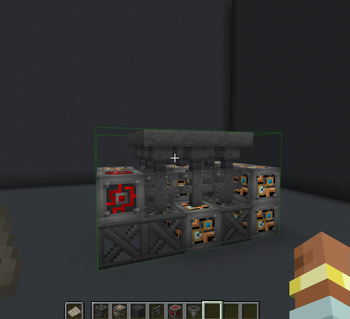
Engineered Schematics is an add-on for Immersive Engineering that enhances the multiblock building experience in Minecraft. It introduces Multiblock Schematics, these schematics provides an interactive guide when building complex multiblock structures.
This entire mod is based on a feature implemented in Immersive Geology a massive add-on for Immersive Engineering that overhauls Ore Processing that I've been working on for the past few years.
Features
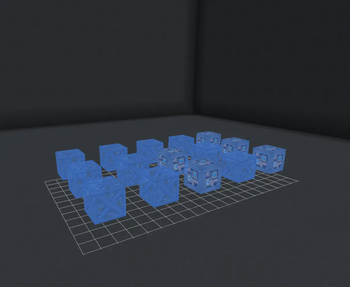
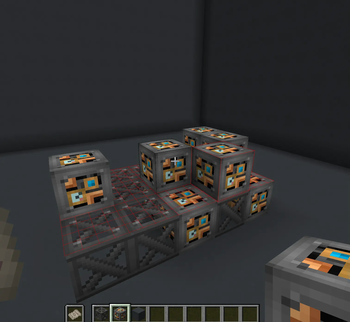
Interactive Holographic Projection
- Green Highlights: When holding the correct block for placement, the hologram shows green highlighting, indicating where to place it
- Red Highlights: Incorrectly placed blocks are highlighted in red, showing errors in the structure
- Yellow Highlights: Blocks with incorrect orientation (such as stairs facing the wrong direction) are highlighted in yellow
- Automatic Schematic Generation: The mod automatically adds new schematics when multiblocks are registered by Immersive Engineering or other compatible add-ons
Schematic Table
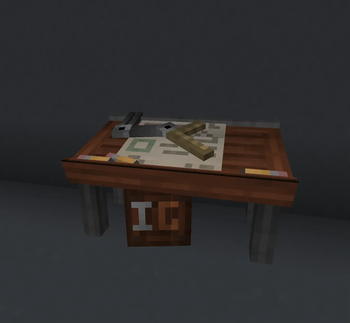
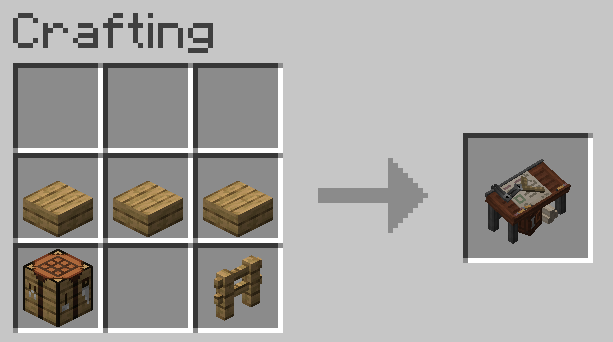
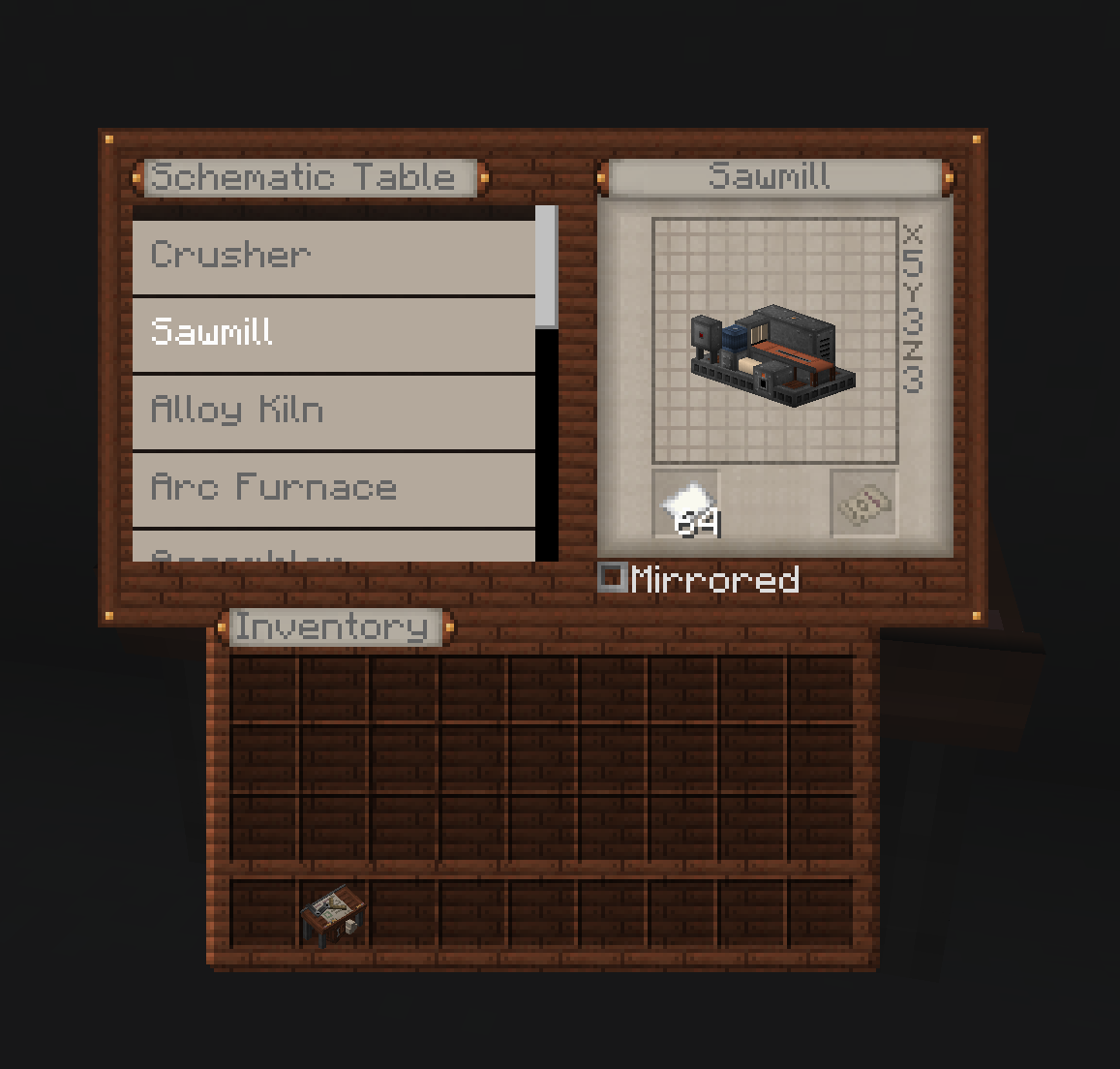
The central component of the mod is the Schematic Table. This block allows players to select and project holograms of multiblock structures they wish to build.
Using the Schematic Table
- Place the Schematic Table near where you plan to build your multiblock
- Right-click the table to open its interface
- Select a multiblock schematic from the available options
- Add Paper, and Craft a Schematic
- Right Click with Schematic to place the projection grid
- Put the Schematic in your Off Hand to see Block Projection
- Follow the color-coded guidance to complete your structure
Compatibility
Engineered Schematics is designed to work with:
- Minecraft 1.20.4 or 1.20.1
- Neoforge
- Immersive Engineering
- Compatible with other Immersive Engineering add-ons that register multiblocks.
Installation
- Ensure you have Neoforge for Minecraft 1.20.4 installed
- Install Immersive Engineering
- Download Engineered Schematics from CurseForge or Modrinth
- Place the mod file in your
modsfolder - Launch Minecraft and enjoy easier multiblock construction!
Credits
- Mod Author: Muddykat
- Schematic Table Model: Peter
Feedback and Issues
Found a bug or have a suggestion? Visit our GitHub repository to:
- Report issues
- Suggest features
- Contribute to development
"Building complex multiblocks has never been easier!"
Available Versions
How to Install Engineered Schematics on Your Server
Order Server
Order a Minecraft Java server with at least 3 GB RAM (4 GB recommended).
Set forge Loader
In the panel under "Egg", select the forge loader and matching Minecraft version (1.20.4).
Install Mod
Open the mod browser in the dashboard and search for "Engineered Schematics". Click "Install" – done! Alternatively, upload the .jar via SFTP to the /mods folder.
Compatibility
Mod Loaders
Minecraft Versions
1.20.4, 1.20.1
Server-side
✓ RequiredRecommended RAM
4 GB(min. 3 GB)Frequently Asked Questions
Engineered Schematics server crashes on startup – what to do?
Most common cause: wrong forge version or insufficient RAM. Check the server log (latest.log) for "OutOfMemoryError" or "Mixin" errors. With Mado Hosting: ensure at least 3 GB RAM is allocated and the loader matches the mod version (1.20.4). You can switch loaders with one click in the panel.
Is Engineered Schematics compatible with forge and neoforge?
Engineered Schematics officially supports forge, neoforge for Minecraft 1.20.4, 1.20.1. The Mado dashboard automatically detects incompatible loader combinations.
Server lagging with Engineered Schematics – how to optimize performance?
Recommended RAM: 4 GB (per 8 players). Use /spark profiler to check if Engineered Schematics consumes the most tick time. Common fixes: reduce server view-distance to 8-10, install "performant" or "starlight" as supplementary mods on Forge. With Mado Hosting, your server runs on NVMe SSDs with dedicated CPU cores for minimal latency.
Similar Mods





Rent Modded Server
Install Engineered Schematics with just one click on your server.