
Entropy: Chaos Mod
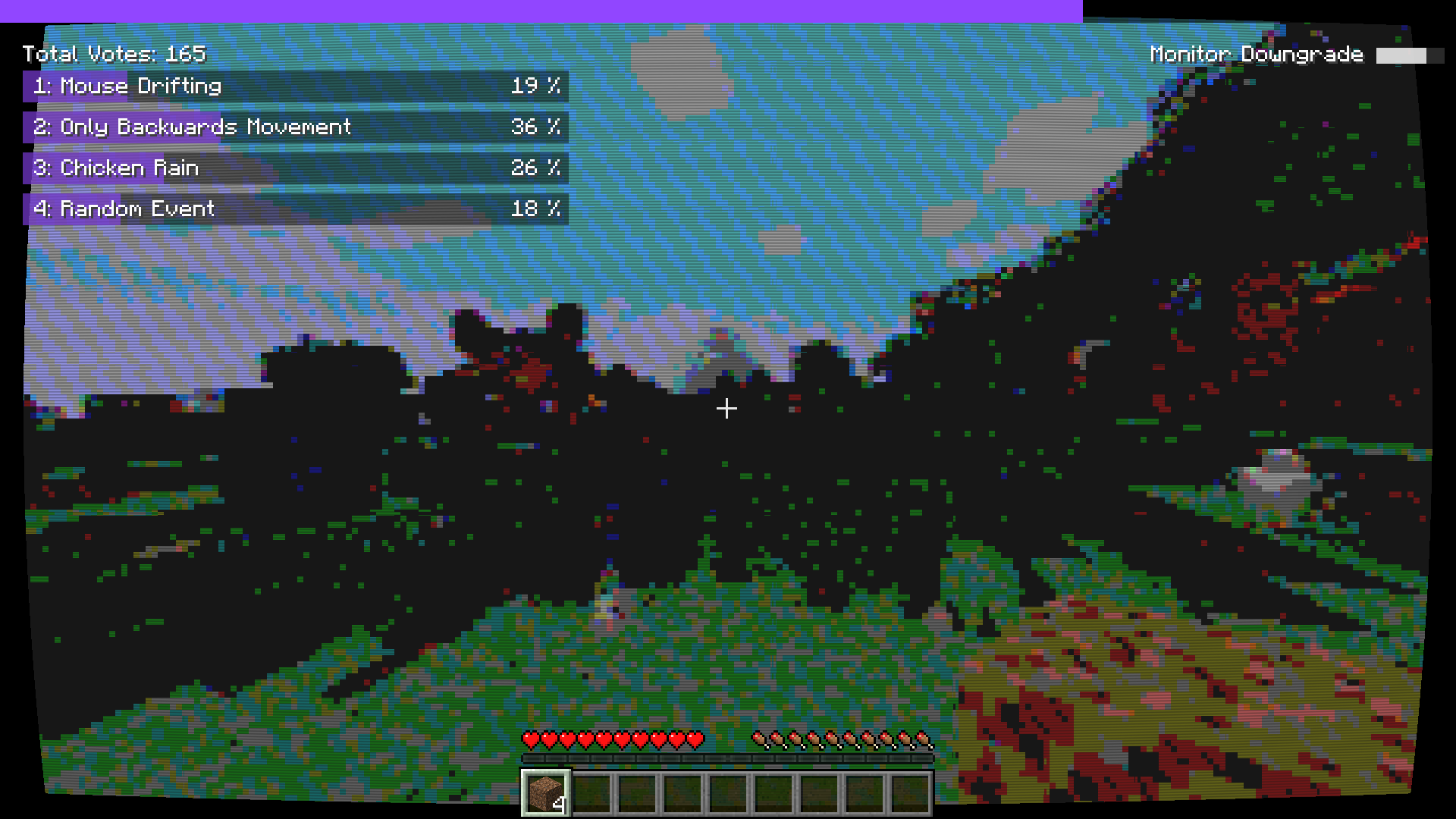
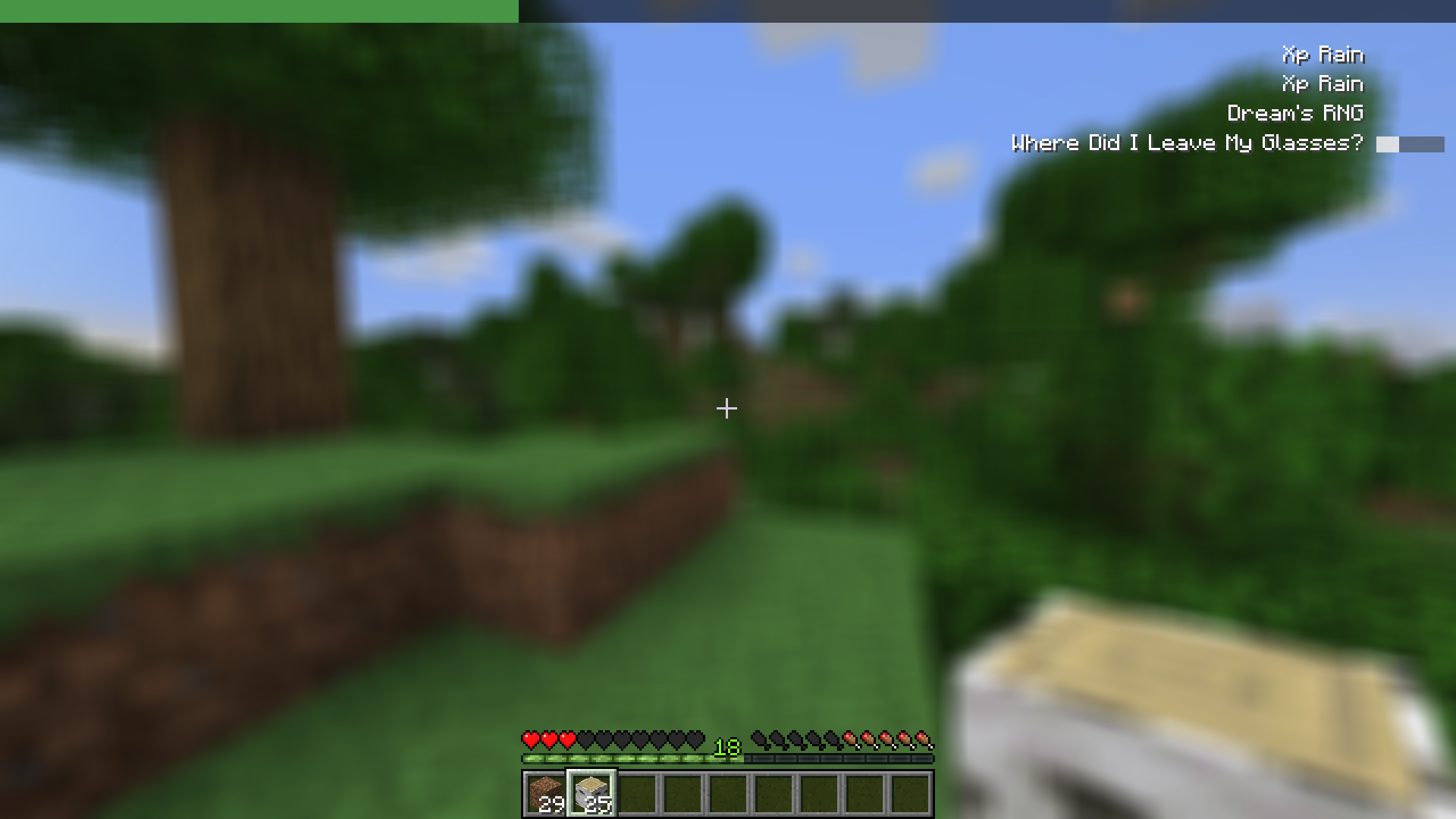
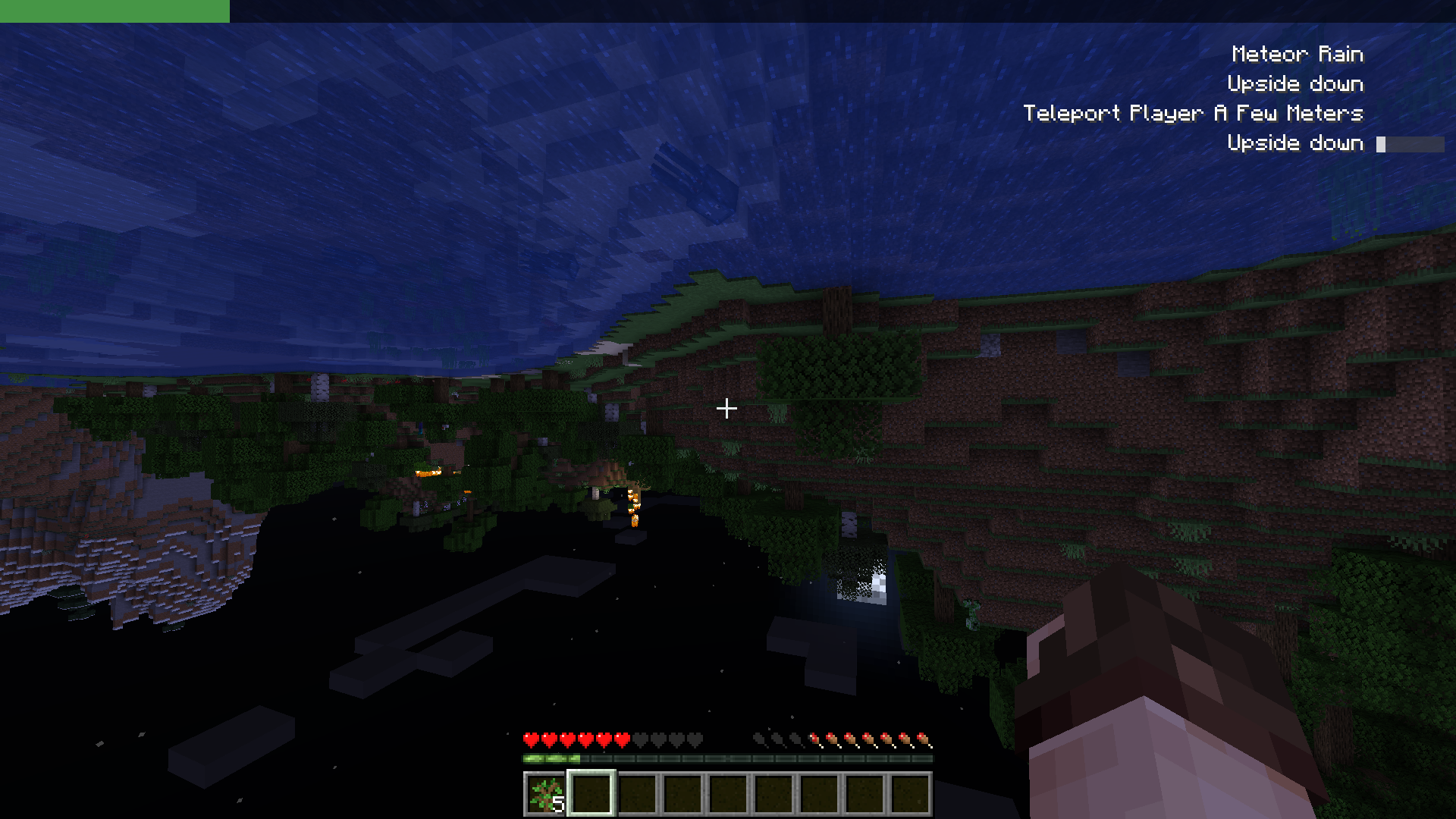
Entropy is a Chaos Mod where random events happens every 30 seconds. This mod allows twitch chat voting integration!
Screenshots
About this Mod
Entropy: Chaos Mod
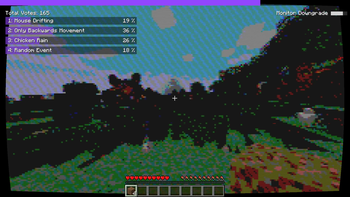
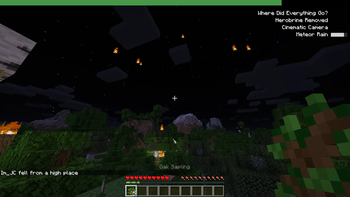
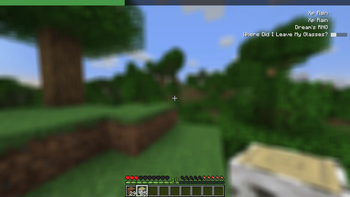
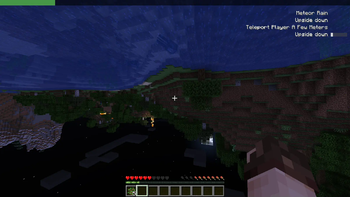
Entropy is a Chaos Mod where random events happen every 30 seconds. The events are selected randomly from a pool of close to 150 (and growing) events that can be anything from meteor rain, physics changes and much more.
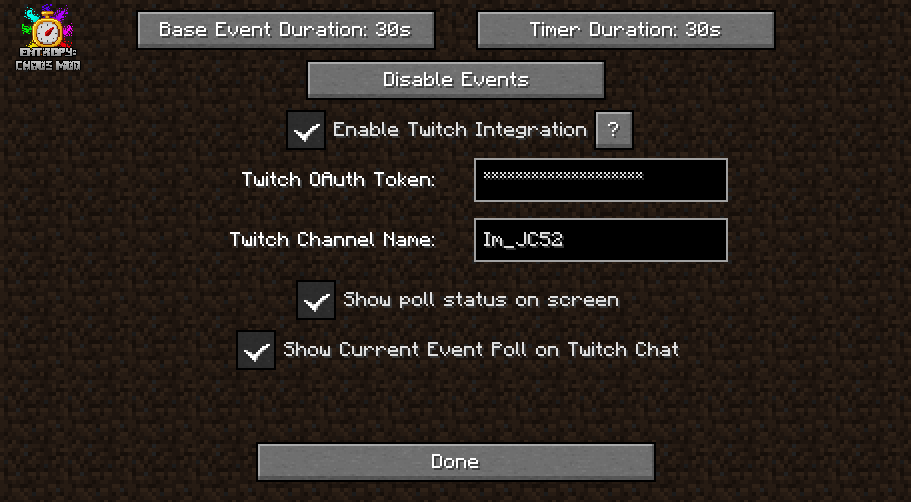
Event and timer duration can be configured from the Settings menu!
Entropy was heavily inspired on the excellent work of pongo1231's Chaos Mod V for Grand Theft Auto V!
Multiplayer:
Play Entropy with friends! Each random event happens around each player. Each connected client can configure Twitch Integrations independently and will send poll results to the server.
Twitch Integration:
Entropy includes integration with Twitch! Viewers of a streamer can vote the next event using the stream chat!
To enable Twitch Integration you'll need a Twitch OAuth Access token, you can generate using this tool (or any other OAuth token generator tool).
Write your OAuth Access Token and your channel name in Entropy Settings.
YouTube Integration:
In a similar fashion to the twitch integration, Entropy also includes the ability for YouTube streamers to connect with their YouTube Live Chat for event voting.
It requires the creation of a Google Cloud Platform project and some configuration. Click here for a video tutorial, there's also a written guide in that video's description.
NOTICE: YouTube implements a daily limit of requests limiting the amount of time the mod can be played with YouTube integration. In order to increase the playable time, YouTube integration votes will be counted less often, making the vote bars look laggy. Usually the quota is reached after around 3 hours. You can change the delay between each check in the YouTube integration settings.
Discord Integration:
Users of a discord server can vote the next event by using the Entropy Discord integration. TUTORIAL: https://www.youtube.com/watch?v=waj82ownAKw
Showcases
Screenshots
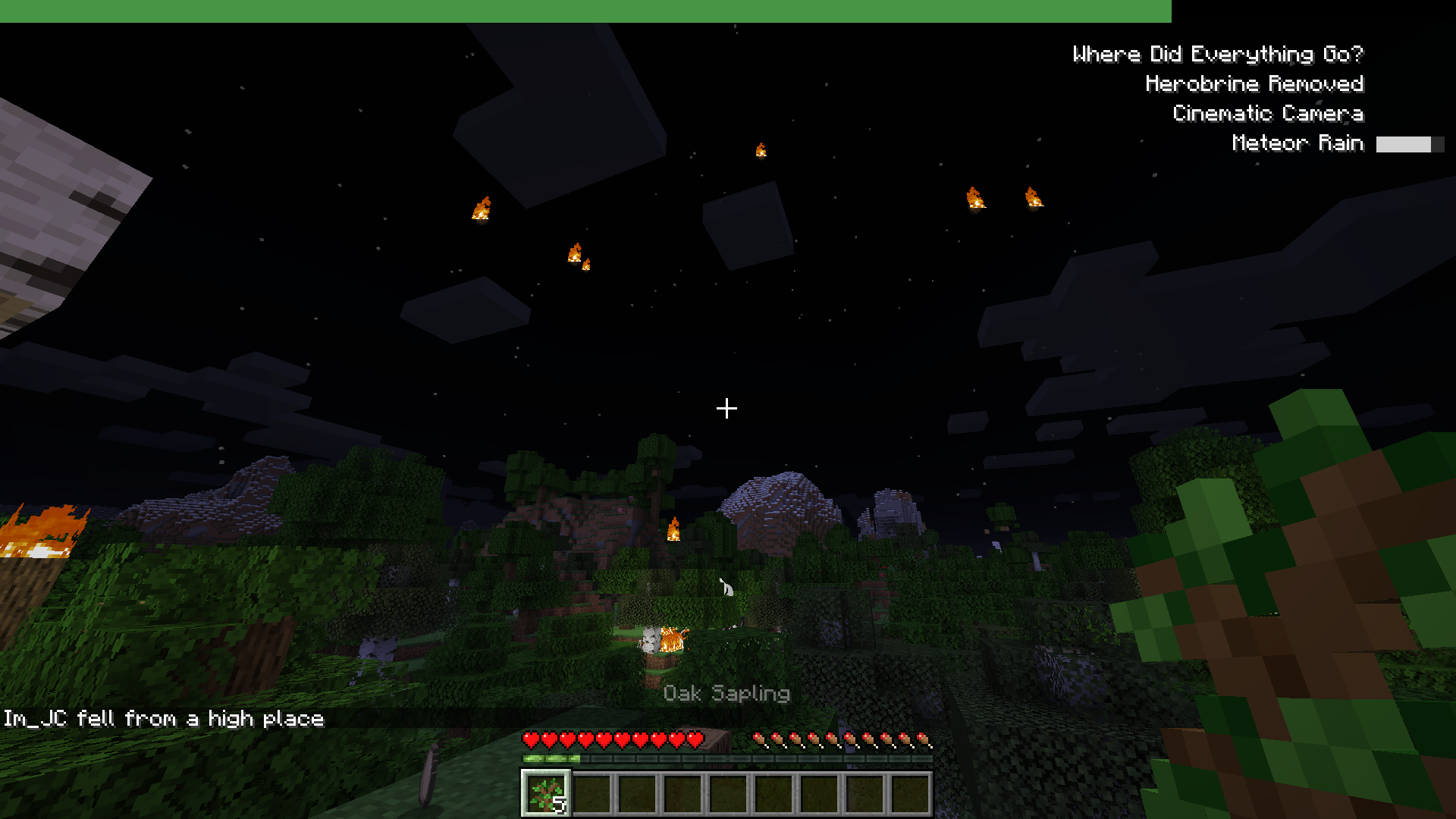
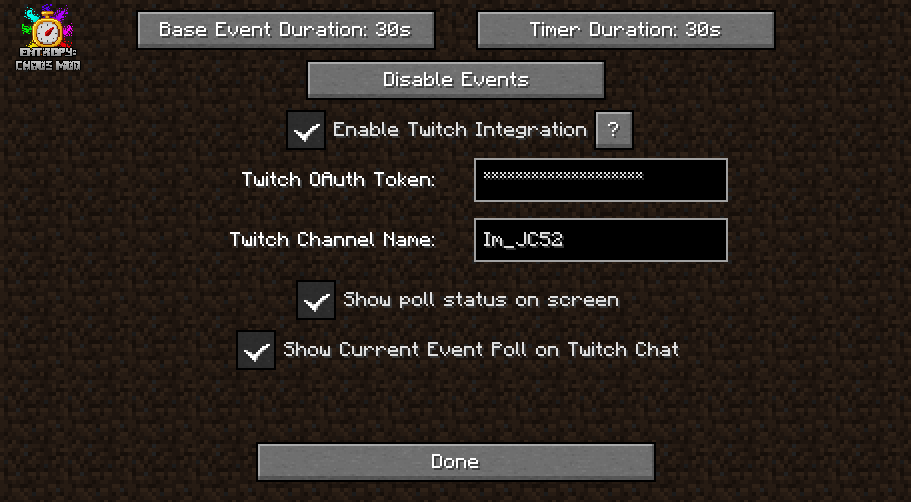
Installation:
This mod requires Fabric and Fabric API. You can download Entropy from this page, the releases tab in github or through the CurseForge Page.
Drop Entropy and Fabric API JARs inside the mods folder.
License
Entropy is released under the free and open-source GPL-3.0 License.
Available Versions
How to Install Entropy: Chaos Mod on Your Server
Order Server
Order a Minecraft Java server with at least 3 GB RAM (4 GB recommended).
Set fabric Loader
In the panel under "Egg", select the fabric loader and matching Minecraft version (1.21.11).
Install Mod
Open the mod browser in the dashboard and search for "Entropy: Chaos Mod". Click "Install" – done! Alternatively, upload the .jar via SFTP to the /mods folder.
Compatibility
Mod Loaders
Minecraft Versions
1.21.11, 1.21.8, 1.21.7 (+20 more)
Server-side
✓ RequiredRecommended RAM
4 GB(min. 3 GB)Frequently Asked Questions
Entropy: Chaos Mod server crashes on startup – what to do?
Most common cause: wrong fabric version or insufficient RAM. Check the server log (latest.log) for "OutOfMemoryError" or "Mixin" errors. With Mado Hosting: ensure at least 3 GB RAM is allocated and the loader matches the mod version (1.21.11). You can switch loaders with one click in the panel.
Is Entropy: Chaos Mod compatible with fabric and quilt?
Entropy: Chaos Mod officially supports fabric, quilt for Minecraft 1.21.11, 1.21.8, 1.21.7. The Mado dashboard automatically detects incompatible loader combinations.
Server lagging with Entropy: Chaos Mod – how to optimize performance?
Recommended RAM: 4 GB (per 8 players). Use /spark profiler to check if Entropy: Chaos Mod consumes the most tick time. Common fixes: reduce server view-distance to 8-10, install "performant" or "starlight" as supplementary mods on Forge. With Mado Hosting, your server runs on NVMe SSDs with dedicated CPU cores for minimal latency.
Similar Mods





Rent Modded Server
Install Entropy: Chaos Mod with just one click on your server.