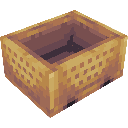
Era of Rails
A railway expansion mod! Adds new minecart and rail types to make rail travel more efficient and fun
Screenshots
About this Mod
Era of Rails
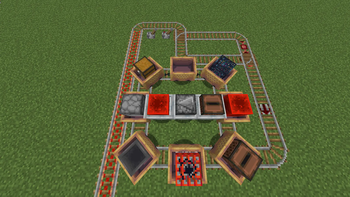
A railway expansion mod! This mod adds four new rail types and several new minecart types, as well as copper minecart variants, and train!
The mod's additions
Rails
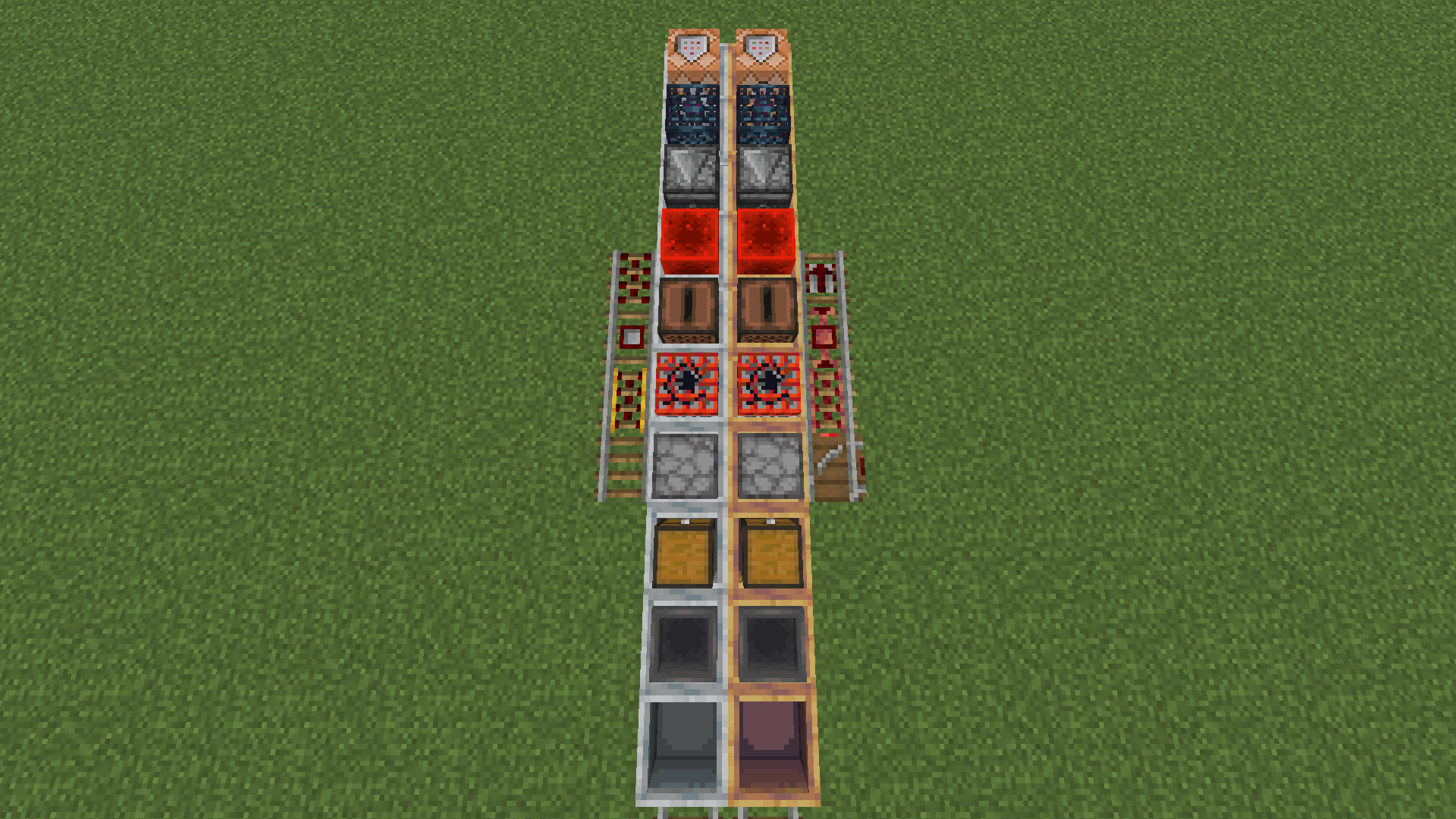
Copper rail
Significantly faster than the vanilla powered rail, making minecart travel competitive with elytras
Switch
Redstone-controlled switches allow easy chaning of directions as well as automated train systems.
Halt rail
A solution for automated stations - stop a minecart when unpowered, when powered launch the minecart in the direction they're oriented.
Input rail
A key for fully automated railway networks - turn an input from an input cart into redstone signal to power switches or stations.
Minecarts
Jukebox cart
A minecart with a jukebox - for playing songs in motion
Redstone block cart
A minecart with a redstone block - not currently used, with player uses
Input cart
A more complex minecart, used for building self-routing networks
Input cart
An input cart gives inputs to input rails - either on or off. The inputs are defined as a list, where after running onto an input rail, the instruction tells it to turn on or do nothing, and moves onto the next instruction. The list loops after an amount of inputs, that can also be set by the player.
Input screen: 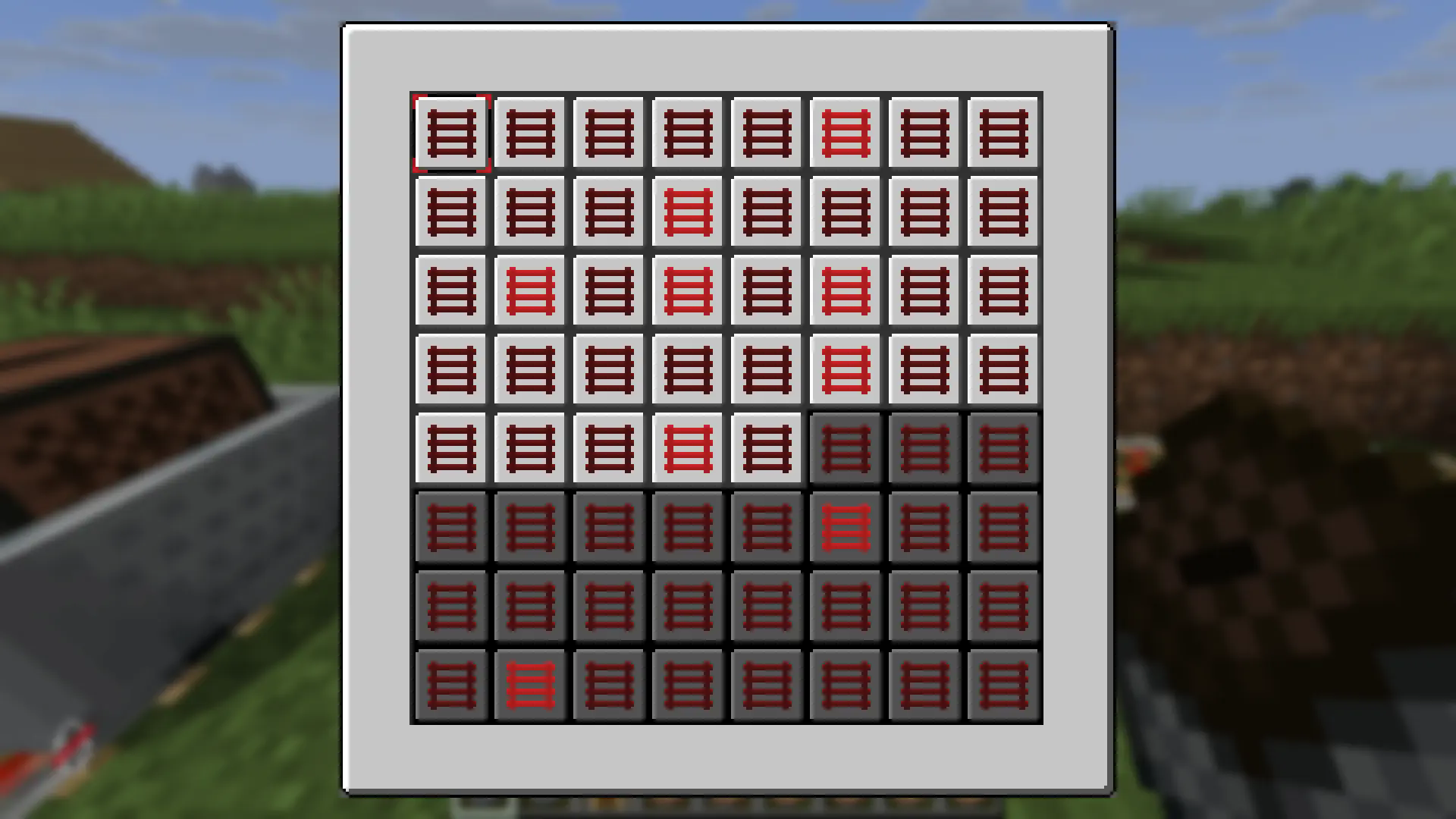
Copper carts
Every minecart type has a copper variant, which does not stop when colliding with entities, launching them away instead.
Trains
Minecarts be linked into trains by using chains.
Linking carts:
Shift-right-click a cart with a chain, and then right-click a nearby cart with the same chain.
The first cart becomes the parent, and the second one becomes the child.
The child will try to follow the parent, and a chain will be shown between them.
Longer trains can be created by linking the child as a parent onto another cart
Trains can be fragile, and will break if carts get too far apart.
Dispensing carts
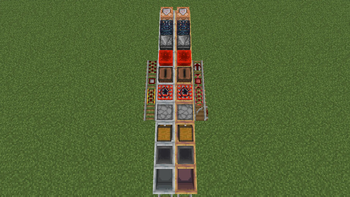
Alternating minecarts and chains, when dispensed from a dispenser, will be linked to create a train
Available Versions
How to Install Era of Rails on Your Server
Order Server
Order a Minecraft Java server with at least 3 GB RAM (4 GB recommended).
Set fabric Loader
In the panel under "Egg", select the fabric loader and matching Minecraft version (1.21.11).
Install Mod
Open the mod browser in the dashboard and search for "Era of Rails". Click "Install" – done! Alternatively, upload the .jar via SFTP to the /mods folder.
Compatibility
Mod Loaders
Minecraft Versions
1.21.11, 1.21.8
Server-side
✓ RequiredRecommended RAM
4 GB(min. 3 GB)Frequently Asked Questions
Era of Rails server crashes on startup – what to do?
Most common cause: wrong fabric version or insufficient RAM. Check the server log (latest.log) for "OutOfMemoryError" or "Mixin" errors. With Mado Hosting: ensure at least 3 GB RAM is allocated and the loader matches the mod version (1.21.11). You can switch loaders with one click in the panel.
Is Era of Rails compatible with fabric?
Era of Rails officially supports fabric for Minecraft 1.21.11, 1.21.8. The Mado dashboard automatically detects incompatible loader combinations.
Server lagging with Era of Rails – how to optimize performance?
Recommended RAM: 4 GB (per 8 players). Use /spark profiler to check if Era of Rails consumes the most tick time. Common fixes: reduce server view-distance to 8-10, install "performant" or "starlight" as supplementary mods on Forge. With Mado Hosting, your server runs on NVMe SSDs with dedicated CPU cores for minimal latency.
Similar Mods





Rent Modded Server
Install Era of Rails with just one click on your server.