
ESSX Jobs
ESSX Jobs adds a bunch of jobs with different xp gains and coins! Level up and earn even more perks coins xp and more! now availible the shop!
Screenshots

About this Mod
ESSX Jobs
is a server side mod which adds jobs with xp gains and coins you can spend in a shop or trade with other players.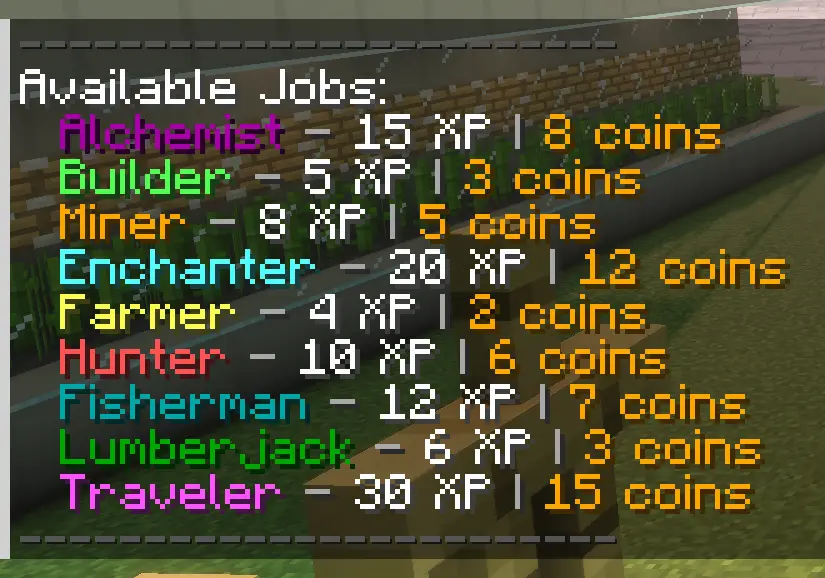
Job commands
- /job list - shows a list of availibe jobs
- /job give
- give a player a job - /job remove
- remove a job from a player - /job info
- see what jobs get you - /job top - see the top players in jobs
- /job players - see the jobs given to the players
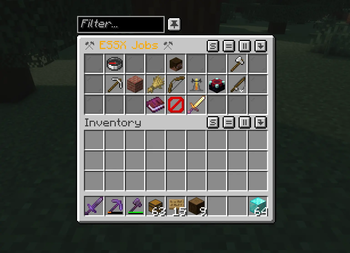
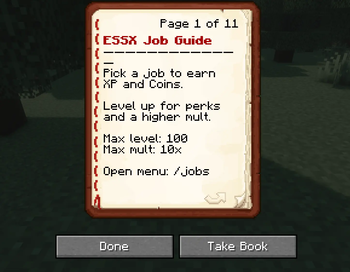
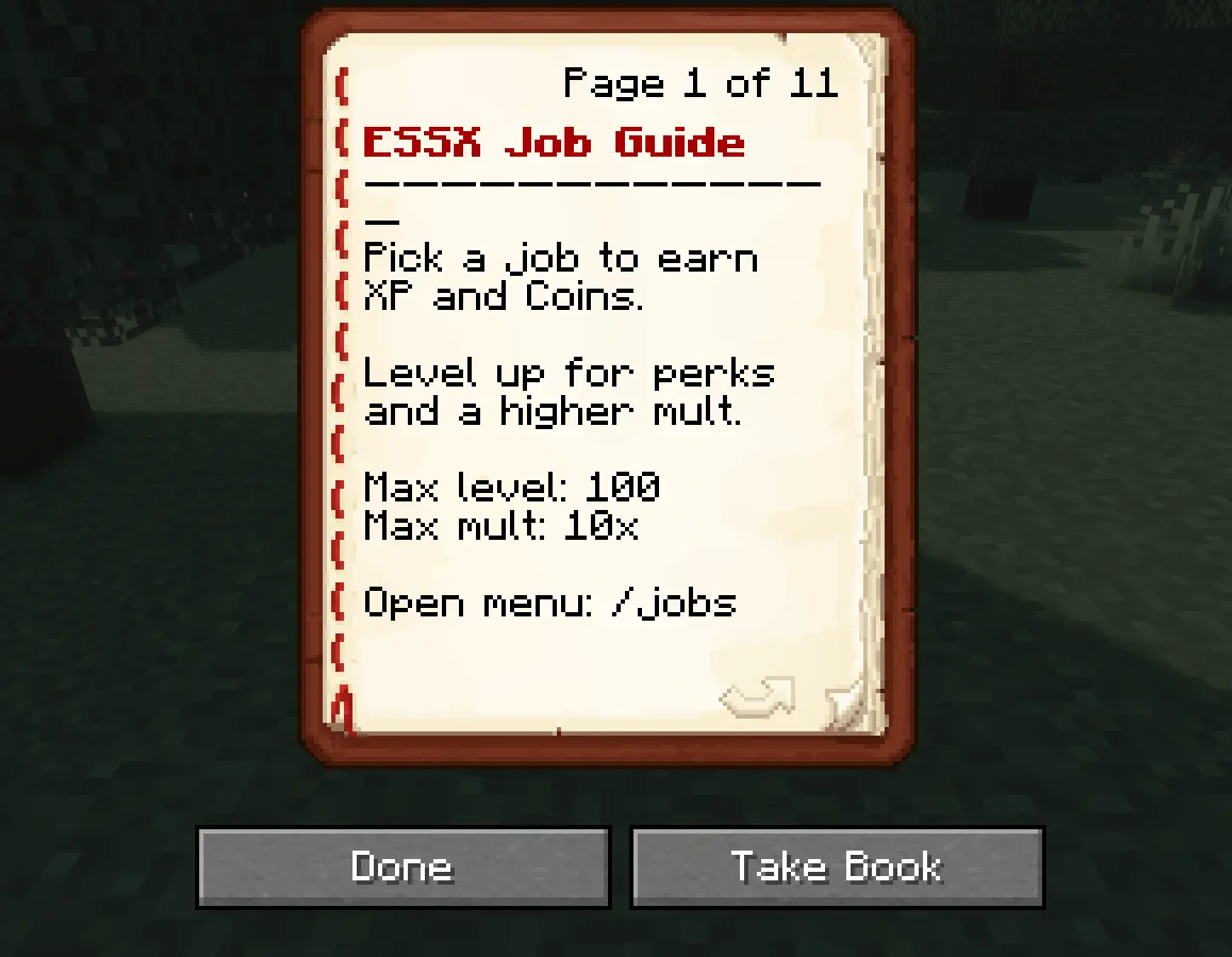
now much simpler with /jobs or if you have the mod installed on your client press J to open the job gui where you can select a job or remove it also you can now look up the guide book and i also added a leaderboard to see who is the best!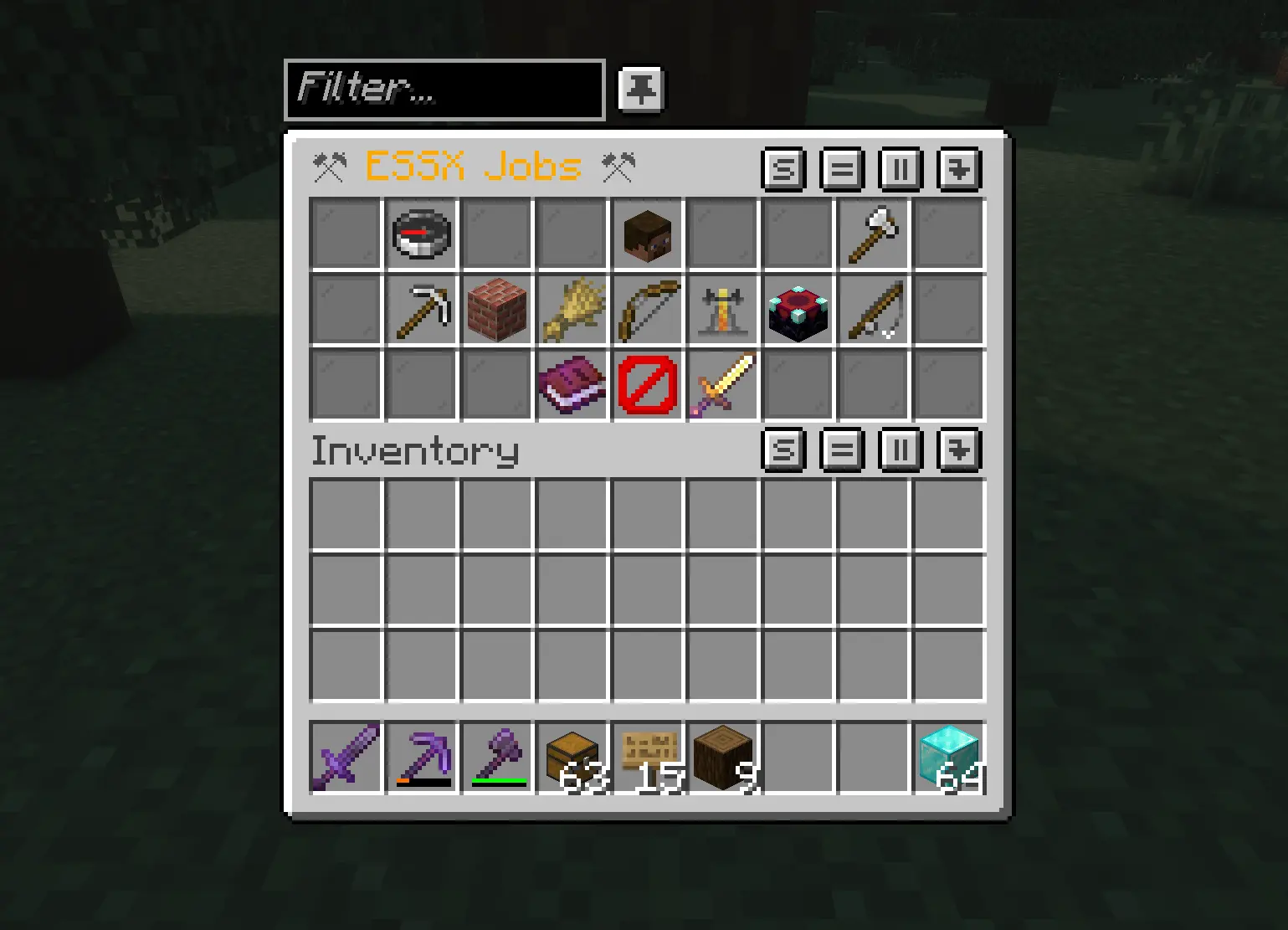
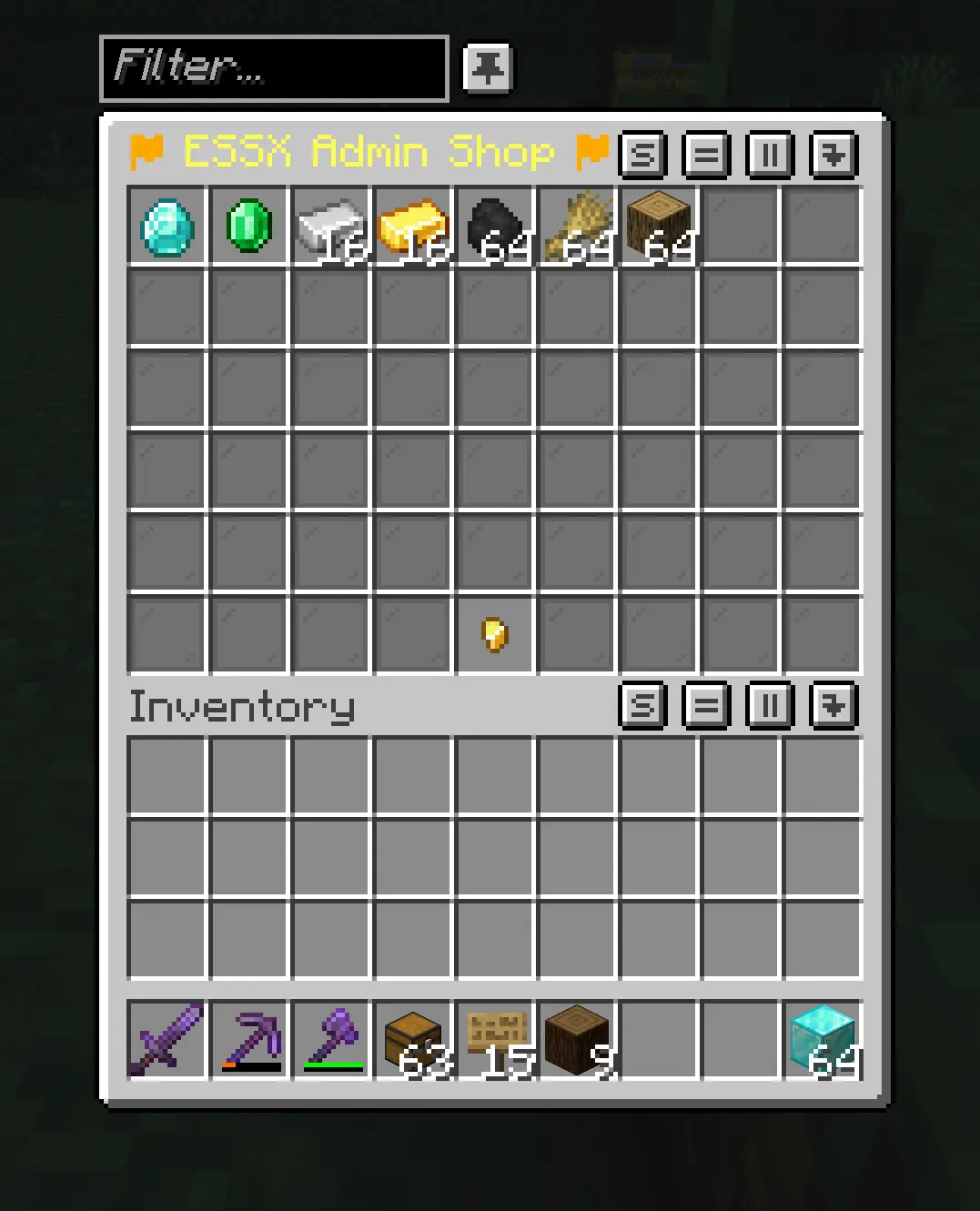
Shop update
- /shop - opens the customizable admin shop
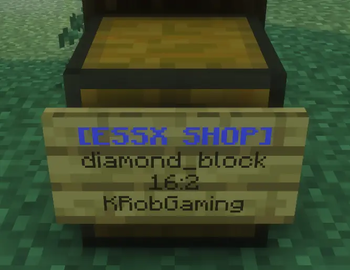
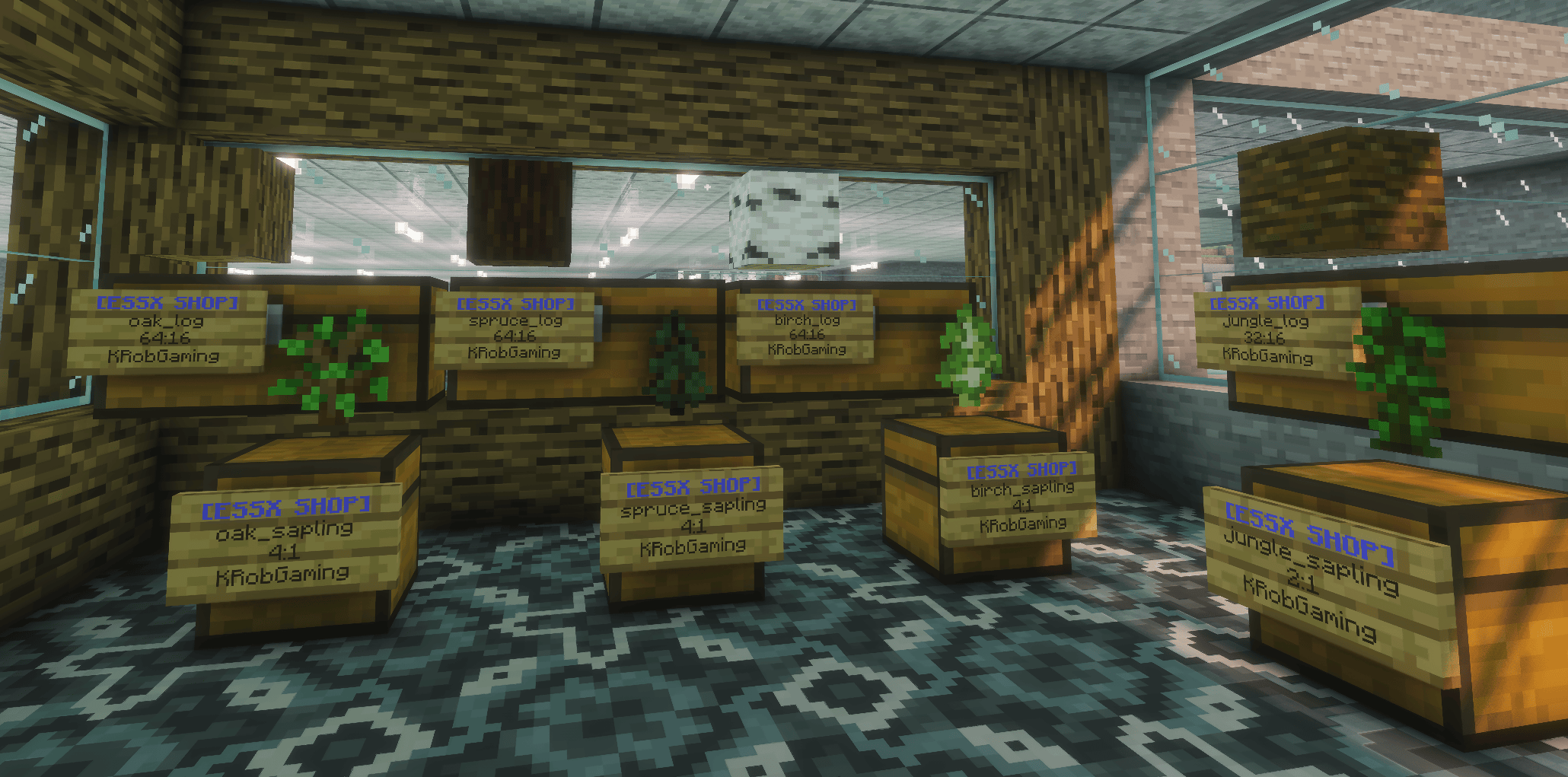
custom player sign shop looks like this: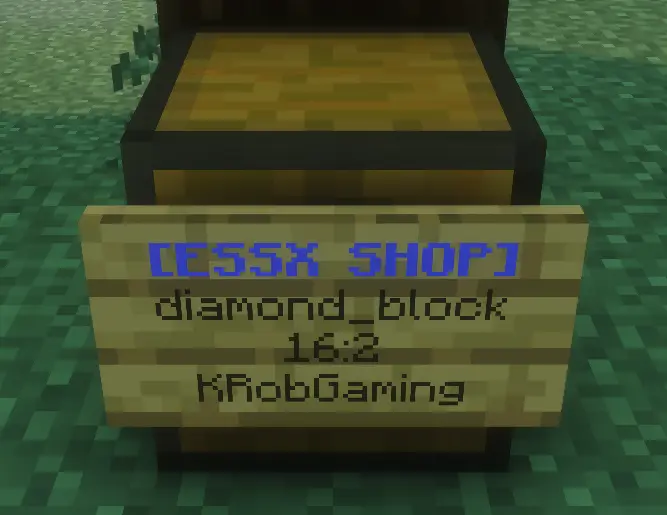
first line is the activator
second line is the item you wanna sell
third line is the amount:price
- [ESSX SHOP]
- diamond_block (optional, if empty it fills automaticly)
- 16:2
The sign needs to be on a chest with the items you wanna sell in it!
You have to rightclick the sign when you are done and the first line should be blue now!
If the chest is empty the shop owners name in the last line on the sign will be replaced with a red SOLD OUT so you know when to refill!
If you want to remove a shop you simply sneak and breake it.
Available Versions
How to Install ESSX Jobs on Your Server
Order Server
Order a Minecraft Java server with at least 3 GB RAM (4 GB recommended).
Set fabric Loader
In the panel under "Egg", select the fabric loader and matching Minecraft version (1.21.11).
Install Mod
Open the mod browser in the dashboard and search for "ESSX Jobs". Click "Install" – done! Alternatively, upload the .jar via SFTP to the /mods folder.
Compatibility
Mod Loaders
Minecraft Versions
1.21.11
Server-side
✓ RequiredRecommended RAM
4 GB(min. 3 GB)Frequently Asked Questions
ESSX Jobs server crashes on startup – what to do?
Most common cause: wrong fabric version or insufficient RAM. Check the server log (latest.log) for "OutOfMemoryError" or "Mixin" errors. With Mado Hosting: ensure at least 3 GB RAM is allocated and the loader matches the mod version (1.21.11). You can switch loaders with one click in the panel.
Is ESSX Jobs compatible with fabric?
ESSX Jobs officially supports fabric for Minecraft 1.21.11. The Mado dashboard automatically detects incompatible loader combinations.
Server lagging with ESSX Jobs – how to optimize performance?
Recommended RAM: 4 GB (per 8 players). Use /spark profiler to check if ESSX Jobs consumes the most tick time. Common fixes: reduce server view-distance to 8-10, install "performant" or "starlight" as supplementary mods on Forge. With Mado Hosting, your server runs on NVMe SSDs with dedicated CPU cores for minimal latency.
Similar Mods




![CobbleDollars [Cobblemon Addon]](https://cdn.modrinth.com/data/s7N7AsqL/684040a264fc1d7f9b856ec5d2da39767398c7ad.png)
Rent Modded Server
Install ESSX Jobs with just one click on your server.