
Ethereal Grove
This project is a datapack inspired by The Twilight Forest mod. Bringing veteran player nostalgia into a future vision of what the The Twilight Forest may look like.
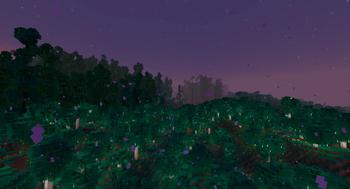
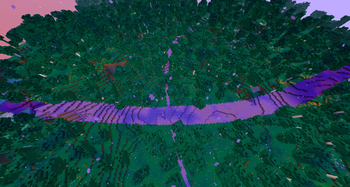
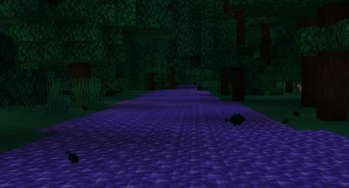
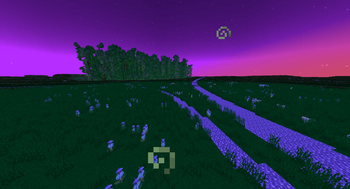
Screenshots


About this Mod
Ethereal Grove



&color=FF5103)
&color=FF5103)




🛑 CAUTION 🛑
Make sure to download the resource pack!
Versions >
[version]> Click Inside > Scroll Down to "Files" > Downloadethereal-grove-[version]-RP.zipIf you are downloading a
[version]+modversion, the resource pack is provided inside the jar file. If it doesn't work, go to the[version]for the resource pack
We all have heard about The Twilight Forest, but it's an mod from the legacy days, isn't updated in as much as we want to, just feels like an ancient relic in general.
Minecraft datapacks have progressed quite a bunch, with useful utilities, and it's about time we brought some of that nostalgia over.
Hence, I present you with:
Ethereal Grove!
This is a fan-made take of her future vision of The Twilight Forest, built entirely as a datapack.
Basics
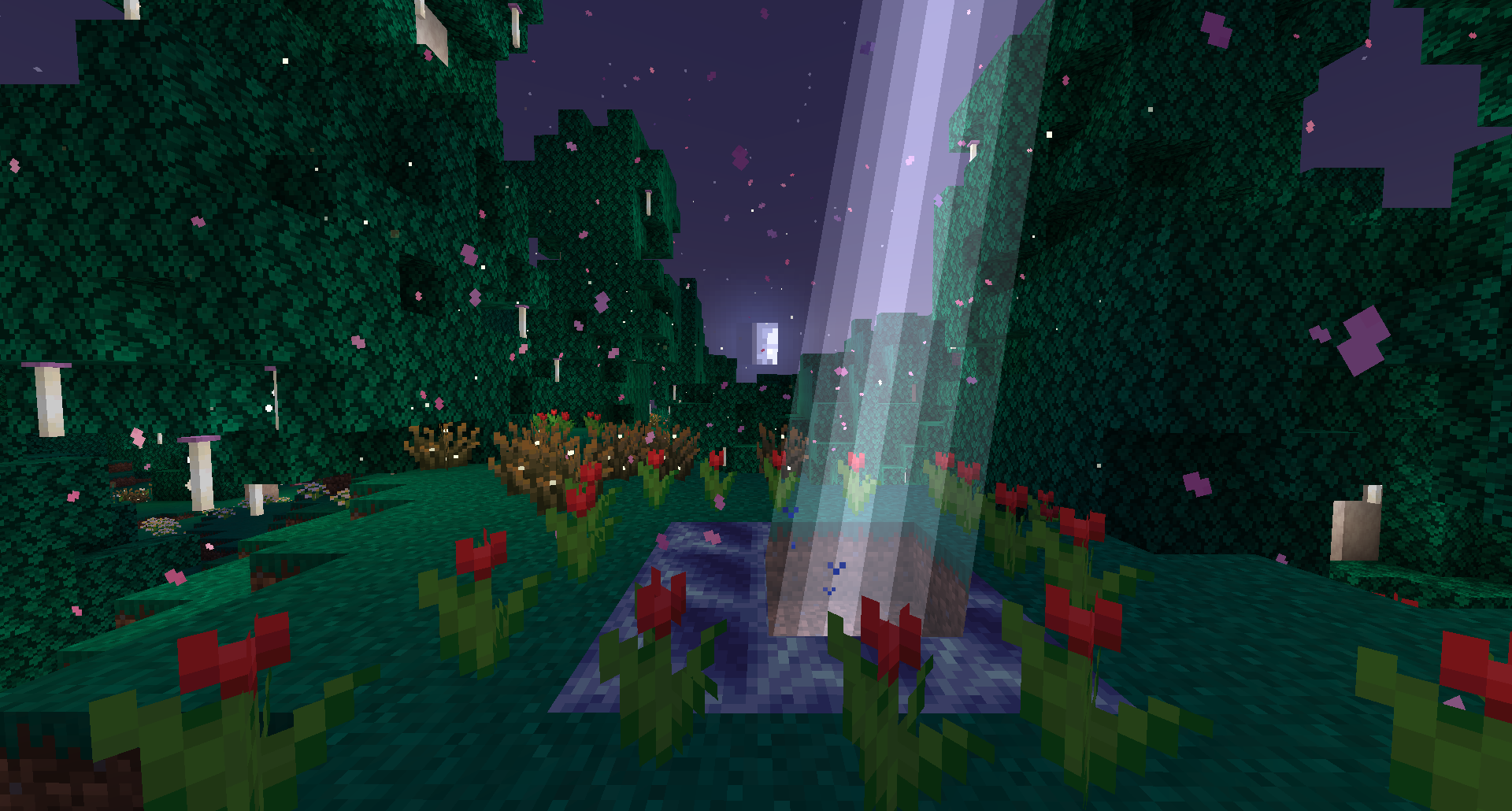
You can build a portal by surrounding a 3x3 hole of water with flowers of any kind. Drop a diamond in the middle, and the portal will ignite.
Disclaimers
To avoid intelluctal property disputes, this datapack should never be a 1 to 1 recreation of the Twilight Forest as far as whatever is possible to be replicated may be. Therefore, we will take inspiration from concepts and similar names, but we will never recreate the exact same thing with the exact same name. All content deviate to some extent.
We are not affilated with The Twilight Forest in any ways, but you may visit their page using the link.
Available Versions
How to Install Ethereal Grove on Your Server
Order Server
Order a Minecraft Java server with at least 3 GB RAM (4 GB recommended).
Set datapack Loader
In the panel under "Egg", select the datapack loader and matching Minecraft version (1.21.11).
Install Mod
Open the mod browser in the dashboard and search for "Ethereal Grove". Click "Install" – done! Alternatively, upload the .jar via SFTP to the /mods folder.
Compatibility
Mod Loaders
Minecraft Versions
1.21.11, 1.21.10, 1.21.9
Server-side
✓ RequiredRecommended RAM
4 GB(min. 3 GB)Frequently Asked Questions
Ethereal Grove server crashes on startup – what to do?
Most common cause: wrong datapack version or insufficient RAM. Check the server log (latest.log) for "OutOfMemoryError" or "Mixin" errors. With Mado Hosting: ensure at least 3 GB RAM is allocated and the loader matches the mod version (1.21.11). You can switch loaders with one click in the panel.
Is Ethereal Grove compatible with datapack and fabric and forge and neoforge and quilt?
Ethereal Grove officially supports datapack, fabric, forge, neoforge, quilt for Minecraft 1.21.11, 1.21.10, 1.21.9. Note: Forge and Fabric mods are NOT cross-compatible – pick one loader and stick with it. The Mado dashboard automatically detects incompatible loader combinations.
Server lagging with Ethereal Grove – how to optimize performance?
Recommended RAM: 4 GB (per 8 players). Use /spark profiler to check if Ethereal Grove consumes the most tick time. Common fixes: reduce server view-distance to 8-10, install "performant" or "starlight" as supplementary mods on Forge. With Mado Hosting, your server runs on NVMe SSDs with dedicated CPU cores for minimal latency.
Similar Mods




Rent Modded Server
Install Ethereal Grove with just one click on your server.