
Easier World Creator (ewc)
library mod mostly designed for world-gen
Screenshots
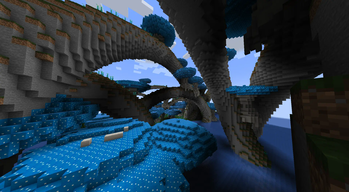
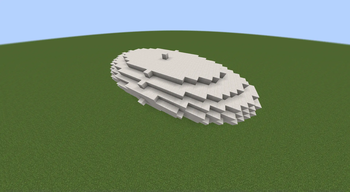

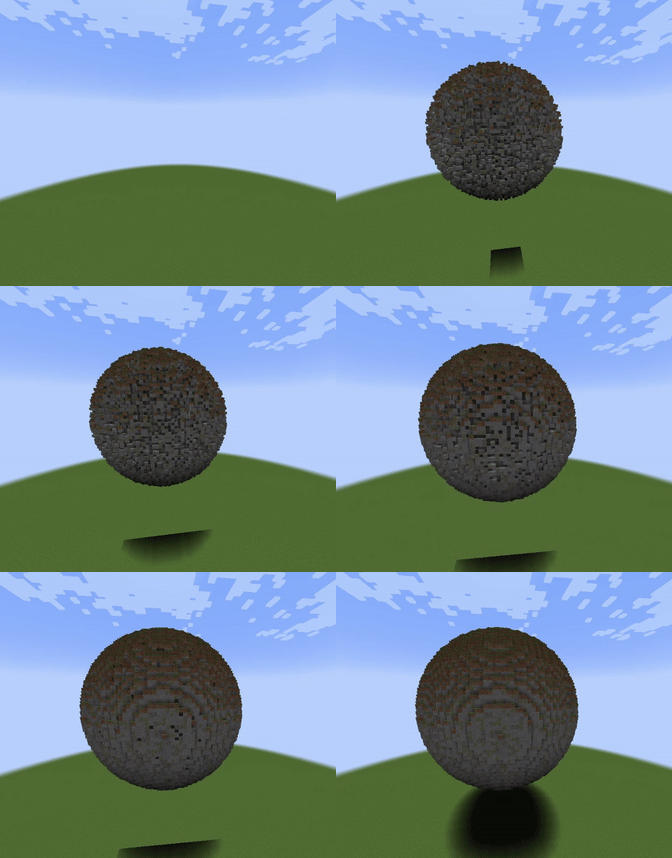
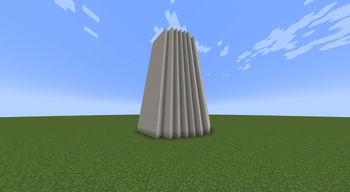
About this Mod
What is this mod about?
Create your world gen features easily with this library. It allow you to generate simple shapes (spherer, spirals, torus...) that combined together can create some beautiful features.
This mod also support multi-chunk features (placing features larger than 3x3 chunks).
You can also manipulate structure and placing them in the world
You can animate the placement of structure/ shape depending on many parameters
Implement a config API
One other functionnality that is not implemented for the moment is the support for custom particles shape


What Shapes can you create?
you can for the moment create :
- Circles
- Spheres
- Cylinders
- 2d and 3d ellipsoid
- Lines between 2 points
- Spirals and some variations
- Tores
Other features?
Yes there are a performance maths class as well as some utility world gen class that provide useful methods and a Class for perlin noise


Setup
if you are developping a mod and you want to use this library, you can put this in your build.gradle:
repositories {
    maven {
        name = "Modrinth"
        url = "https://api.modrinth.com/maven"
        content {
            includeGroup "maven.modrinth"
        }
    }
}

dependencies {
    modImplementation "maven.modrinth:ewc:<version>"
}
you can find the version in the version tab (ex: 3.0.0+1.21.1)
Info
Wiki
I highly recommend you go to check the wiki to understand everything that is possible : Mod-Wiki
Performance
this mod use is own maths that you can use For example calculating 1 000 000 cosinus :
gives an avarage calculating time of 476 ms when using Math.cos(), using the custom maths, you get an average time of 7ms when using FatsMaths.getFastCos() and an average of 14ms when using FastMaths.getPreciseCos()

Using the library
the methods comes with common parameter :
StructureWorldAccess world that is used to put the structure in the world. StructureWorldAccess allow you to use the feature either during world gen or not
BlockPos pos the position of the center of the structure
List<BlockLayer> layers a list of BlockLayer, see the wiki for more info : Mod-Wiki
The different size required for the shape to place
Future?
I continue to develop actively this mod to support more and more possible things. You have any idea, suggestion on how to improve the mod? Let me know on the github.

Available Versions
How to Install Easier World Creator (ewc) on Your Server
Order Server
Order a Minecraft Java server with at least 4 GB RAM (6 GB recommended).
Set fabric Loader
In the panel under "Egg", select the fabric loader and matching Minecraft version (1.21.4).
Install Mod
Open the mod browser in the dashboard and search for "Easier World Creator (ewc)". Click "Install" – done! Alternatively, upload the .jar via SFTP to the /mods folder.
Compatibility
Mod Loaders
Minecraft Versions
1.21.4, 1.21.3, 1.21.2 (+9 more)
Server-side
~ OptionalRecommended RAM
6 GB(min. 4 GB)Frequently Asked Questions
Easier World Creator (ewc) server crashes on startup – what to do?
Most common cause: wrong fabric version or insufficient RAM. Check the server log (latest.log) for "OutOfMemoryError" or "Mixin" errors. With Mado Hosting: ensure at least 4 GB RAM is allocated and the loader matches the mod version (1.21.4). You can switch loaders with one click in the panel.
Is Easier World Creator (ewc) compatible with fabric and neoforge and quilt?
Easier World Creator (ewc) officially supports fabric, neoforge, quilt for Minecraft 1.21.4, 1.21.3, 1.21.2. The Mado dashboard automatically detects incompatible loader combinations.
Server lagging with Easier World Creator (ewc) – how to optimize performance?
Recommended RAM: 6 GB (per 5 players). Use /spark profiler to check if Easier World Creator (ewc) consumes the most tick time. Common fixes: reduce server view-distance to 8-10, install "performant" or "starlight" as supplementary mods on Forge. With Mado Hosting, your server runs on NVMe SSDs with dedicated CPU cores for minimal latency.
Similar Mods



Rent Modded Server
Install Easier World Creator (ewc) with just one click on your server.