
ExplosionVisualizer
Use real-time 3D rendering to display various information about the explosion
Screenshots

About this Mod
This mod has already been merged with Lucidity.
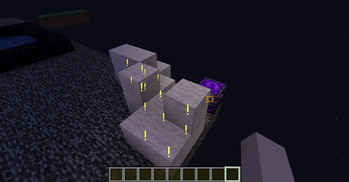
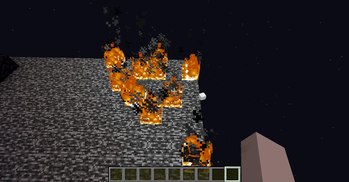
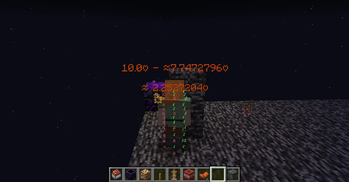
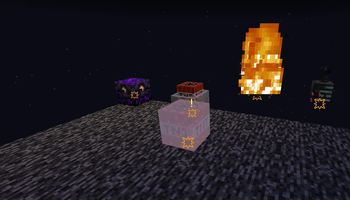
This mod is a powerful tool. It can simulate and display various details of explosions in real-time, including explosion rays, blocks that will be destroyed, the explosion center, estimated damage to nearby entities, and sample points of entities about to be affected.
#IMPORTANT
Please check the Changelog for the latest updates!
BASIC COMMANDS
/explosionVisualizer mainRender
/explosionVisualizer renderBlockDestruction 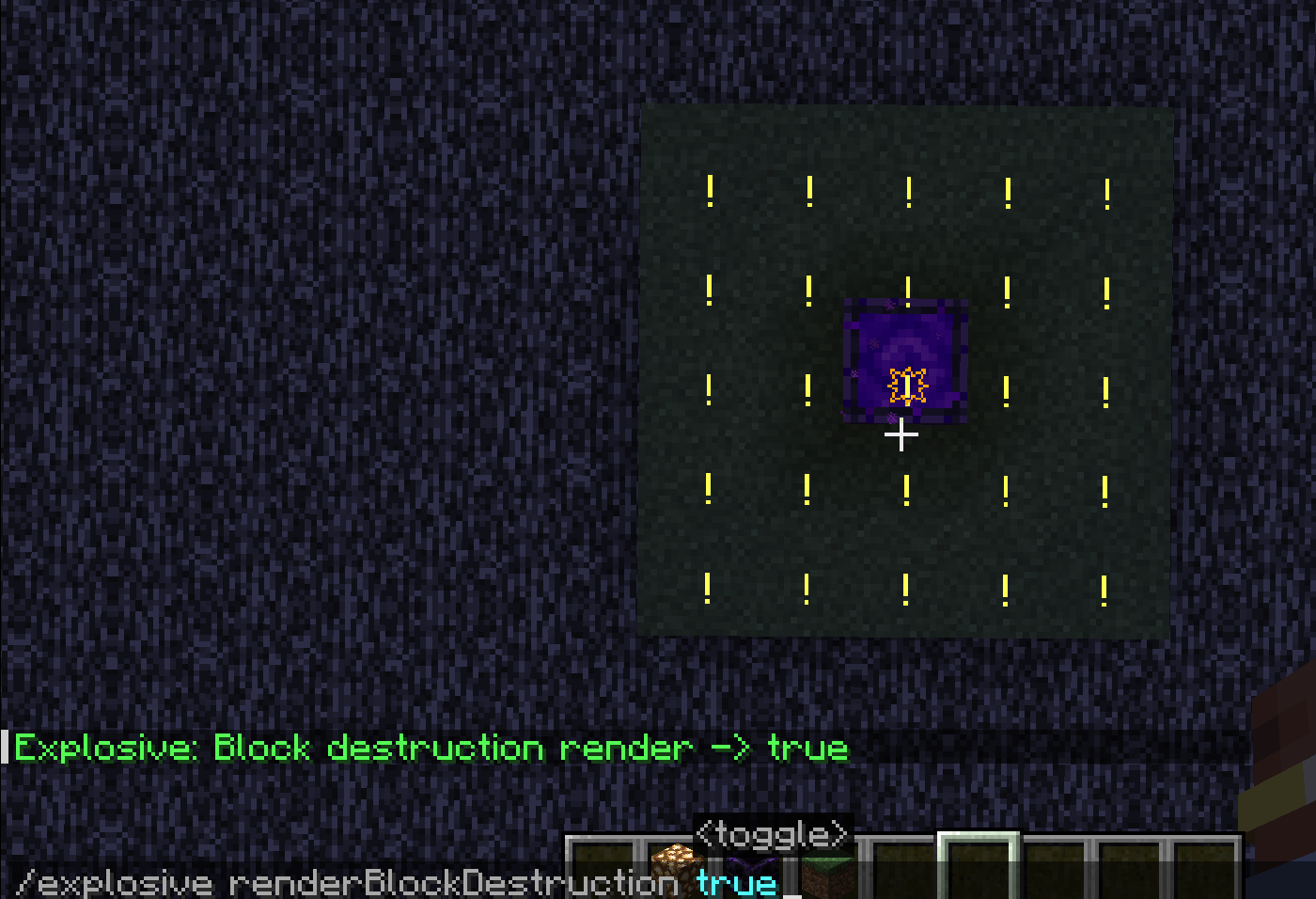
/explosionVisualizer rendererEntityDamage 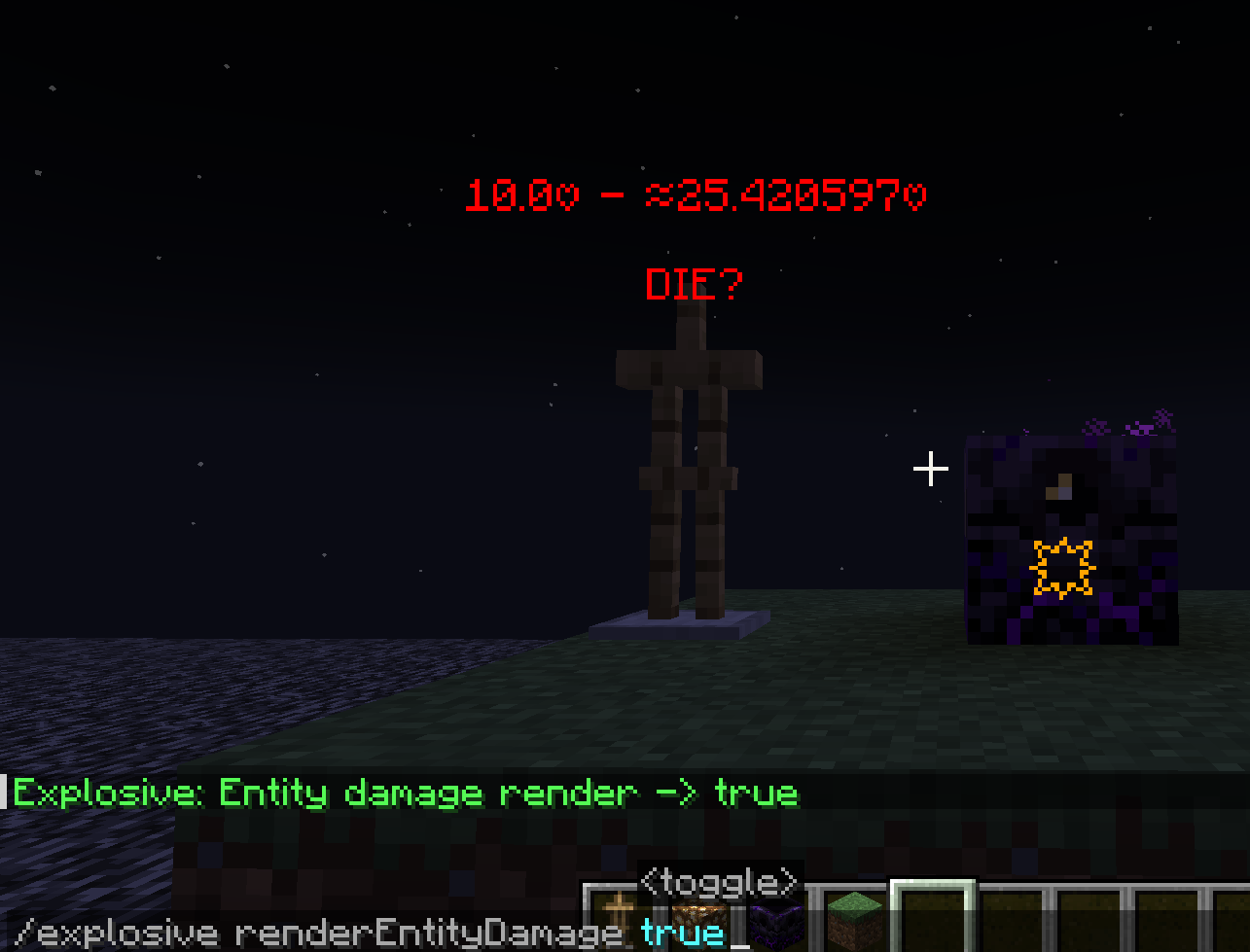
/explosionVisualizer rendererEntityRaycast 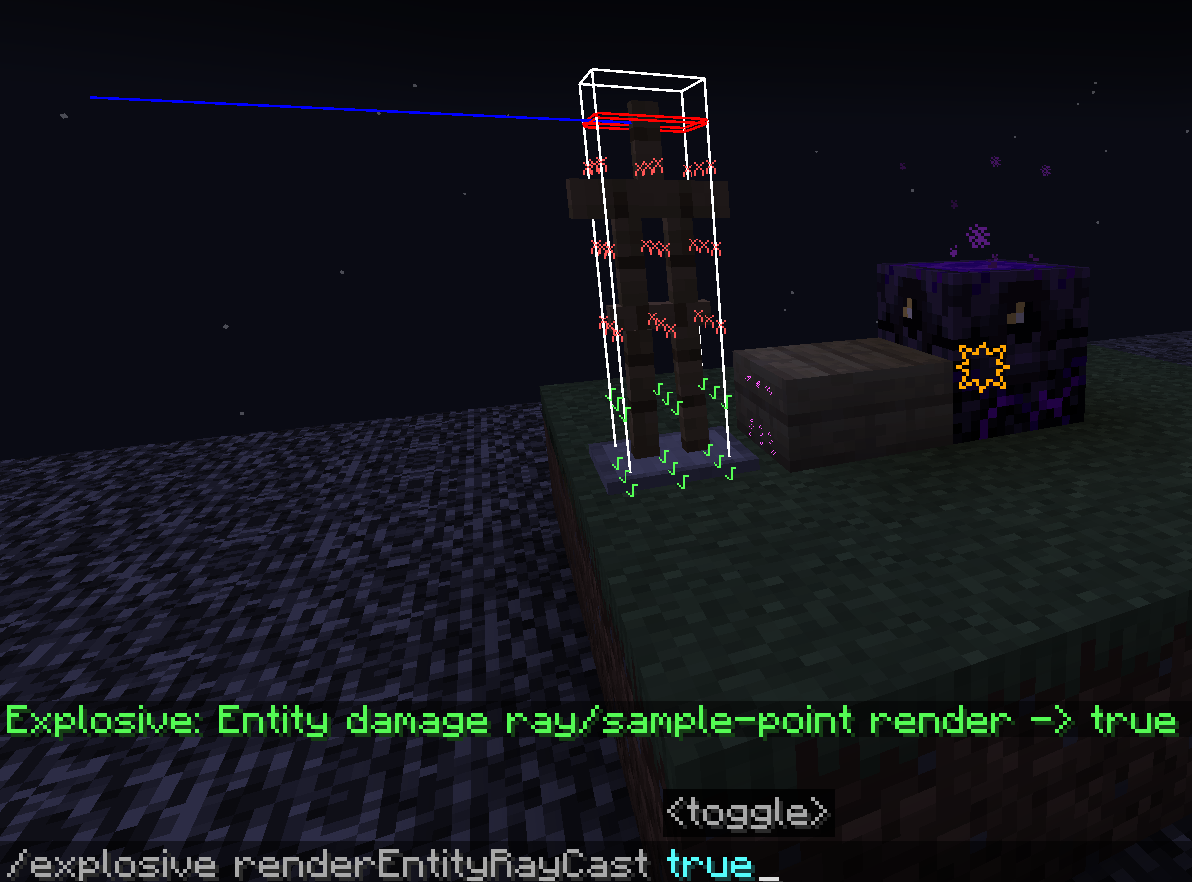
/explosionVisualizer renderExplosionBlockDetectionRay 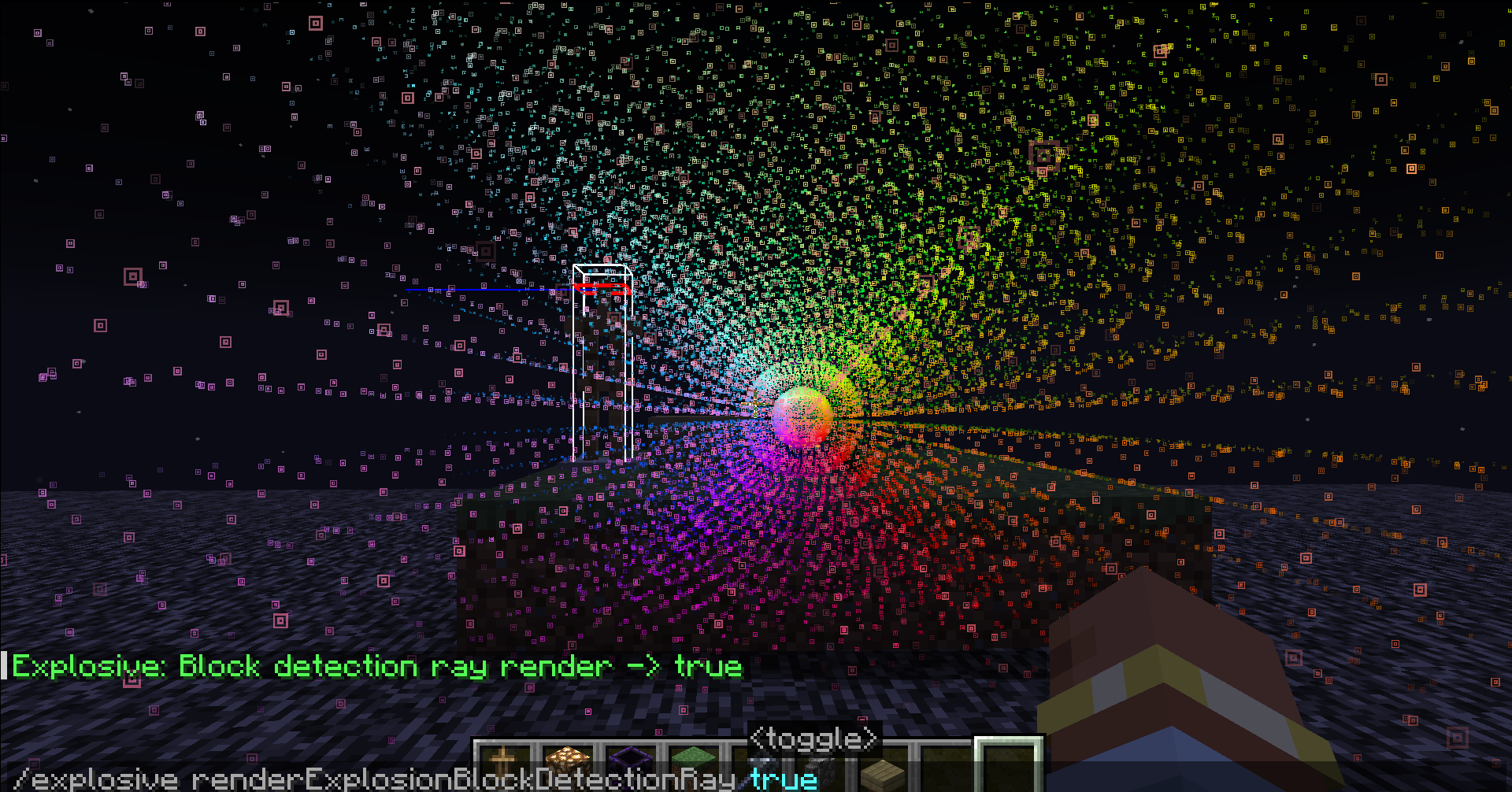
ADDITIONAL COMMANDS
/explosionVisualizer fakeExplosion add 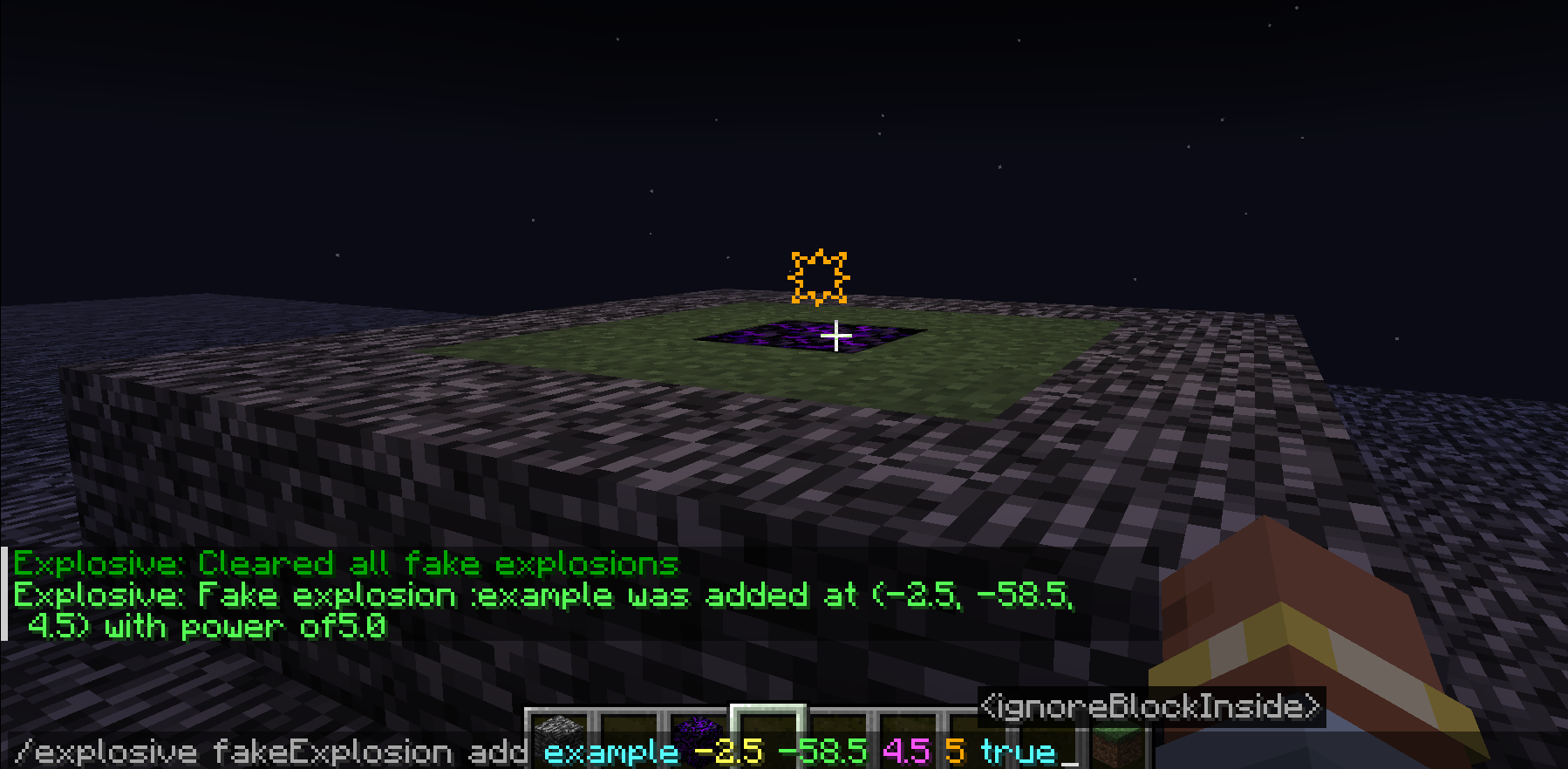
/explosionVisualizer fakeExplosion add
: (a name) : (Explosion center's position) : (Explosion power) : (Sometimes the explosion center is inside a block, which affects the evaluation of the explosion. Enabling this option will ignore the block at the explosion center)
/explosionVisualizer fakeExplosions remove
/explosionVisualizer fakeExplosions removeall <-#remove all the fake explosions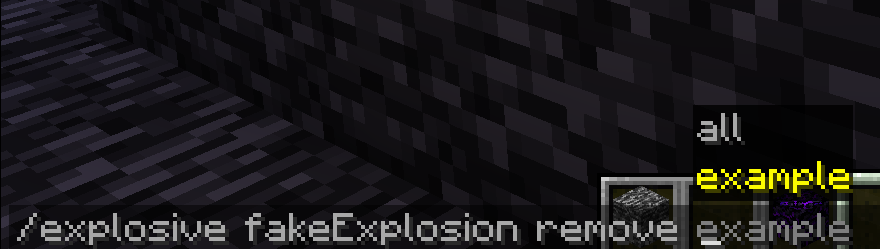
/explosionVisualizer blockDamageRayRendererSettings range
/explosionVisualizer blockDamageRayRendererSettings range
: <Int(0~16)> : <Int(0~16)> : <Int(0~16)> : <Int(0~16)> : <Int(0~16)> : <Int(0~16)>
In Minecraft, 1532 rays are emitted from the center of the explosion towards the outermost layer of a 16x16x16 voxel grid surrounding the explosion center. (See" https://minecraft.fandom.com/wiki/Explosion" for details.)
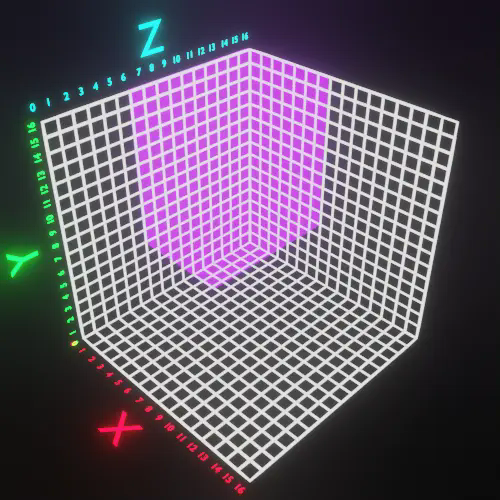
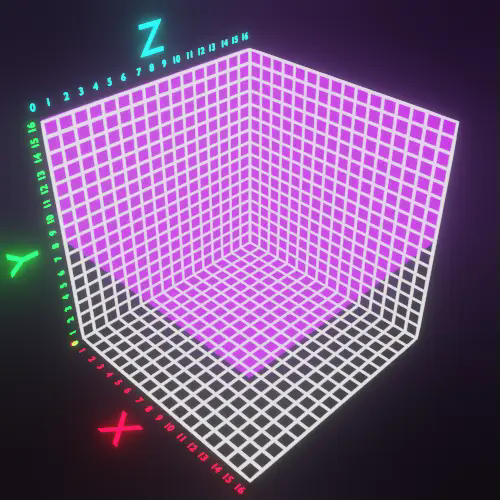
Displaying them all together can look very cluttered. This command allows you to slice these rays for easier viewing.
: <Int(0~16)> : <Int(0~16)> : <Int(0~16)> : <Int(0~16)> : <Int(0~16)> : <Int(0~16)>
are filters to limit the range.
Here are some examples..
(0 16 0 16 88)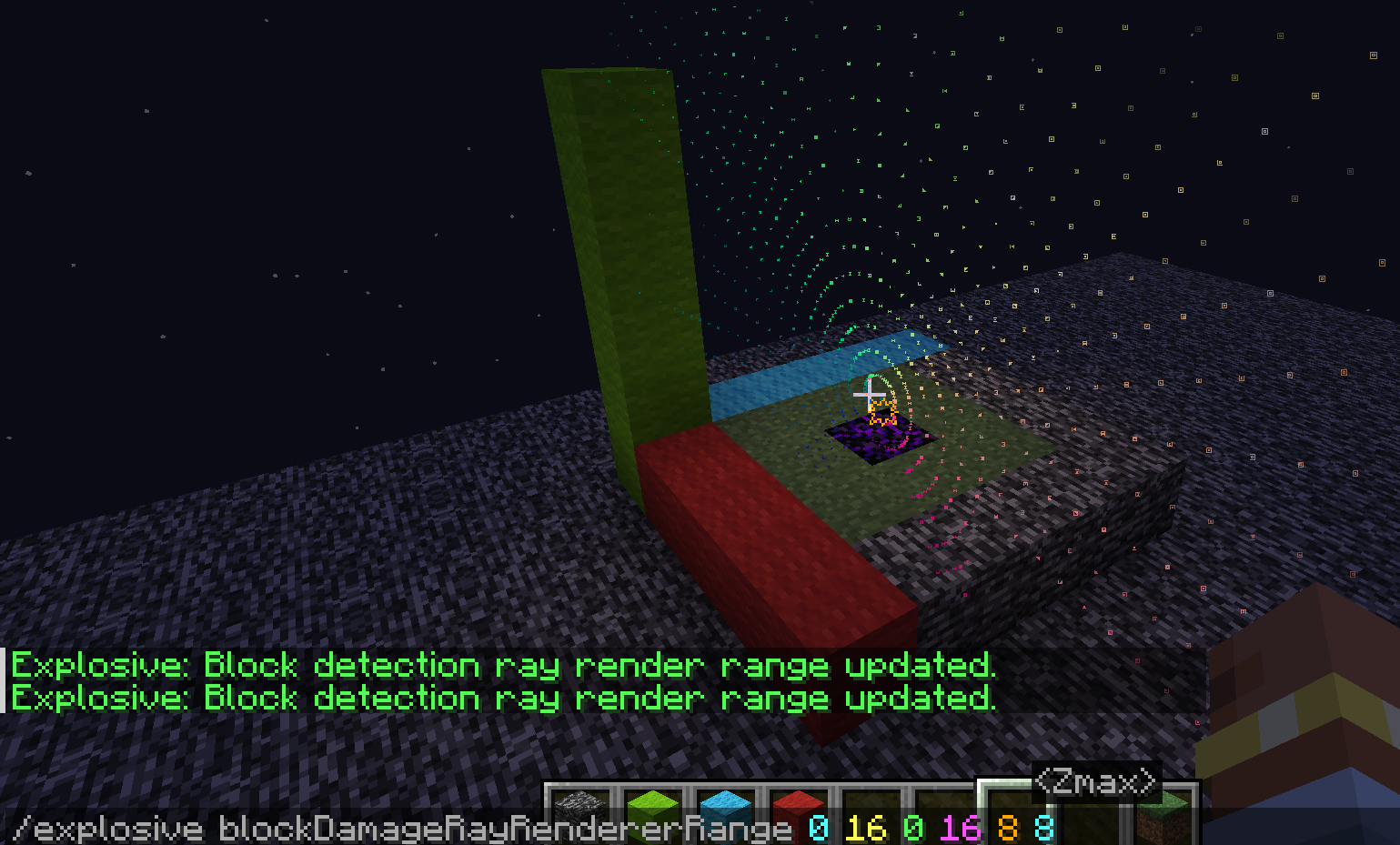
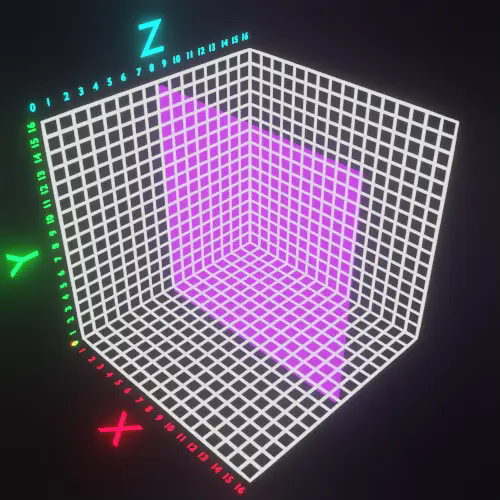
(0 7 5 16 6 16)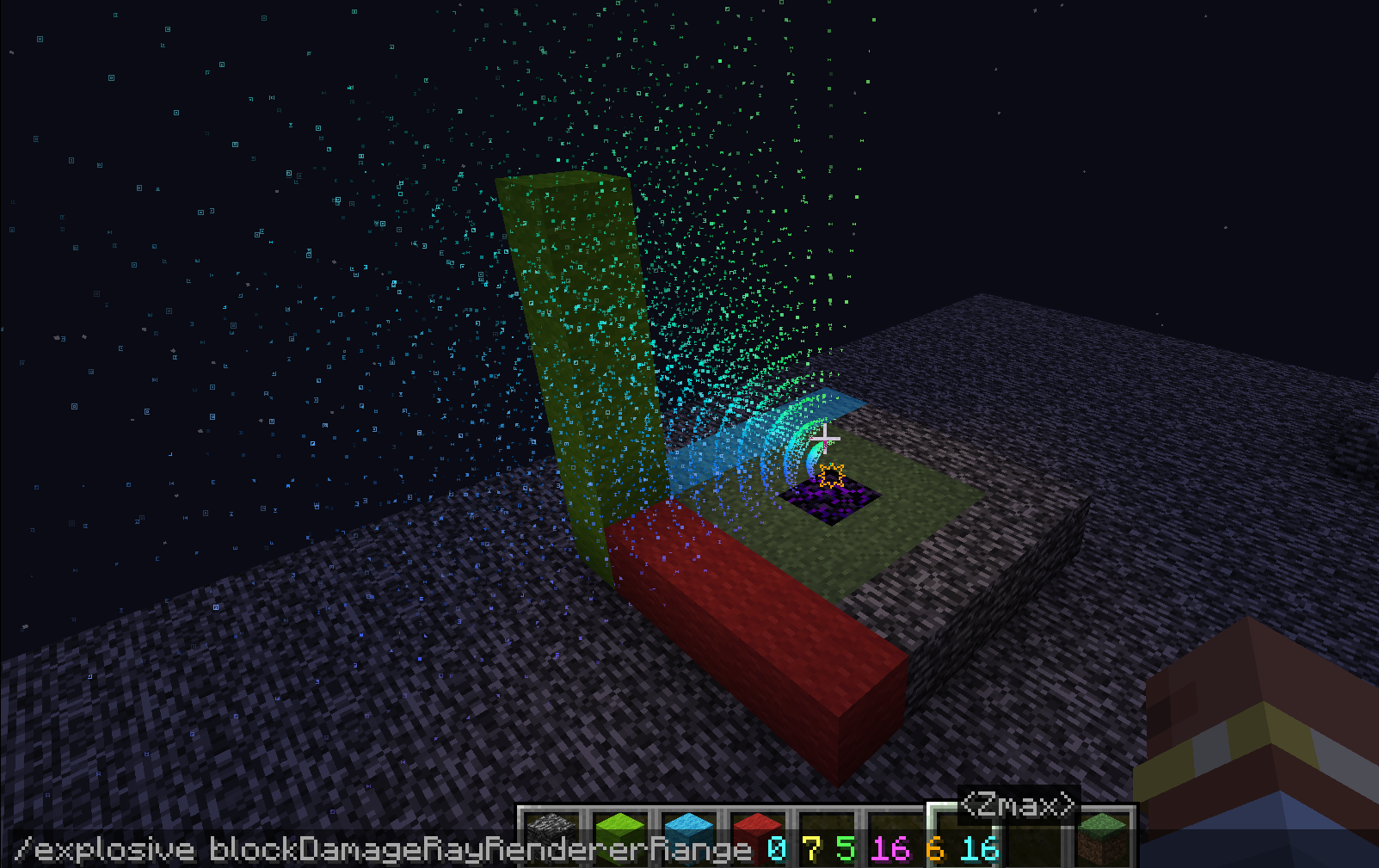
(0 16 8 16 0 16)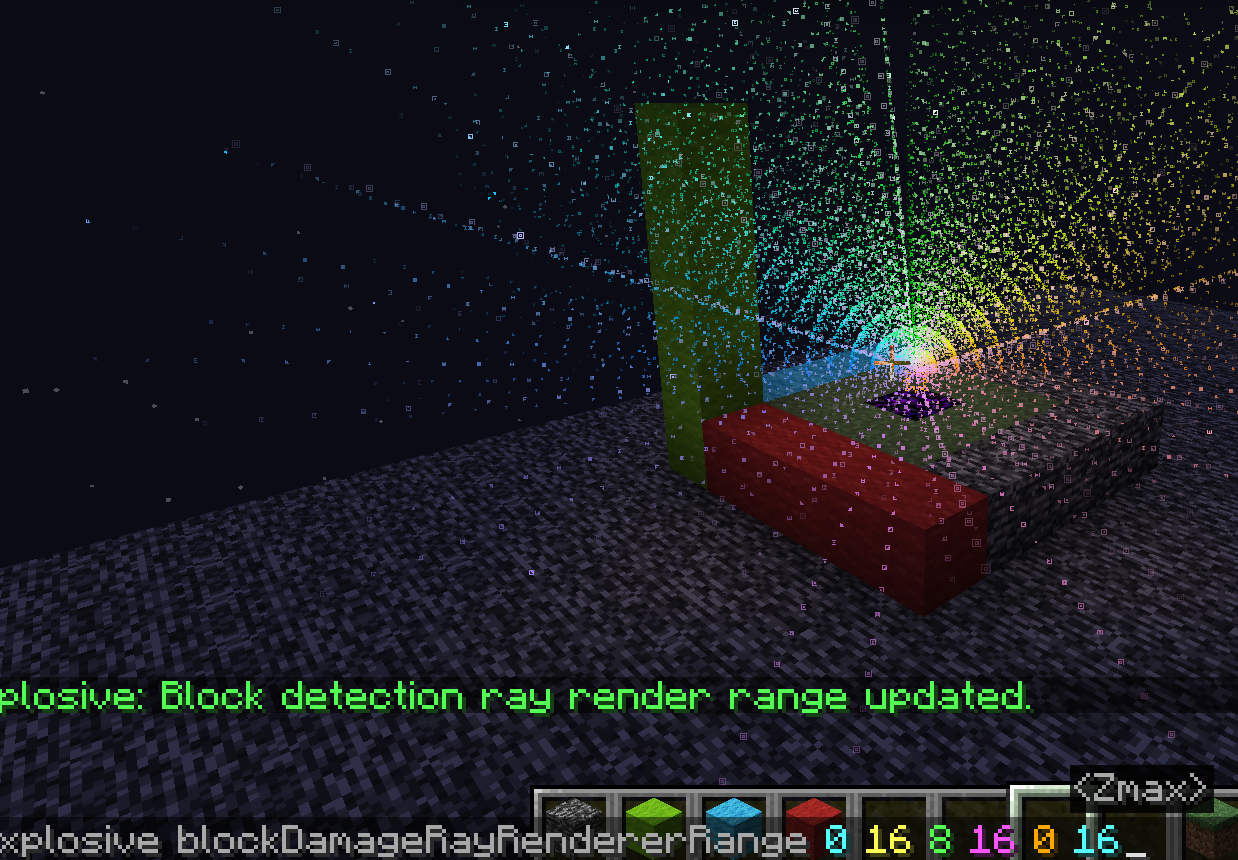
Available Versions
How to Install ExplosionVisualizer on Your Server
Order Server
Order a Minecraft Java server with at least 3 GB RAM (4 GB recommended).
Set fabric Loader
In the panel under "Egg", select the fabric loader and matching Minecraft version (1.21.3).
Install Mod
Open the mod browser in the dashboard and search for "ExplosionVisualizer". Click "Install" – done! Alternatively, upload the .jar via SFTP to the /mods folder.
Compatibility
Mod Loaders
Minecraft Versions
1.21.3, 1.21.2, 1.21.1 (+1 more)
Server-side
✗ UnsupportedRecommended RAM
4 GB(min. 3 GB)Frequently Asked Questions
ExplosionVisualizer server crashes on startup – what to do?
Most common cause: wrong fabric version or insufficient RAM. Check the server log (latest.log) for "OutOfMemoryError" or "Mixin" errors. With Mado Hosting: ensure at least 3 GB RAM is allocated and the loader matches the mod version (1.21.3). You can switch loaders with one click in the panel.
Is ExplosionVisualizer compatible with fabric?
ExplosionVisualizer officially supports fabric for Minecraft 1.21.3, 1.21.2, 1.21.1. The Mado dashboard automatically detects incompatible loader combinations.
Server lagging with ExplosionVisualizer – how to optimize performance?
Recommended RAM: 4 GB (per 8 players). Use /spark profiler to check if ExplosionVisualizer consumes the most tick time. Common fixes: reduce server view-distance to 8-10, install "performant" or "starlight" as supplementary mods on Forge. With Mado Hosting, your server runs on NVMe SSDs with dedicated CPU cores for minimal latency.
Similar Mods





Rent Modded Server
Install ExplosionVisualizer with just one click on your server.
Details
- License
- Creative Commons Attribution Non Commercial Share Alike 4.0 International
- Server-side
- Unsupported