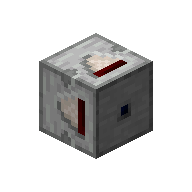
Extended Comparators
Full-block size comparators.
Screenshots
About this Mod
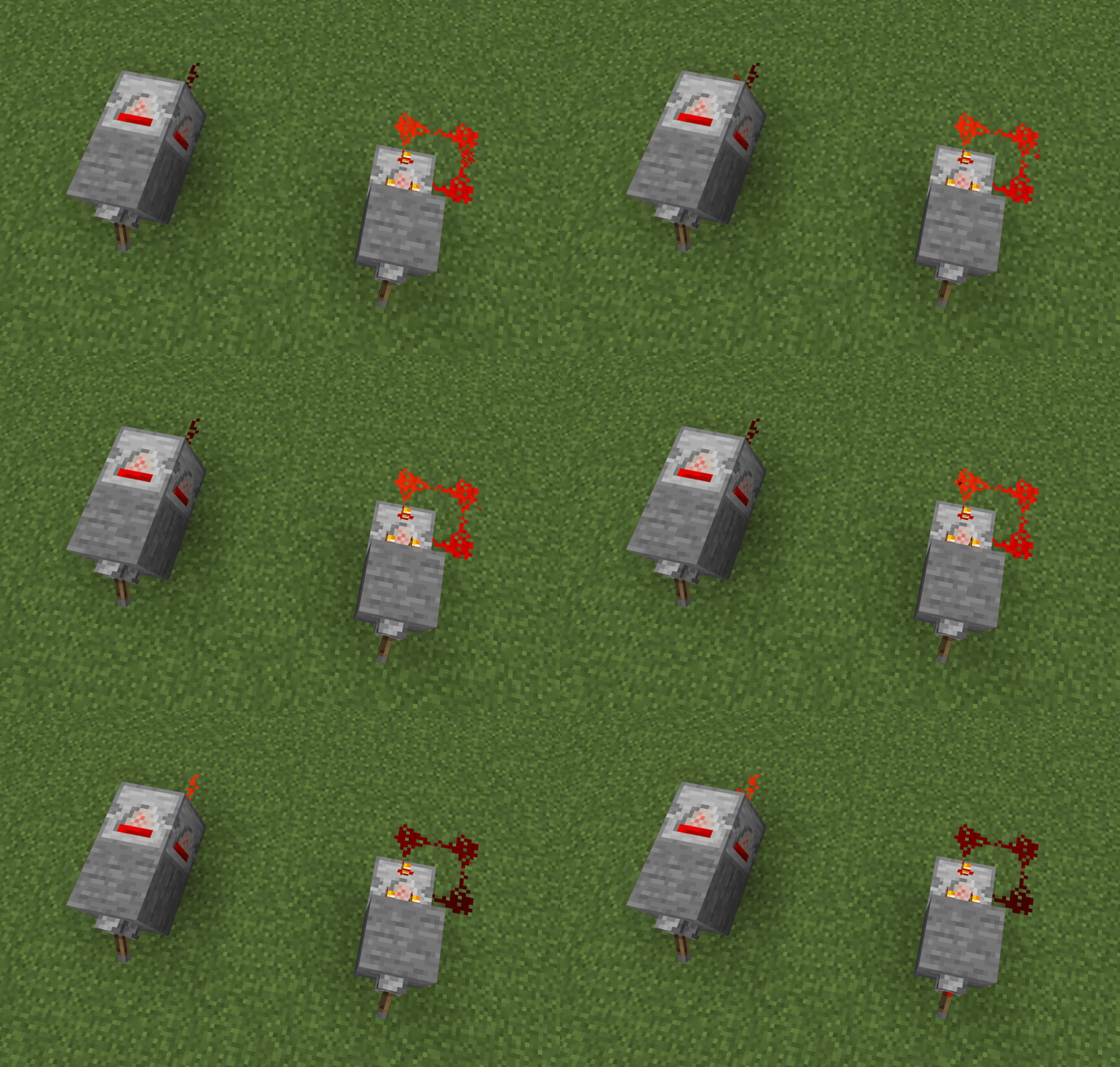
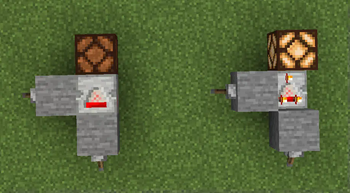
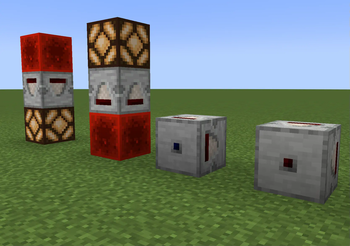
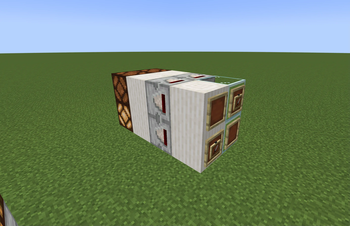
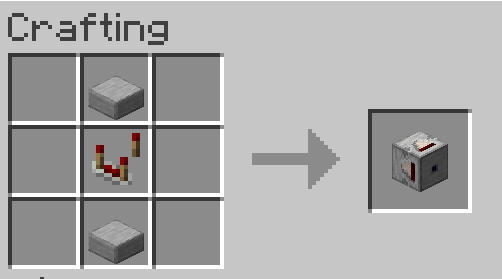
Adds new full-block-size comparators that function similarly to vanilla comparators:
- Comparator blocks that can be placed in horizontal and vertical orientations - 1 main input side (blue), 4 secondary input sides, and 1 output side (red).
- A weak variant of the comparator block that can receive "weak" redstone signals from the sides. Depending on the surrounding blocks, this makes the side inputs more consistent with the back input - i.e. it can accept signals from adjacent levers, but in its horizontal state, it might also accept signals from its own output if there's redstone dust in its output spot. For this reason, you might want to connect the output directly to another device e.g. a repeater, redstone lamp, piston, or another comparator, instead of redstone dust, or use redstone dust if you want to build a simple clock.
Adds new items:
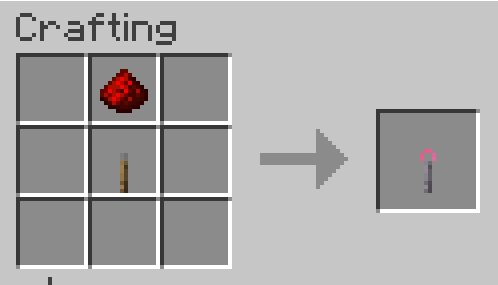
- A redstone key that can read redstone signals directly from dust, and add these signals to comparator blocks. This functions as a 5th secondary input for the comparator block - greatly simplifying builds that would need a constant side signal of a specific strength. Shift-right-click to switch between read, write, and erase modes, and right-click on blocks to read, write, or erase.
Todo
More textures for the different internal & output signal levels of the comparator blocks. Unique textures for the weak comparator.
Allow individual secondary input sides to be turned off (ignore input) using the redstone key item.
Testing
This mod uses mixins to trigger some additional logic in the world wherever a comparator would be updated, which could result in some overhead. Please follow the report issues link to report about any performance issues or bugs.
Available Versions
How to Install Extended Comparators on Your Server
Order Server
Order a Minecraft Java server with at least 3 GB RAM (4 GB recommended).
Set fabric Loader
In the panel under "Egg", select the fabric loader and matching Minecraft version (1.21.1).
Install Mod
Open the mod browser in the dashboard and search for "Extended Comparators". Click "Install" – done! Alternatively, upload the .jar via SFTP to the /mods folder.
Compatibility
Mod Loaders
Minecraft Versions
1.21.1, 1.20.6, 1.20.5 (+4 more)
Server-side
✓ RequiredRecommended RAM
4 GB(min. 3 GB)Frequently Asked Questions
Extended Comparators server crashes on startup – what to do?
Most common cause: wrong fabric version or insufficient RAM. Check the server log (latest.log) for "OutOfMemoryError" or "Mixin" errors. With Mado Hosting: ensure at least 3 GB RAM is allocated and the loader matches the mod version (1.21.1). You can switch loaders with one click in the panel.
Is Extended Comparators compatible with fabric and neoforge?
Extended Comparators officially supports fabric, neoforge for Minecraft 1.21.1, 1.20.6, 1.20.5. The Mado dashboard automatically detects incompatible loader combinations.
Server lagging with Extended Comparators – how to optimize performance?
Recommended RAM: 4 GB (per 8 players). Use /spark profiler to check if Extended Comparators consumes the most tick time. Common fixes: reduce server view-distance to 8-10, install "performant" or "starlight" as supplementary mods on Forge. With Mado Hosting, your server runs on NVMe SSDs with dedicated CPU cores for minimal latency.
Similar Mods





Rent Modded Server
Install Extended Comparators with just one click on your server.