
Farkle - Kingdom Come Delivrance
This project add a working Farkle Dice game inspired of Kingdom Come Delivrance
Screenshots
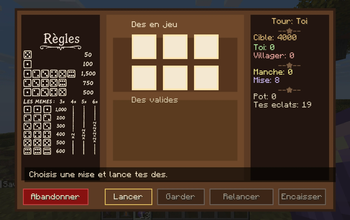
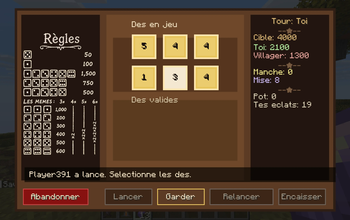
About this Mod
Farkle Dice Game
Bring tavern gambling into Minecraft with Farkle Dice Game, a Fabric mod that lets you challenge villagers to a full game of Farkle using Amethyst Shards as your wager.
Face off against villagers in a custom dice UI, manage risky rerolls, bank points at the right time, and try to beat your opponent to the target score before your luck runs out. If a villager is out of shards, the interaction shifts into a small pawnshop system, giving the mod a simple economy loop instead of just a dead end.
What this mod adds
- Play Farkle directly against villagers
- Bet Amethyst Shards on each match
- Open the game from villager interaction or the trade screen
- Villagers have their own persistent purse
- Pawnshop menu when a villager is broke
- Optional PvP challenge command
- English and French support with:
/farkle lang us/farkle lang fr
How it feels
This mod is designed to feel like a small side activity you would find in a tavern or market square: quick to start, easy to understand, and dangerous if you get greedy.
Screenshots
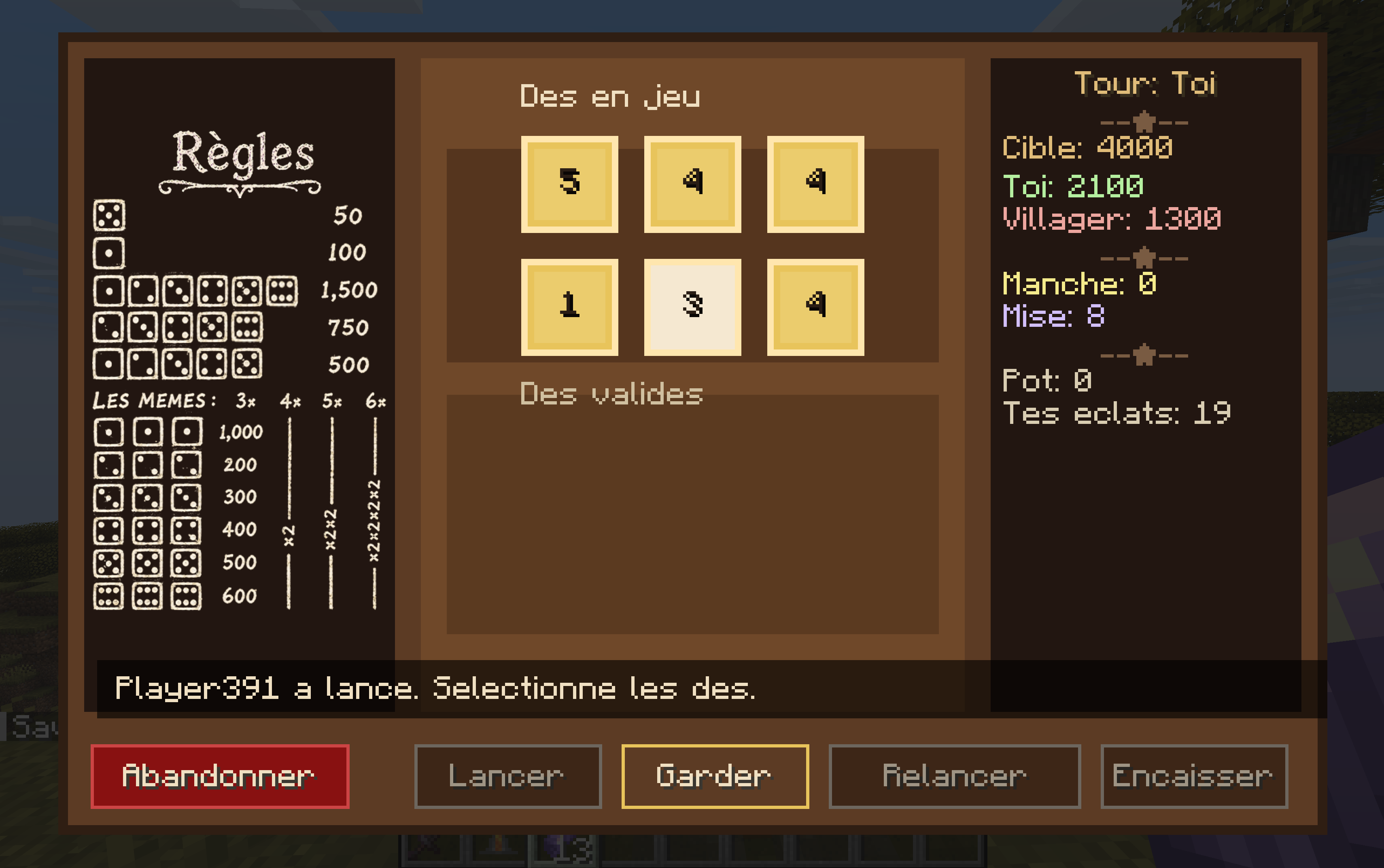
Challenge a villager and play a full round of Farkle in a custom screen.
Available Versions
How to Install Farkle - Kingdom Come Delivrance on Your Server
Order Server
Order a Minecraft Java server with at least 3 GB RAM (4 GB recommended).
Set fabric Loader
In the panel under "Egg", select the fabric loader and matching Minecraft version (1.21.11).
Install Mod
Open the mod browser in the dashboard and search for "Farkle - Kingdom Come Delivrance". Click "Install" – done! Alternatively, upload the .jar via SFTP to the /mods folder.
Compatibility
Mod Loaders
Minecraft Versions
1.21.11
Server-side
✓ RequiredRecommended RAM
4 GB(min. 3 GB)Frequently Asked Questions
Farkle - Kingdom Come Delivrance server crashes on startup – what to do?
Most common cause: wrong fabric version or insufficient RAM. Check the server log (latest.log) for "OutOfMemoryError" or "Mixin" errors. With Mado Hosting: ensure at least 3 GB RAM is allocated and the loader matches the mod version (1.21.11). You can switch loaders with one click in the panel.
Is Farkle - Kingdom Come Delivrance compatible with fabric?
Farkle - Kingdom Come Delivrance officially supports fabric for Minecraft 1.21.11. The Mado dashboard automatically detects incompatible loader combinations.
Server lagging with Farkle - Kingdom Come Delivrance – how to optimize performance?
Recommended RAM: 4 GB (per 8 players). Use /spark profiler to check if Farkle - Kingdom Come Delivrance consumes the most tick time. Common fixes: reduce server view-distance to 8-10, install "performant" or "starlight" as supplementary mods on Forge. With Mado Hosting, your server runs on NVMe SSDs with dedicated CPU cores for minimal latency.
Similar Mods




Rent Modded Server
Install Farkle - Kingdom Come Delivrance with just one click on your server.
Details
- License
- Creative Commons Attribution Share Alike 4.0 International
- Server-side
- Required