
Field to Fork
Field to Fork is a comprehensive farming and culinary mod for Minecraft which introduces a vast array of new crops, fruits, vegetables and much more
Screenshots
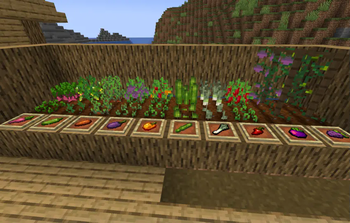
About this Mod

Field to Fork is a comprehensive farming and culinary mod for Minecraft, designed to revolutionize the way you interact with food from planting seeds to serving gourmet dishes. This mod introduces a vast array of new crops, fruits, vegetables, tools, and more, to create an immersive farm-to-table experience.
Dependencies
Both the Fabric and NeoForge versions of the mod require at least TerraBlender 1.21-4.0.0.1. TerraBlender is available for both NeoForge and Fabric.
Crops
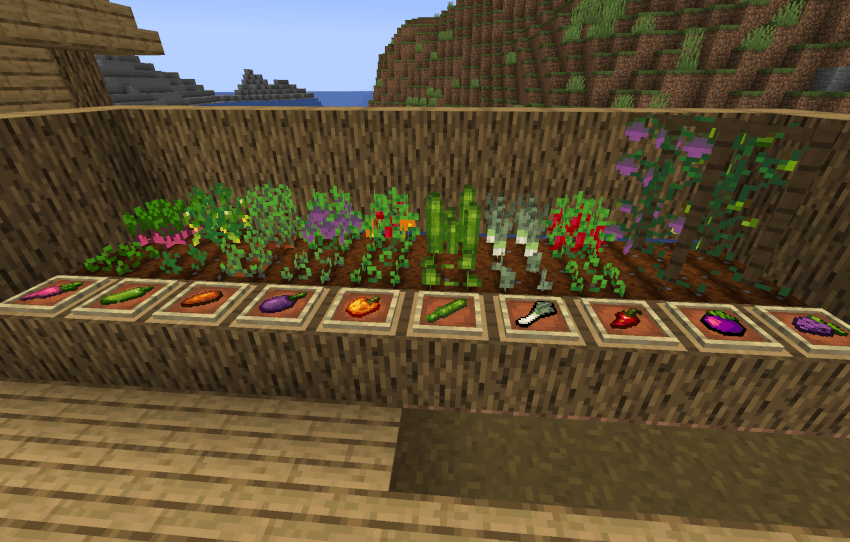
Field to Fork brings a wide variety of crops to the game, ranging from ground crops, bush crops and tree crops!
Fruit Trees
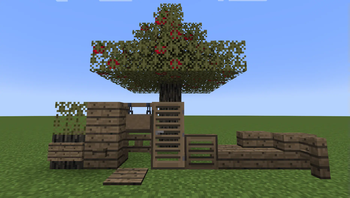
There are currently 8 variants of tree in the game: Banana, Dragonfruit, Lychee, Mango, Orange, Palm (Coconut), Pear and Pomegranate. Each tree has leaves that, over time, will bear the fruit. Right click harvestable leaves to obtain the fruit!
Saplings for these trees can be obtained by chance from breaking their leaves.
Palm trees can be found in the Palm Beach biome, and the rest can be found in the Fruit Forest biome.
Fruit Crops
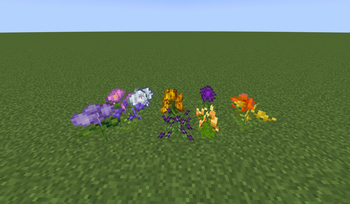
There are currently 4 fruit crops to grow, other than the fruit trees of course! These include:
- Chilli (technically a fruit!)
- Eggplant (again, a fruit!)
- Red/Yellow Bell Pepper (Capsicum)
- Green/Purple Grapes
You can get the seeds for growing these fruits in loot chests around your Minecraft world, and from harvesting them.
Vegetable Crops
There are currently 5 vegetable crops to grow! These include:
- Leeks
- Asparagus
- Radish
- Sweet Potato
- Zucchini (Courgette)
You can get the seeds for growing these fruits in loot chests around your Minecraft world, and from harvesting them.
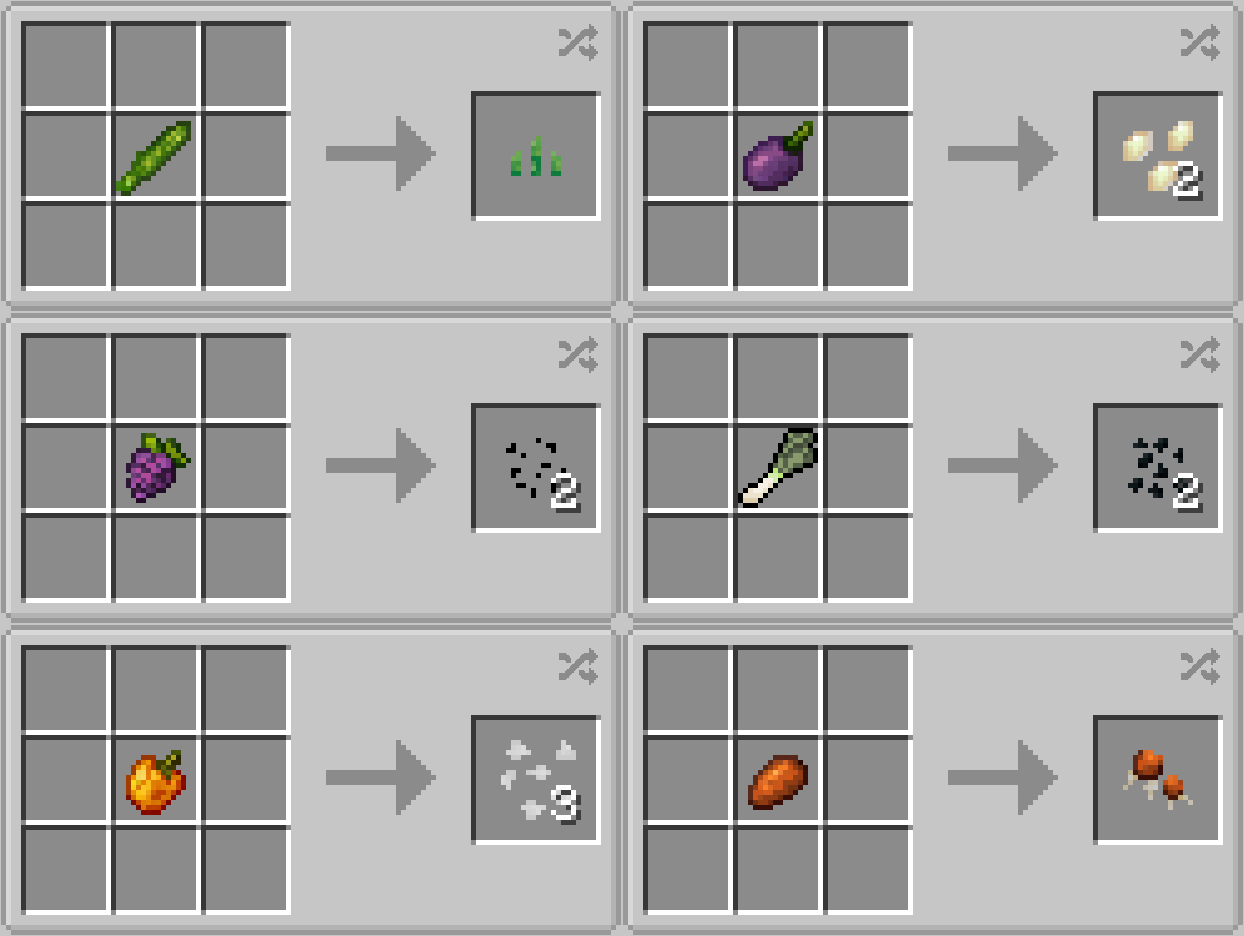
Tools
Scythe
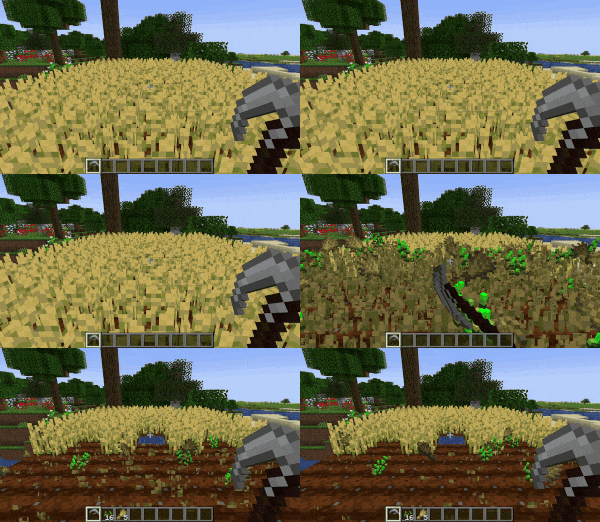
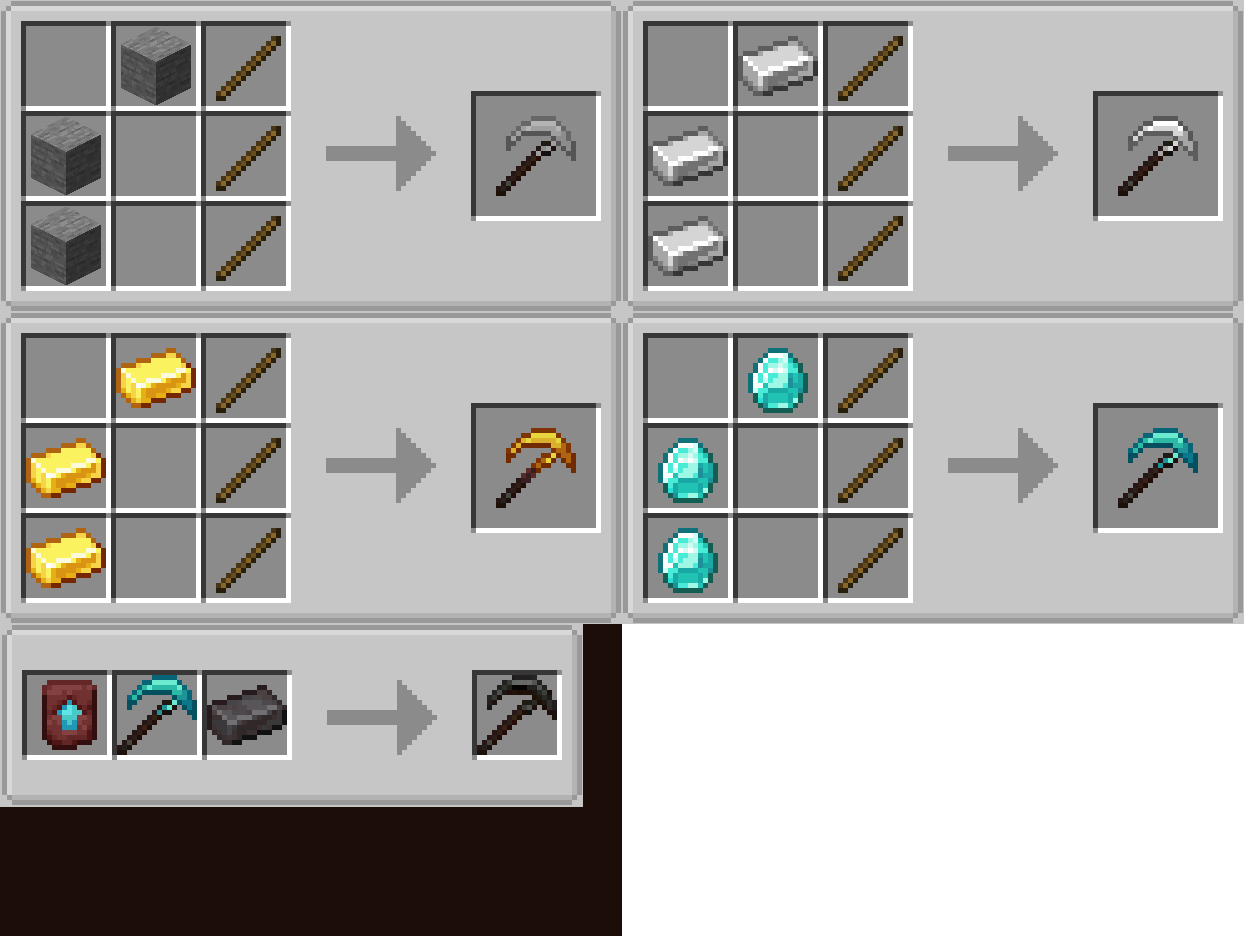
The Scythe is used to harvest multiple crops in one fell swoop by right clicking it against crops in your field! There are currently Stone, Iron, Gold, Diamond and Netherite variants of the Scythe, with each tier further increasing the radius of the "swoop" (cone).
Watering Can
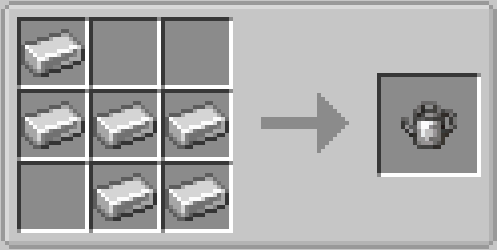
Basically an extended bucket! The Watering Can stores up to 8 "doses" of water, meaning you can spend a little more time away from your unlimited water source.
Blocks
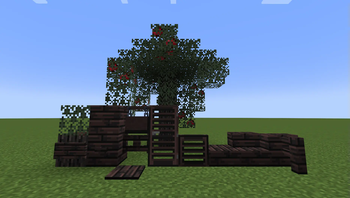
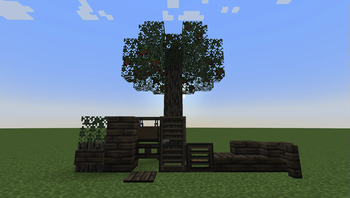
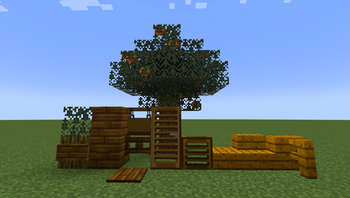
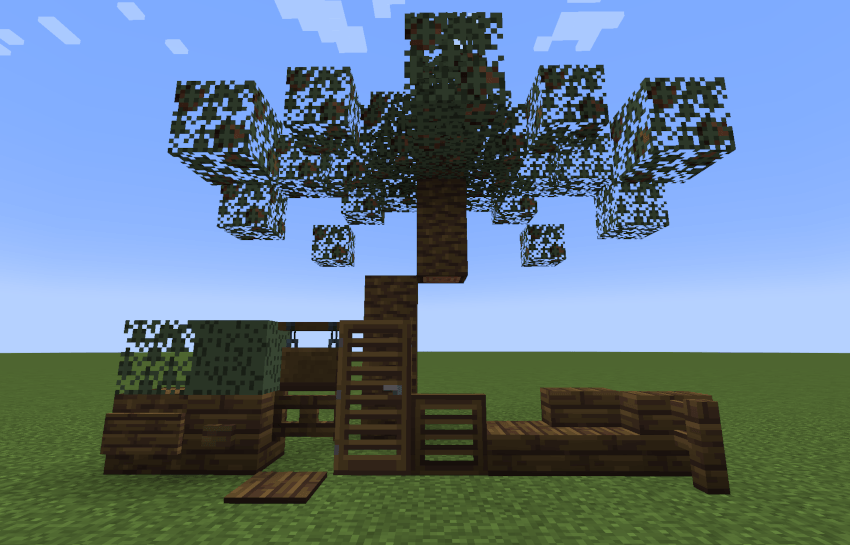
All tree variants have their own block pallete, ranging from logs and planks, to doors, trapdoors and signs! An example can be seen below, and all blocks can be crafted with the same vanilla recipes with the corresponding blocks replaced. All other tree block variants can be viewed in the Images section of this mod page.
Biomes
There are two biomes in Field to Fork - Palm Beaches (for palm trees) and Fruit Forests (for all other fruit trees).
Available Versions
How to Install Field to Fork on Your Server
Order Server
Order a Minecraft Java server with at least 4 GB RAM (6 GB recommended).
Set fabric Loader
In the panel under "Egg", select the fabric loader and matching Minecraft version (1.21.1).
Install Mod
Open the mod browser in the dashboard and search for "Field to Fork". Click "Install" – done! Alternatively, upload the .jar via SFTP to the /mods folder.
Compatibility
Mod Loaders
Minecraft Versions
1.21.1, 1.21
Server-side
~ OptionalRecommended RAM
6 GB(min. 4 GB)Frequently Asked Questions
Field to Fork server crashes on startup – what to do?
Most common cause: wrong fabric version or insufficient RAM. Check the server log (latest.log) for "OutOfMemoryError" or "Mixin" errors. With Mado Hosting: ensure at least 4 GB RAM is allocated and the loader matches the mod version (1.21.1). You can switch loaders with one click in the panel.
Is Field to Fork compatible with fabric and neoforge?
Field to Fork officially supports fabric, neoforge for Minecraft 1.21.1, 1.21. The Mado dashboard automatically detects incompatible loader combinations.
Server lagging with Field to Fork – how to optimize performance?
Recommended RAM: 6 GB (per 5 players). Use /spark profiler to check if Field to Fork consumes the most tick time. Common fixes: reduce server view-distance to 8-10, install "performant" or "starlight" as supplementary mods on Forge. With Mado Hosting, your server runs on NVMe SSDs with dedicated CPU cores for minimal latency.
Similar Mods



Rent Modded Server
Install Field to Fork with just one click on your server.