
Fishing Pond
custom fishing items and calculate scores
Screenshots
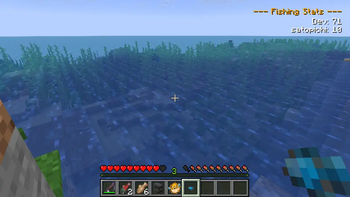
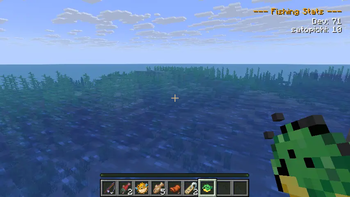
About this Mod
釣り堀Mod & Studio Tool
modの説明
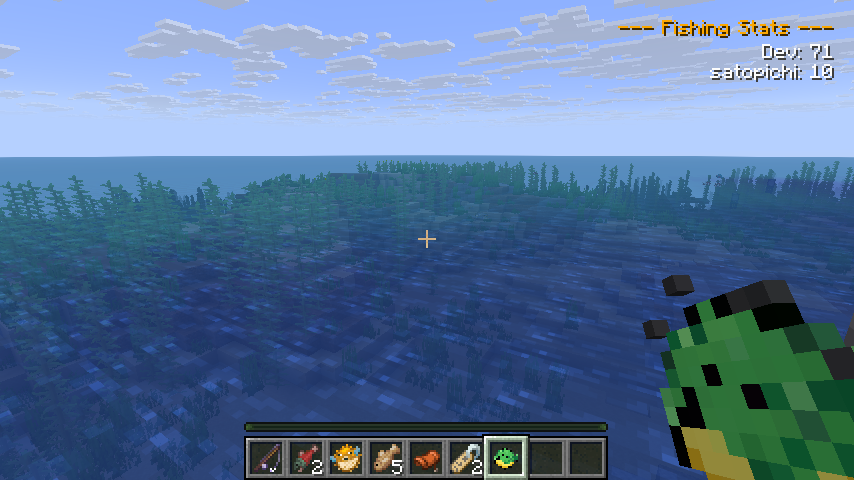
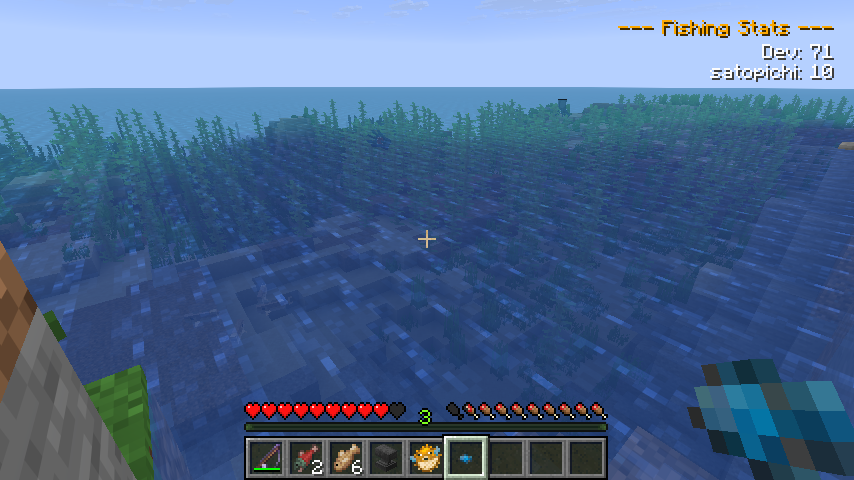
釣りアイテムの追加とスコア計算ができるmodです。「MC Fishing Pond Studio」でこのmod用の釣りアイテムを生成できます。
釣った魚はスコア計算され、参加しているプレイヤー全員に共有されます。
🎣 Modの機能 (Features)
- 釣りアイテムの追加: 自由に釣りアイテムを追加できます
- スコアシステム: 釣った魚に応じてスコアが加算され、サーバー内にいるプレイヤー全員にリアルタイムでスコア変動が同期されます。
- 管理者専用コマンド: サーバー運営者(OP権限レベル必要)向けにスコアを管理するコマンドがあります
/fishingpond score add <player> <amount>- 指定プレイヤーのスコアを加算/fishingpond score reset <player>- 指定プレイヤーのスコアを「0」にリセット/fishingpond give <player> <item_id>- 任意の釣果アイテムを直接付与
💻 Fishing Pond Studio
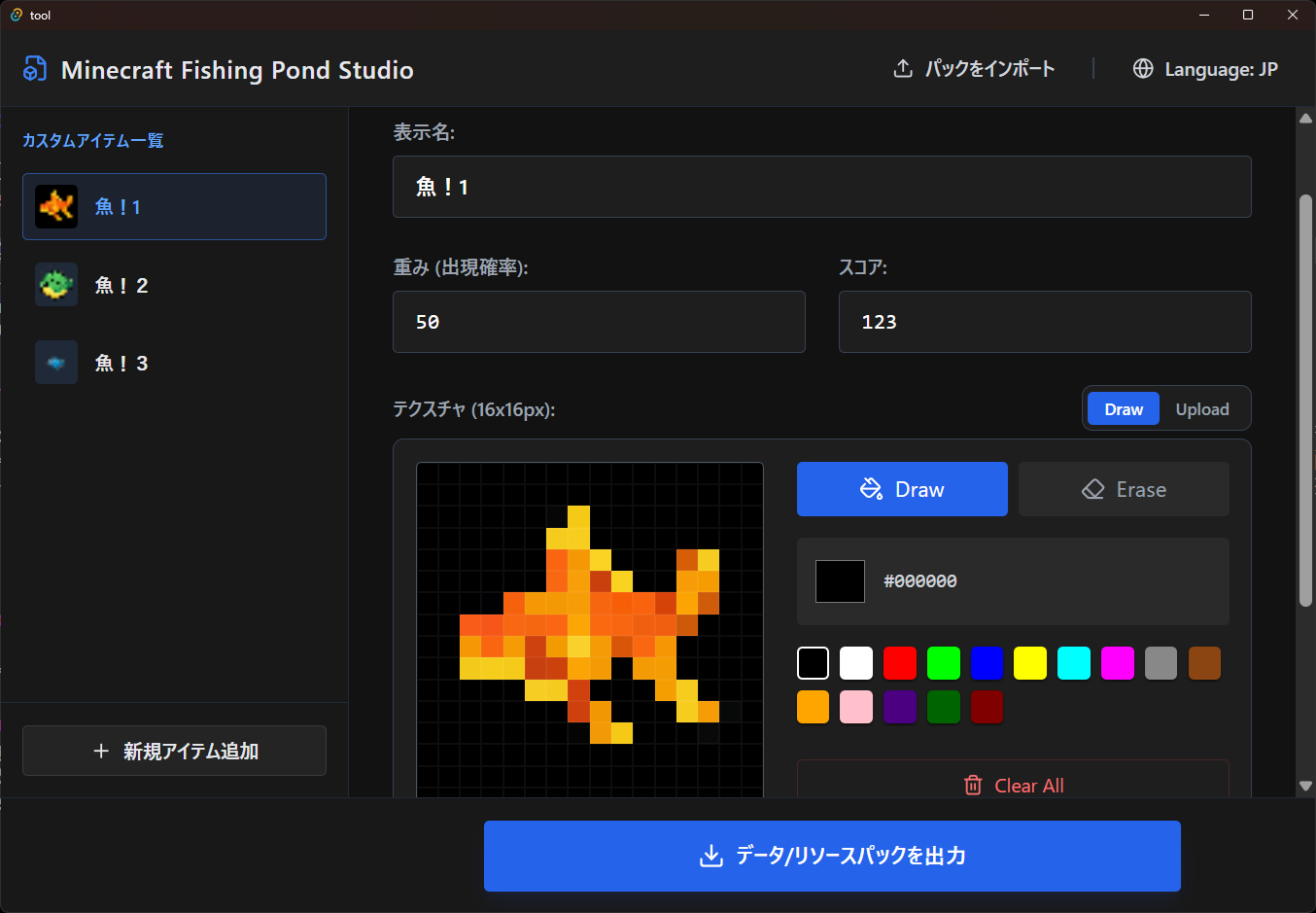
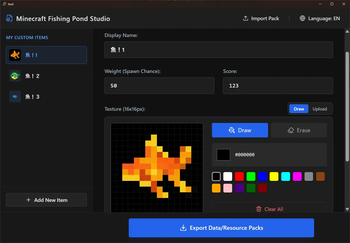
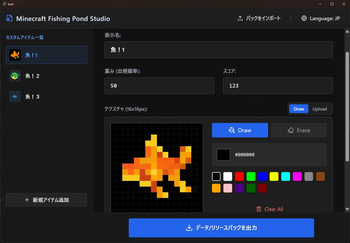
釣りアイテムの追加に必要な「データパック」「リソースパック」を作成するためのツールです。
(Releases から .exe をダウンロード可能です)
名前、釣れる確率、スコアを設定します。
画像は「既にある画像の取り込み」「手動で描画」のどちらも可能です。
📥 インストール方法 (How to Install)
- 依存関係のmodを配置
- fabric:
- neoforge:
- このmodを配置
Fishing Pond Studio使用してデータパック/リソースパックを作成- ゲームフォルダに配置
Mod Description
This is a mod that allows you to add custom fishing items and calculate scores. It includes a dedicated tool called "MC Fishing Pond Studio" to generate these additional items.
Scores are shared with all players participating in the world.
🎣 Mod Features
- Add Fishing Items: You can freely add custom fishing items.
- Score System: Scores are added according to the fish you catch, and the score changes are synchronized in real-time to all players on the server.
- Admin Commands: Secure commands for server operators (OP Level required) to manage scores.
/fishingpond score add <player> <amount>- Add a score to a specified player/fishingpond score reset <player>- Reset a specified player's score to "0"/fishingpond give <player> <item_id>- Directly give a specified fishing item
💻 Fishing Pond Studio
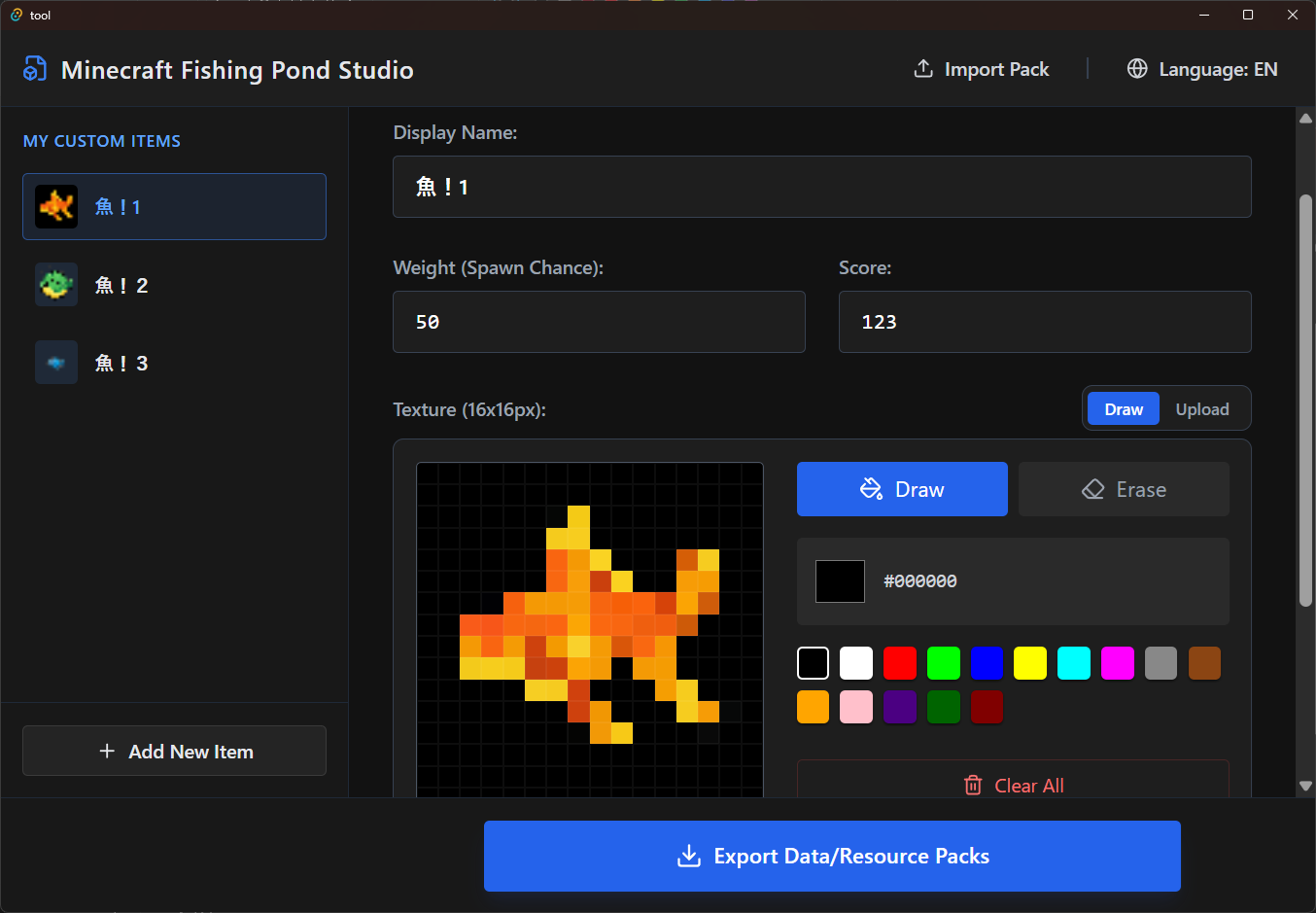
Adding fishing items requires the creation of a "Datapack" and a "Resourcepack". This is the tool to do it.
(The .exe is available for download from Releases)
Set the name, catch probability, and score.
For images, you can both "import an existing image" or "draw manually" using the in-app pixel editor.
📥 How to Install
- install dependencies
- fabric:
- neoforge:
- install this mod
- create datapack/resource pack by
Fishing Pond Studio - copy datapack/resource pack into game folders.
Available Versions
How to Install Fishing Pond on Your Server
Order Server
Order a Minecraft Java server with at least 3 GB RAM (4 GB recommended).
Set fabric Loader
In the panel under "Egg", select the fabric loader and matching Minecraft version (1.21.11).
Install Mod
Open the mod browser in the dashboard and search for "Fishing Pond". Click "Install" – done! Alternatively, upload the .jar via SFTP to the /mods folder.
Compatibility
Mod Loaders
Minecraft Versions
1.21.11
Server-side
✓ RequiredRecommended RAM
4 GB(min. 3 GB)Frequently Asked Questions
Fishing Pond server crashes on startup – what to do?
Most common cause: wrong fabric version or insufficient RAM. Check the server log (latest.log) for "OutOfMemoryError" or "Mixin" errors. With Mado Hosting: ensure at least 3 GB RAM is allocated and the loader matches the mod version (1.21.11). You can switch loaders with one click in the panel.
Is Fishing Pond compatible with fabric and neoforge?
Fishing Pond officially supports fabric, neoforge for Minecraft 1.21.11. The Mado dashboard automatically detects incompatible loader combinations.
Server lagging with Fishing Pond – how to optimize performance?
Recommended RAM: 4 GB (per 8 players). Use /spark profiler to check if Fishing Pond consumes the most tick time. Common fixes: reduce server view-distance to 8-10, install "performant" or "starlight" as supplementary mods on Forge. With Mado Hosting, your server runs on NVMe SSDs with dedicated CPU cores for minimal latency.
Similar Mods





Rent Modded Server
Install Fishing Pond with just one click on your server.