Fletching Table
6 new arrows and bows craftable in the fletching table.
Screenshots
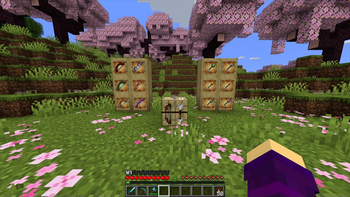
About this Mod
Use the fletching table to craft arrows and bows, along with new variants.
Arrows
Replace flint with different materials to craft unique arrow variants.
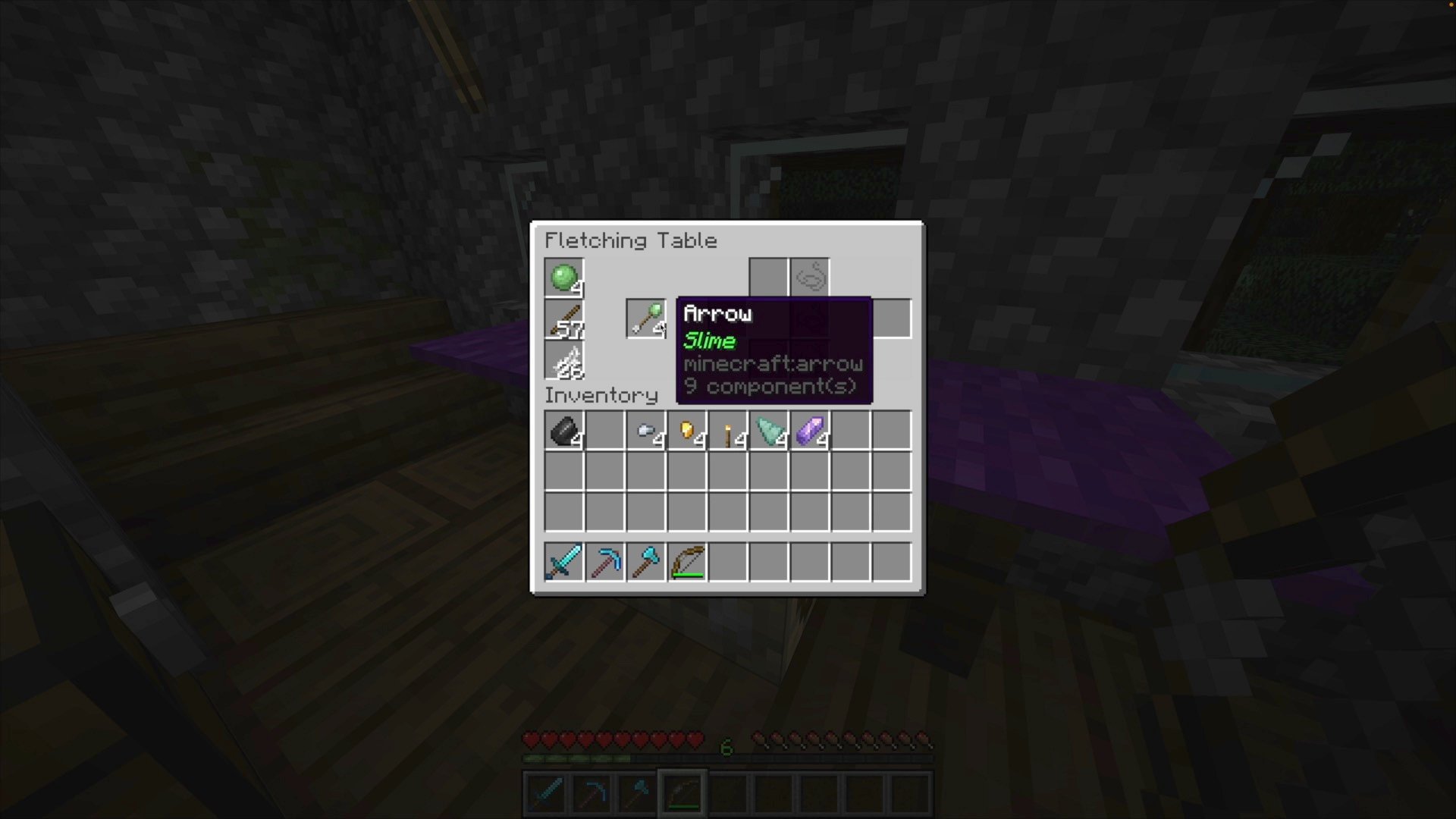
Slime Arrow
Slime arrows will bounce off any block except a target block.
Iron Arrow
Use an iron nugget to craft a heavy iron arrow. This arrow is slower, but deals more damage.
Gold Arrow
Use a gold nugget to craft a more accurate gold arrow. This arrow does not shoot with any random variance.
Torch Arrow
Use a torch to craft a torch arrow. This arrow will light up an area around it as it flies, and on the ground.
Prismarine Arrow
Use a prismarine shard to craft this arrow. It flies underwater as if it was shot in the air.
Amethyst Arrow
Use an amethyst shard to craft this arrow. It is faster than a regular arrow, and can travel further.
Echo Arrow
Use an echo shard to craft this arrow. It will follow the nearest mob.
Bows
Replace sticks with different materials to craft bows with unique textures and effects from Minecraft Dungeons.
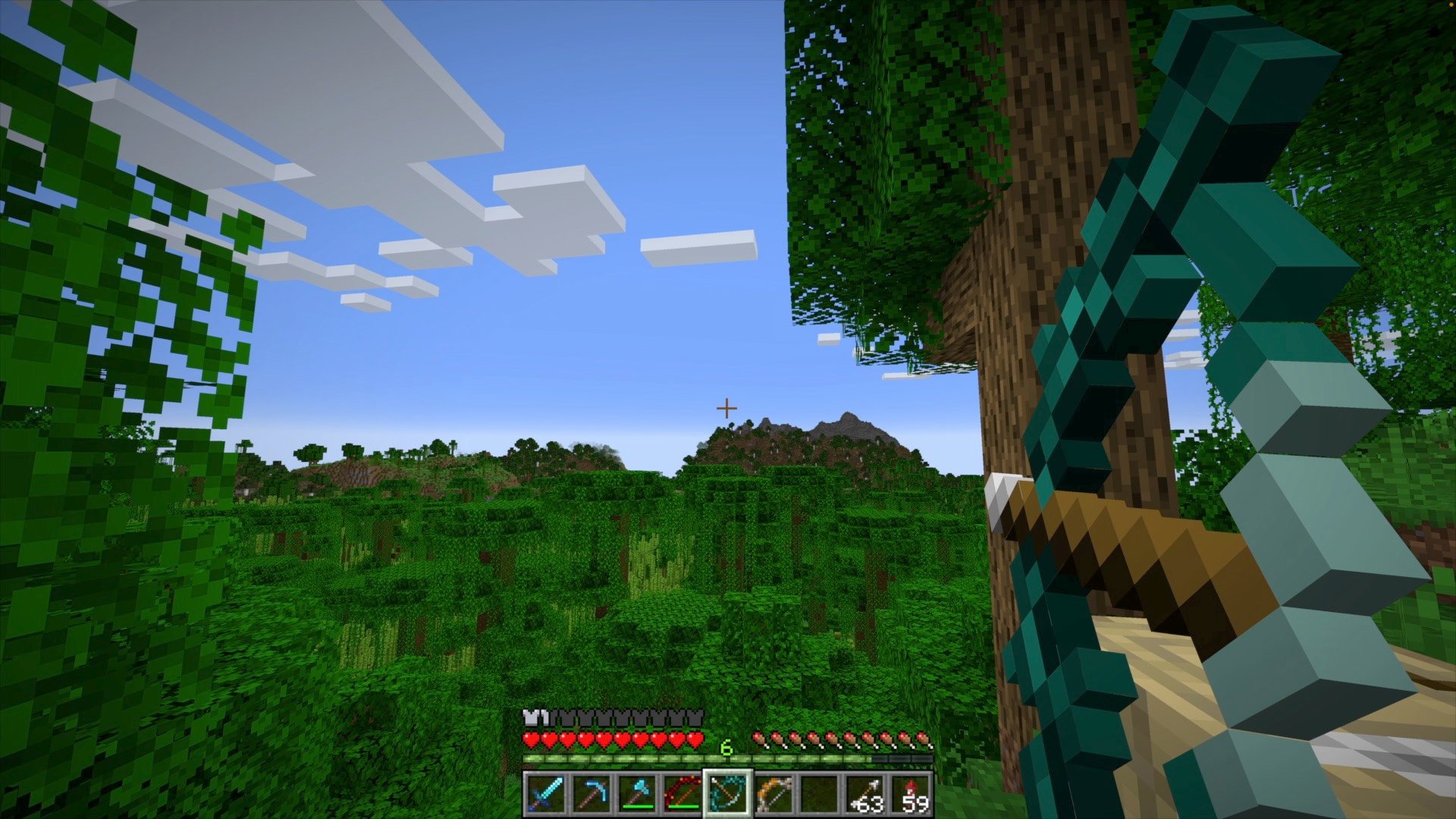
Weeping
Use weeping vines to craft a Weeping Bow. This bow is purely cosmetic.
Twisting
Use twisting vines to craft a Twisting Bow. This bow is purely cosmetic.
Bone
Use two bones and leather to craft a Bone Bow. This bow has more durability than a regular bow made of sticks.
Wind
Use breeze rods to craft a Wind Bow. This bow has a wind burst effect when a critical hit is landed.
Elite Power
Use copper ingots to craft an Elite Power Bow. This bow will always deal a critical hit.
Void
Use two end rods and an eye of ender to craft a Void Bow. This bow will randomly teleport the target when a critical hit is landed.
Available Versions
How to Install Fletching Table on Your Server
Order Server
Order a Minecraft Java server with at least 3 GB RAM (4 GB recommended).
Set datapack Loader
In the panel under "Egg", select the datapack loader and matching Minecraft version (1.21.4-rc3).
Install Mod
Open the mod browser in the dashboard and search for "Fletching Table". Click "Install" – done! Alternatively, upload the .jar via SFTP to the /mods folder.
Compatibility
Mod Loaders
Minecraft Versions
1.21.4-rc3, 1.21.4-rc2, 1.21.4-rc1 (+4 more)
Server-side
✓ RequiredRecommended RAM
4 GB(min. 3 GB)Frequently Asked Questions
Fletching Table server crashes on startup – what to do?
Most common cause: wrong datapack version or insufficient RAM. Check the server log (latest.log) for "OutOfMemoryError" or "Mixin" errors. With Mado Hosting: ensure at least 3 GB RAM is allocated and the loader matches the mod version (1.21.4-rc3). You can switch loaders with one click in the panel.
Is Fletching Table compatible with datapack and fabric and forge and neoforge and quilt?
Fletching Table officially supports datapack, fabric, forge, neoforge, quilt for Minecraft 1.21.4-rc3, 1.21.4-rc2, 1.21.4-rc1. Note: Forge and Fabric mods are NOT cross-compatible – pick one loader and stick with it. The Mado dashboard automatically detects incompatible loader combinations.
Server lagging with Fletching Table – how to optimize performance?
Recommended RAM: 4 GB (per 8 players). Use /spark profiler to check if Fletching Table consumes the most tick time. Common fixes: reduce server view-distance to 8-10, install "performant" or "starlight" as supplementary mods on Forge. With Mado Hosting, your server runs on NVMe SSDs with dedicated CPU cores for minimal latency.
Similar Mods




![[TaCZ] Timeless and Classics Zero](https://cdn.modrinth.com/data/SzzJttH8/fd27766d2bb8390d284696b1dbd358f87e081439_96.webp)

Rent Modded Server
Install Fletching Table with just one click on your server.