
Follow-Up Arrow
Fires additional arrows after main shot
Screenshots
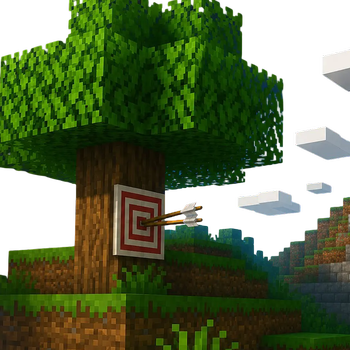
About this Mod
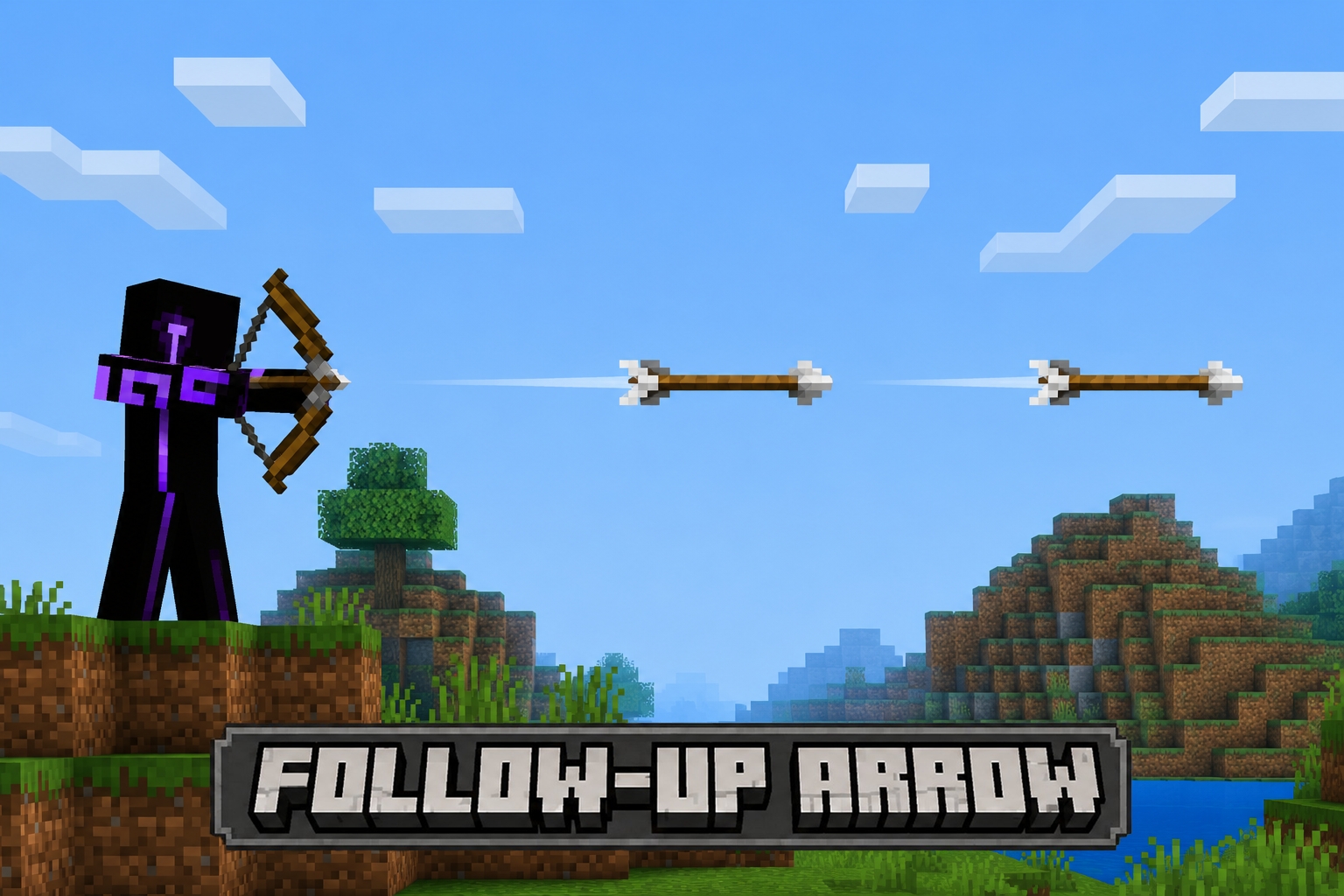
Follow-Up Arrow
The follow-up your bow never had.
Follow-Up is a bow enchantment that fires additional arrows immediately after your main shot, each with a short delay.
Enchantment Levels
| Level | Extra Arrows | Description |
|---|---|---|
| Follow-Up I | +1 arrow | One follow-up arrow fires after the main shot. |
| Follow-Up II | +2 arrows | Two follow-up arrows fire in quick succession. |
Follow-up arrows deal full damage and carry over applicable enchantments at reduced effect (e.g. Flame at half duration). Each arrow fires with a brief rhythmic delay — just enough to feel satisfying.
Note: Follow-up arrows reset the target's invulnerability timer so every shot connects — no phantom hits.
How to Obtain
Loot Chests
Found naturally in dungeon and structure loot with a chance roll.
Fletcher Villager
- Expert (level 4) — sells Follow-Up I
- Master (level 5) — sells Follow-Up II
Configuration
Tweak Follow-Up to fit your playstyle via the config file, or in-game with the Configured mod.
| Setting | Default | Description |
|---|---|---|
| Consume Arrows | ✅ On | Follow-up arrows consume from your inventory. Turn off for unlimited follow-ups regardless of ammo. |
| Damage Multiplier | 1.0 |
Damage dealt by each follow-up arrow. 1.0 = full damage, 0.5 = half damage. |
Infinity: A single regular arrow covers all follow-up shots when Infinity is active. Tipped and special arrows always consume from inventory, consistent with vanilla behavior.
Terms & Conditions
Follow-Up: Terms & Conditions
By using this mod, you agree to the following terms. These guidelines apply if you plan to share content using this mod publicly. The official Modrinth and CurseForge pages contain the authoritative version of these terms.
You MAY:
- Modify the mod for personal use (private modifications only, no public sharing)
- Include this mod in your modpack or server
- Create content featuring this mod (videos, streams, blog posts, etc.)
- Remix and transform the mod's assets to create something distinctly your own, with credit to the original creator
You MAY NOT:
- Redistribute this mod
- Port this mod to Minecraft Bedrock Edition
- Republish unedited assets without permission from the creator
- Include assets in paid products without explicit permission
Credits
Creator & Copyright Owner: Vyn Sierra
Available Versions
How to Install Follow-Up Arrow on Your Server
Order Server
Order a Minecraft Java server with at least 3 GB RAM (4 GB recommended).
Set forge Loader
In the panel under "Egg", select the forge loader and matching Minecraft version (1.21.1).
Install Mod
Open the mod browser in the dashboard and search for "Follow-Up Arrow". Click "Install" – done! Alternatively, upload the .jar via SFTP to the /mods folder.
Compatibility
Mod Loaders
Minecraft Versions
1.21.1, 1.20.1
Server-side
✓ RequiredRecommended RAM
4 GB(min. 3 GB)Frequently Asked Questions
Follow-Up Arrow server crashes on startup – what to do?
Most common cause: wrong forge version or insufficient RAM. Check the server log (latest.log) for "OutOfMemoryError" or "Mixin" errors. With Mado Hosting: ensure at least 3 GB RAM is allocated and the loader matches the mod version (1.21.1). You can switch loaders with one click in the panel.
Is Follow-Up Arrow compatible with forge and neoforge?
Follow-Up Arrow officially supports forge, neoforge for Minecraft 1.21.1, 1.20.1. The Mado dashboard automatically detects incompatible loader combinations.
Server lagging with Follow-Up Arrow – how to optimize performance?
Recommended RAM: 4 GB (per 8 players). Use /spark profiler to check if Follow-Up Arrow consumes the most tick time. Common fixes: reduce server view-distance to 8-10, install "performant" or "starlight" as supplementary mods on Forge. With Mado Hosting, your server runs on NVMe SSDs with dedicated CPU cores for minimal latency.
Similar Mods




Rent Modded Server
Install Follow-Up Arrow with just one click on your server.