
FPS Drop When You Hurt
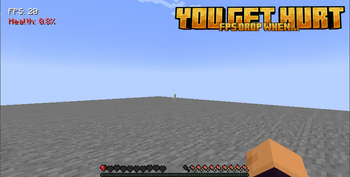
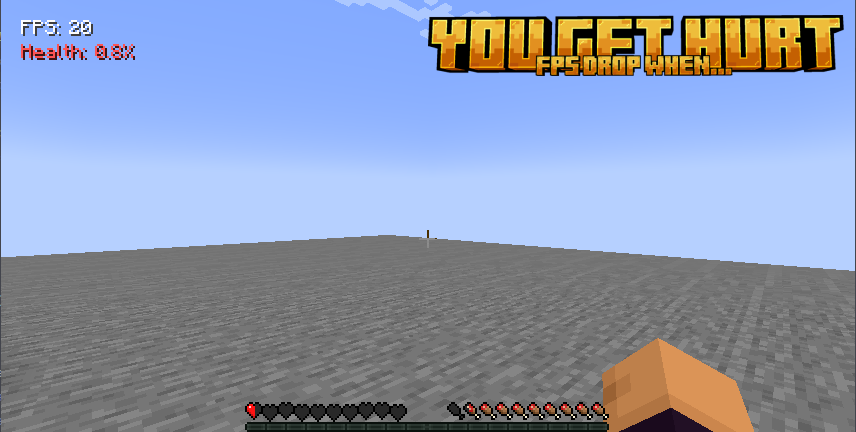
This mod links your framerate to your character's health. If injured or near death, your framerate drops and only recovers by eating food to heal. Adds a challenging survival twist to gameplay!
Screenshots

About this Mod

About
This mod introduces a unique survival mechanic where your character's health directly affects your framerate. The lower your health, the worse your framerate becomes—dropping significantly when you're critically injured or near death. To restore smooth gameplay, you must consume food to regain health, adding an intense and immersive layer to the experience. This mechanic forces players to prioritize their survival, making every injury feel more punishing. Perfect for hardcore gamers seeking an extra challenge and heightened realism!
Command
- /fpshealthmod - Show current status
- /fpshealthmod help - Show this help
- /fpshealthmod setmax
- Set maximum FPS (full health) - /fpshealthmod setmin
- Set minimum FPS (zero health) - /fpshealthmod toggle - Toggle the mod on/off
- /fpshealthmod toggle <true/false> - Set mod state
- /fpshealthmod status - Show current configuration
Credit
Made by @PPekKunGzDev and @UnunYY
Available Versions
How to Install FPS Drop When You Hurt on Your Server
Order Server
Order a Minecraft Java server with at least 3 GB RAM (4 GB recommended).
Set fabric Loader
In the panel under "Egg", select the fabric loader and matching Minecraft version (1.21.4).
Install Mod
Open the mod browser in the dashboard and search for "FPS Drop When You Hurt". Click "Install" – done! Alternatively, upload the .jar via SFTP to the /mods folder.
Compatibility
Mod Loaders
Minecraft Versions
1.21.4, 1.20.1
Server-side
✗ UnsupportedRecommended RAM
4 GB(min. 3 GB)Frequently Asked Questions
FPS Drop When You Hurt server crashes on startup – what to do?
Most common cause: wrong fabric version or insufficient RAM. Check the server log (latest.log) for "OutOfMemoryError" or "Mixin" errors. With Mado Hosting: ensure at least 3 GB RAM is allocated and the loader matches the mod version (1.21.4). You can switch loaders with one click in the panel.
Is FPS Drop When You Hurt compatible with fabric?
FPS Drop When You Hurt officially supports fabric for Minecraft 1.21.4, 1.20.1. The Mado dashboard automatically detects incompatible loader combinations.
Server lagging with FPS Drop When You Hurt – how to optimize performance?
Recommended RAM: 4 GB (per 8 players). Use /spark profiler to check if FPS Drop When You Hurt consumes the most tick time. Common fixes: reduce server view-distance to 8-10, install "performant" or "starlight" as supplementary mods on Forge. With Mado Hosting, your server runs on NVMe SSDs with dedicated CPU cores for minimal latency.
Similar Mods





Rent Modded Server
Install FPS Drop When You Hurt with just one click on your server.