
Free camera API
Free camera mode and modify camera state flexible
Screenshots
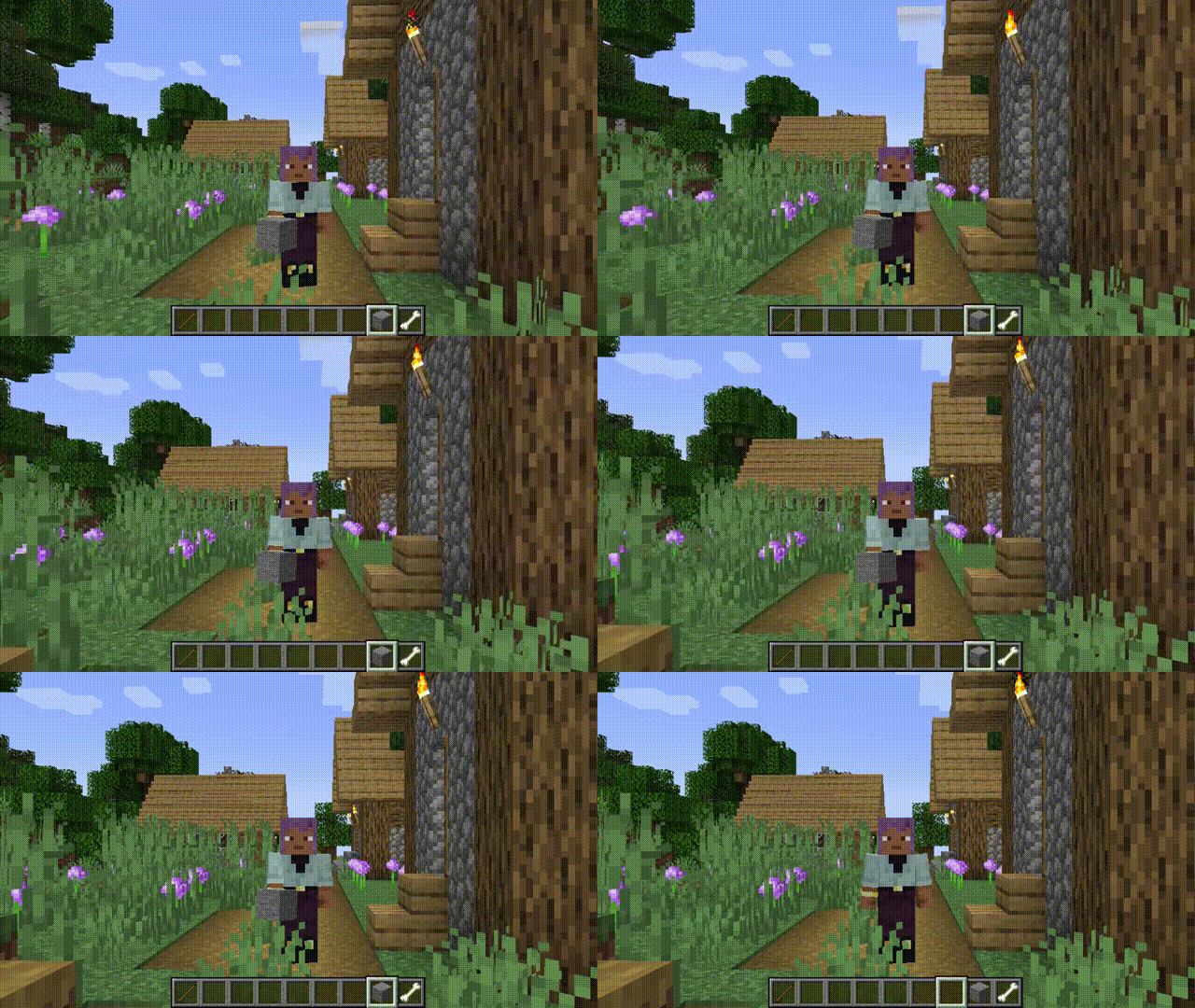
About this Mod
Free camera API V5
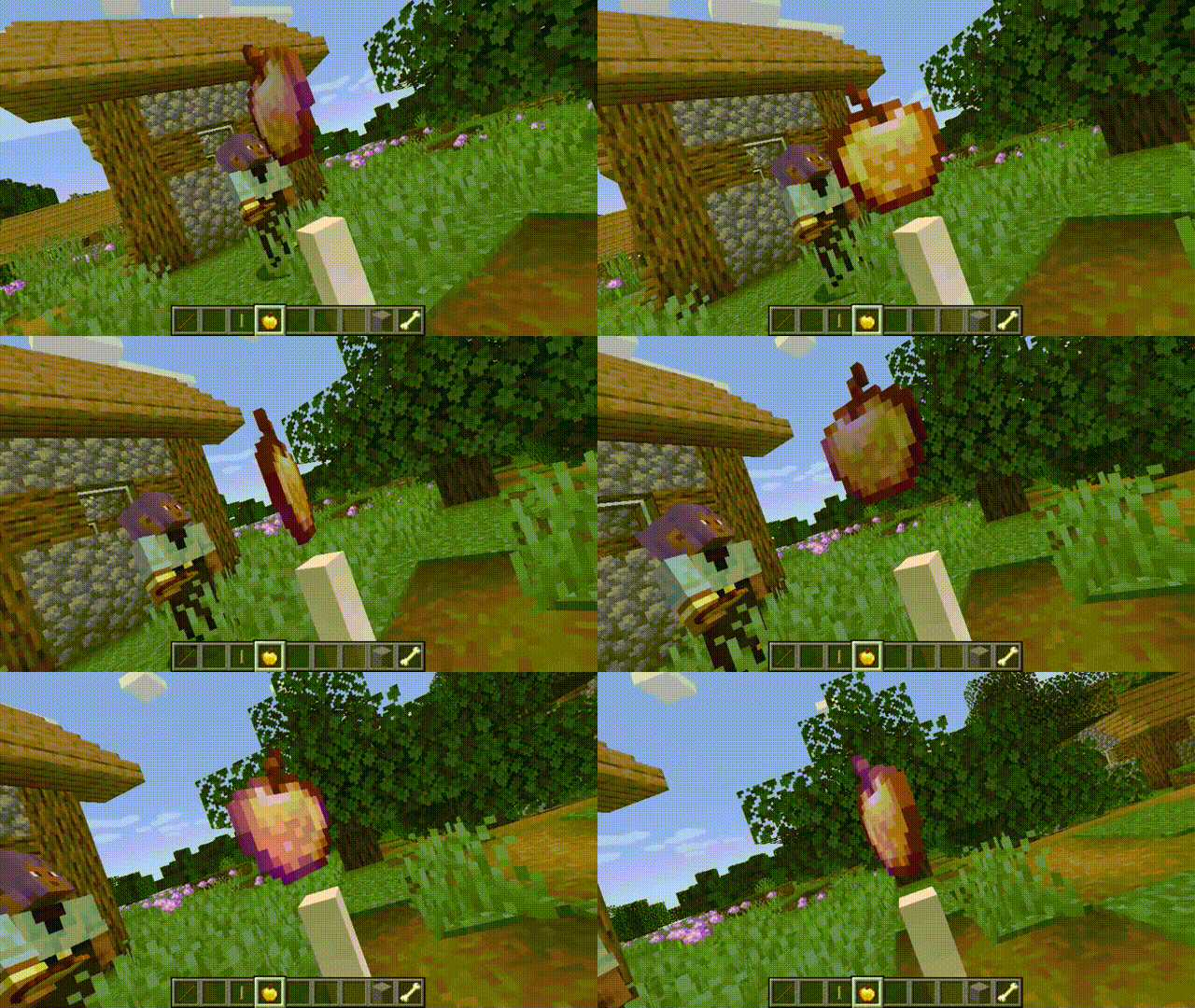
Free camera mode
Since version 3.2.0, the mod has included a built-in free camera feature, as many players were attracted by the mod's name only to discover that such functionality was not actually present.
By default, this feature is not bound to a key mapping and requires manual setup. Block collision detection is enabled by default and can be disabled via the configuration interface. If the mod is not installed on the server, it will be force-enabled; otherwise, it will follow the server's settings.
What are the advantages?
- Decouples from camera internals, reducing complexity.
- Simple and flexible usage.
- Supports loading chunks beyond the player's view range (with expansion).
How to Register and Use the Plugin
Create the plugin class
@Plugin(value = "example", priority = ModifierPriority.LOWEST)
public class ExamplePlugin implements CameraPlugin {
    // ...
}
value: Plugin unique identifier (string)
priority: Priority setting (ModifierPriority.HIGH/LOWEST etc.)Initialization
public ExamplePlugin(CameraModifier modifier) {
    modifier.disable()
            .enablePos()
            .enableFov()
            .enableGlobalMode();
}
Update camera data every frame
modifier
            .enablePos() // Enable position modification
            .enableRotation() // Enable rotation modification
            .enableFov() // Enable FOV modification
            .setPos(1, 2, 3) // Set camera position to (1,2,3), default is local coordinates centered on player
            .addPos(1, 2, 3)
            .setRotationYXZ(90f, 15f, 25f) // Set camera rotation to (90f, 15f, 25f)
            .move(0, 0, -5) // Move camera based on current rotation
            .enableGlobalMode() // Enable global mode, all coordinates and rotations will be modified according to world coordinates
            .enableChunkLoader() // Enable chunk loader, load chunks around the camera. An additional Free Camera API Addition mod needs to be installed to enable this feature, otherwise it will have no effect
            .enableObstacle() // Enable collision detection
Gallery
Available Versions
How to Install Free camera API on Your Server
Order Server
Order a Minecraft Java server with at least 3 GB RAM (4 GB recommended).
Set forge Loader
In the panel under "Egg", select the forge loader and matching Minecraft version (26.1.2).
Install Mod
Open the mod browser in the dashboard and search for "Free camera API". Click "Install" – done! Alternatively, upload the .jar via SFTP to the /mods folder.
Compatibility
Mod Loaders
Minecraft Versions
26.1.2, 1.21.11, 1.21.10 (+9 more)
Server-side
~ OptionalRecommended RAM
4 GB(min. 3 GB)Frequently Asked Questions
Free camera API server crashes on startup – what to do?
Most common cause: wrong forge version or insufficient RAM. Check the server log (latest.log) for "OutOfMemoryError" or "Mixin" errors. With Mado Hosting: ensure at least 3 GB RAM is allocated and the loader matches the mod version (26.1.2). You can switch loaders with one click in the panel.
Is Free camera API compatible with forge and neoforge?
Free camera API officially supports forge, neoforge for Minecraft 26.1.2, 1.21.11, 1.21.10. The Mado dashboard automatically detects incompatible loader combinations.
Server lagging with Free camera API – how to optimize performance?
Recommended RAM: 4 GB (per 8 players). Use /spark profiler to check if Free camera API consumes the most tick time. Common fixes: reduce server view-distance to 8-10, install "performant" or "starlight" as supplementary mods on Forge. With Mado Hosting, your server runs on NVMe SSDs with dedicated CPU cores for minimal latency.
Similar Mods



Rent Modded Server
Install Free camera API with just one click on your server.