
FSE Railway Ticketing sys.
A railway ticketing system designed specifically for FSE servers Includes ticket vending machines, ticket gates, standard tickets and express tickets
Screenshots
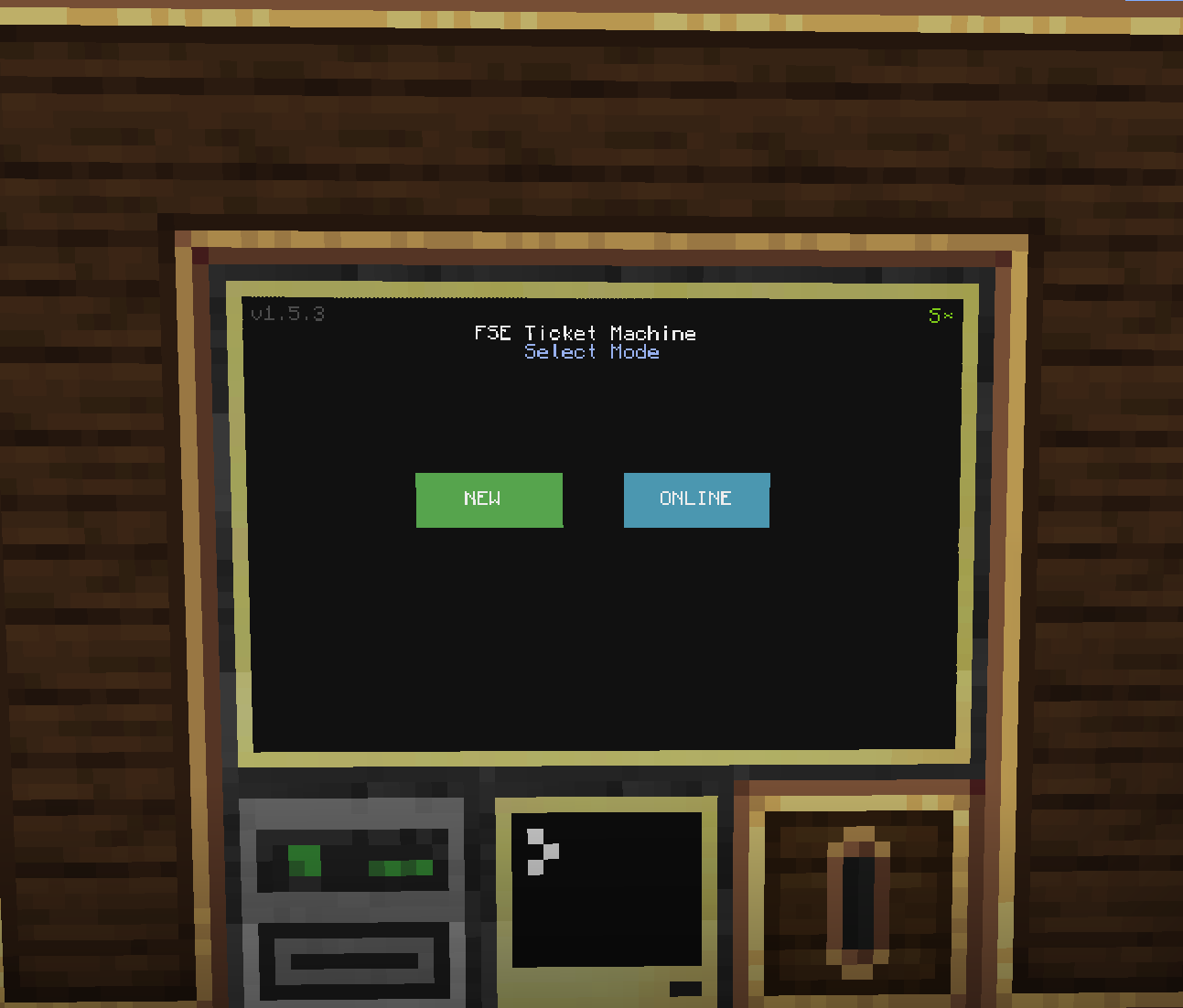
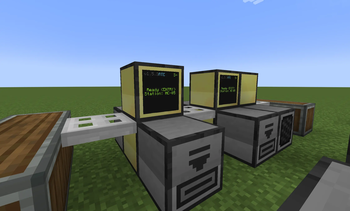
About this Mod
FSE铁路运输票务系统
欢迎使用FSE铁路运输票务系统
请务必确保Kubjs字体库中包含jnr.ttf 祝使用愉快!
售票机
用于出票。
通过Computercraft传入票件数据,写入票件nbt。
检票机
用于检票。
通过右键识别票件,将票见数据传入Computercraft,读取票件nbt,对票件进行操作。
FSE Rail Transport Ticketing System
Ticket Vending Machine
Used for issuing tickets.
Ticket data is imported via Computercraft and written to the ticket’s NBT file.
Ticket Validator
Used for ticket validation.
It identifies tickets via right-click, transfers ticket data to Computercraft, reads the ticket’s NBT file, and performs operations on the ticket.
Available Versions
How to Install FSE Railway Ticketing sys. on Your Server
Order Server
Order a Minecraft Java server with at least 3 GB RAM (4 GB recommended).
Set neoforge Loader
In the panel under "Egg", select the neoforge loader and matching Minecraft version (1.21.1).
Install Mod
Open the mod browser in the dashboard and search for "FSE Railway Ticketing sys.". Click "Install" – done! Alternatively, upload the .jar via SFTP to the /mods folder.
Compatibility
Mod Loaders
Minecraft Versions
1.21.1
Server-side
✓ RequiredRecommended RAM
4 GB(min. 3 GB)Frequently Asked Questions
FSE Railway Ticketing sys. server crashes on startup – what to do?
Most common cause: wrong neoforge version or insufficient RAM. Check the server log (latest.log) for "OutOfMemoryError" or "Mixin" errors. With Mado Hosting: ensure at least 3 GB RAM is allocated and the loader matches the mod version (1.21.1). You can switch loaders with one click in the panel.
Is FSE Railway Ticketing sys. compatible with neoforge?
FSE Railway Ticketing sys. officially supports neoforge for Minecraft 1.21.1. The Mado dashboard automatically detects incompatible loader combinations.
Server lagging with FSE Railway Ticketing sys. – how to optimize performance?
Recommended RAM: 4 GB (per 8 players). Use /spark profiler to check if FSE Railway Ticketing sys. consumes the most tick time. Common fixes: reduce server view-distance to 8-10, install "performant" or "starlight" as supplementary mods on Forge. With Mado Hosting, your server runs on NVMe SSDs with dedicated CPU cores for minimal latency.
Similar Mods


Rent Modded Server
Install FSE Railway Ticketing sys. with just one click on your server.