
Fureniku's Roads
Add roads to your Minecraft world!
Screenshots
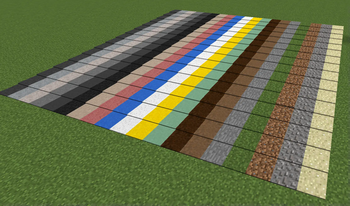
About this Mod
Paving the way to a better world
Fureniku's Roads is a mod with one goal in mind: to add highly customizable roads to your Minecraft world!
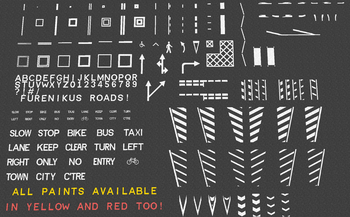
Formally known as FlenixRoads, this mod adds 19 different types of road, with customizable height, and over 80 different paint patterns in 3 different colours. You can combine the roads and paint as you see fit. More blocks to decorate your streets are coming too!
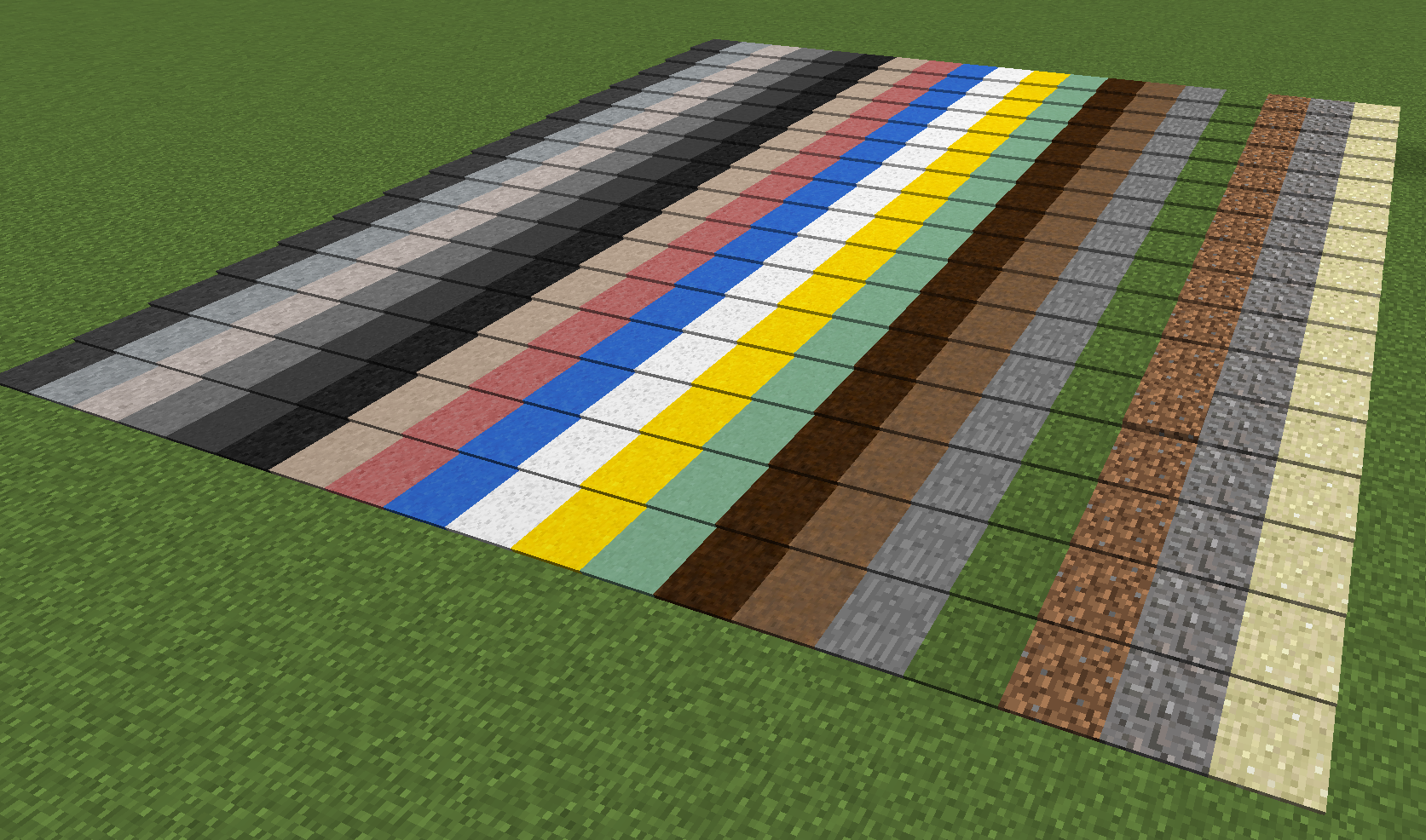 14 exclusive road types, with 5 vanilla (stone, grass, gravel, dirt, sand). 16 height options.
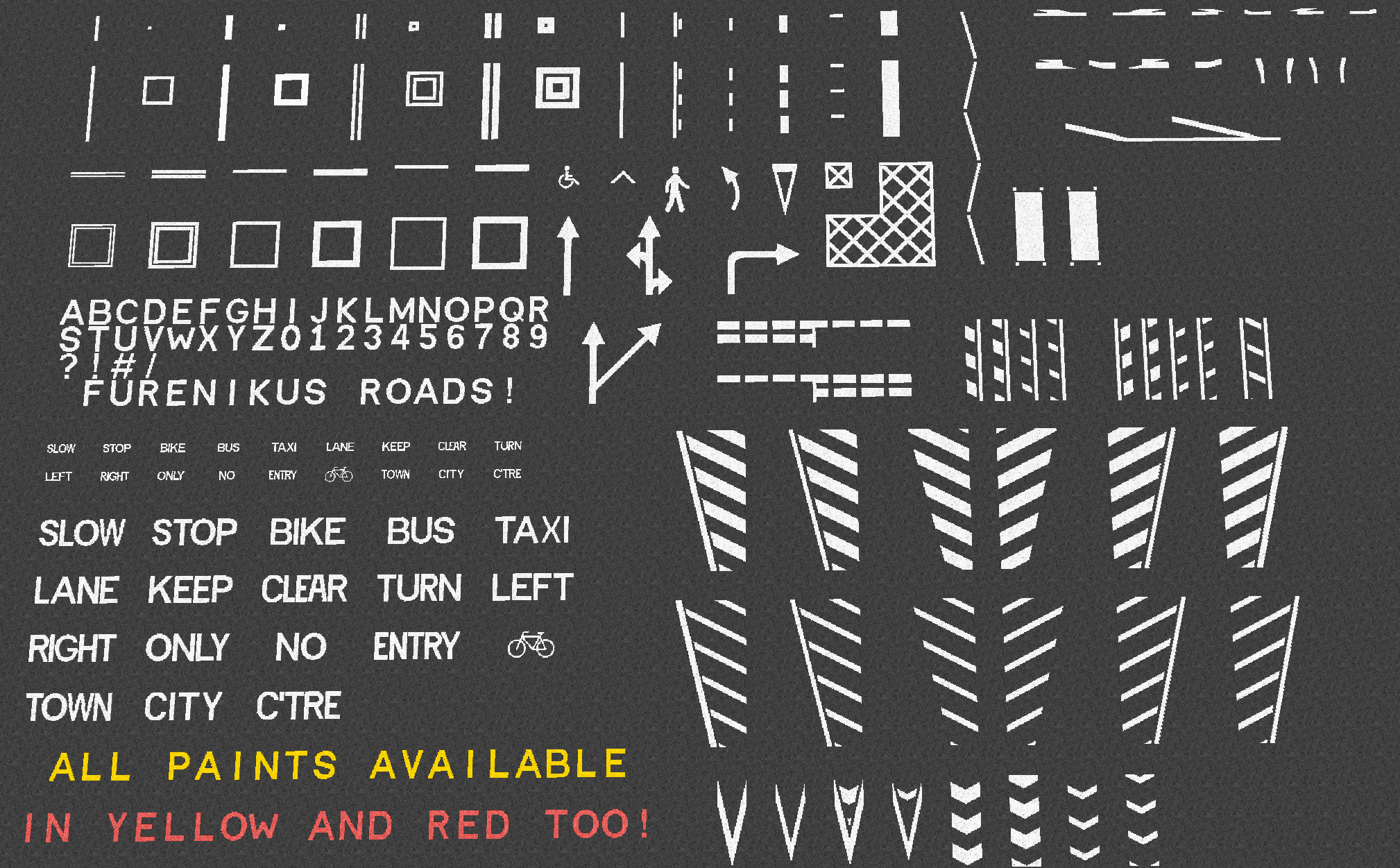 All paints are available in Yellow and Red too. You can place paint on any block, and letters can be placed on walls too!
So, what does it do exactly...?
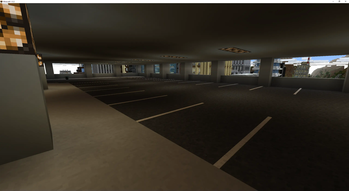
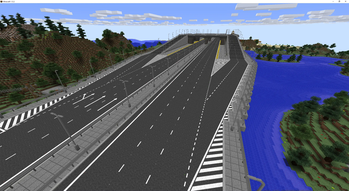
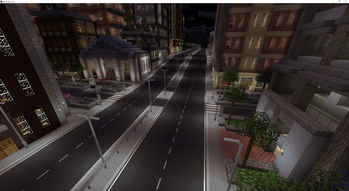
This is mostly a decorative mod, so alone it doesn't "do" much. It allows you to express your creativity in a new way, and it's great for city roleplay builds too. I guess the best way to show it off is to show some screenshots! All roads shown here are built in a modified version of City of Newisle by Blip Noir
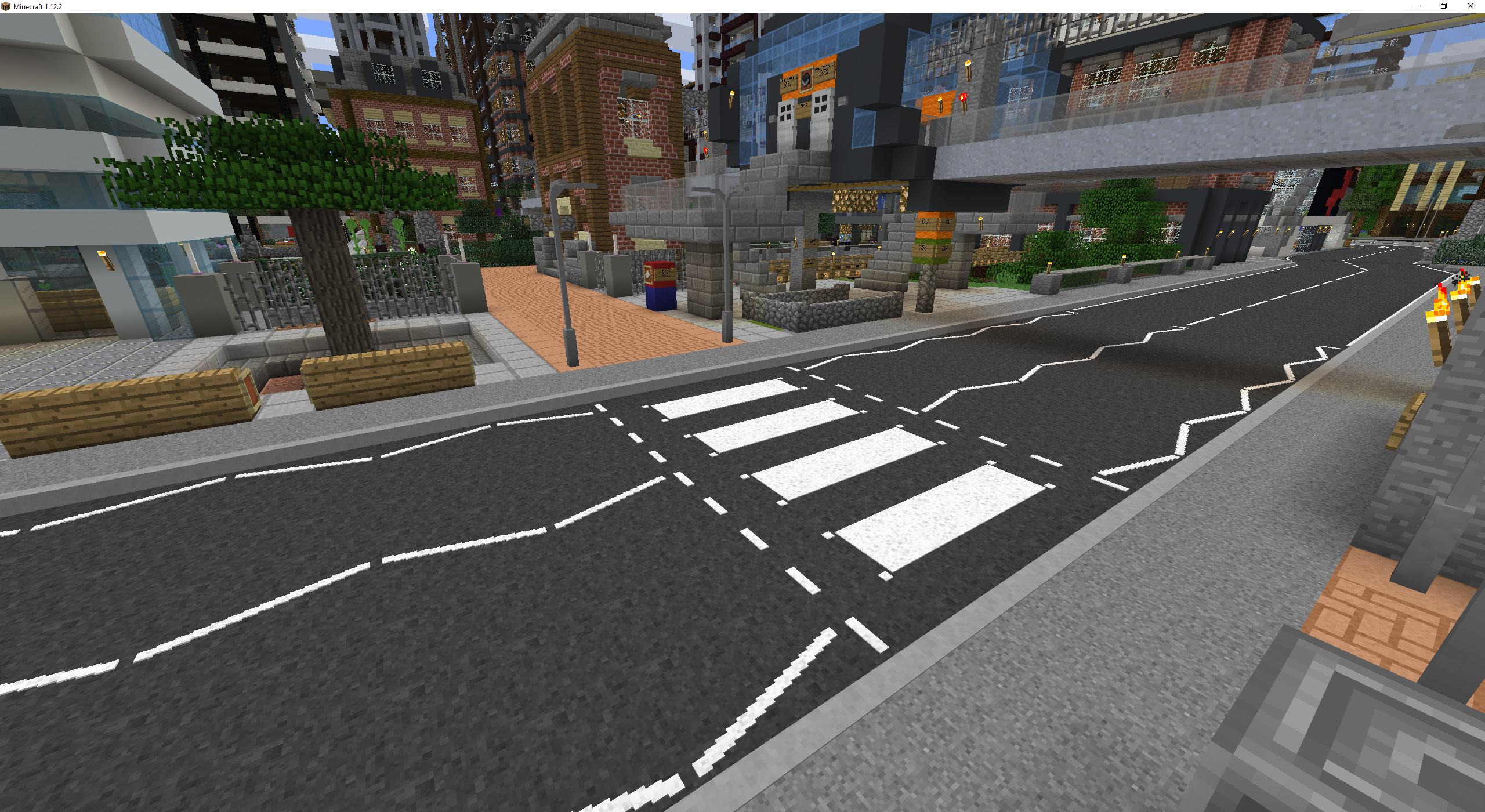
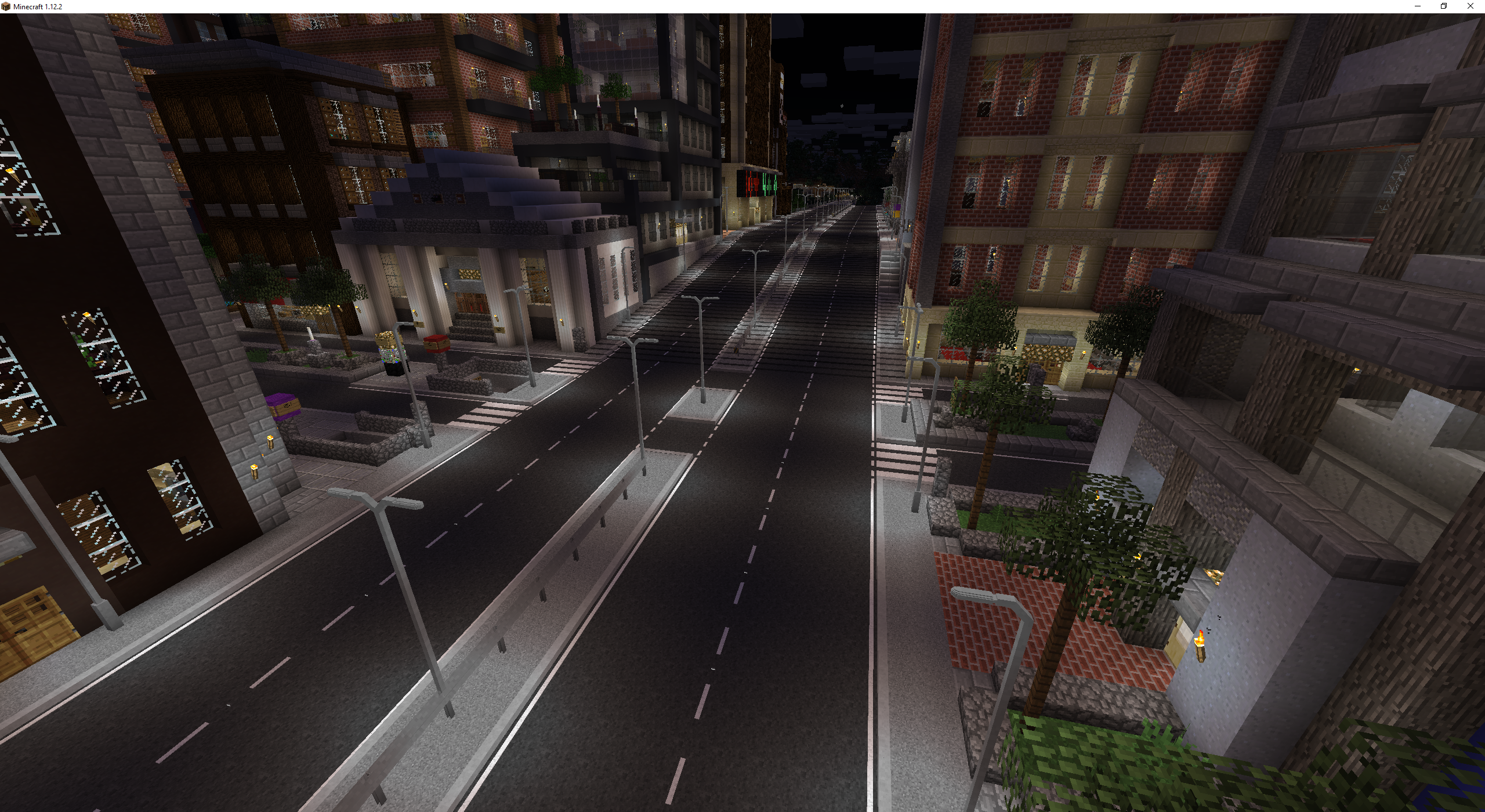
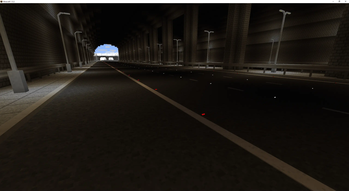
Roads are of course just the 1.0 release though! With future releases I plan to add more things to decorate your roads with, such as signs, lighting and more! I've included a few examples of things to come in this 1.0 release, such as the first street lights, barrier, and a reflector.
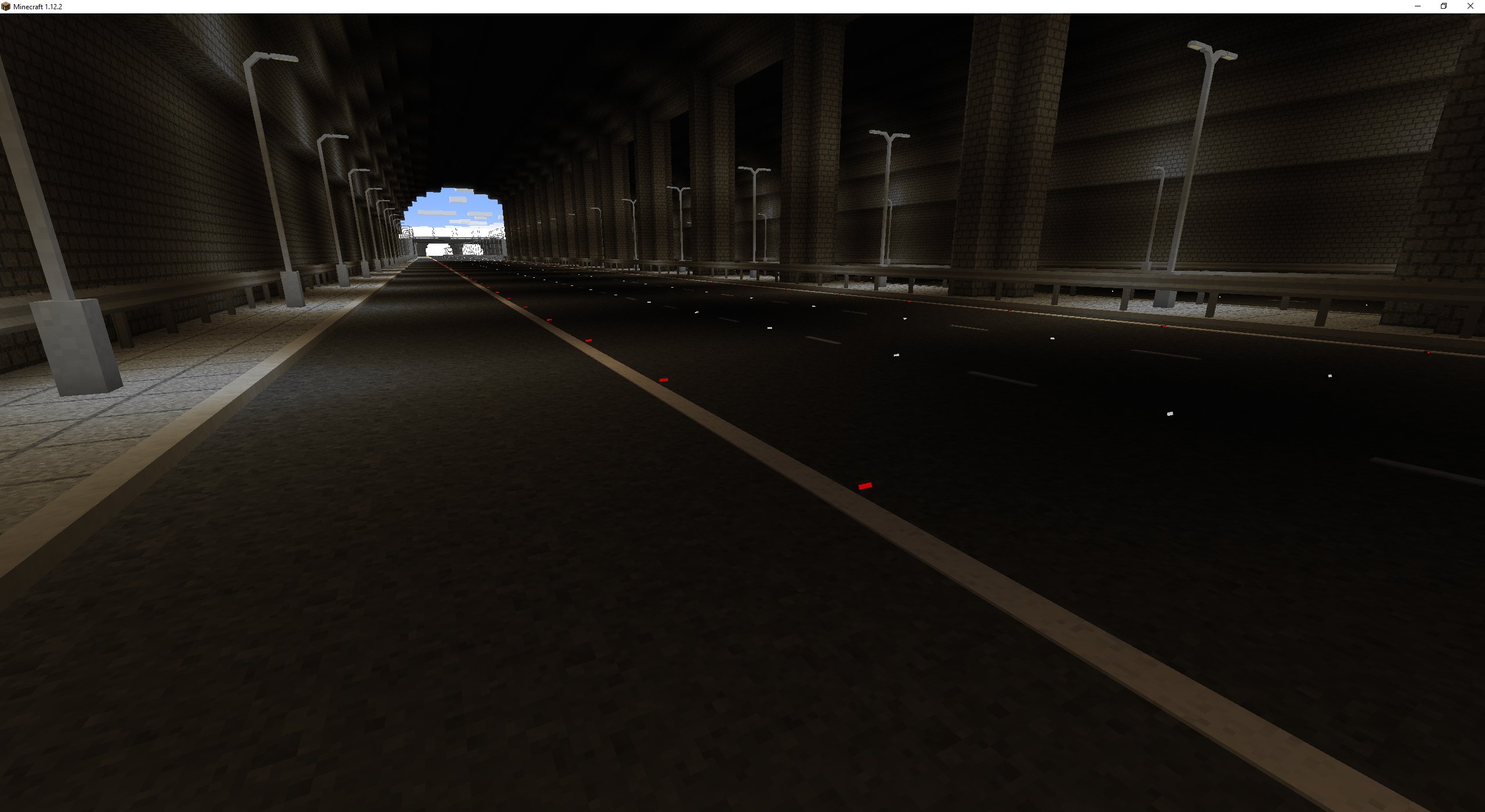
Disclaimer: The reflectors shown here will not render like this with Optifine installed.
The lighting in Fureniku's Roads is a bit fancy too. Here's a day/night comparison of a highway: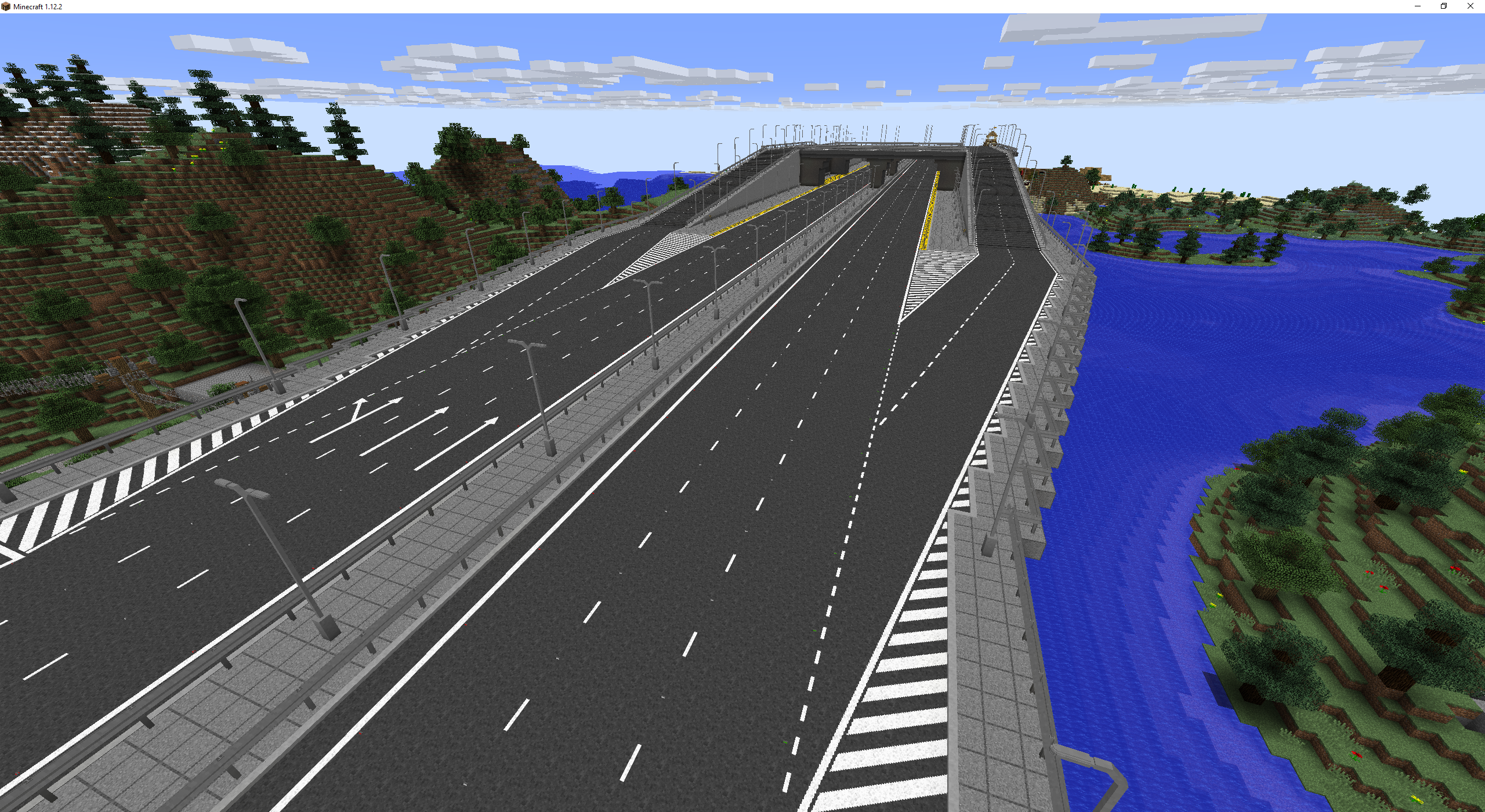
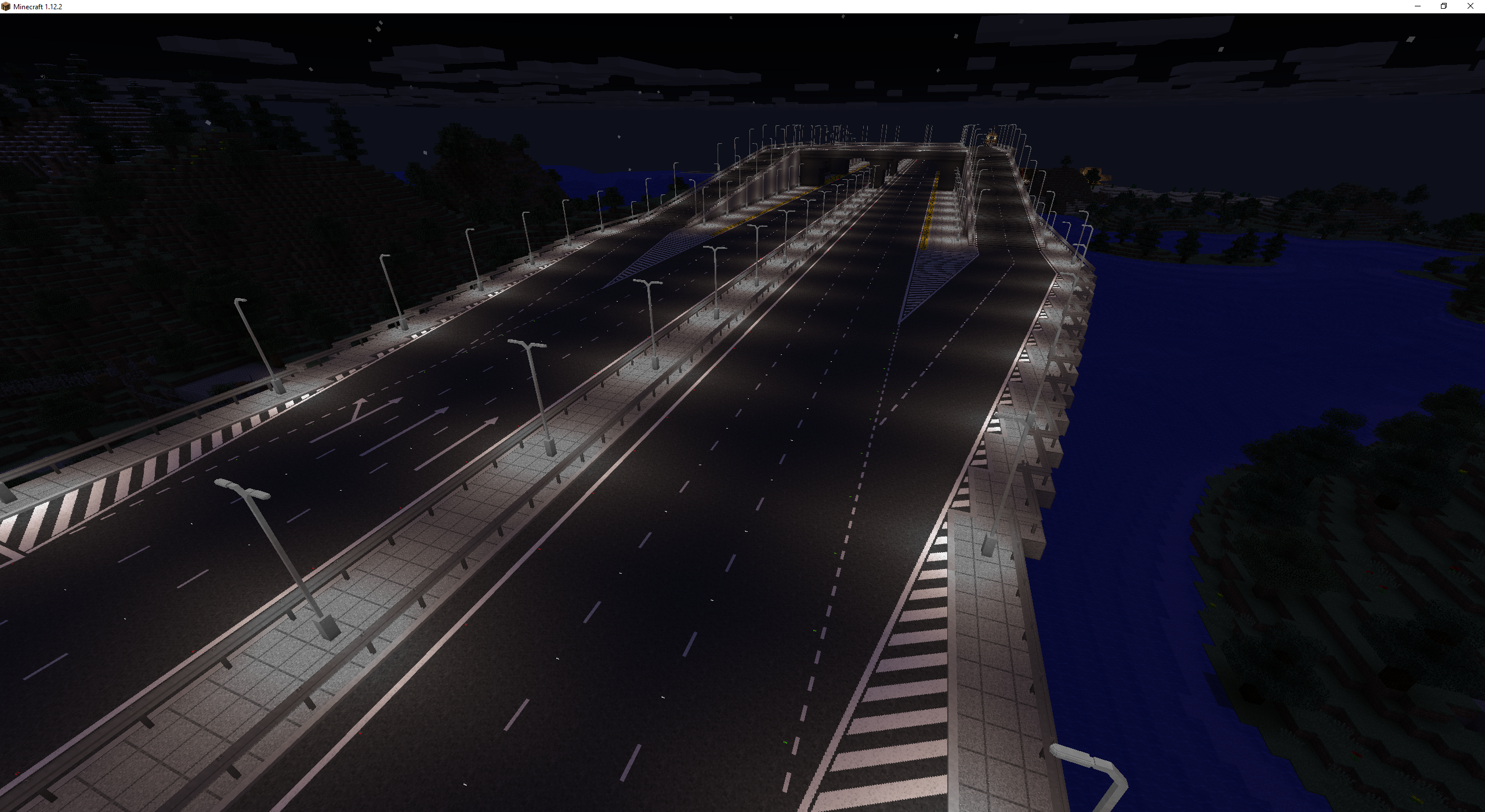
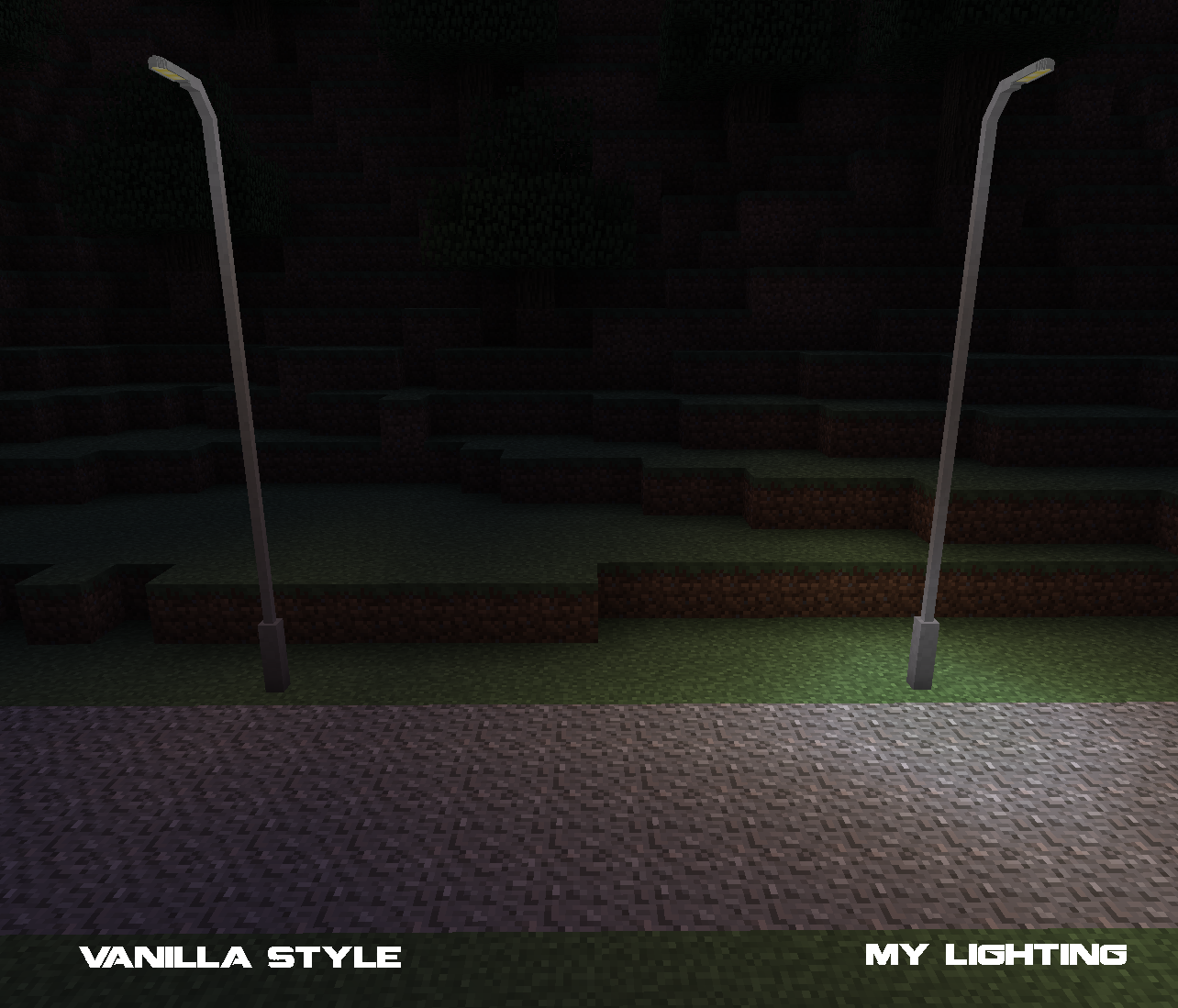
My street lights use a custom system which creates a fake light source at the base, giving them a more natural lighting feel than Minecraft would normally offer.
Crafting
Those of you who are familiar with my mods from 1.6 and 1.7 probably remember I didn't like making crafting recipes. Well, that is a thing of the past! Everything in Fureniku's Roads is now craftable and the mod can be played completely survival.
Crafting recipes and guides are available through my website, or by installing JEI.
Paint Gun
To extend the crafting system, is the paint gun! This is what you'll use to paint your roads and is useful for both survival and creative players. Just fill it up (if you're in Survival), pick your paint, pick your colour and off you go! The Paint Gun is great to manage your different paint types without filling up the hotbar. You can also use the "pick block" function (middle mouse by default) to select the paint you're currently targeting and load it up on the gun.
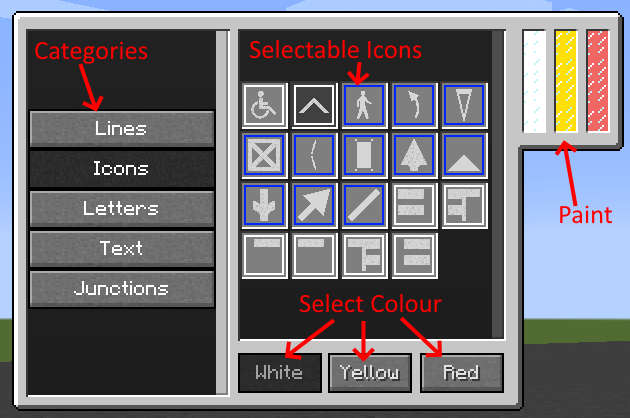
A blue border around an option suggests its a mutli-block paint and will connect to others around it. The display and tanks on the paint gun model are fully functioning!
Custom Paints
As of version 1.2, you can now make your own custom paints! No modding or modelling experience required!
To add new paints to your world, first head over to my fancy editor: http://fureniku.com/roads/editor/ (Currently offline due to technical issues! Please join the discord for more info)
Next, draw anything you like! Scroll down to see some options such as adding helpful grid lines or changing the resolution - paints can be 16x16, 32x32 or 64x64. Most paints included in the mod are 32x32 if you want to keep on theme.
Once your glorious artwork is completed, make sure you fill in the names and then hit the Export button and you'll get a .json download! Run the game once if you haven't already, then in your Mods folder you'll find a "RoadPaints" folder. Drop your JSON in there and it'll appear in-game!
A quick summary of the options on the editor:
- Internal Name: this must be completely unique amongst all paints, and must be all one word. If you're unsure, just call it yourUserNamePaintName. You can use underscores _ and hyphens - too, but no other punctuation.
- Display name: This is the name shown to players when they hover over it in their inventory, with WAILA, etc. Unfortunately it cannot be localised, so it will be the same in all languages.
- Category: This is the tab it will appear in within the paint gun. Naming one of the five defaults will add it to those, or enter any other name to make your own new category!
- Type: The type of paint you're making! Changing this will wipe your progress!
1x1 Icon: Simple, every-day standard paint
1x1 Wall Icon: Similar to letters, this can be drawn on walls as well as the floor
2x1, 3x1 and 4x1 Icon: These can be placed side-by-side to create larger images, and will automatically place the correct one if it can
3x1 + 1x1 Text: These are just like the Text prefabs included in the mod. You'll make a small and large variant together.
Your custom paints will be available in the paint gun in your selected category, and also in a Creative tab dedicated to custom paints.
Made something cool? Come share it in my Discord!
Discord
Join my discord server to keep up-to-date! Make sure to give yourself the Minecraft role (!rank minecraft) so you'll be notified of new releases and so on!

Available Versions
How to Install Fureniku's Roads on Your Server
Order Server
Order a Minecraft Java server with at least 3 GB RAM (4 GB recommended).
Set forge Loader
In the panel under "Egg", select the forge loader and matching Minecraft version (1.12.2).
Install Mod
Open the mod browser in the dashboard and search for "Fureniku's Roads". Click "Install" – done! Alternatively, upload the .jar via SFTP to the /mods folder.
Compatibility
Mod Loaders
Minecraft Versions
1.12.2, 1.7.10, 1.6.4
Server-side
✓ RequiredRecommended RAM
4 GB(min. 3 GB)Frequently Asked Questions
Fureniku's Roads server crashes on startup – what to do?
Most common cause: wrong forge version or insufficient RAM. Check the server log (latest.log) for "OutOfMemoryError" or "Mixin" errors. With Mado Hosting: ensure at least 3 GB RAM is allocated and the loader matches the mod version (1.12.2). You can switch loaders with one click in the panel.
Is Fureniku's Roads compatible with forge?
Fureniku's Roads officially supports forge for Minecraft 1.12.2, 1.7.10, 1.6.4. The Mado dashboard automatically detects incompatible loader combinations.
Server lagging with Fureniku's Roads – how to optimize performance?
Recommended RAM: 4 GB (per 8 players). Use /spark profiler to check if Fureniku's Roads consumes the most tick time. Common fixes: reduce server view-distance to 8-10, install "performant" or "starlight" as supplementary mods on Forge. With Mado Hosting, your server runs on NVMe SSDs with dedicated CPU cores for minimal latency.
Similar Mods




Rent Modded Server
Install Fureniku's Roads with just one click on your server.