GardenBotanical
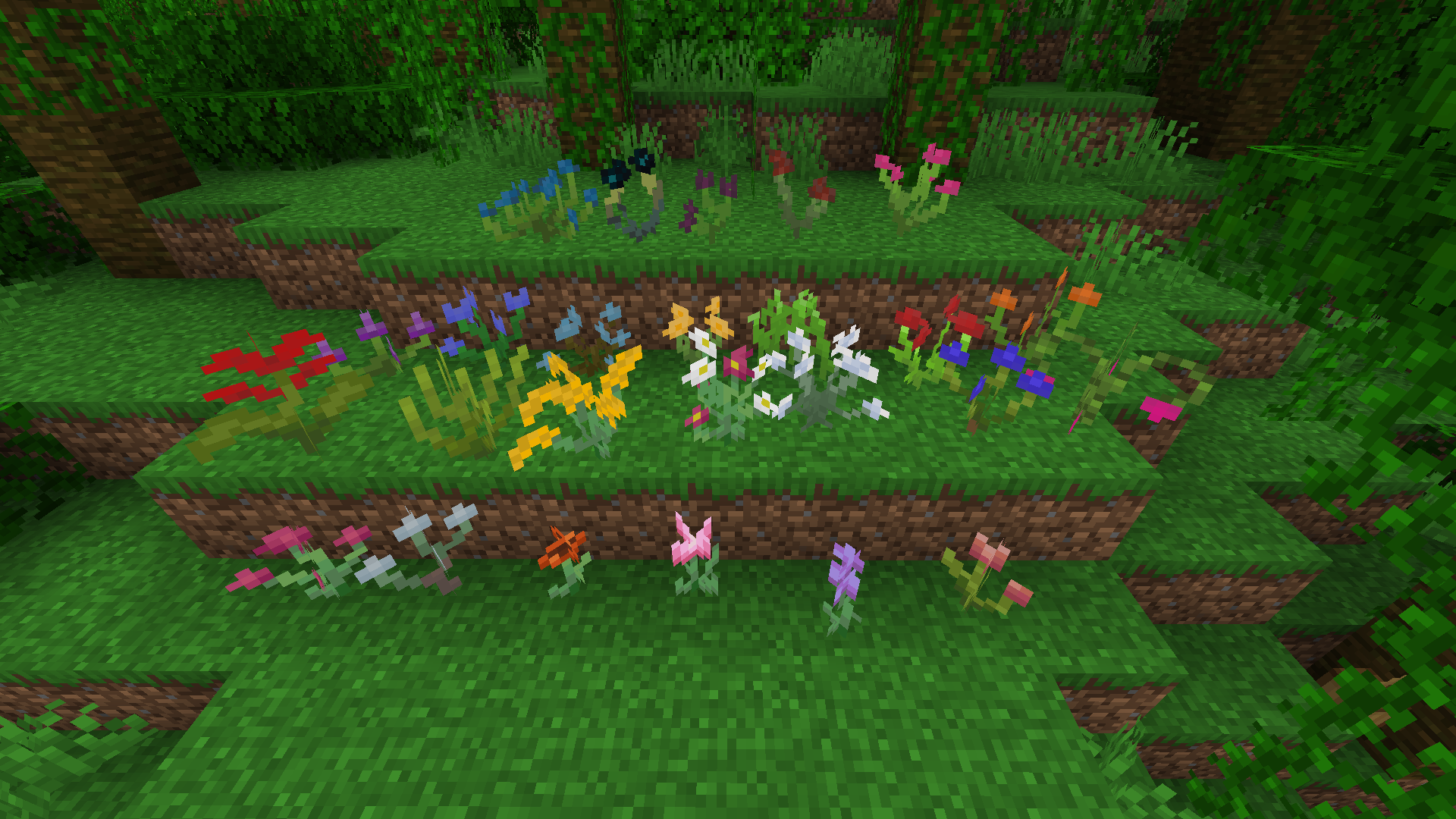
The mod adds 25 new colors that can be found all over the world!
Screenshots
About this Mod
GardenBotanical
GardenBotanical adds flowers in Minecraft!
The mod adds 25 new colors that can be found all over the world! There are very rare flowers that can be found in the darkest corners of the world.
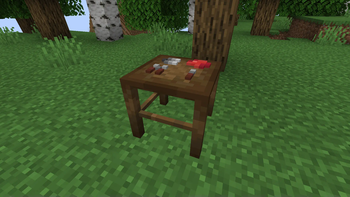
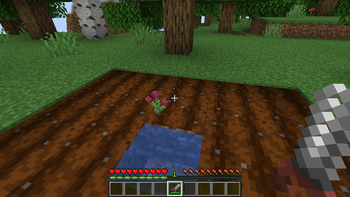
All flowers can be collected using Garden Pruners, and then the flower can be divided into petals and seeds on the Preparation Table. Seeds can be planted in farmland, and you will get a new flower!
Flower petals can be ground in a Pounding Table to make flower powder.
Also, GardenBotanical adds a new dye system! The mod adds a Dye Mixer block that mixes flower powder, and as a result you can get a unique dye with HEX color.
Flowers
Functional Blocks and Tools
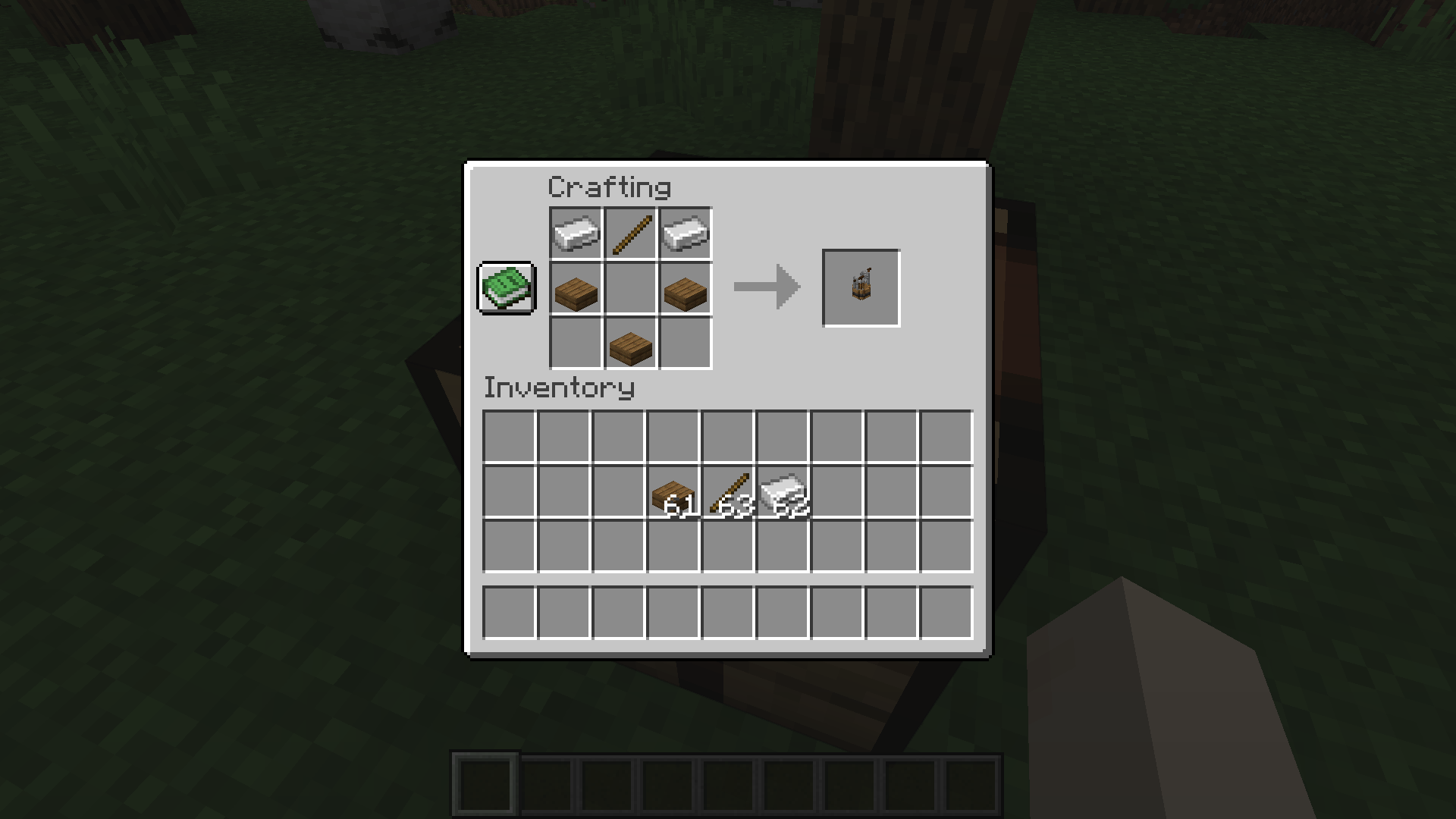
Garden Pruner
Garden Pruner is needed to collect flowers from the mod. Without it, it is impossible to collect them in survival!
Using

Crafting

Preparation Table
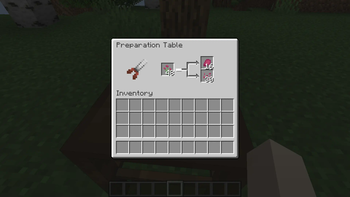
Preparation Table is needed to separate the flower into petals and seeds. Preparation Table always produces 1 petal and 1 to 3 seeds.
Showing
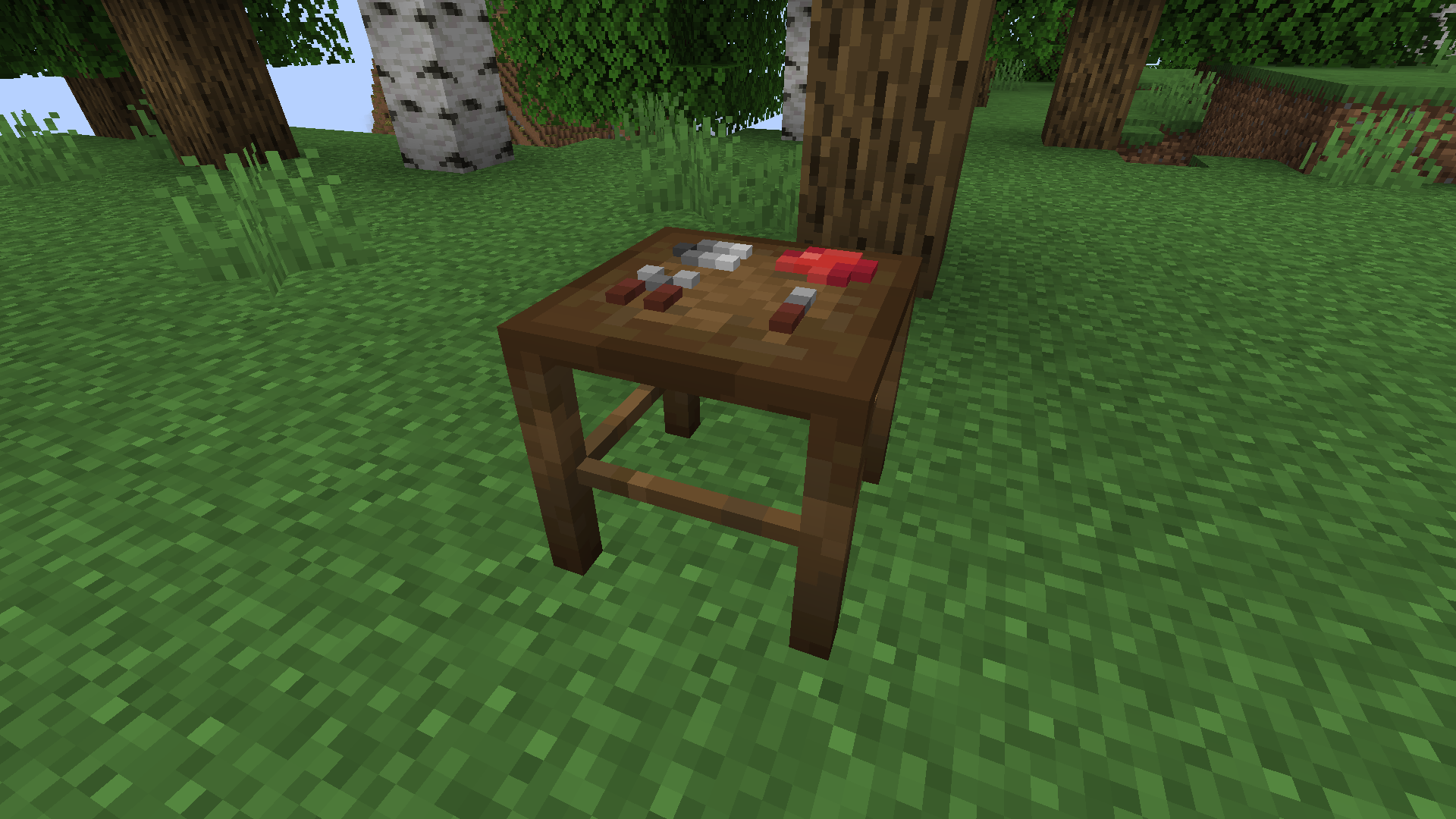
Using

Crafting

Pounding Table
Pounding Table is needed for grinding petals into flower powder. To use Pounding Table, you need silicon, which must be placed in a special slot.
Showing
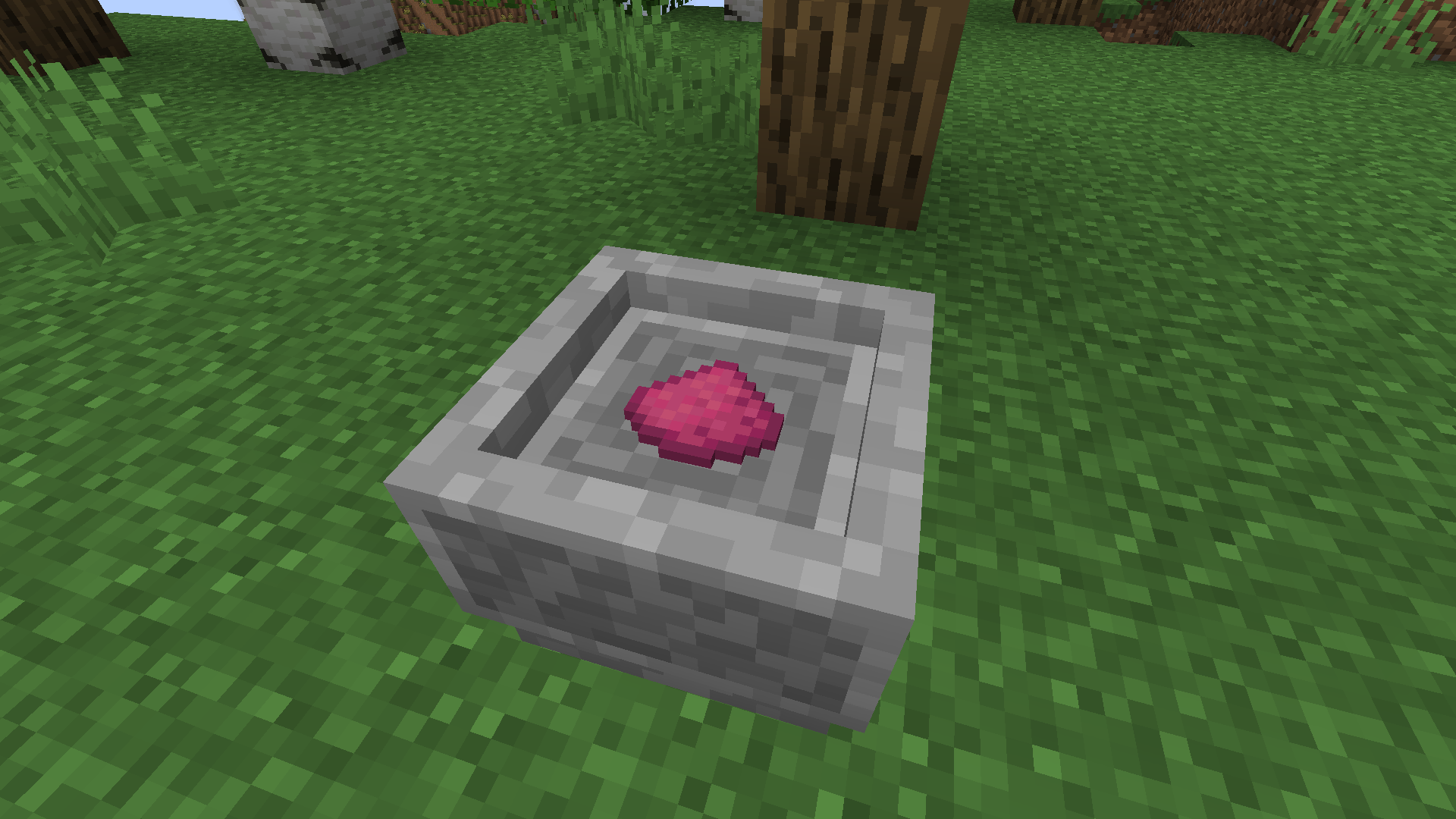
Using
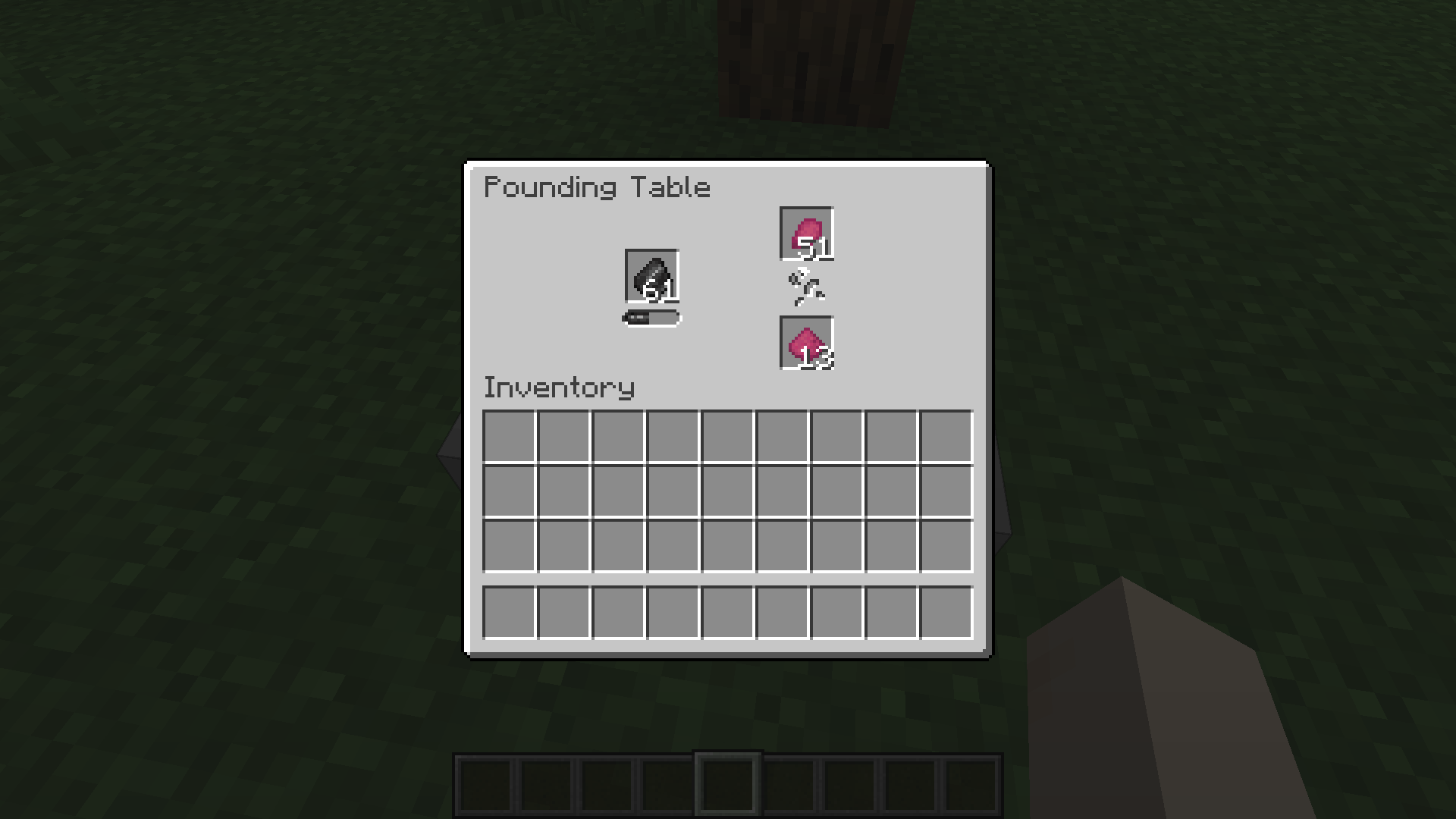
Crafting

Dye Mixer
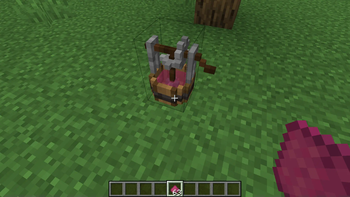
Dye Mixer is needed to create dye from flower powder. You can also mix two different dyes on Dye Mixer and get a unique new color. For both cases you need a bucket of water. Use occurs by right-clicking on the block while holding the desired powder or dye.
Using

Crafting
Colorizer
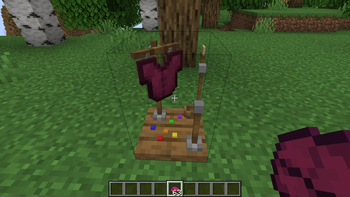
Colorizer is needed for painting various types of leather armor, as well as for painting leather horse armor and paper. To use, you need to right-click on Colorizer while holding the desired item.
Showing
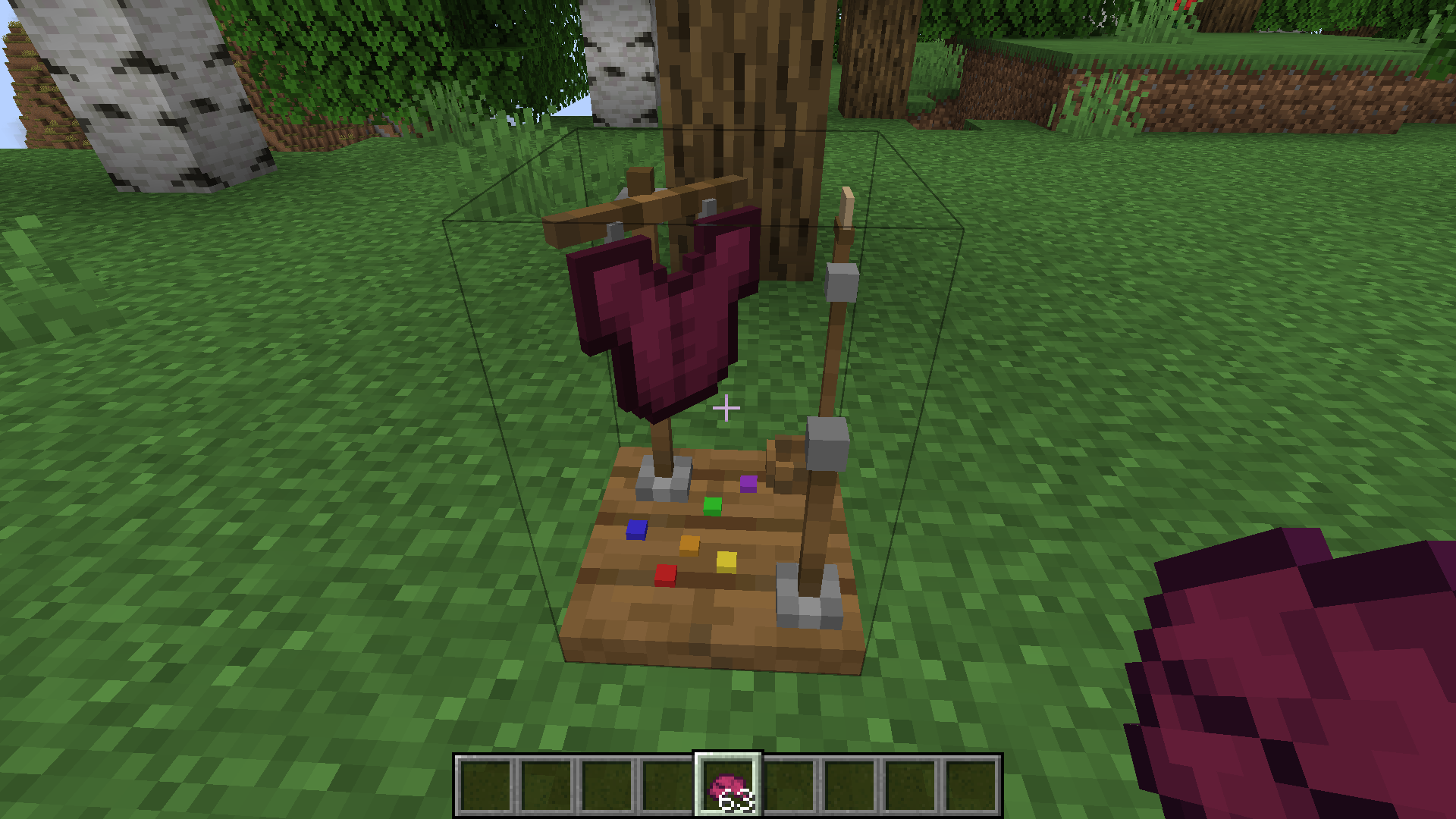
Crafting

Seeds
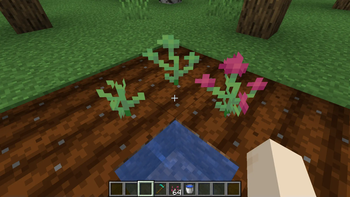
Every flower from GardenBotanical has seeds. They can also, like the seeds from vanilla Minecraft, be planted in farmland, and after completing the growth stages, cut the flower with Garden Pruners.
Showing

Dependencies
The GardenBotanical uses the Geckolib library to animate function blocks.
Issues
Please leave messages about any errors you find here or on the Discord
Social Media
Available Versions
How to Install GardenBotanical on Your Server
Order Server
Order a Minecraft Java server with at least 4 GB RAM (6 GB recommended).
Set fabric Loader
In the panel under "Egg", select the fabric loader and matching Minecraft version (1.20.1).
Install Mod
Open the mod browser in the dashboard and search for "GardenBotanical". Click "Install" – done! Alternatively, upload the .jar via SFTP to the /mods folder.
Compatibility
Mod Loaders
Minecraft Versions
1.20.1
Server-side
✓ RequiredRecommended RAM
6 GB(min. 4 GB)Frequently Asked Questions
GardenBotanical server crashes on startup – what to do?
Most common cause: wrong fabric version or insufficient RAM. Check the server log (latest.log) for "OutOfMemoryError" or "Mixin" errors. With Mado Hosting: ensure at least 4 GB RAM is allocated and the loader matches the mod version (1.20.1). You can switch loaders with one click in the panel.
Is GardenBotanical compatible with fabric?
GardenBotanical officially supports fabric for Minecraft 1.20.1. The Mado dashboard automatically detects incompatible loader combinations.
Server lagging with GardenBotanical – how to optimize performance?
Recommended RAM: 6 GB (per 5 players). Use /spark profiler to check if GardenBotanical consumes the most tick time. Common fixes: reduce server view-distance to 8-10, install "performant" or "starlight" as supplementary mods on Forge. With Mado Hosting, your server runs on NVMe SSDs with dedicated CPU cores for minimal latency.
Similar Mods




Rent Modded Server
Install GardenBotanical with just one click on your server.