
Gearsmithing
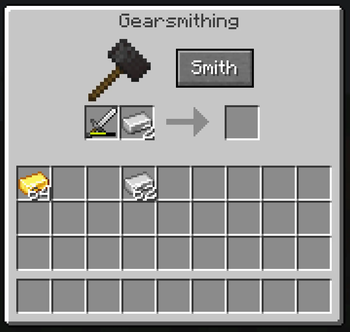
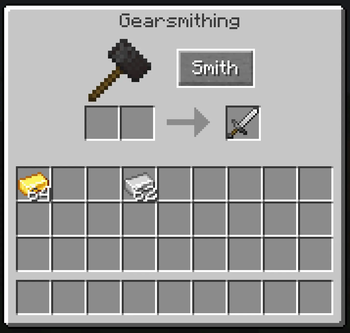
Allows you to use the smithing table for upgrading and repairing your gear.
Screenshots
About this Mod
About
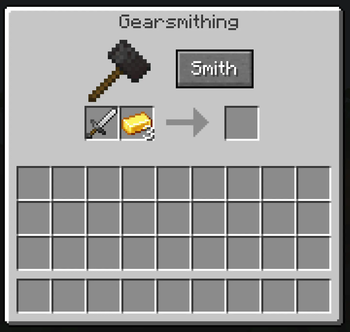
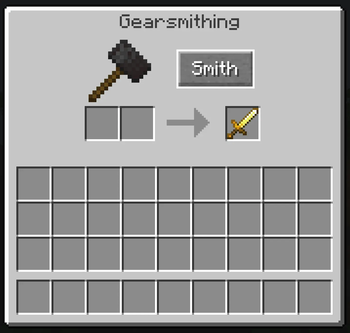
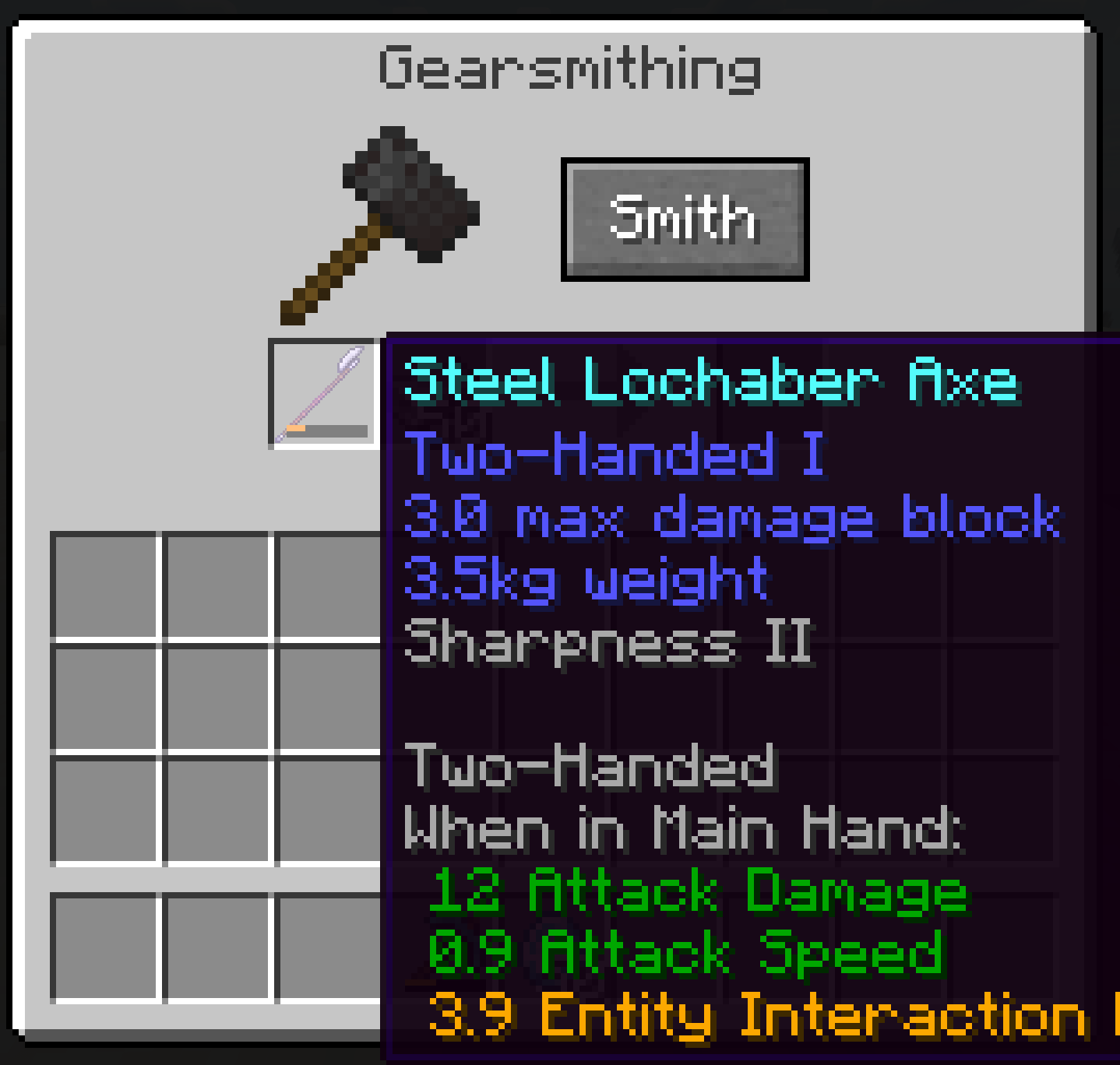
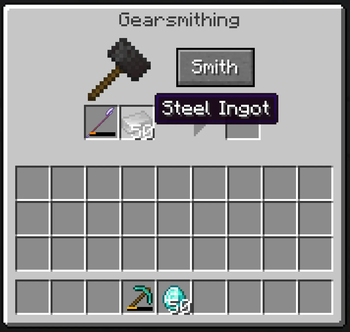
Gearsmithing is a highly configurable mod that adds an additional menu to the smithing table (opened by sneaking while interacting with it) that allows you to upgrade and repair your equipment.
Minecraft's usual repair system costs increasingly excessive amounts of levels and often more materials than you spent making the item. Generally punishing players for keeping their current gear instead of making new stuff, unless you have mending. I prefer to have gear that is maintained and personalized throughout a playthrough. I also thought it was weird that the smithing table only has two uses, upgrading gear from diamond to netherite and adding cosmetic armor trims, so this mod was made to remedy these problems.
Upgrades and Repairs
When upgrading gear with this mod, you must follow the listed upgrade path, and doing so costs slightly more resources than making new equipment. The advantage to doing so, is that upgrading gear this way keeps all of its custom properties, be it custom name, enchantment, or some kind of modification another mod gives it.
Upgrade Path: wood/leather>stone/chainmail>iron>gold>diamond
Repairing also generally costs more than making new, but does not have a stacking level cost, unlike vanilla repairs. Repairing will consume one of an accepted resource, return a fraction of the durability based on the item type, and repeat until it is fixed or there aren't items in the material slot.
Upgrade and repair cost per item type can be set in the config files.
Extra Features
No Netherite Smithing Template (disabled by default)
Allows you to upgrade diamond equipment into netherite through the gearsmith UI without a netherite upgrade template
Repair Netherite with Diamond (disabled by default)
Allows you to repair netherite equipment using diamonds.
Copper/Amethyst Equipment Compatibility
Allows equipment made of copper or amethyst that other mods add to be repaired here, and for copper equipment to upgrade into iron.
Compatibility
This mod is highly compatible and calculates resource cost based on equipment type and material, detected by searching for specific patterns and words in the item registry. Mods that add new weapon types should be fully compatible, IF they follow minecraft's pattern for registry names. For example, if a mod named Bob's Cool Weapons adds an item named Iron Scythe, you can repair it and upgrade it into Gold Scythe, if the registry name is something like bobscoolweapons:iron_scythe.
You can also set custom material types and repair material registries in the config for extra compatibility. By default this setting will accept silver and steel items to be repaired by silver_ingot and steel_ingot, respectively.
This mod does not alter the default Minecraft smithing table UI or functionality in any way, and should not interfere with any mod that does.
Available Versions
How to Install Gearsmithing on Your Server
Order Server
Order a Minecraft Java server with at least 3 GB RAM (4 GB recommended).
Set neoforge Loader
In the panel under "Egg", select the neoforge loader and matching Minecraft version (1.21.11).
Install Mod
Open the mod browser in the dashboard and search for "Gearsmithing". Click "Install" – done! Alternatively, upload the .jar via SFTP to the /mods folder.
Compatibility
Mod Loaders
Minecraft Versions
1.21.11, 1.21.10, 1.21.9 (+8 more)
Server-side
✓ RequiredRecommended RAM
4 GB(min. 3 GB)Frequently Asked Questions
Gearsmithing server crashes on startup – what to do?
Most common cause: wrong neoforge version or insufficient RAM. Check the server log (latest.log) for "OutOfMemoryError" or "Mixin" errors. With Mado Hosting: ensure at least 3 GB RAM is allocated and the loader matches the mod version (1.21.11). You can switch loaders with one click in the panel.
Is Gearsmithing compatible with neoforge?
Gearsmithing officially supports neoforge for Minecraft 1.21.11, 1.21.10, 1.21.9. The Mado dashboard automatically detects incompatible loader combinations.
Server lagging with Gearsmithing – how to optimize performance?
Recommended RAM: 4 GB (per 8 players). Use /spark profiler to check if Gearsmithing consumes the most tick time. Common fixes: reduce server view-distance to 8-10, install "performant" or "starlight" as supplementary mods on Forge. With Mado Hosting, your server runs on NVMe SSDs with dedicated CPU cores for minimal latency.
Similar Mods



![[TaCZ] Timeless and Classics Zero](https://cdn.modrinth.com/data/SzzJttH8/fd27766d2bb8390d284696b1dbd358f87e081439_96.webp)


Rent Modded Server
Install Gearsmithing with just one click on your server.