
Death Animations
[players & entities] explode into bits when they die!
Screenshots
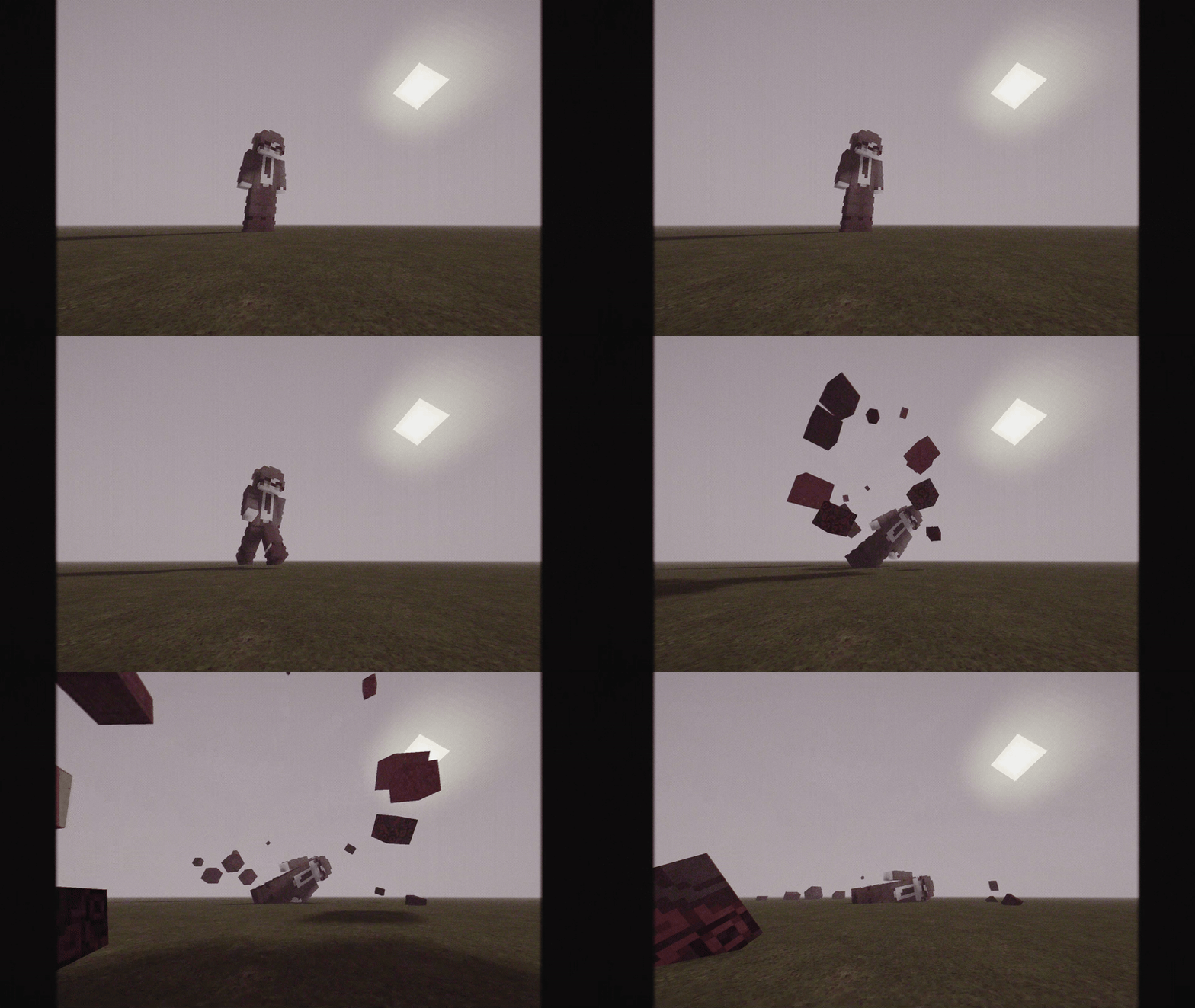

About this Mod
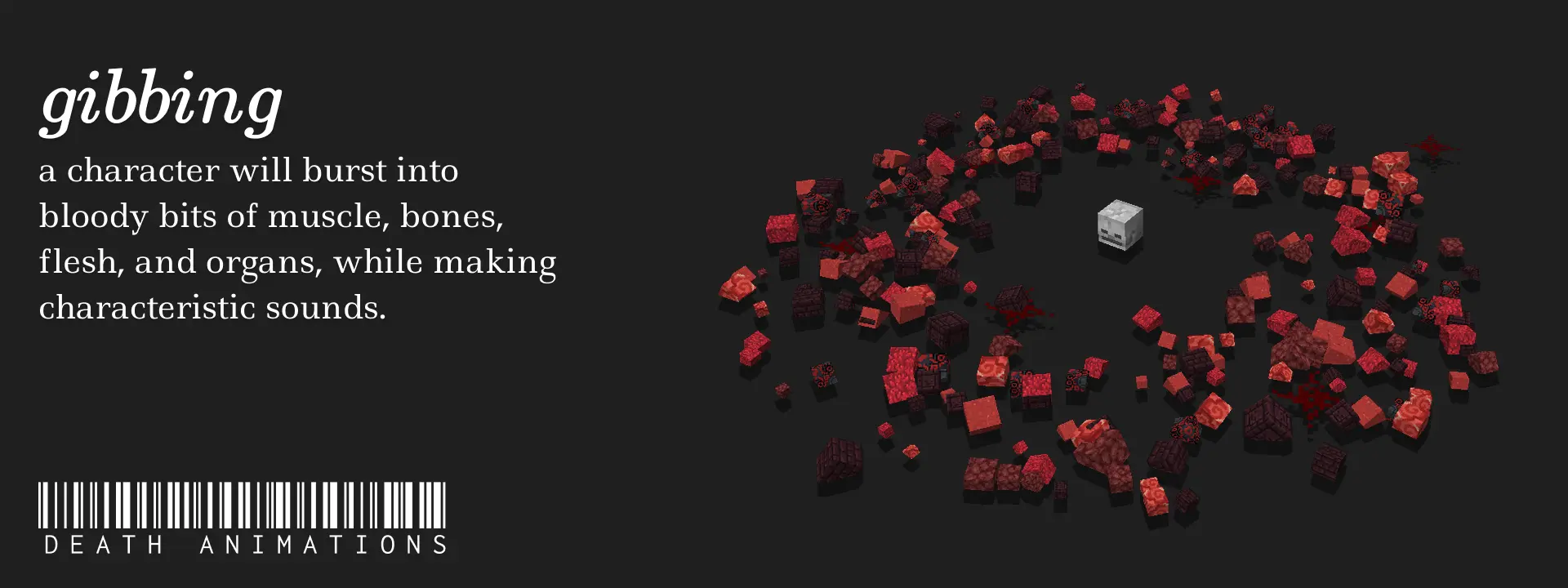
Death Animations
- Supported Versions: 1.20.2+
- Players explode into ~Red colored blocks when they meet their demise!
- Mobs have varying Gibs!
Zombie, Skeleton, Wither Skeleton, Creeper, Drowned, Ender Dragon, Enderman, Ghast, Spider, Evoker, Vindicator, Piglin, Piglin Brutes and Warden are currently supported. More to come in the Future!
Extras
Mob Gibbing is enabled by default, but you can disable it by running the command:
/scoreboard players set EnableMobGibbing gib.CONFIG 0
Credits
SCHMOOVE II (chopstickwater)
SCHMOOVE II is a Movement Shooter created by chopstickwater on the Sandbox Server legitimoose.com. Gibbing (or 'Death Animations') was an original feature introduced to the game by her, where players would explode into small colored blocks (or 'Gibs') when they died. These were physics-based, meaning the explosions were as authentic as they can be.
Suspicious Link?
https://files.catbox.moe/8to4ap.mp4
Available Versions
How to Install Death Animations on Your Server
Order Server
Order a Minecraft Java server with at least 3 GB RAM (4 GB recommended).
Set datapack Loader
In the panel under "Egg", select the datapack loader and matching Minecraft version (26.1.2).
Install Mod
Open the mod browser in the dashboard and search for "Death Animations". Click "Install" – done! Alternatively, upload the .jar via SFTP to the /mods folder.
Compatibility
Mod Loaders
Minecraft Versions
26.1.2, 26.1.1, 26.1 (+17 more)
Server-side
✓ RequiredRecommended RAM
4 GB(min. 3 GB)Frequently Asked Questions
Death Animations server crashes on startup – what to do?
Most common cause: wrong datapack version or insufficient RAM. Check the server log (latest.log) for "OutOfMemoryError" or "Mixin" errors. With Mado Hosting: ensure at least 3 GB RAM is allocated and the loader matches the mod version (26.1.2). You can switch loaders with one click in the panel.
Is Death Animations compatible with datapack and fabric and forge and neoforge and quilt?
Death Animations officially supports datapack, fabric, forge, neoforge, quilt for Minecraft 26.1.2, 26.1.1, 26.1. Note: Forge and Fabric mods are NOT cross-compatible – pick one loader and stick with it. The Mado dashboard automatically detects incompatible loader combinations.
Server lagging with Death Animations – how to optimize performance?
Recommended RAM: 4 GB (per 8 players). Use /spark profiler to check if Death Animations consumes the most tick time. Common fixes: reduce server view-distance to 8-10, install "performant" or "starlight" as supplementary mods on Forge. With Mado Hosting, your server runs on NVMe SSDs with dedicated CPU cores for minimal latency.
Similar Mods




Rent Modded Server
Install Death Animations with just one click on your server.