
GlowPlayers
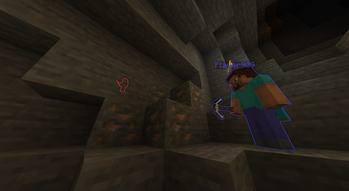
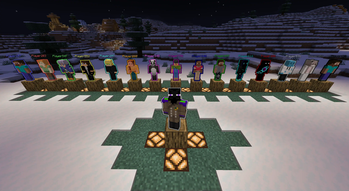
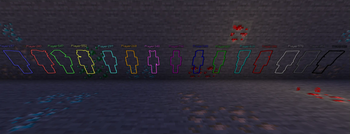
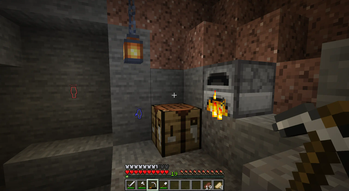
The GlowPlayers plugin assigns a unique glowing effect to each player who joins the server, with a distinct color based on their order of joining. The effect helps players easily identify each other by their color, making it ideal for groups of friends
Screenshots
About this Mod

is designed to enhance player interaction and visibility by automatically assigning a glowing effect to players upon joining the server. Each player is given a unique color based on the order in which they connect, making it easy to identify individuals in a group or event. To make Minecraft gameplay more colorful and interactive with friends.
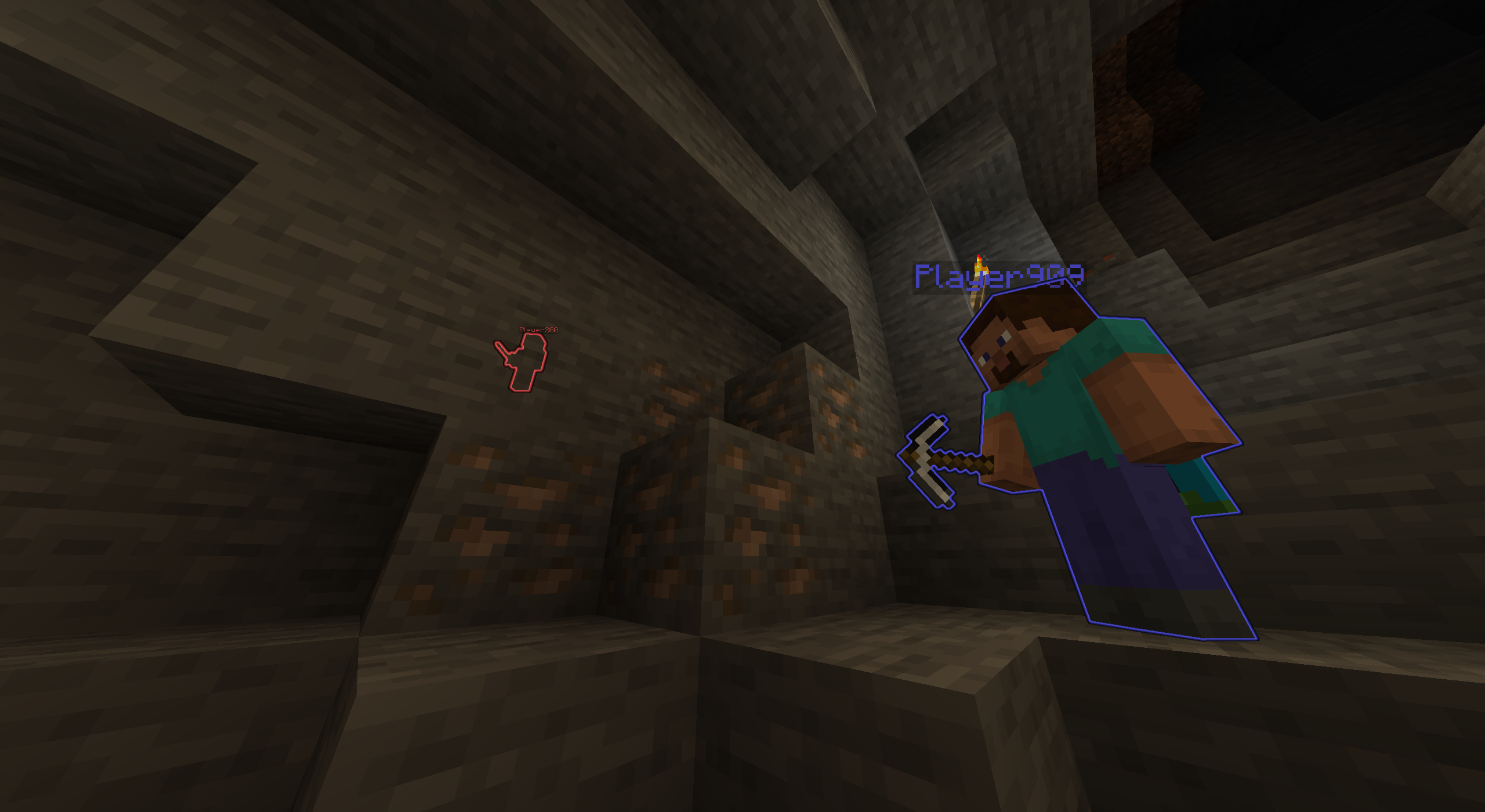

Automatic Glowing System
- Join-Order Assignment - Automatic glowing color assignment based on the order of player entry. The first player gets the first color, the second player the second, and so on.
- Zero Configuration - Requires no manual intervention or commands; everything is handled automatically as players join.
- Persistent Effect - The glowing effect remains active even after players respawn or disconnect and reconnect, maintaining the color assignment for the duration of their session.
Visual Info
- Scoreboard Native - Seamless integration with Minecraft scoreboard teams for color and name display.
- Color Cycling - 16 unique colors, with color cycling for more than 16 players.
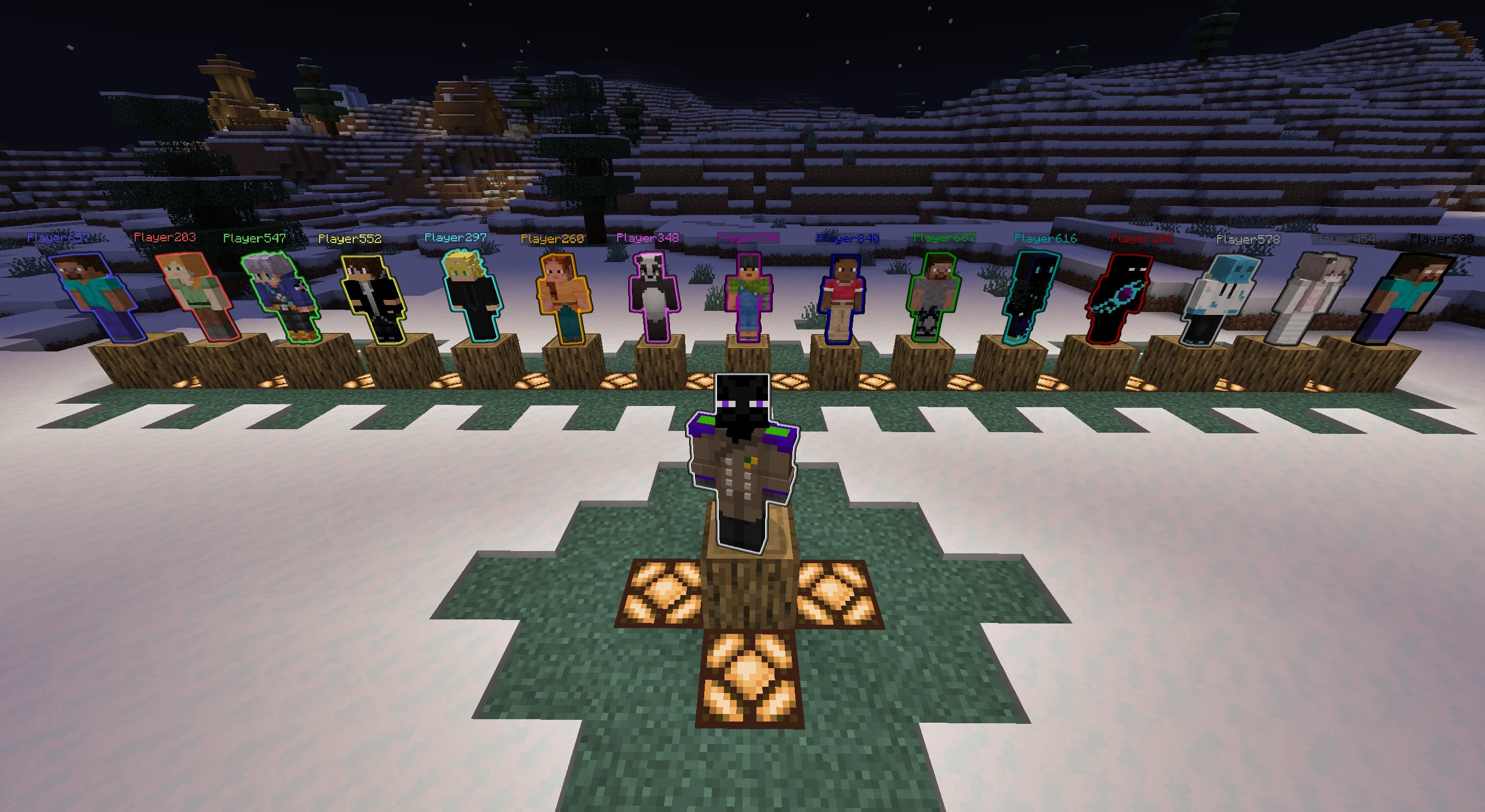
Color Pool Assignment:
- Player 1 - White
- Player 2 - Blue
- Player 3 - Red
- Player 4 - Green
- Player 5 - Yellow
- Player 6 - Aqua
- Player 7 - Gold
- Player 8 - Light Purple
- Player 9 - Dark Purple
- Player 10 - Dark Blue
- Player 11 - Dark Green
- Player 12 - Dark Aqua
- Player 13 - Dark Red
- Player 14 - Gray
- Player 15 - Dark Gray
- Player 16 - Black
Made For
- Multiplayer - Players are instantly identifiable by their glowing color, creating an immersive and organized environment for teams and friends.
Dependencies: - Fabric API (required)
Server-Side - Works on any server without requiring client-side installation. Everything is handled automatically as players join.
Available Versions
How to Install GlowPlayers on Your Server
Order Server
Order a Minecraft Java server with at least 3 GB RAM (4 GB recommended).
Set bukkit Loader
In the panel under "Egg", select the bukkit loader and matching Minecraft version (26.1.2).
Install Mod
Open the mod browser in the dashboard and search for "GlowPlayers". Click "Install" – done! Alternatively, upload the .jar via SFTP to the /mods folder.
Compatibility
Mod Loaders
Minecraft Versions
26.1.2, 26.1.1, 26.1 (+12 more)
Server-side
✗ UnsupportedRecommended RAM
4 GB(min. 3 GB)Frequently Asked Questions
GlowPlayers server crashes on startup – what to do?
Most common cause: wrong bukkit version or insufficient RAM. Check the server log (latest.log) for "OutOfMemoryError" or "Mixin" errors. With Mado Hosting: ensure at least 3 GB RAM is allocated and the loader matches the mod version (26.1.2). You can switch loaders with one click in the panel.
Is GlowPlayers compatible with bukkit and fabric and paper and spigot?
GlowPlayers officially supports bukkit, fabric, paper, spigot for Minecraft 26.1.2, 26.1.1, 26.1. The Mado dashboard automatically detects incompatible loader combinations.
Server lagging with GlowPlayers – how to optimize performance?
Recommended RAM: 4 GB (per 8 players). Use /spark profiler to check if GlowPlayers consumes the most tick time. Common fixes: reduce server view-distance to 8-10, install "performant" or "starlight" as supplementary mods on Forge. With Mado Hosting, your server runs on NVMe SSDs with dedicated CPU cores for minimal latency.
Similar Mods






Rent Modded Server
Install GlowPlayers with just one click on your server.