
Gothic Main Menu
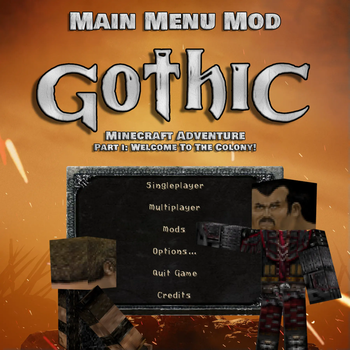
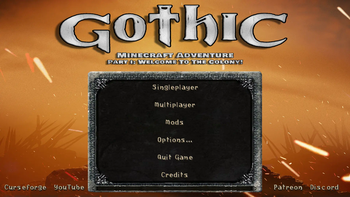
This mod introduces a brand new main menu inspired by the cult game "Gothic". Thanks to this modification, players will be able to feel the climate and atmosphere of the ''Gothic'' world from the very beginning of the game.
Screenshots
About this Mod
"Gothic Main Menu" jest częścią większego projektu o nazwie 'Gothic Minecraft Adventure', który został podjęty przez naszą ekipę "Square Quest". Mod ten wprowadza zupełnie nowe menu główne inspirowane kultową grą "Gothic".
Dzięki tej modyfikacji gracze będą mogli poczuć klimat i atmosferę świata ''Gothic'' już od samego początku gry.
Uwaga ważne!
"Gothic Main Menu" wymaga zainstalowanej modyfikacji "Custom Main Menu" oraz przygotowanego przez nas pliku .json
do których link znajdziecie poniżej:
Jak zainstalować?
Już spieszę z pomocą!
1. Pobierz i zainstaluj "Gothic Main Menu" oraz "Custom Main Menu"
2. Odpal Minecrafta, po czym go wyłącz.
3. W lokalizacji:
\minecraft\Instances\"nazwa twojej instancji Minecrafta"\config
Powinien pojawić się folder "CustomMainMenu" z plikiem "mainmenu.json"
Pobierz nasz plik mainmenu.json i zamień go z nim.
4. Gotowe!
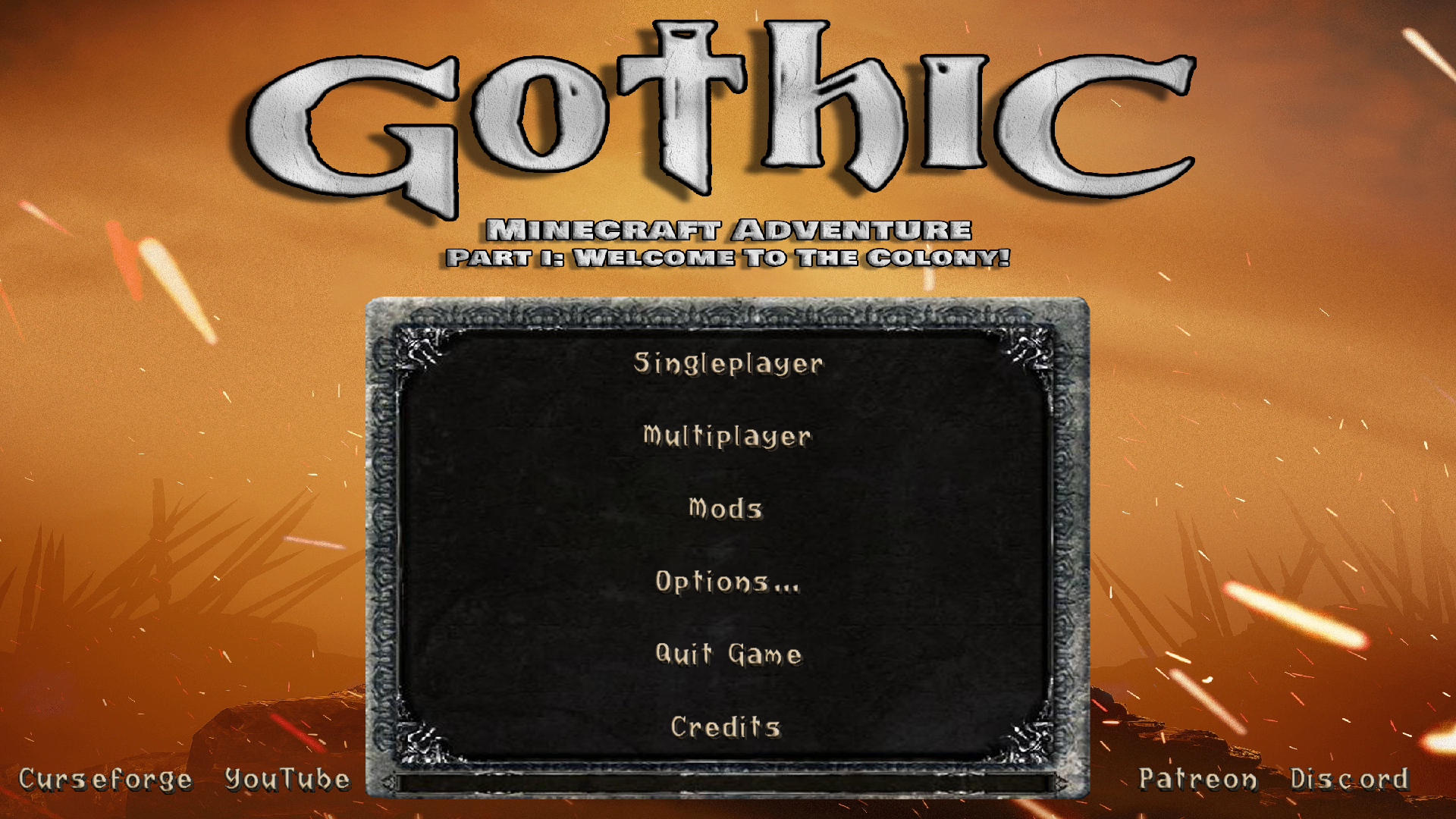
Tak prezentuje się menu w grze:
Translated:
The "Gothic Main Menu" is part of a larger project called "Gothic Minecraft Adventure" that was undertaken by our "Square Quest" team. This mod introduces a brand new main menu inspired by the cult game "Gothic".
Thanks to this modification, players will be able to feel the climate and atmosphere of the ''Gothic'' world from the very beginning of the game.
Note important!
"Gothic Main Menu" requires the "Custom Main Menu" modification installed and the mainmenu.json file prepared by us
to which you can find the link below:
How to install?
I'm rushing to help!
1. Download and install "Gothic Main Menu" and "Custom Main Menu"
2. Start Minecraft, then turn it off.
3. At the location:
\minecraft\Instances\"name of your Minecraft instance"\config
The "CustomMainMenu" folder with the "mainmenu.json" file should appear
Download our mainmenu.json file and replace it with it.
4. Done!
This is how the menu looks like:
Available Versions
How to Install Gothic Main Menu on Your Server
Order Server
Order a Minecraft Java server with at least 3 GB RAM (4 GB recommended).
Set forge Loader
In the panel under "Egg", select the forge loader and matching Minecraft version (1.12.2).
Install Mod
Open the mod browser in the dashboard and search for "Gothic Main Menu". Click "Install" – done! Alternatively, upload the .jar via SFTP to the /mods folder.
Compatibility
Mod Loaders
Minecraft Versions
1.12.2
Server-side
✗ UnsupportedRecommended RAM
4 GB(min. 3 GB)Frequently Asked Questions
Gothic Main Menu server crashes on startup – what to do?
Most common cause: wrong forge version or insufficient RAM. Check the server log (latest.log) for "OutOfMemoryError" or "Mixin" errors. With Mado Hosting: ensure at least 3 GB RAM is allocated and the loader matches the mod version (1.12.2). You can switch loaders with one click in the panel.
Is Gothic Main Menu compatible with forge?
Gothic Main Menu officially supports forge for Minecraft 1.12.2. The Mado dashboard automatically detects incompatible loader combinations.
Server lagging with Gothic Main Menu – how to optimize performance?
Recommended RAM: 4 GB (per 8 players). Use /spark profiler to check if Gothic Main Menu consumes the most tick time. Common fixes: reduce server view-distance to 8-10, install "performant" or "starlight" as supplementary mods on Forge. With Mado Hosting, your server runs on NVMe SSDs with dedicated CPU cores for minimal latency.
Similar Mods




Rent Modded Server
Install Gothic Main Menu with just one click on your server.