
Graduated Cylinders
Take away the pain of manual fluid management and give finer control over moving fluids between tanks
Screenshots
About this Mod
Graduated Cylinders
Take away the pain of manual fluid management and give finer control over moving fluids between tanks.
Overview
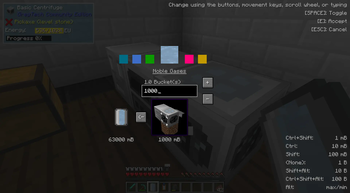
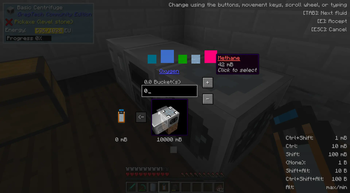
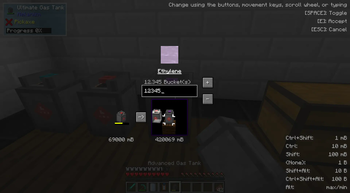
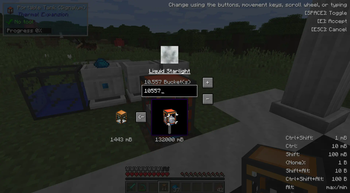
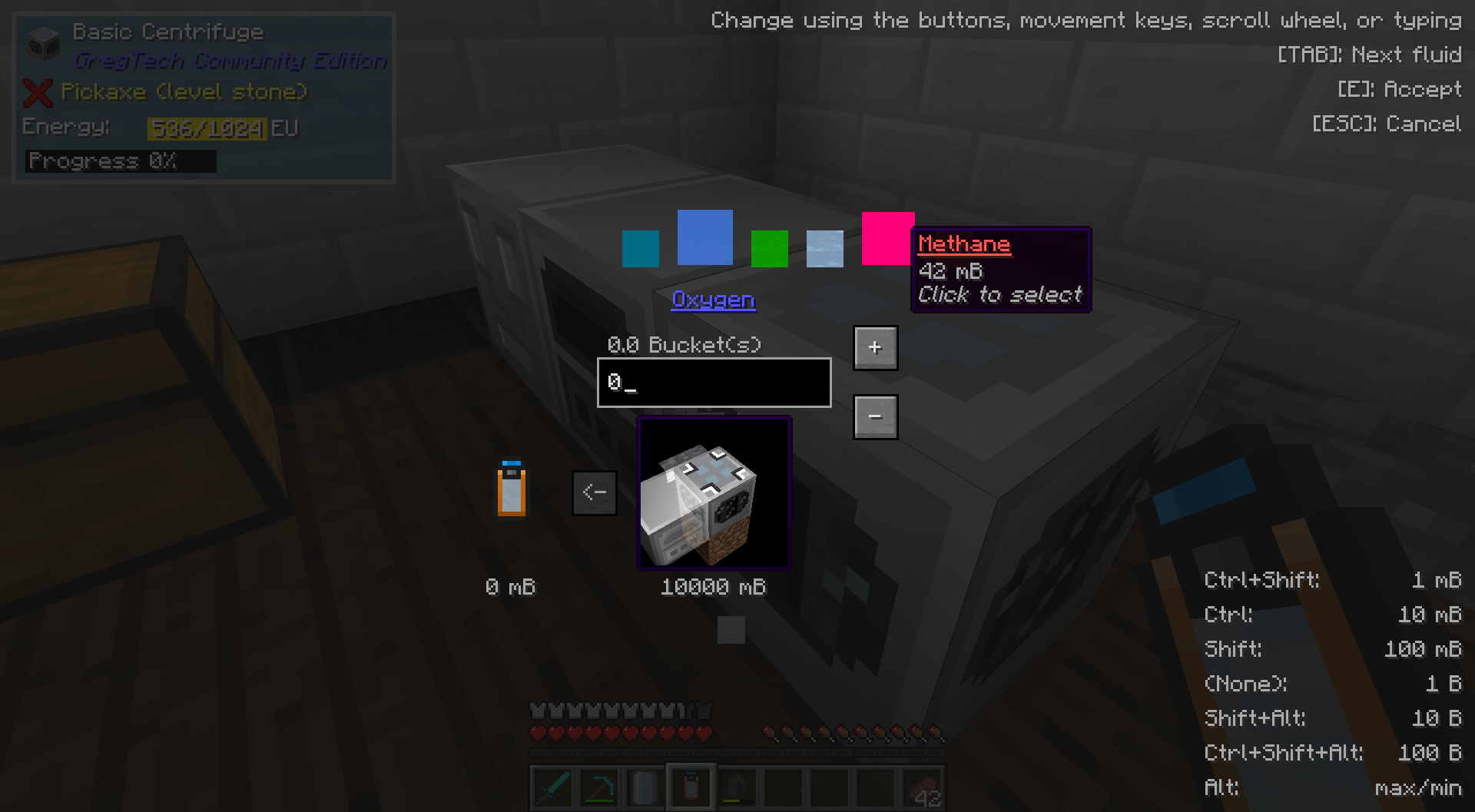
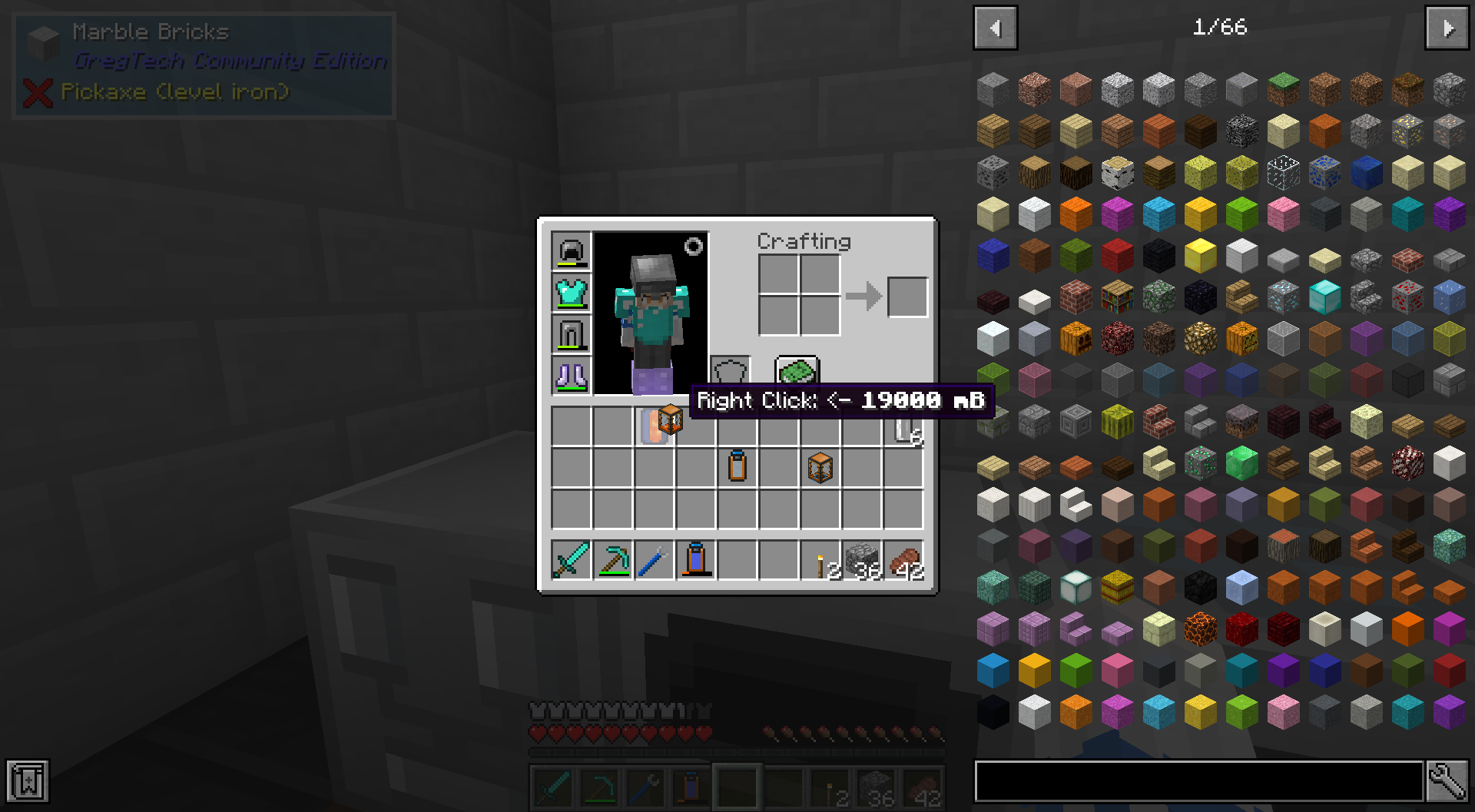
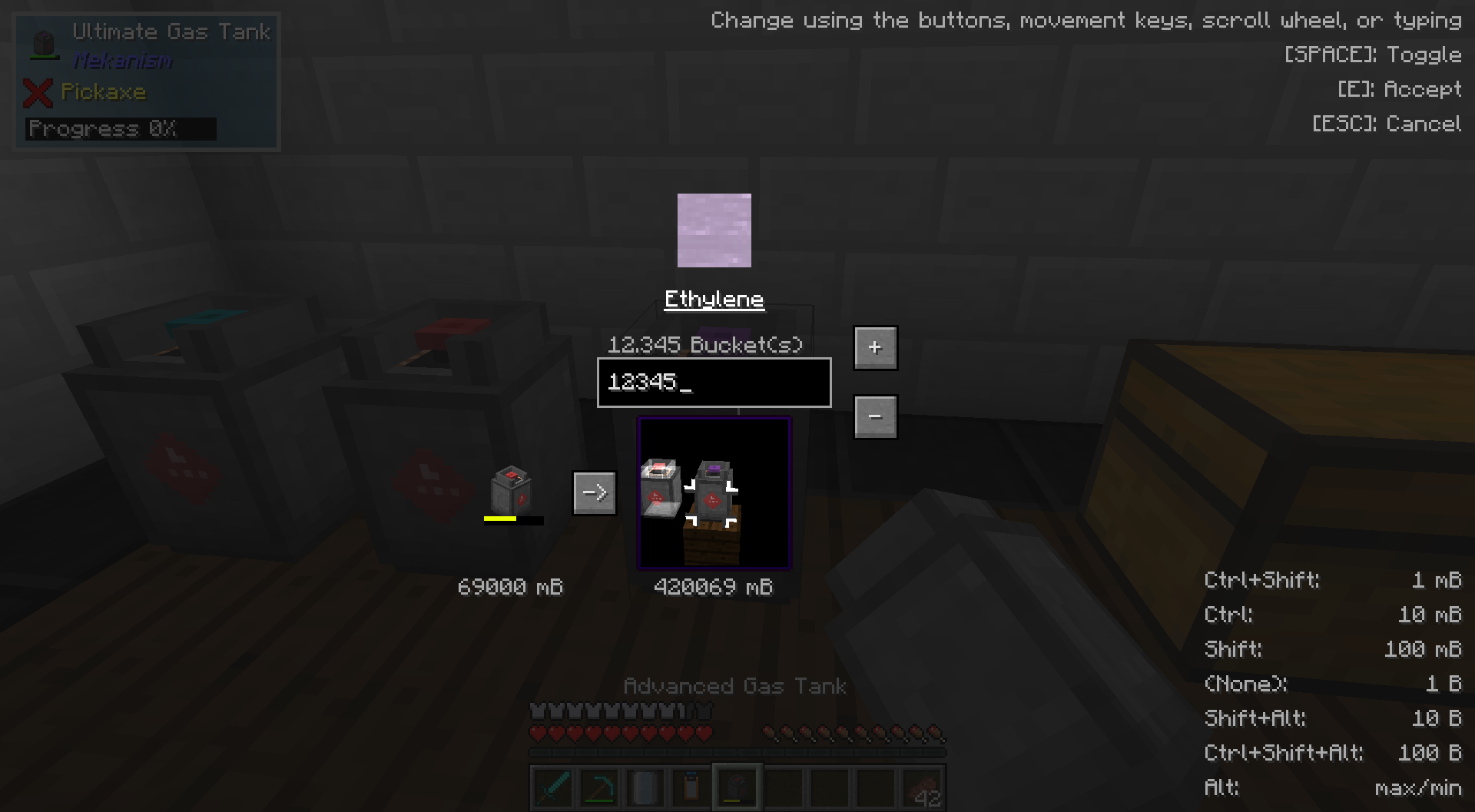
While holding any item which can contain fluids in your main hand (i.e. a bucket, Thermal Expansions' reservoir, a Mekanism tank, etc.), punch any placed block which can also hold fluids (i.e. a Tinkers' Construct seared tank, Extra Utilities 2 drum, GregTech machines, etc.) to open the transfer GUI. Here, you can choose the amount in milibuckets to transfer and the direction. You can also transfer fluids between two items, by right-clicking one on top of the other in an inventory.
Also supports the Mekanism Gas API! Do manual chemistry a bit easier now without worrying about voiding precious gasses in machines.
All keybinds and shortcuts, for reference:
Jump: Toggle fluid transfer direction
Shift+Jump: Toggle ingot mode
Tab: Select next fluid
Shift+Tab: Select previous fluid
Inventory Open/Close: Do transfer
Escape: Cancel transfer
Scroll Wheel: Change transfer amount
Move forward/back: ^^
Up/down arrow keys: ^^
Move left/right: Shift text cursor
left/right arrow keys: ^^
Right click text box: Clear text and set transfer amount to 0
Click fluid: Select fluid
Right click fluid: Select fluid and set transfer amount to fluid amount
Click+drag: Rotate 3D scene
Right click side of block (in 3D scene): Select side of block to interact with
Middle click: Toggle rendering of neighboring blocks in 3D scene
Crouch (when opening the GUI): Flips the default transfer direction
Sprint (when opening the GUI): Immediately enters ingot mode
Available Versions
How to Install Graduated Cylinders on Your Server
Order Server
Order a Minecraft Java server with at least 3 GB RAM (4 GB recommended).
Set forge Loader
In the panel under "Egg", select the forge loader and matching Minecraft version (1.12.2).
Install Mod
Open the mod browser in the dashboard and search for "Graduated Cylinders". Click "Install" – done! Alternatively, upload the .jar via SFTP to the /mods folder.
Compatibility
Mod Loaders
Minecraft Versions
1.12.2, 1.12, 1.7.10
Server-side
✓ RequiredRecommended RAM
4 GB(min. 3 GB)Frequently Asked Questions
Graduated Cylinders server crashes on startup – what to do?
Most common cause: wrong forge version or insufficient RAM. Check the server log (latest.log) for "OutOfMemoryError" or "Mixin" errors. With Mado Hosting: ensure at least 3 GB RAM is allocated and the loader matches the mod version (1.12.2). You can switch loaders with one click in the panel.
Is Graduated Cylinders compatible with forge?
Graduated Cylinders officially supports forge for Minecraft 1.12.2, 1.12, 1.7.10. The Mado dashboard automatically detects incompatible loader combinations.
Server lagging with Graduated Cylinders – how to optimize performance?
Recommended RAM: 4 GB (per 8 players). Use /spark profiler to check if Graduated Cylinders consumes the most tick time. Common fixes: reduce server view-distance to 8-10, install "performant" or "starlight" as supplementary mods on Forge. With Mado Hosting, your server runs on NVMe SSDs with dedicated CPU cores for minimal latency.
Similar Mods


Rent Modded Server
Install Graduated Cylinders with just one click on your server.