
Grave Bane
A mod that adds cool new blocks from Minecraft Dungeons to spice up your world. This mod includes a variety of new blocks. <3
Screenshots
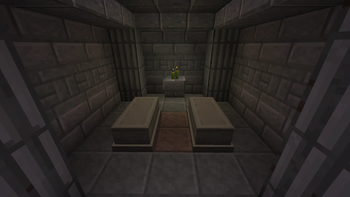
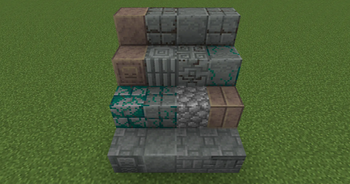
About this Mod
Made for the Czarnogrody SMP, this mod brings in awesome blocks from Minecraft Dungeons to make your builds pop!
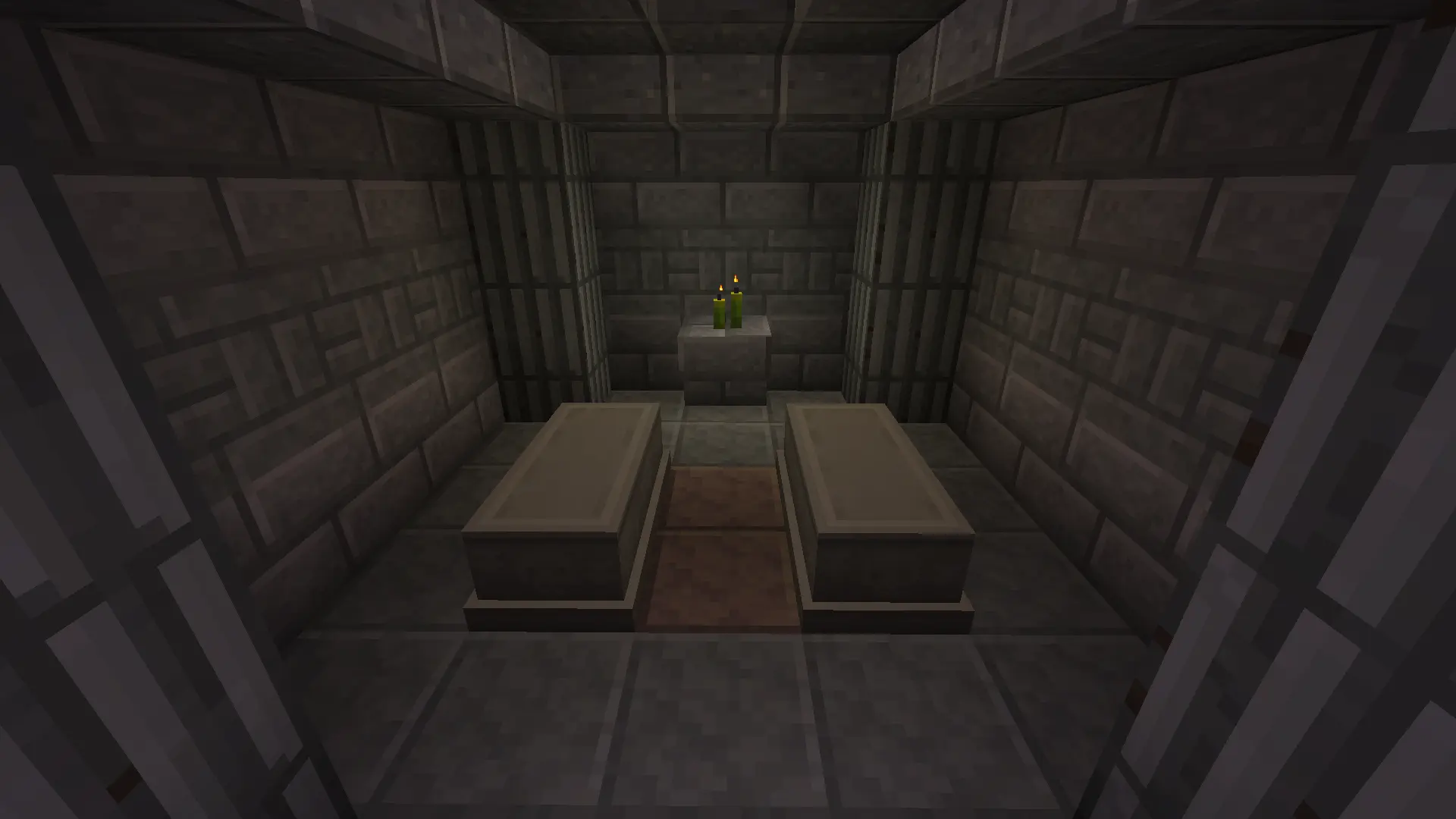
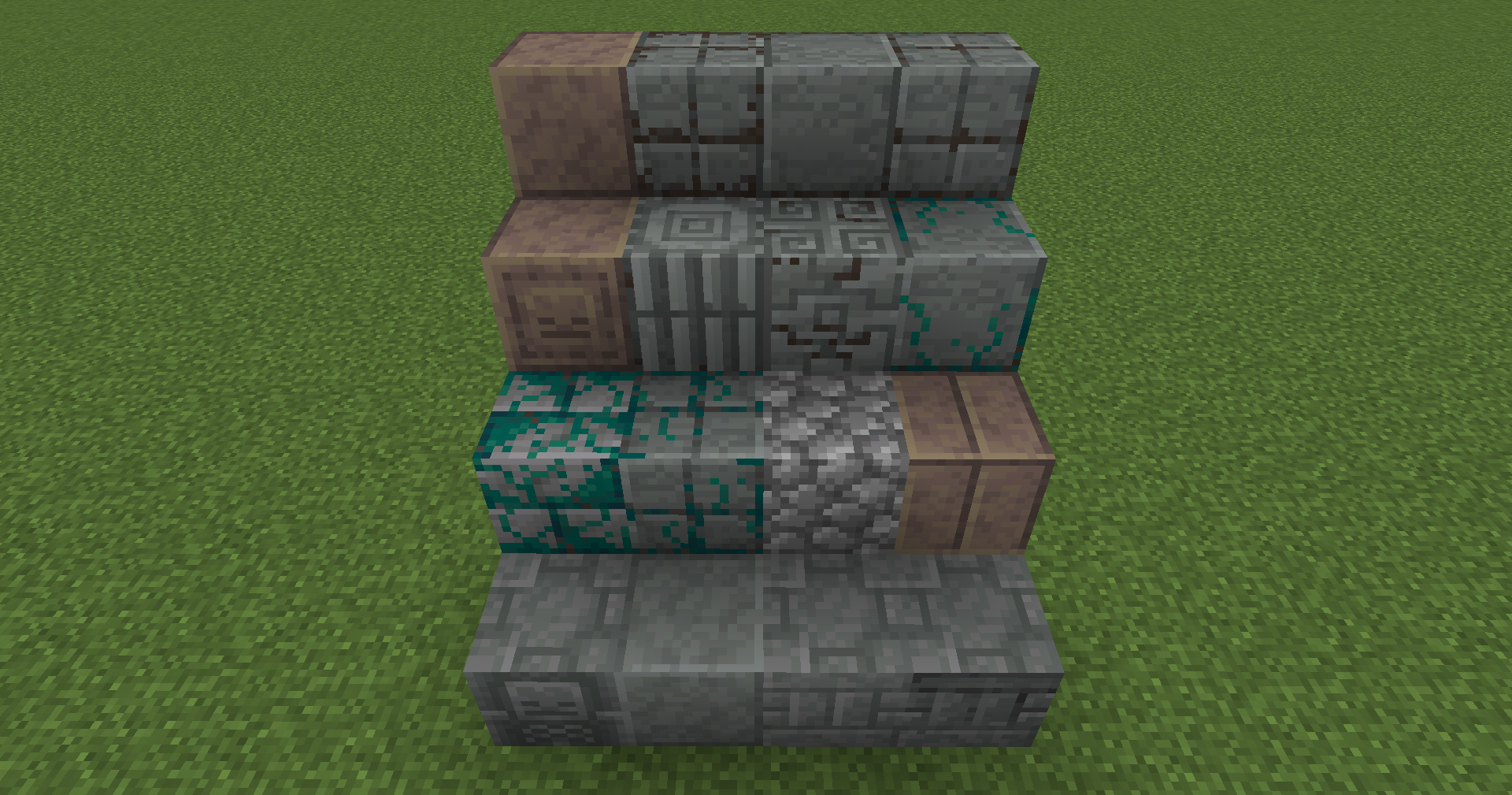
Included in the mod:
Included Blocks (Spoiler!)
Stone Variants
- Engraved Stone – carved, fits ancient ruins and temples
- Chiseled Stone – subtle detailing for interiors or altars
- Stone Pillar – simple vertical support block
- Overgrown Stone Bricks – cracked, mossy bricks for old dungeons
Cobblestone Variants
- Smooth Cobblestone – clean version of regular cobble
- Polished Cobblestone – shiny and refined, good for fancy builds
- Dirty Polished Cobblestone – slightly worn, more realistic
- Cobblestone Tiles – square-patterned cobble for floors and walls
- Dirty Cobblestone Tiles – aged and stained version of the tiles
- Overgrown Cobblestone Tiles – moss-covered tiles reclaimed by nature
- Cobblestone Pillar – basic support block, works in medieval builds
- Dark Cobblestone Pillar – darker variant, fits grim themes
- Overgrown Polished Cobblestone – fancy cobble with moss creeping in
Granite Variants
- Smooth Granite – polished surface, great for modern or clean builds
- Cut Granite – evenly sliced, works well in interiors
- Engraved Granite – etched with symbols, adds mystery
All blocks can be crafted using the stonecutter only!
More blocks are planned for future updates.
Available Versions
How to Install Grave Bane on Your Server
Order Server
Order a Minecraft Java server with at least 3 GB RAM (4 GB recommended).
Set forge Loader
In the panel under "Egg", select the forge loader and matching Minecraft version (1.21.1).
Install Mod
Open the mod browser in the dashboard and search for "Grave Bane". Click "Install" – done! Alternatively, upload the .jar via SFTP to the /mods folder.
Compatibility
Mod Loaders
Minecraft Versions
1.21.1, 1.20.1
Server-side
✓ RequiredRecommended RAM
4 GB(min. 3 GB)Frequently Asked Questions
Grave Bane server crashes on startup – what to do?
Most common cause: wrong forge version or insufficient RAM. Check the server log (latest.log) for "OutOfMemoryError" or "Mixin" errors. With Mado Hosting: ensure at least 3 GB RAM is allocated and the loader matches the mod version (1.21.1). You can switch loaders with one click in the panel.
Is Grave Bane compatible with forge and neoforge?
Grave Bane officially supports forge, neoforge for Minecraft 1.21.1, 1.20.1. The Mado dashboard automatically detects incompatible loader combinations.
Server lagging with Grave Bane – how to optimize performance?
Recommended RAM: 4 GB (per 8 players). Use /spark profiler to check if Grave Bane consumes the most tick time. Common fixes: reduce server view-distance to 8-10, install "performant" or "starlight" as supplementary mods on Forge. With Mado Hosting, your server runs on NVMe SSDs with dedicated CPU cores for minimal latency.
Similar Mods




Rent Modded Server
Install Grave Bane with just one click on your server.