
GSG's New Universe
Unlock the gates to infinite dimensions with iron and diamond portals! Explore unique worlds and hidden mysteries in GSG's New Universe.
Screenshots
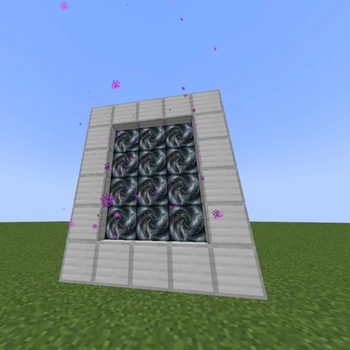
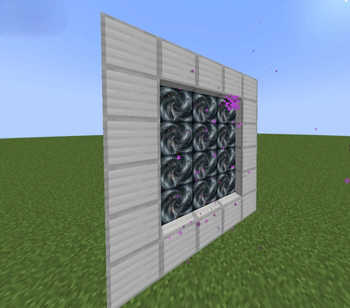
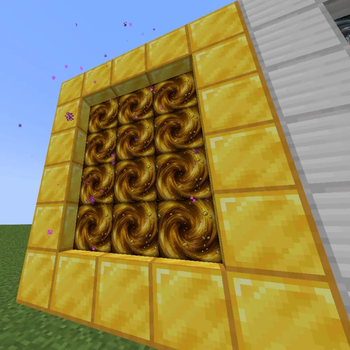
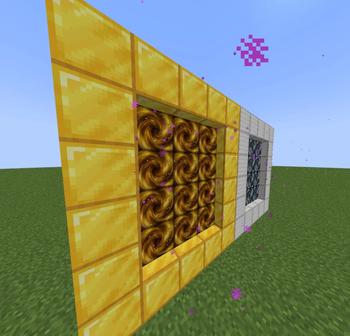
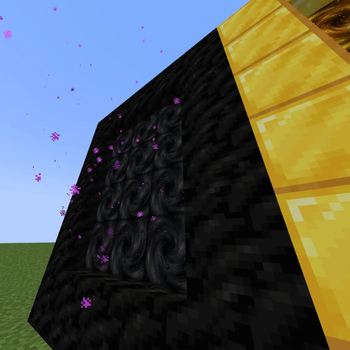
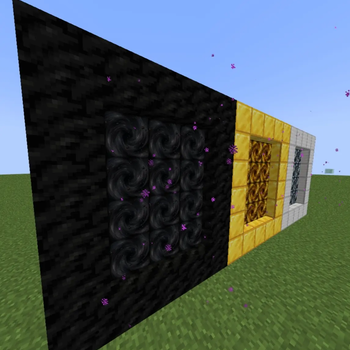
About this Mod
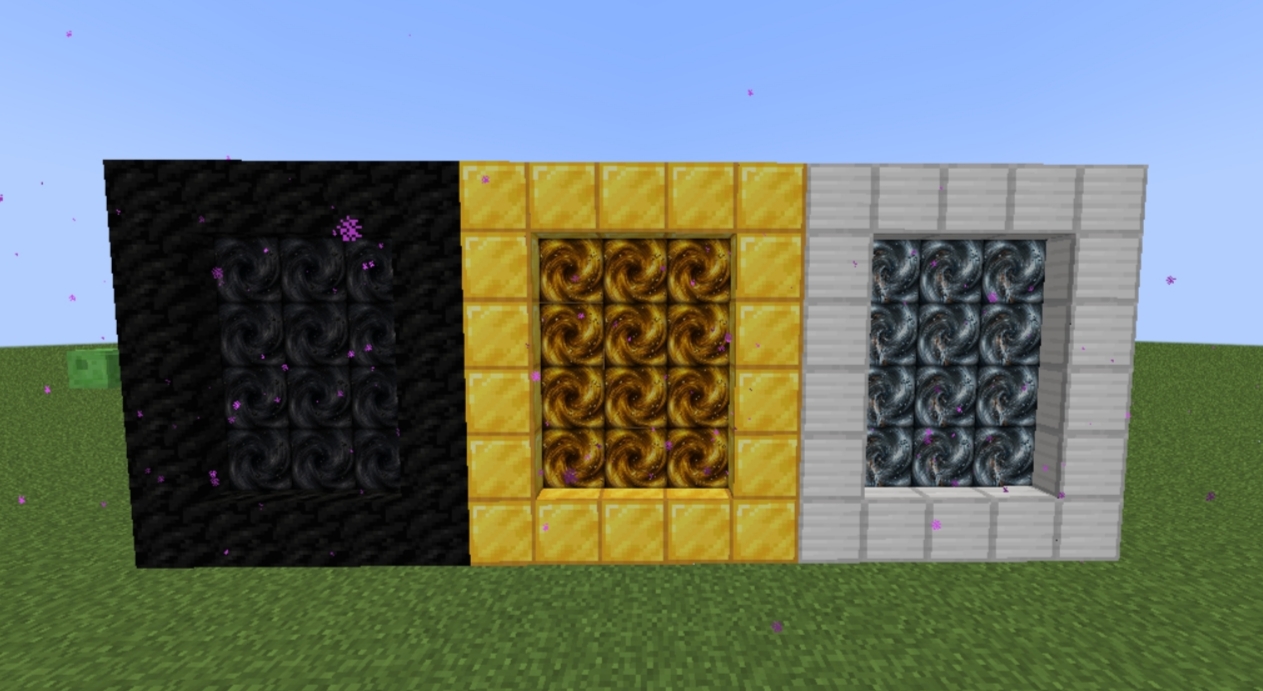
🌌 GSG's NEW UNIVERSE
GSG's NEW UNIVERSE is a comprehensive content expansion mod for Minecraft, designed to introduce unique, resource-rich dimensions through a custom portal system.
📦 Features
Custom Dimensions: Adds specialized dimensions for Coal, Iron, and Gold, streamlining your resource acquisition.
Portal Integration: Introduces custom-built portals that provide seamless transition to new worlds.
Survival Enhanced: Perfect for both casual players and builders, significantly reducing the time spent on manual mining.
🛠️ Installation Guide
Mod Loader: Ensure you have the NeoForge/Forge/Fabric loader installed for your version of Minecraft
Installation: Place the downloaded .jar file into your mods folder.
Configuration: No external configuration is required. The mod is designed to work out of the box with standard survival settings.
🔍 Performance & Compatibility
Compatibility: Fully compatible with Minecraft.
Hardware: This mod is optimized for standard desktop environments. If you encounter any performance issues or bugs, please provide your system specifications and crash logs.
🐛 How to Report Issues
We strive for a stable experience. If you encounter any unexpected behavior or bugs, please use the Issue Tracker linked at the top of the page. When reporting, please include:
A brief description of the issue.
Your current mod list.
Any relevant crash logs (if applicable).
Available Versions
How to Install GSG's New Universe on Your Server
Order Server
Order a Minecraft Java server with at least 4 GB RAM (6 GB recommended).
Set fabric Loader
In the panel under "Egg", select the fabric loader and matching Minecraft version (1.21.11).
Install Mod
Open the mod browser in the dashboard and search for "GSG's New Universe". Click "Install" – done! Alternatively, upload the .jar via SFTP to the /mods folder.
Compatibility
Mod Loaders
Minecraft Versions
1.21.11, 1.21.10, 1.21.9 (+7 more)
Server-side
✓ RequiredRecommended RAM
6 GB(min. 4 GB)Frequently Asked Questions
GSG's New Universe server crashes on startup – what to do?
Most common cause: wrong fabric version or insufficient RAM. Check the server log (latest.log) for "OutOfMemoryError" or "Mixin" errors. With Mado Hosting: ensure at least 4 GB RAM is allocated and the loader matches the mod version (1.21.11). You can switch loaders with one click in the panel.
Is GSG's New Universe compatible with fabric and forge and neoforge?
GSG's New Universe officially supports fabric, forge, neoforge for Minecraft 1.21.11, 1.21.10, 1.21.9. Note: Forge and Fabric mods are NOT cross-compatible – pick one loader and stick with it. The Mado dashboard automatically detects incompatible loader combinations.
Server lagging with GSG's New Universe – how to optimize performance?
Recommended RAM: 6 GB (per 5 players). Use /spark profiler to check if GSG's New Universe consumes the most tick time. Common fixes: reduce server view-distance to 8-10, install "performant" or "starlight" as supplementary mods on Forge. With Mado Hosting, your server runs on NVMe SSDs with dedicated CPU cores for minimal latency.
Similar Mods




Rent Modded Server
Install GSG's New Universe with just one click on your server.