
GTS Legends
The best GTS mod for Pixelmon 1.12.2
Screenshots
About this Mod
GTS Legends
This is a GTS addon for Pixelmon Reforged 1.12.2 we developped for our server "Pixelmon Legends", as we stopped running our server I'm making it public so everybody can use it and have fun !
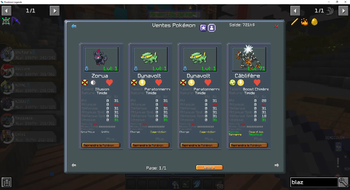
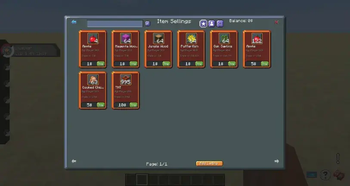
Through the interface you can sell items, pokemons and place announcements ! Admins can cancel listings, and ban specific items to be sold.
Within item listing you can sell more than one stack at once, just stack more on top of it ! Prices are defined as unit price, do players can buy the quantity they like.
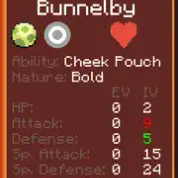
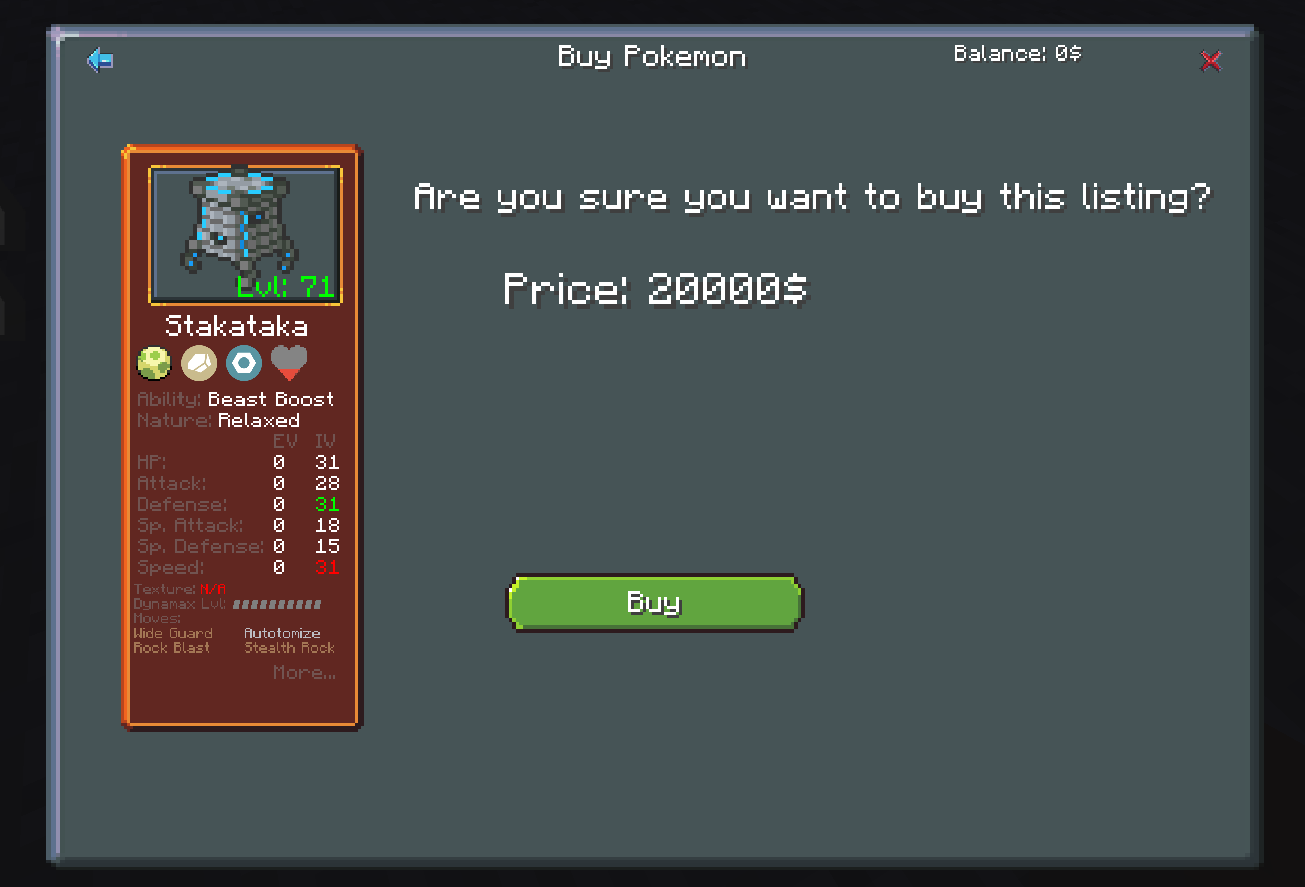
Within pokémon listing you can see a lot of informations about the pokemon, and see their sprites. The admins have a way in config files to define minimum price.
Here are the permissions to manage it :
- gts.admin : Allows the player to use admin features such as the admin GUI
- gts.sell_pokemon : Allows the player to sell pokemon
- gts.sell_item : Allows the player to sell items.
- gts.place_ad : Allows the player to place ads.
- gts.vip : Increases the limits of max listings of the player.
Installation:
For players:
Install Forge 1.12.2 - 14.23.5.2860
Place Pixelmon Reforged Universal 1.12.2 (Pixelmon Reforged), Creative Core (Creative Core), and GTS Legends Client (Link) into mods folder
Run and connect to a server with mod installed
For servers:
Use a forge server software on 1.12.2
Have Pixelmon Reforged Server 1.12.2 in mod folder, as well as Creative Core and GTS Legends Server (Link)
Place config file "gts.json" in the "config" folder of your server
Place "gts_player_data.json" into the root of the server.
Hope you like it, and if you can, pease support us ! ❤️
Available Versions
How to Install GTS Legends on Your Server
Order Server
Order a Minecraft Java server with at least 3 GB RAM (4 GB recommended).
Set forge Loader
In the panel under "Egg", select the forge loader and matching Minecraft version (1.12.2).
Install Mod
Open the mod browser in the dashboard and search for "GTS Legends". Click "Install" – done! Alternatively, upload the .jar via SFTP to the /mods folder.
Compatibility
Mod Loaders
Minecraft Versions
1.12.2
Server-side
✓ RequiredRecommended RAM
4 GB(min. 3 GB)Frequently Asked Questions
GTS Legends server crashes on startup – what to do?
Most common cause: wrong forge version or insufficient RAM. Check the server log (latest.log) for "OutOfMemoryError" or "Mixin" errors. With Mado Hosting: ensure at least 3 GB RAM is allocated and the loader matches the mod version (1.12.2). You can switch loaders with one click in the panel.
Is GTS Legends compatible with forge?
GTS Legends officially supports forge for Minecraft 1.12.2. The Mado dashboard automatically detects incompatible loader combinations.
Server lagging with GTS Legends – how to optimize performance?
Recommended RAM: 4 GB (per 8 players). Use /spark profiler to check if GTS Legends consumes the most tick time. Common fixes: reduce server view-distance to 8-10, install "performant" or "starlight" as supplementary mods on Forge. With Mado Hosting, your server runs on NVMe SSDs with dedicated CPU cores for minimal latency.
Similar Mods




![CobbleDollars [Cobblemon Addon]](https://cdn.modrinth.com/data/s7N7AsqL/684040a264fc1d7f9b856ec5d2da39767398c7ad.png)
Rent Modded Server
Install GTS Legends with just one click on your server.