
Guilded
Adds the ability to create Guilds, large organized groups with an API for in-game interactions
Screenshots
About this Mod
Guilded

Status
Integration Update (Adds integrations with other mods)
Integration Update is almost ready for 1.21.1 & 1.21.3. Porting it to 1.20.1 will begin after release. You can find a document showing it's progress and contents here
Docs
Developer and user documents will be worked on alongside 1.20.1's Integration Update port
Contributions
- Poke097 for logo
Introduction
Guilded is a Fabric mod that aims to fill in the absence of faction mods that allow for the creation of Factions from modpack, mod dev, and player standpoints, while also providing a API that developers can hook on-to for ingame interactions.
User Guide
To start using the mod, simply load a world and press G (Keybind can be changed to user preference). This will take you to the main menu of Guilded.
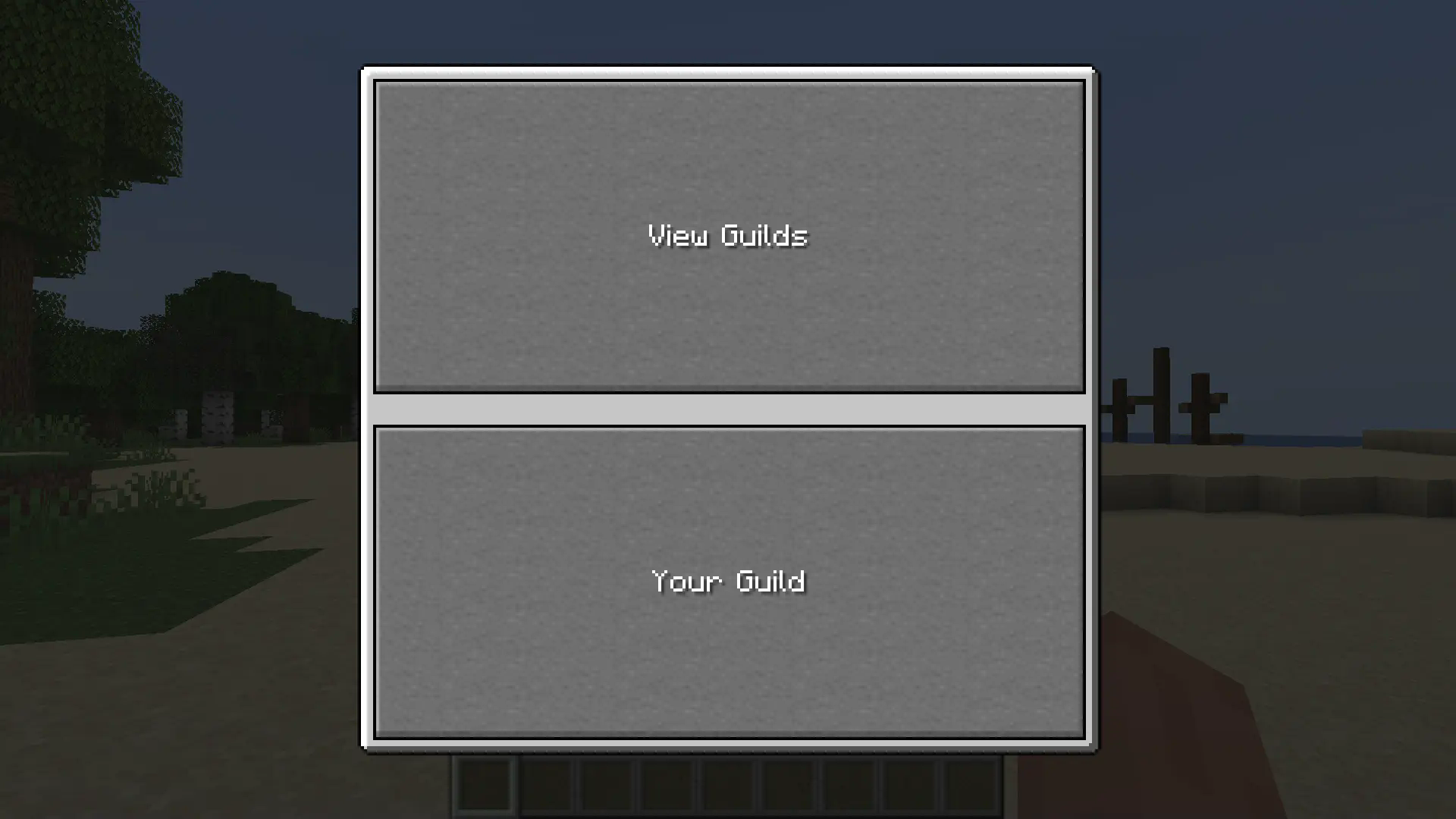
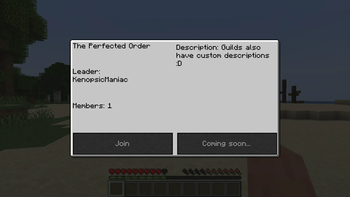
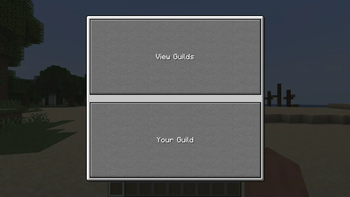
Here, you can either view and join other guilds, or make your own! If you want to make your own, simply press "Your Guild" to be taken to the Create Guild Menu, where you can put your guild's name (Cannot have a , in it) and the name of the leader rank (AKA the rank you will have).
Once your guild is made, simply re-open the Your Guild menu, to be taken to, well, your guild's menu!
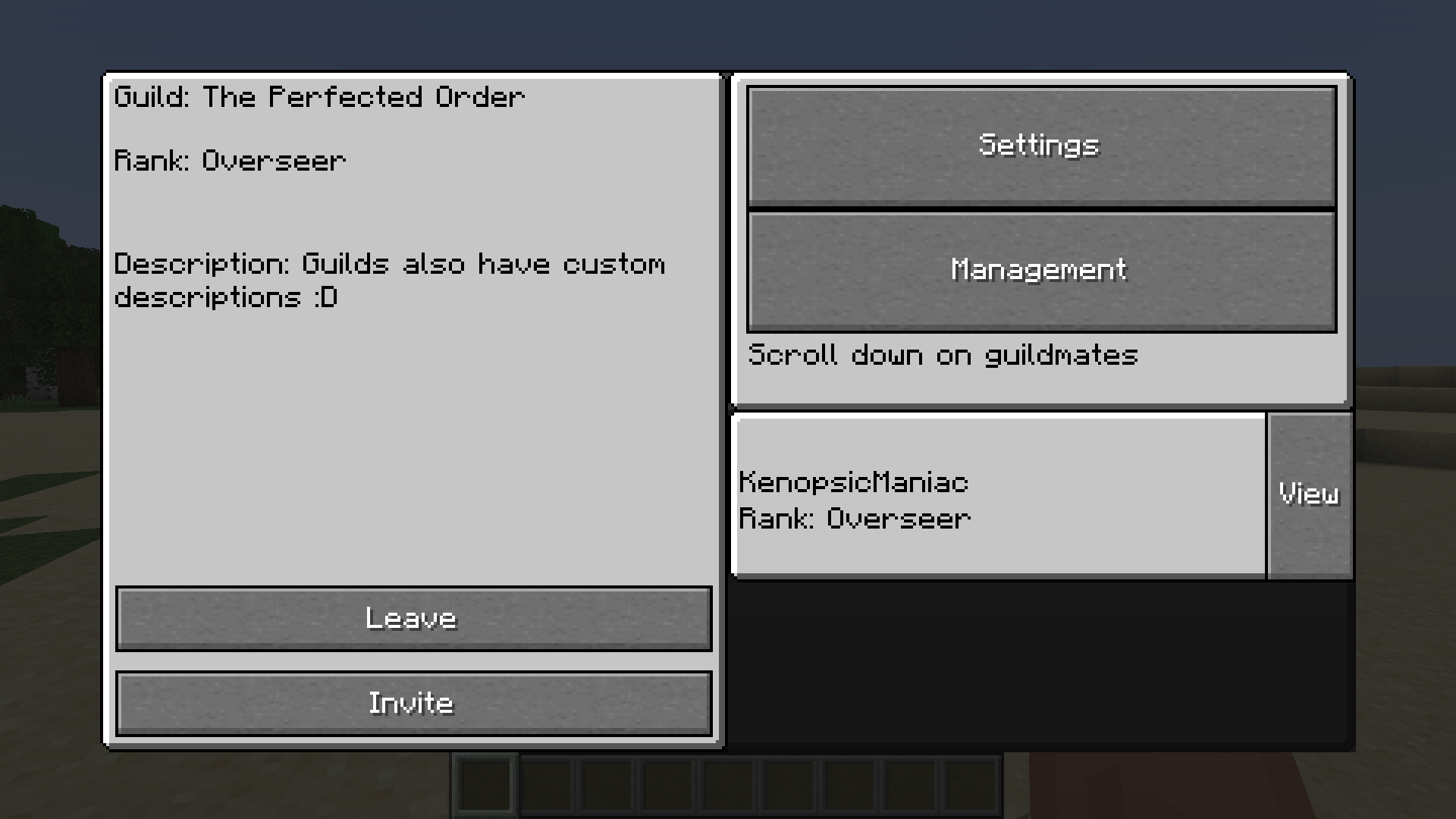
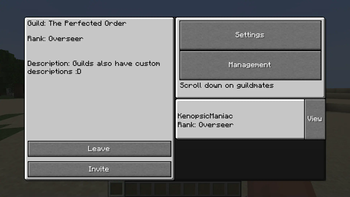
Here, you can see your guild's name, rank, and description (Latter is editable in Management).
I'll let you figure out the rest of the menu, but there are some important things to note:
- The leader and "Recruit" ranks are mandatory; this is due to hard-coded logic (Might be changed in the future)
- The actions a rank can do in a guild are defined by the guild's settings and the rank's "Priority". A higher priority number means less permissions, and a lower priority number means more permissions. You can change the maximum number needed for a action via Settings
Modpack and datapack guide
Coming soon
Mod developer guide
Coming soon
Available Versions
How to Install Guilded on Your Server
Order Server
Order a Minecraft Java server with at least 3 GB RAM (4 GB recommended).
Set fabric Loader
In the panel under "Egg", select the fabric loader and matching Minecraft version (1.21.3).
Install Mod
Open the mod browser in the dashboard and search for "Guilded". Click "Install" – done! Alternatively, upload the .jar via SFTP to the /mods folder.
Compatibility
Mod Loaders
Minecraft Versions
1.21.3, 1.21.1, 1.20.1
Server-side
✓ RequiredRecommended RAM
4 GB(min. 3 GB)Frequently Asked Questions
Guilded server crashes on startup – what to do?
Most common cause: wrong fabric version or insufficient RAM. Check the server log (latest.log) for "OutOfMemoryError" or "Mixin" errors. With Mado Hosting: ensure at least 3 GB RAM is allocated and the loader matches the mod version (1.21.3). You can switch loaders with one click in the panel.
Is Guilded compatible with fabric?
Guilded officially supports fabric for Minecraft 1.21.3, 1.21.1, 1.20.1. The Mado dashboard automatically detects incompatible loader combinations.
Server lagging with Guilded – how to optimize performance?
Recommended RAM: 4 GB (per 8 players). Use /spark profiler to check if Guilded consumes the most tick time. Common fixes: reduce server view-distance to 8-10, install "performant" or "starlight" as supplementary mods on Forge. With Mado Hosting, your server runs on NVMe SSDs with dedicated CPU cores for minimal latency.
Similar Mods




Rent Modded Server
Install Guilded with just one click on your server.