
Guinermod
Survive a world invaded by the Guiners, new daylight enemies that spawn in large groups, and much more.
Screenshots
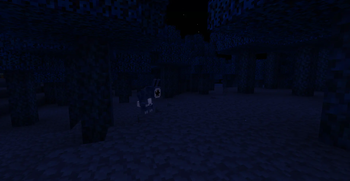
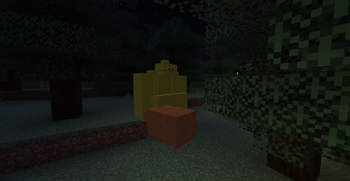
About this Mod
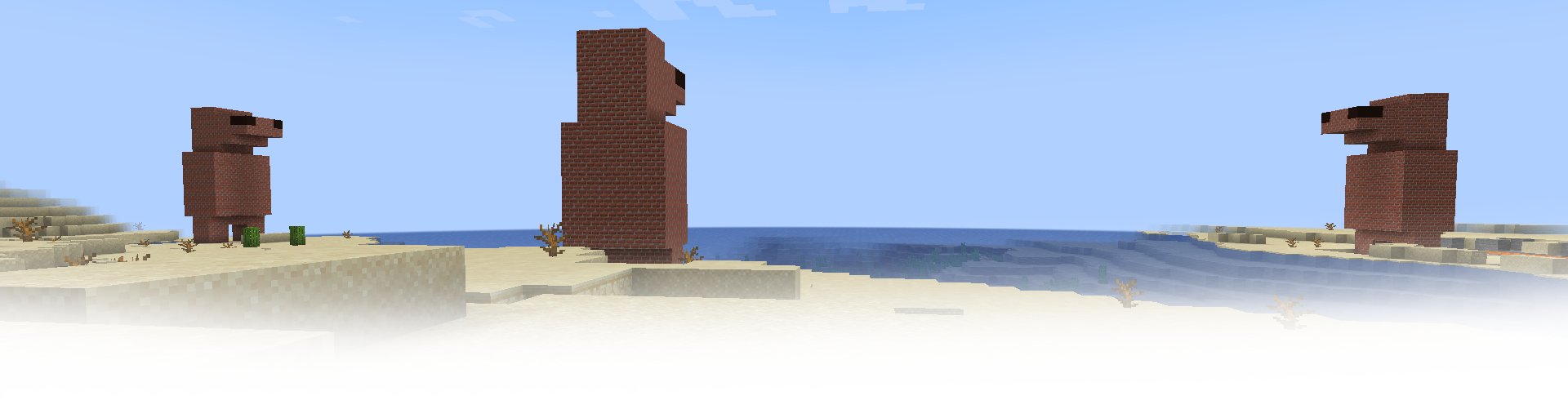
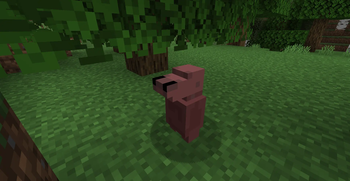
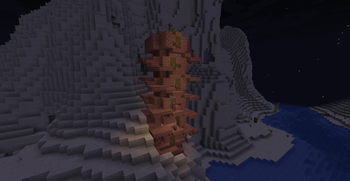
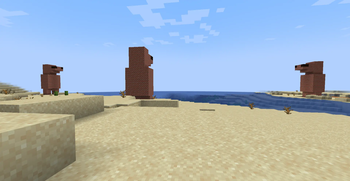
An invasive species called "Guiners" have invaded the Minecraft world, they have filled the beautiful green plains and savannas with their bizarre brick structures, and have waged war against the players for some reason.
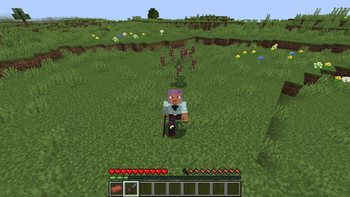
Guiners are enemies that appear in large groups when the sun is directly above you or inside overworld structures made out of bricks. They are extremely weak, most of them dying with two hits with your bare hands, but new and stronger Guiner enemies will start appearing the more of them you kill, so you better gear up!
Discover their structures and craft brick tools! or don't! they suck and break in one hit but they do a lot of knockback and can be fun to use.
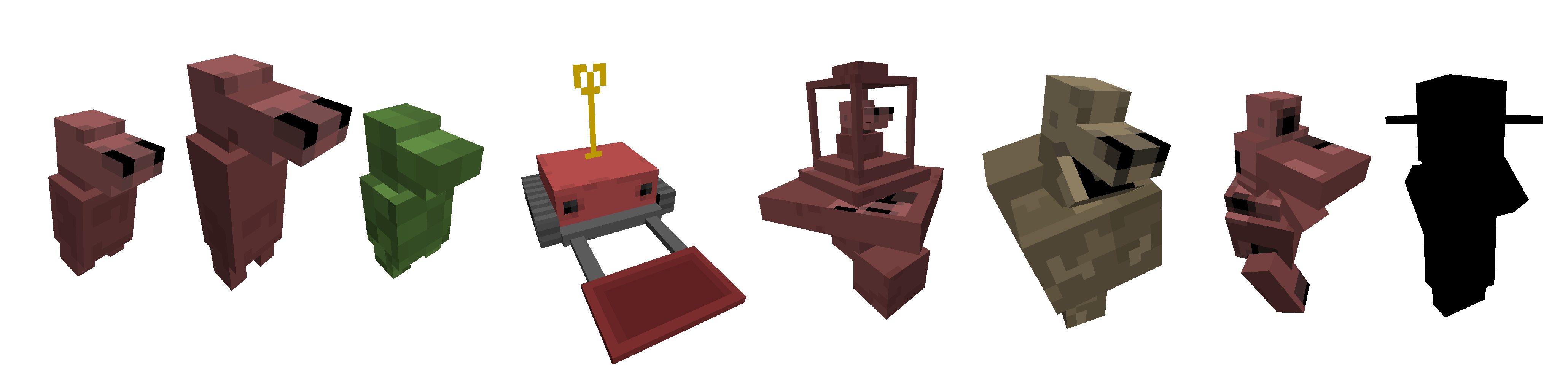
You have the standard Guiner, the tall Guiner, the Chameleon, the Flinger robots, the Guiner Flying Machines, Homonculi, the Guinermothers, and the mastermind behind this invasion... hiding away in a separate plane of reality.
But the Guiners didn't come alone.
With them, a series of new creatures entered your world aswell:
The dangerous Bunnoids from the Blue Forest, the Colossal Ogres that spawn during the night, and Flingers... again! Because they also spawn on their own during the night.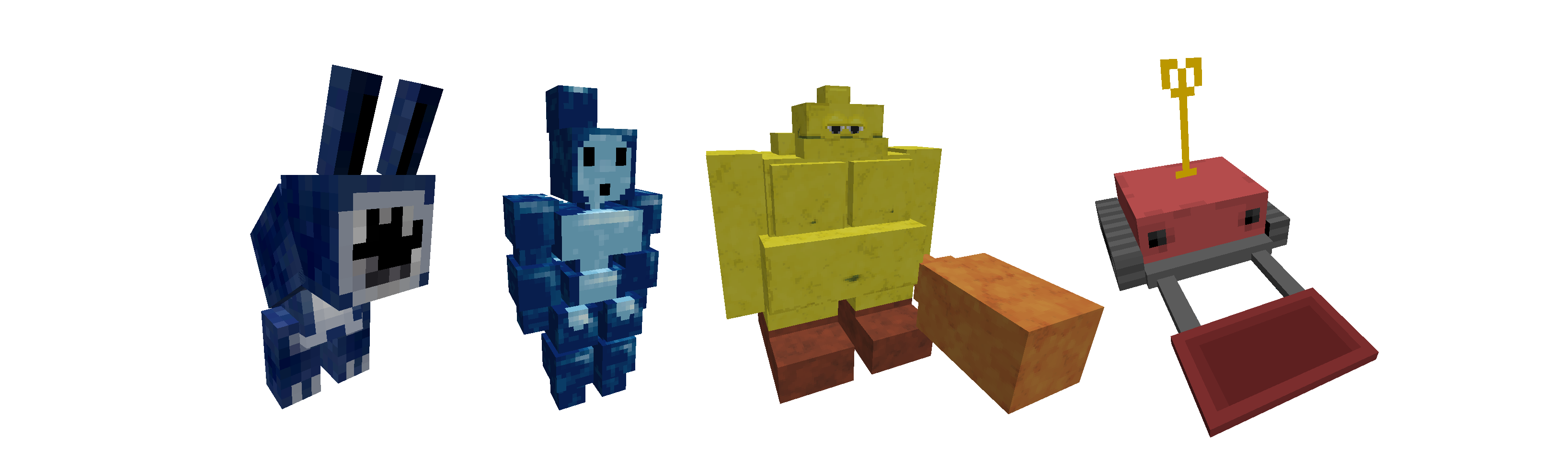
Oh yeah, and I skipped past the Bonnoids, the Bunnoids smarter and friendlier cousins polished from thunder, try to create one during thunderstorms and befriend it using that strange fruit you find everywhere in the Blue Forest.
Credits: Vargskelethor Joel, Siivagunner, Moranbong Band, WildBrain, Cinemassacre.
Videos
Available Versions
How to Install Guinermod on Your Server
Order Server
Order a Minecraft Java server with at least 3 GB RAM (4 GB recommended).
Set neoforge Loader
In the panel under "Egg", select the neoforge loader and matching Minecraft version (1.21.4).
Install Mod
Open the mod browser in the dashboard and search for "Guinermod". Click "Install" – done! Alternatively, upload the .jar via SFTP to the /mods folder.
Compatibility
Mod Loaders
Minecraft Versions
1.21.4
Server-side
✓ RequiredRecommended RAM
4 GB(min. 3 GB)Frequently Asked Questions
Guinermod server crashes on startup – what to do?
Most common cause: wrong neoforge version or insufficient RAM. Check the server log (latest.log) for "OutOfMemoryError" or "Mixin" errors. With Mado Hosting: ensure at least 3 GB RAM is allocated and the loader matches the mod version (1.21.4). You can switch loaders with one click in the panel.
Is Guinermod compatible with neoforge?
Guinermod officially supports neoforge for Minecraft 1.21.4. The Mado dashboard automatically detects incompatible loader combinations.
Server lagging with Guinermod – how to optimize performance?
Recommended RAM: 4 GB (per 8 players). Use /spark profiler to check if Guinermod consumes the most tick time. Common fixes: reduce server view-distance to 8-10, install "performant" or "starlight" as supplementary mods on Forge. With Mado Hosting, your server runs on NVMe SSDs with dedicated CPU cores for minimal latency.
Similar Mods




Rent Modded Server
Install Guinermod with just one click on your server.