
HardenedCore
Extends early game by replacing wooden and stone tools with flint, gating iron smelting behind a blast furnace, and adding a new ore fragment progression system.
Screenshots

About this Mod
HardenedCore
HardenedCore makes Minecraft early game feel more deliberate and rewarding by removing shortcuts that experienced players skip anyway and replacing them with a coherent progression system.
Changes
Tools
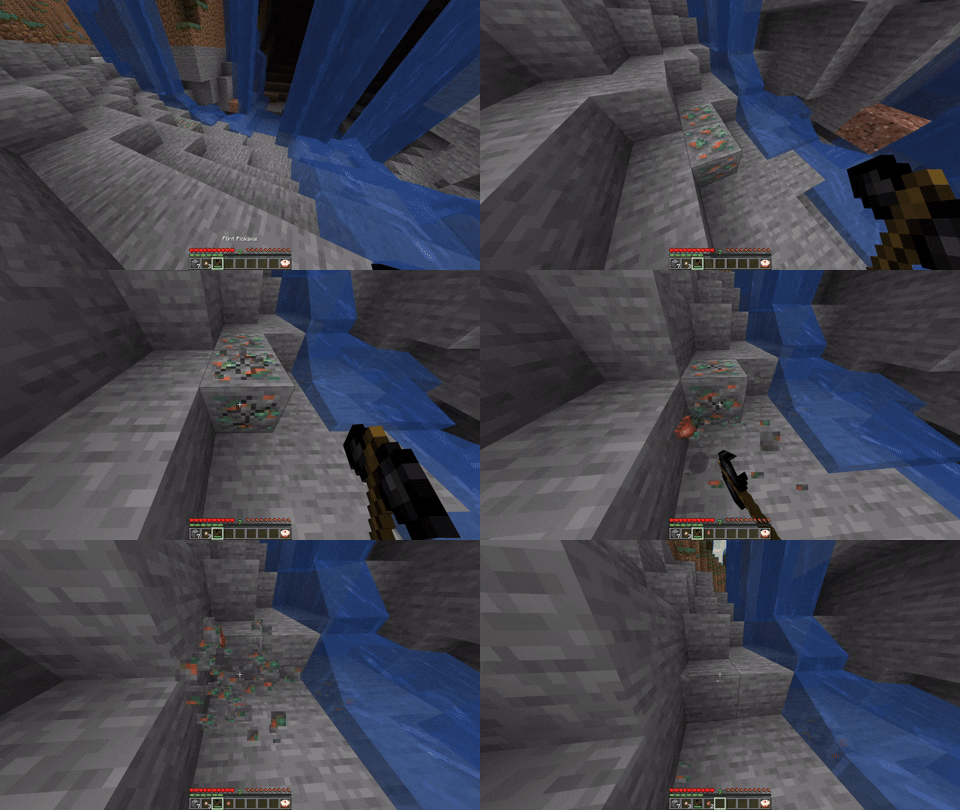
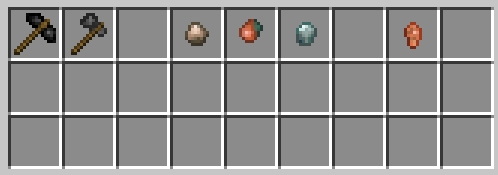
Wooden and stone pickaxes and axes are gone, along with all stone tier tools included. Instead, craft a Flint Pickaxe from flint, this bad boy mines at stone tier and is your primary early game tool. Flint axes are also available as a crafting alternative to wooden axes. Wooden shovels, swords and hoes are untouched.
Ore Fragments
Mining all stone tier ores with a flint pickaxe drops a raw ore fragment instead of the usual ore. Fragments smelt in a furnace into a single nugget.
Blast Furnace
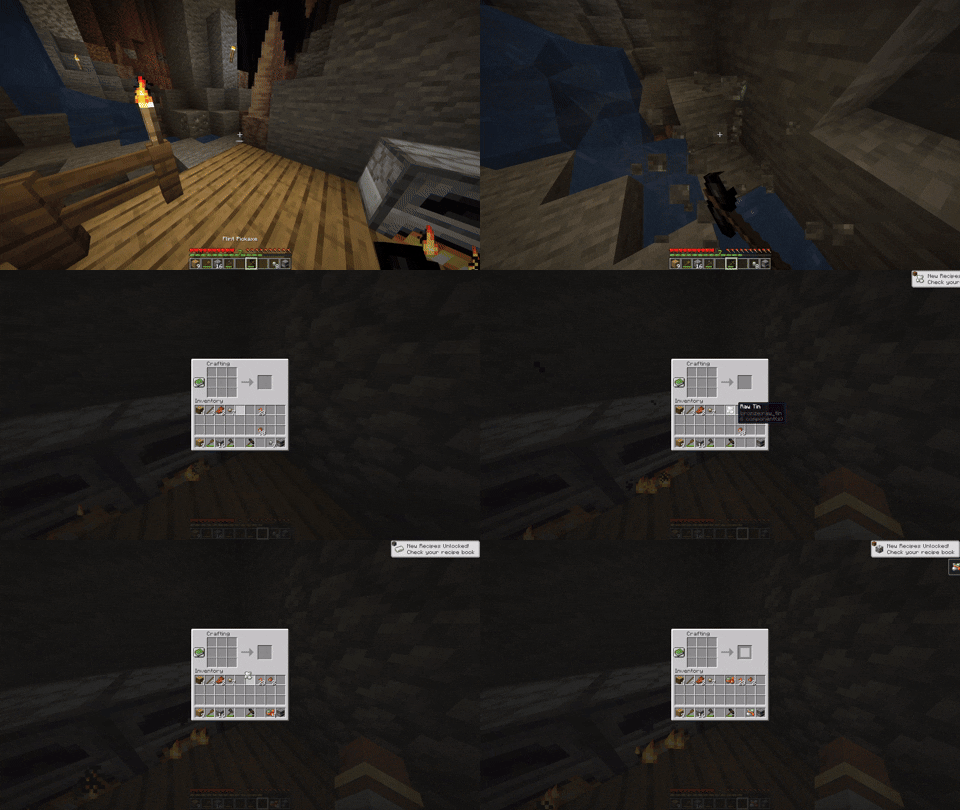
Raw ores and ore blocks cannot be smelted in a regular furnace at all. A blast furnace is required for ore smelting. This makes the blast furnace a meaningful milestone rather than a late convenience.
Progression Path
- Collect flint from gravel
- Craft a flint pickaxe
- Mine ores and collect raw fragments
- Smelt fragments to nuggets
- Accumulate 45 nuggets for 5 iron ingots to build a blast furnace
- Normal iron progression resumes
Mod Compatibility
- Ore blocks from other mods are automatically blocked from furnace smelting if they use conventional tags
- Tin ore fragment support included out of the box for Bronze mod
- Modpack authors can extend
hardenedcore:crafting_blacklistandhardenedcore:furnace_blacklisttags to add custom compatibility
For Modpack Authors
Two item tags control recipe removal at load time:
hardenedcore:crafting_blacklistincludes items whose crafting recipes are removed entirelyhardenedcore:furnace_blacklistincludes items that cannot be smelted in a regular furnace
Add any item to these tags in your datapack to extend HardenedCore's restrictions to modded content.
Available Versions
How to Install HardenedCore on Your Server
Order Server
Order a Minecraft Java server with at least 3 GB RAM (4 GB recommended).
Set fabric Loader
In the panel under "Egg", select the fabric loader and matching Minecraft version (1.21.1).
Install Mod
Open the mod browser in the dashboard and search for "HardenedCore". Click "Install" – done! Alternatively, upload the .jar via SFTP to the /mods folder.
Compatibility
Mod Loaders
Minecraft Versions
1.21.1
Server-side
✓ RequiredRecommended RAM
4 GB(min. 3 GB)Frequently Asked Questions
HardenedCore server crashes on startup – what to do?
Most common cause: wrong fabric version or insufficient RAM. Check the server log (latest.log) for "OutOfMemoryError" or "Mixin" errors. With Mado Hosting: ensure at least 3 GB RAM is allocated and the loader matches the mod version (1.21.1). You can switch loaders with one click in the panel.
Is HardenedCore compatible with fabric?
HardenedCore officially supports fabric for Minecraft 1.21.1. The Mado dashboard automatically detects incompatible loader combinations.
Server lagging with HardenedCore – how to optimize performance?
Recommended RAM: 4 GB (per 8 players). Use /spark profiler to check if HardenedCore consumes the most tick time. Common fixes: reduce server view-distance to 8-10, install "performant" or "starlight" as supplementary mods on Forge. With Mado Hosting, your server runs on NVMe SSDs with dedicated CPU cores for minimal latency.
Similar Mods




![CobbleDollars [Cobblemon Addon]](https://cdn.modrinth.com/data/s7N7AsqL/684040a264fc1d7f9b856ec5d2da39767398c7ad.png)
Rent Modded Server
Install HardenedCore with just one click on your server.