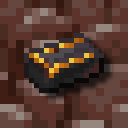
Harder Armours
Makes netherite progression more difficult and adds padding for armours
Screenshots
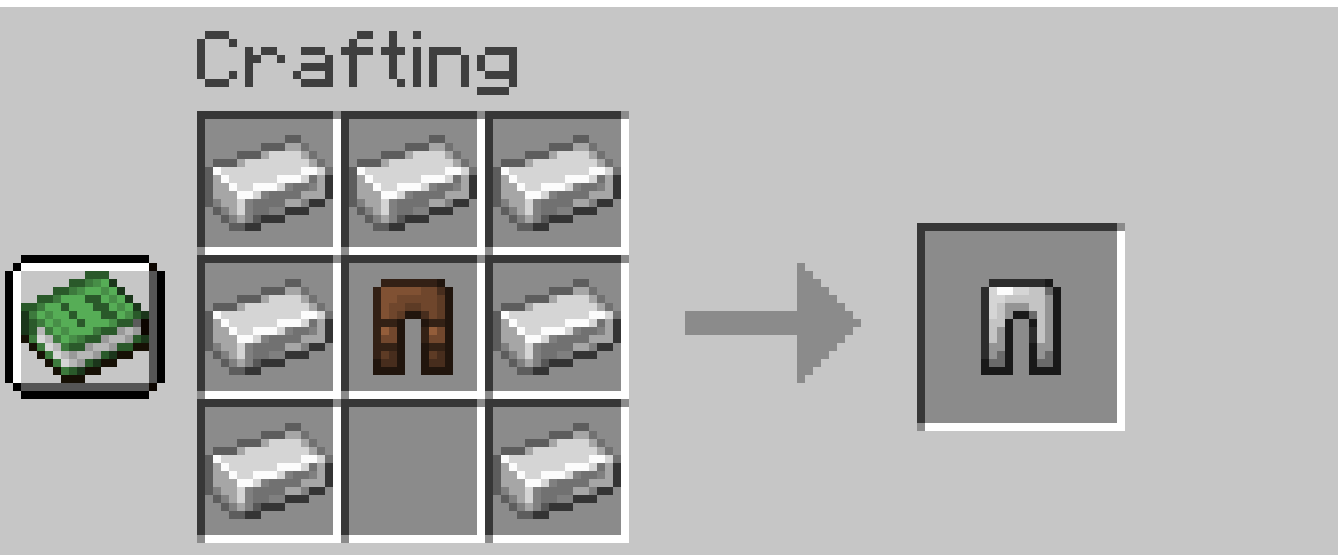
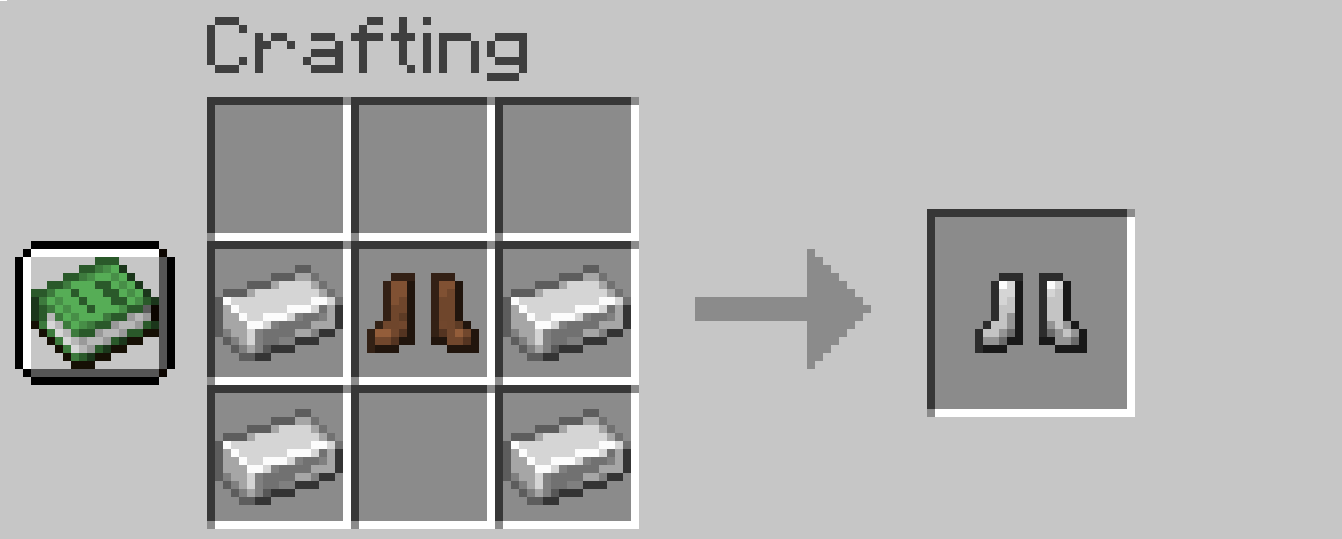
About this Mod
Dependencies

This is my first mod so please leave suggestions and recommendations as i would love to implement more into my mod!
Harder Armours
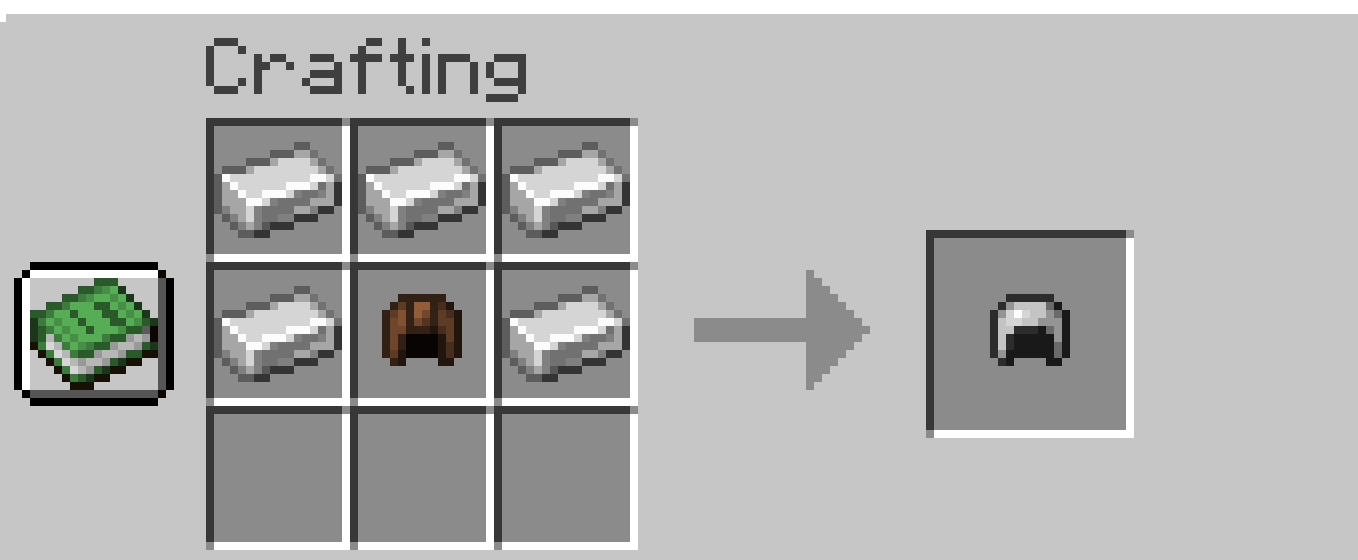
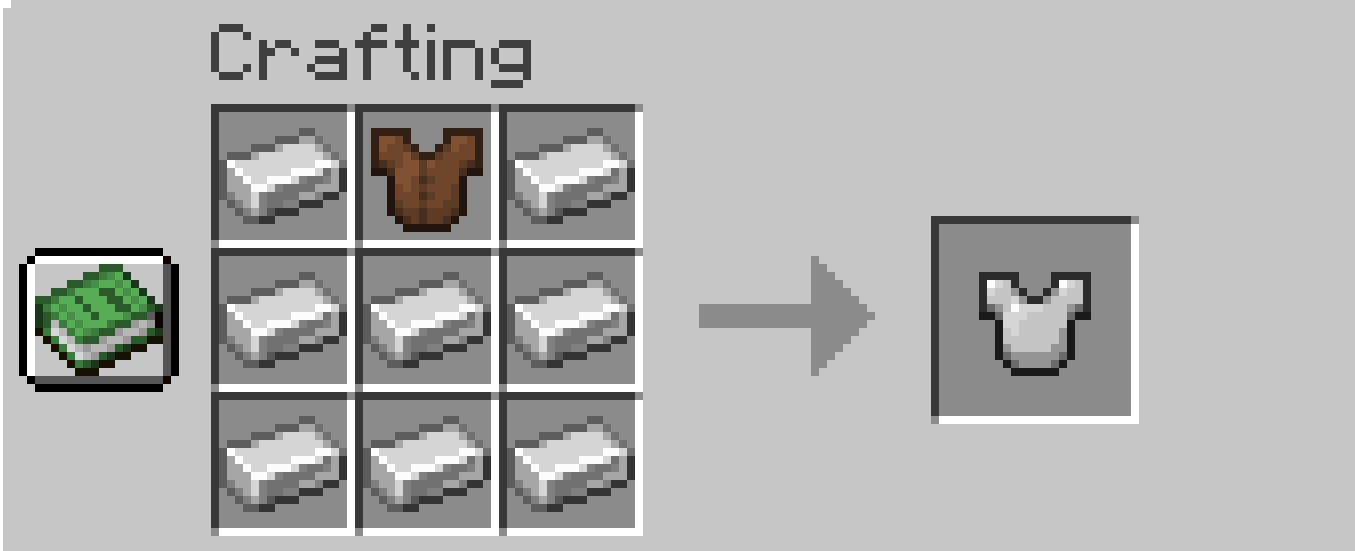
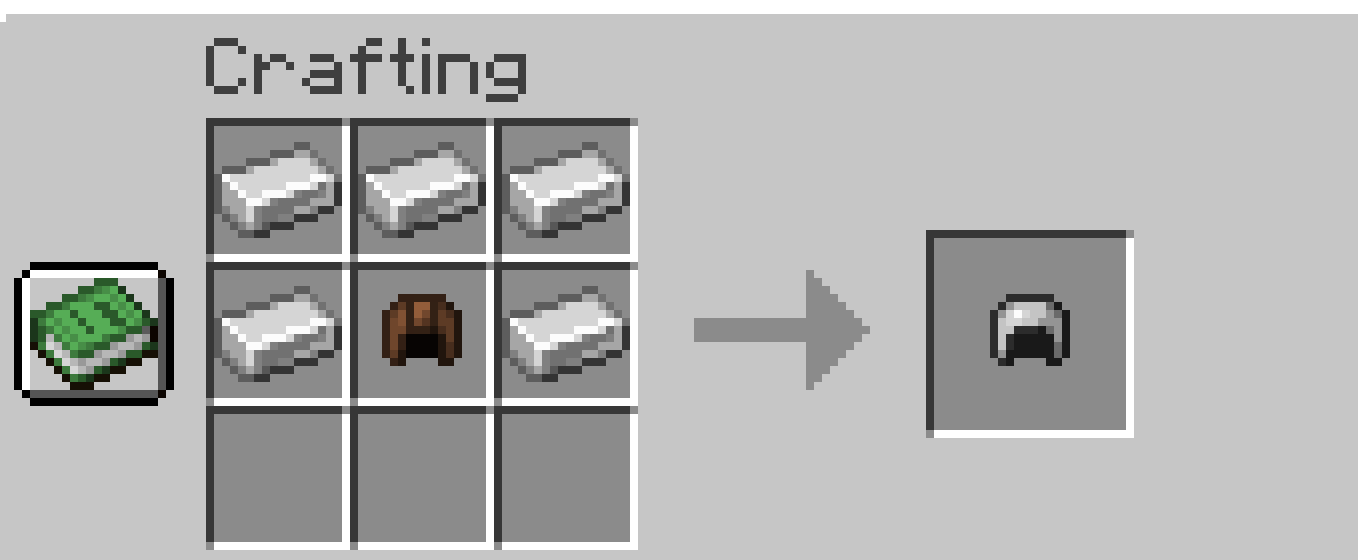
- All Armour types now require their leather variants inside one of the free slots in order to craft
- (can be changed in the config if you just want the Harder Netherite instead of both)
Harder Netherite
- Netherite Armour and Tools now require Enriched Netherite Ingots with the Smithing Template to forge
- (can be changed in the config if you just want the Harder Armours instead of both)
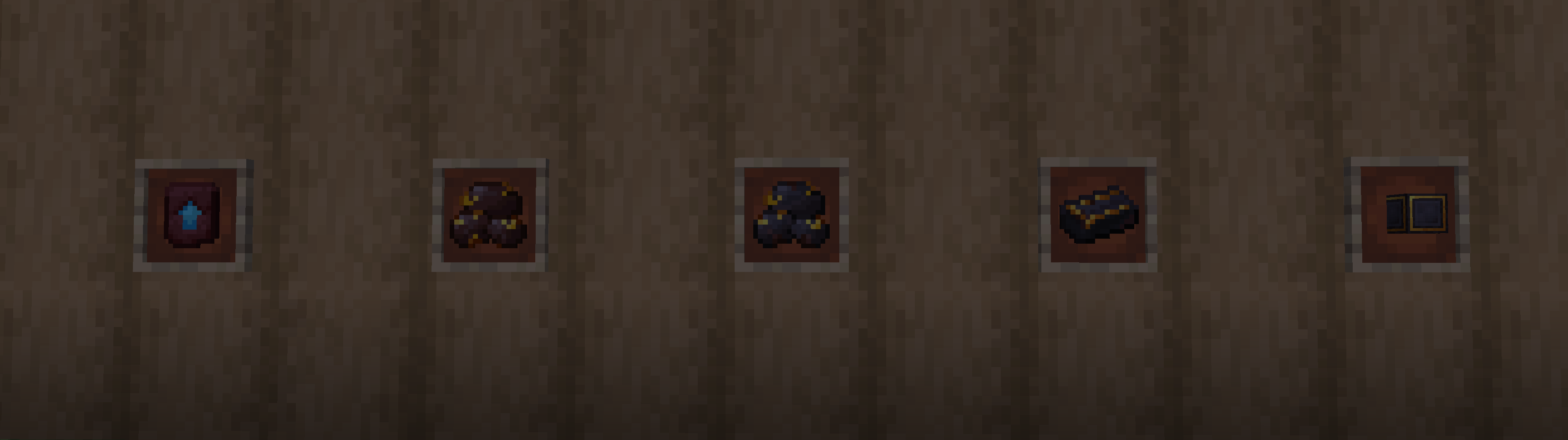
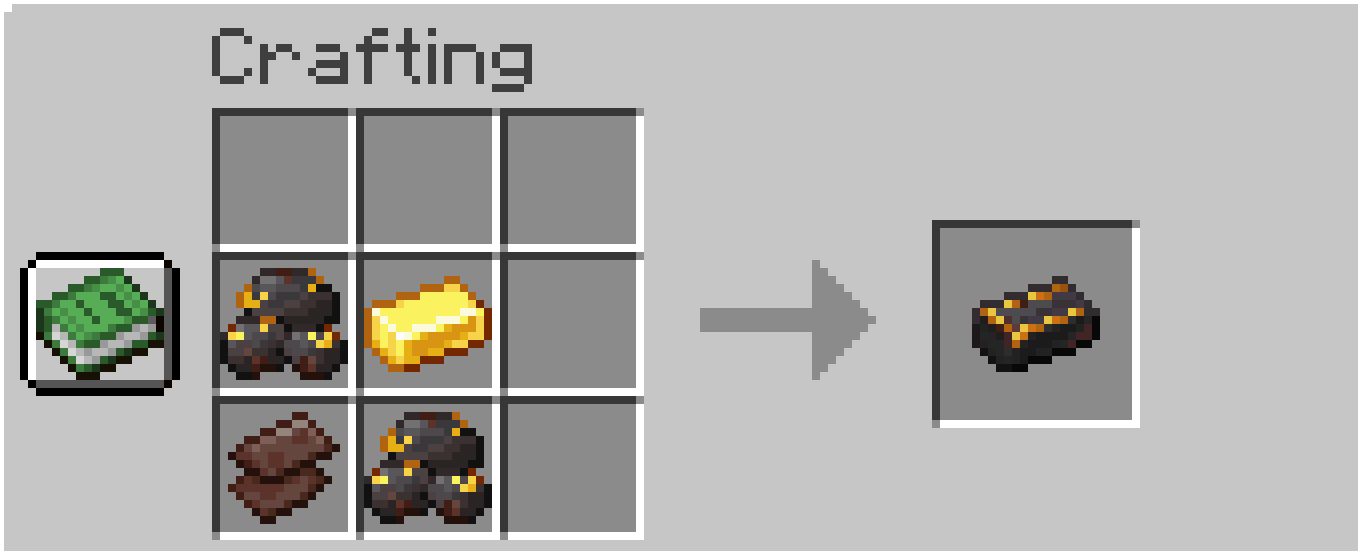
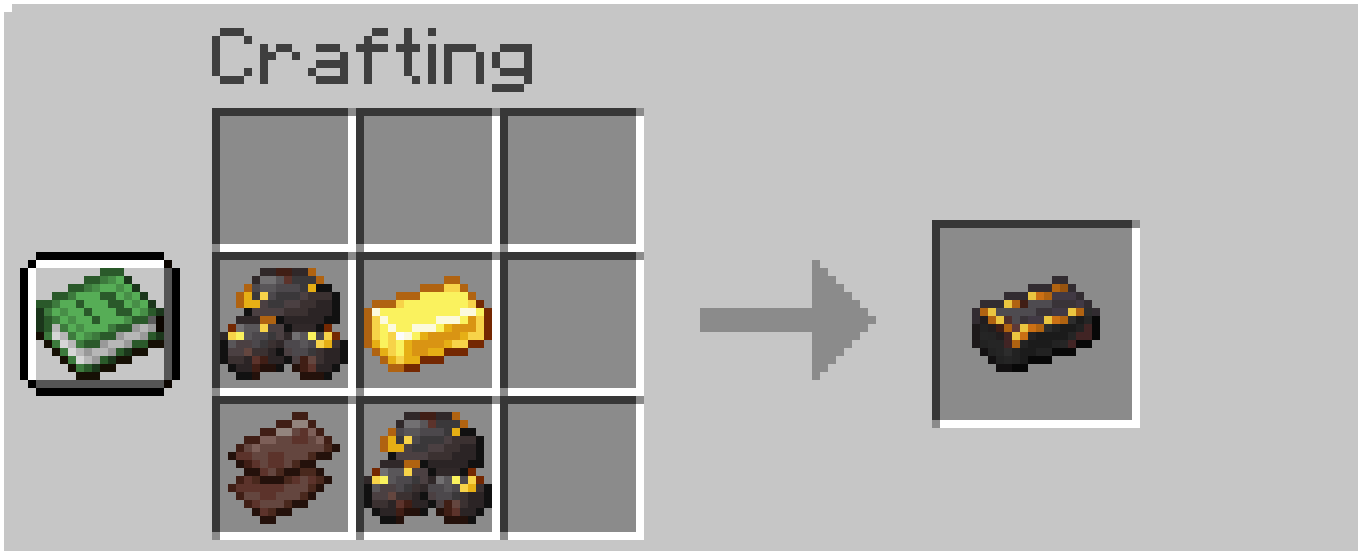
- In order to get Enriched Netherite Ingots you must now put "Clump of Netherite Scrap"(Renamed Netherite Ingots) into a Blast Furnace to get "Raw Netherite" which is then used in the crafting for Enriched Netherite Ingots
Enriched Netherite
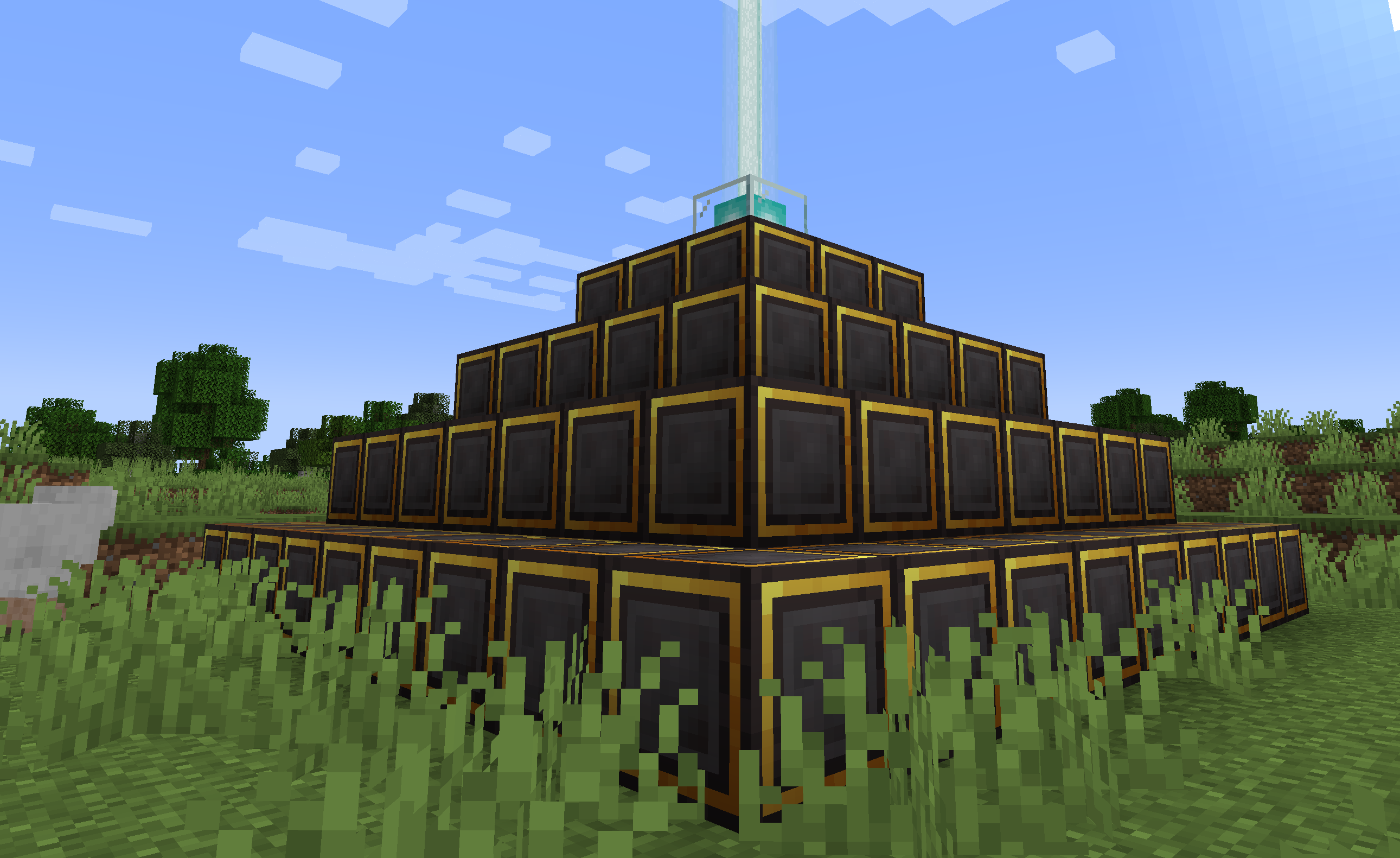
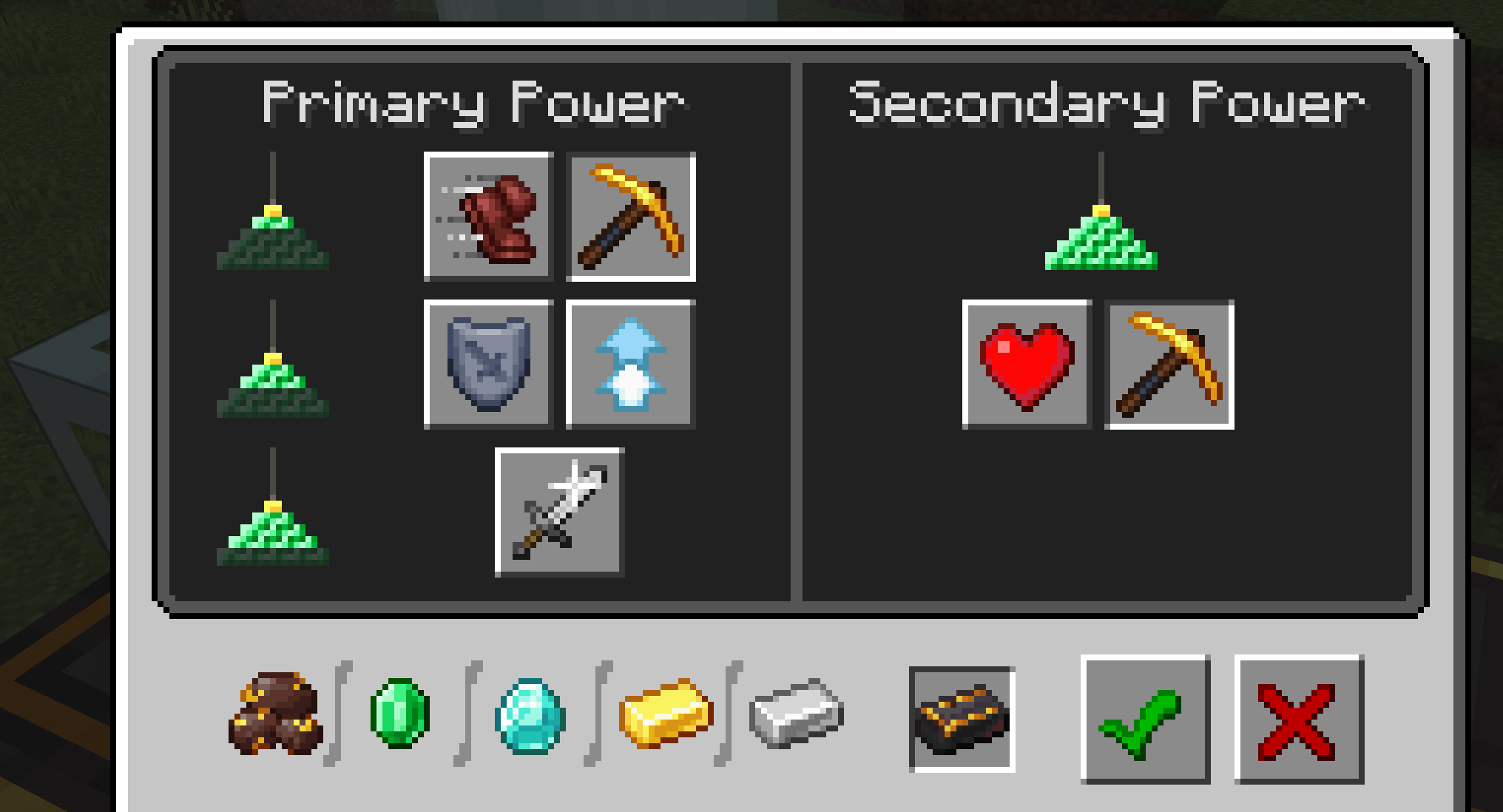
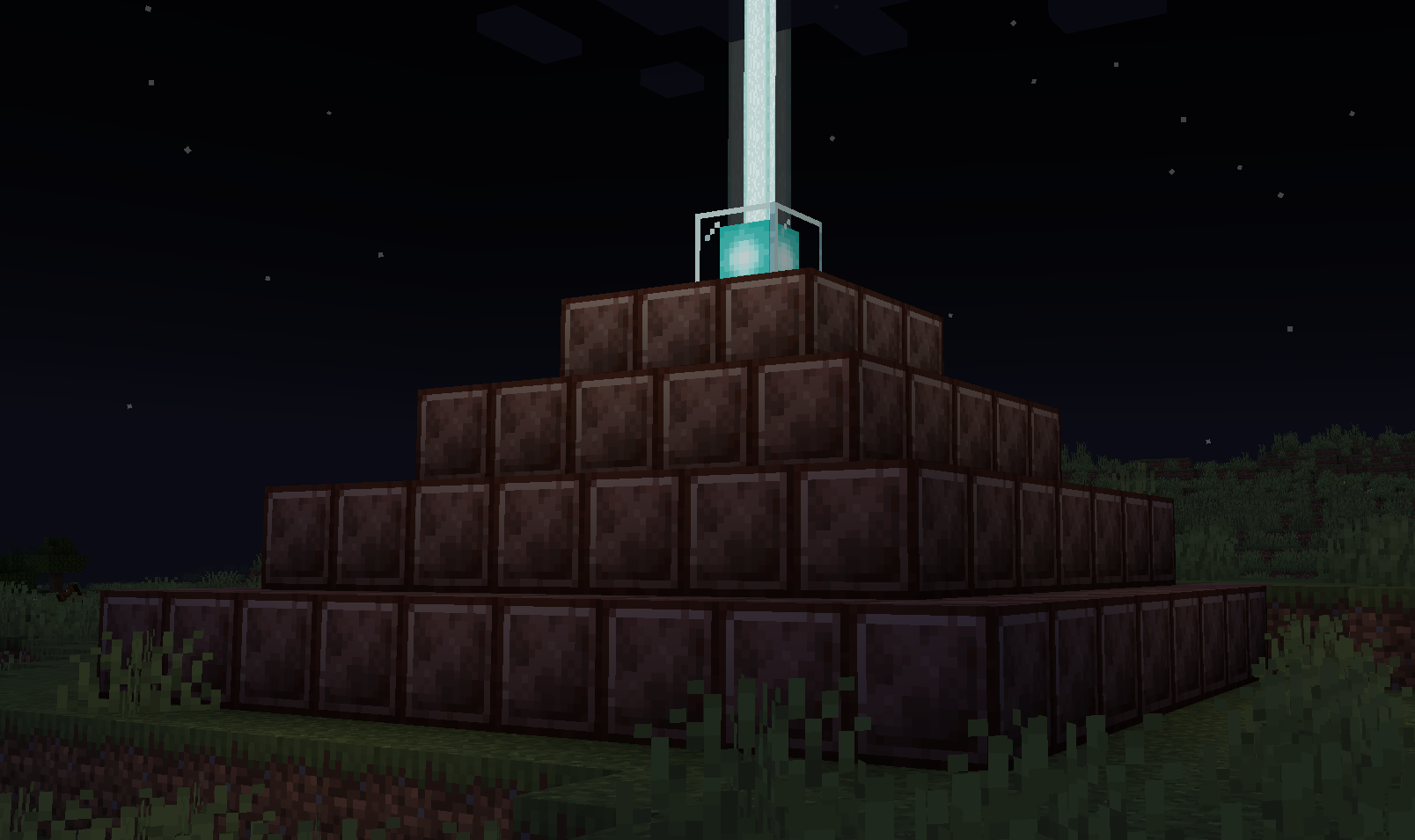
- Enriched Netherite also comes in a Block for which can be used for beacons if you so wished (I dont actually know why you would want to)
Enriched Netherite Ingot Recipe
Enriched Netherite Block
- It can also be used for the payment item (at the moment i dont know how to add it to the gui)
Netherite Scrap Block
- added a new Netherite Scrap Block to Harder Netherite which can be used as a Beacon Base (not beacon payment item)
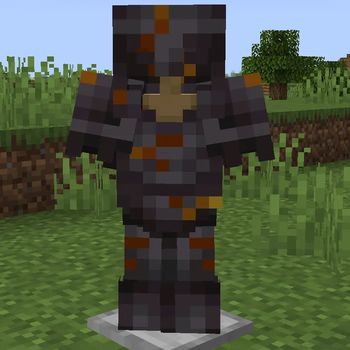
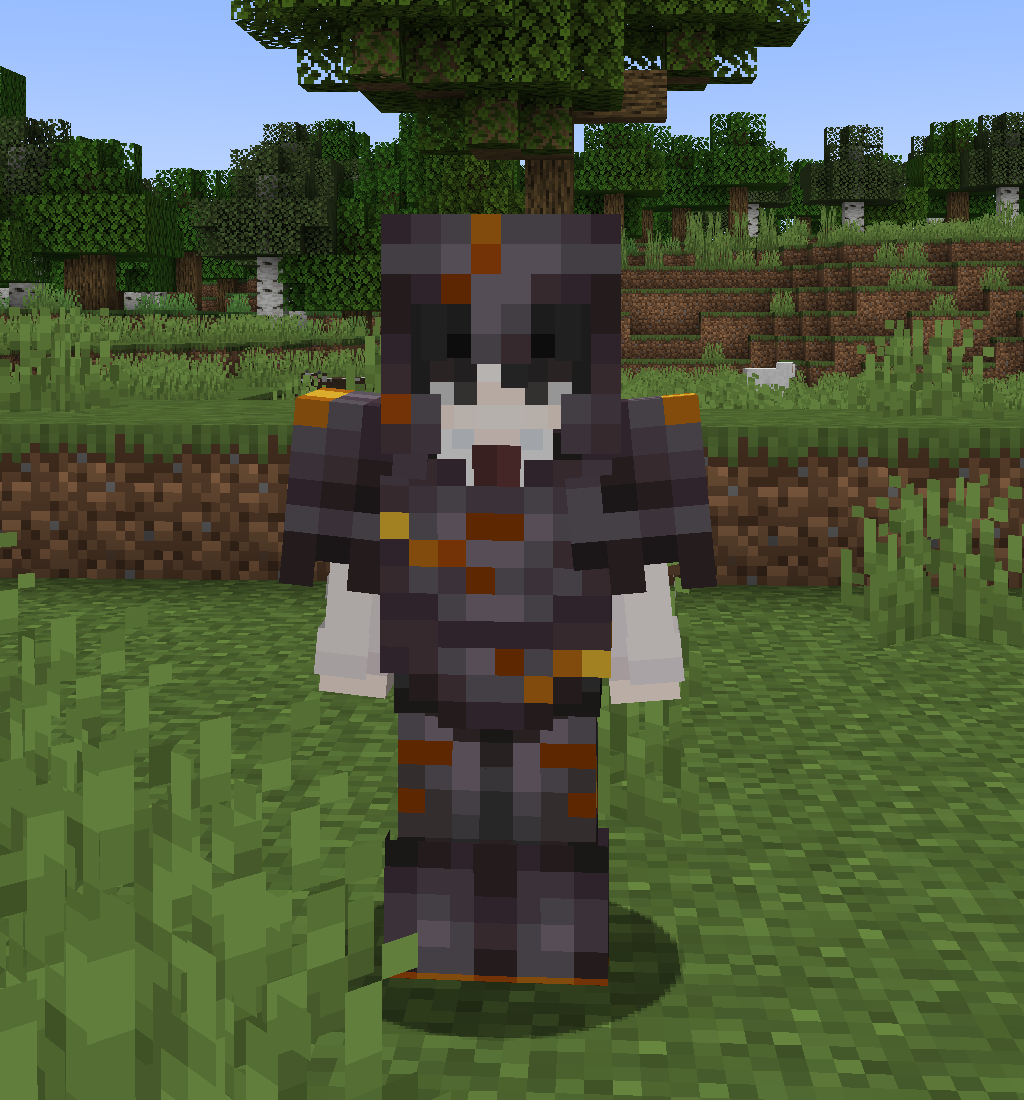
Trimmed Netherite
- Added a new Cracked Trim Armour set which can be toggled in the config
- The only way to get this item is to have the config enabled and it automatically applies when you craft the Netherite Armour (I can add a working Smithing Template to this if requested)
Available Versions
How to Install Harder Armours on Your Server
Order Server
Order a Minecraft Java server with at least 3 GB RAM (4 GB recommended).
Set fabric Loader
In the panel under "Egg", select the fabric loader and matching Minecraft version (1.21.11).
Install Mod
Open the mod browser in the dashboard and search for "Harder Armours". Click "Install" – done! Alternatively, upload the .jar via SFTP to the /mods folder.
Compatibility
Mod Loaders
Minecraft Versions
1.21.11, 1.21.10, 1.21.9 (+8 more)
Server-side
✓ RequiredRecommended RAM
4 GB(min. 3 GB)Frequently Asked Questions
Harder Armours server crashes on startup – what to do?
Most common cause: wrong fabric version or insufficient RAM. Check the server log (latest.log) for "OutOfMemoryError" or "Mixin" errors. With Mado Hosting: ensure at least 3 GB RAM is allocated and the loader matches the mod version (1.21.11). You can switch loaders with one click in the panel.
Is Harder Armours compatible with fabric?
Harder Armours officially supports fabric for Minecraft 1.21.11, 1.21.10, 1.21.9. The Mado dashboard automatically detects incompatible loader combinations.
Server lagging with Harder Armours – how to optimize performance?
Recommended RAM: 4 GB (per 8 players). Use /spark profiler to check if Harder Armours consumes the most tick time. Common fixes: reduce server view-distance to 8-10, install "performant" or "starlight" as supplementary mods on Forge. With Mado Hosting, your server runs on NVMe SSDs with dedicated CPU cores for minimal latency.
Similar Mods



![[TaCZ] Timeless and Classics Zero](https://cdn.modrinth.com/data/SzzJttH8/fd27766d2bb8390d284696b1dbd358f87e081439_96.webp)


Rent Modded Server
Install Harder Armours with just one click on your server.