
Hat Club
Purely server-side or singleplayer. Dyeable, enchantable, repairable, protective hats with fun acquiring mechanics.
Screenshots

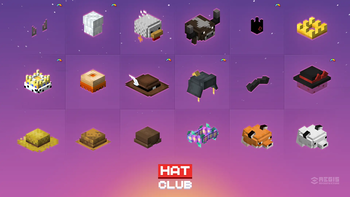
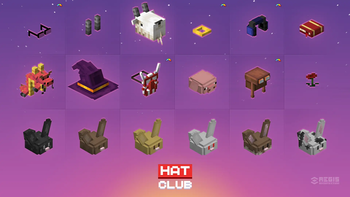
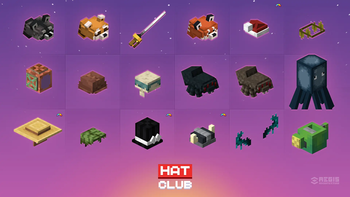

About this Mod


Purely server-side or singleplayer.
Dyeable, enchantable, repairable, protective hats with fun acquiring mechanics.

FEATURES
- Tiered by rarity: collect them all!
- Same properties as diamond helmet.
- Can be repaired with leather.
- Can be enchanted.
- Selection of dyeable hats.
- Wandering trader offers "Mysterious Hat" loot bags.
- Mysterious Hat: contains one random hat. On use rolls a random hat from a loot table based on entry weight.
- No overrides: should work with other mods and datapacks.

TECH DETAILS
- Optimized for 2x1 and 2x2 eyes, adjusted for skin overlay layer offset.
- Hat rarity corresponds to its drop chance.
- Fully translatable.
- Villager hats use vanilla textures.
- Tagged as "minecraft:head_armor", "hatclub:hats" and "c:hats".
- Separate creative tab.
- Clean approach: no console errors.
- Everything is data-driven.
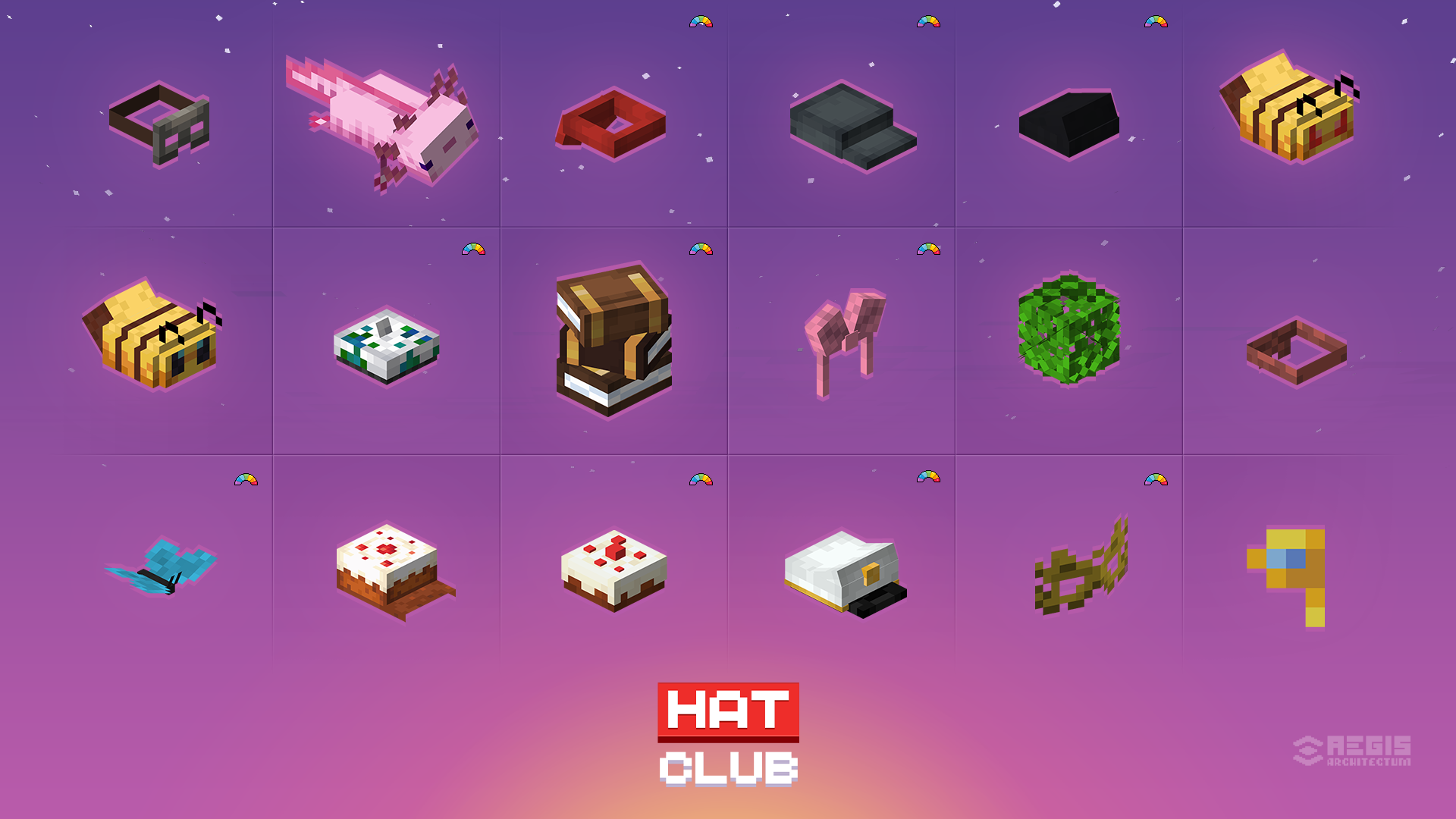
HATS PREVIEW
Show hats list
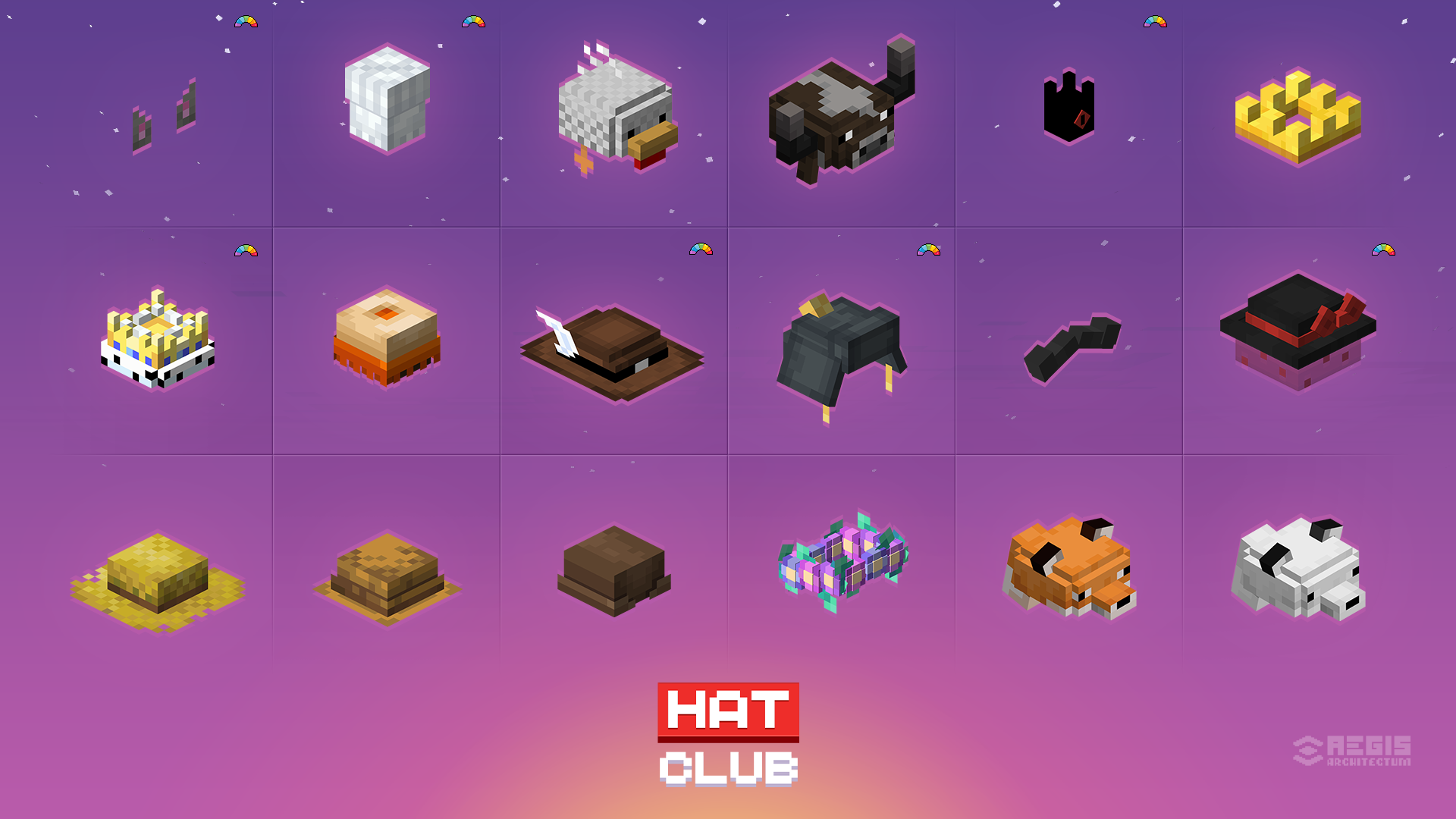
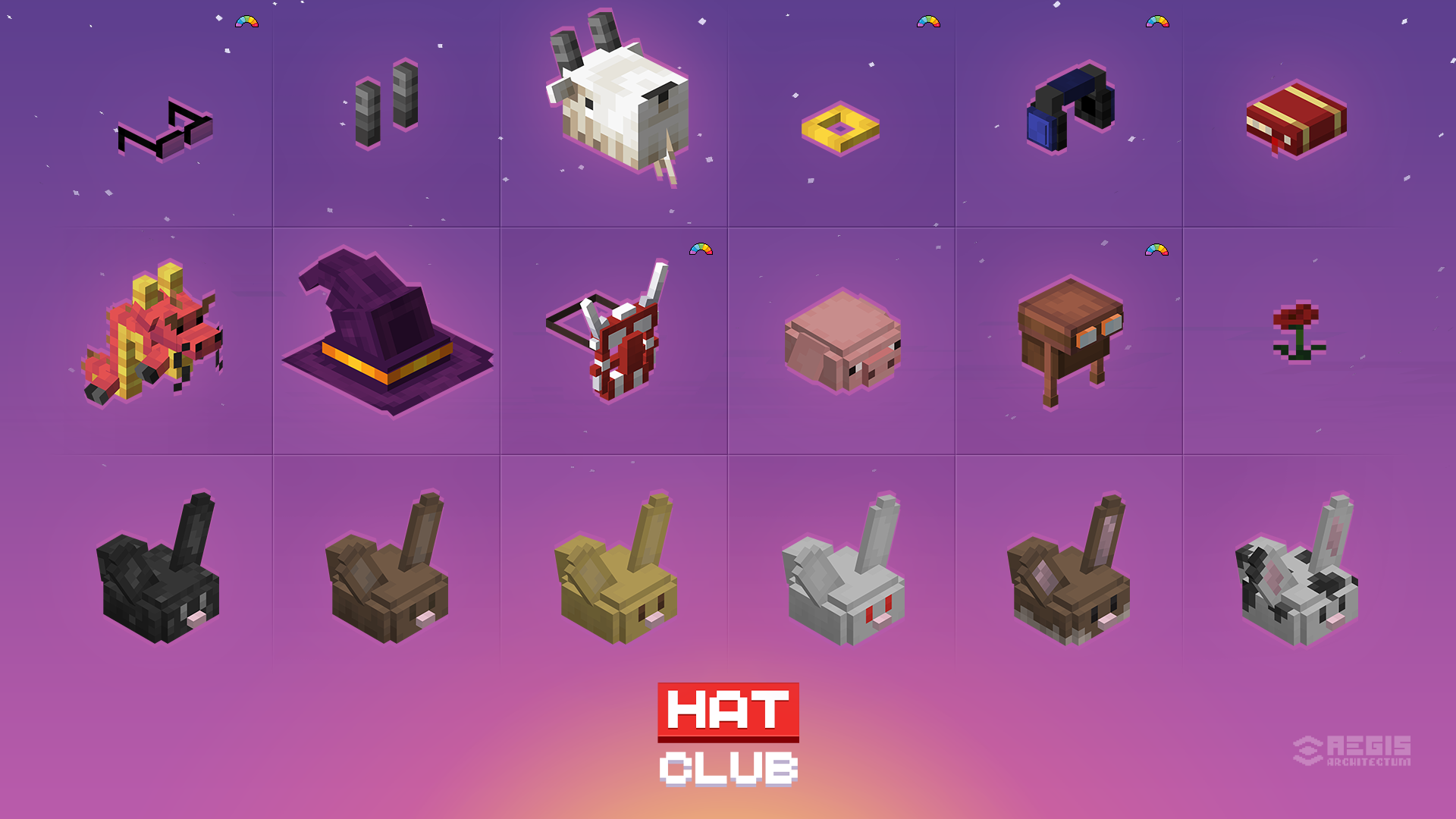
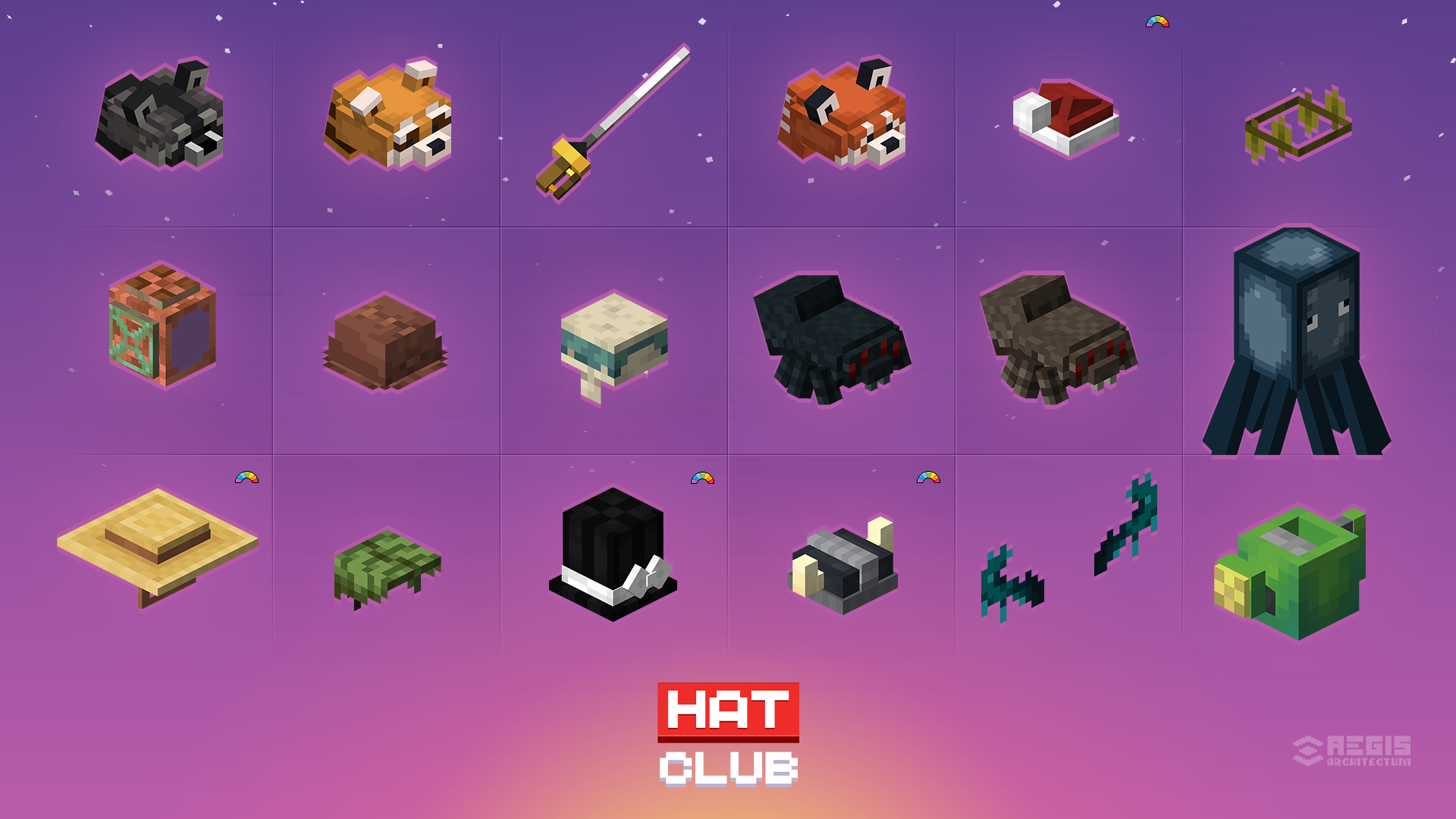
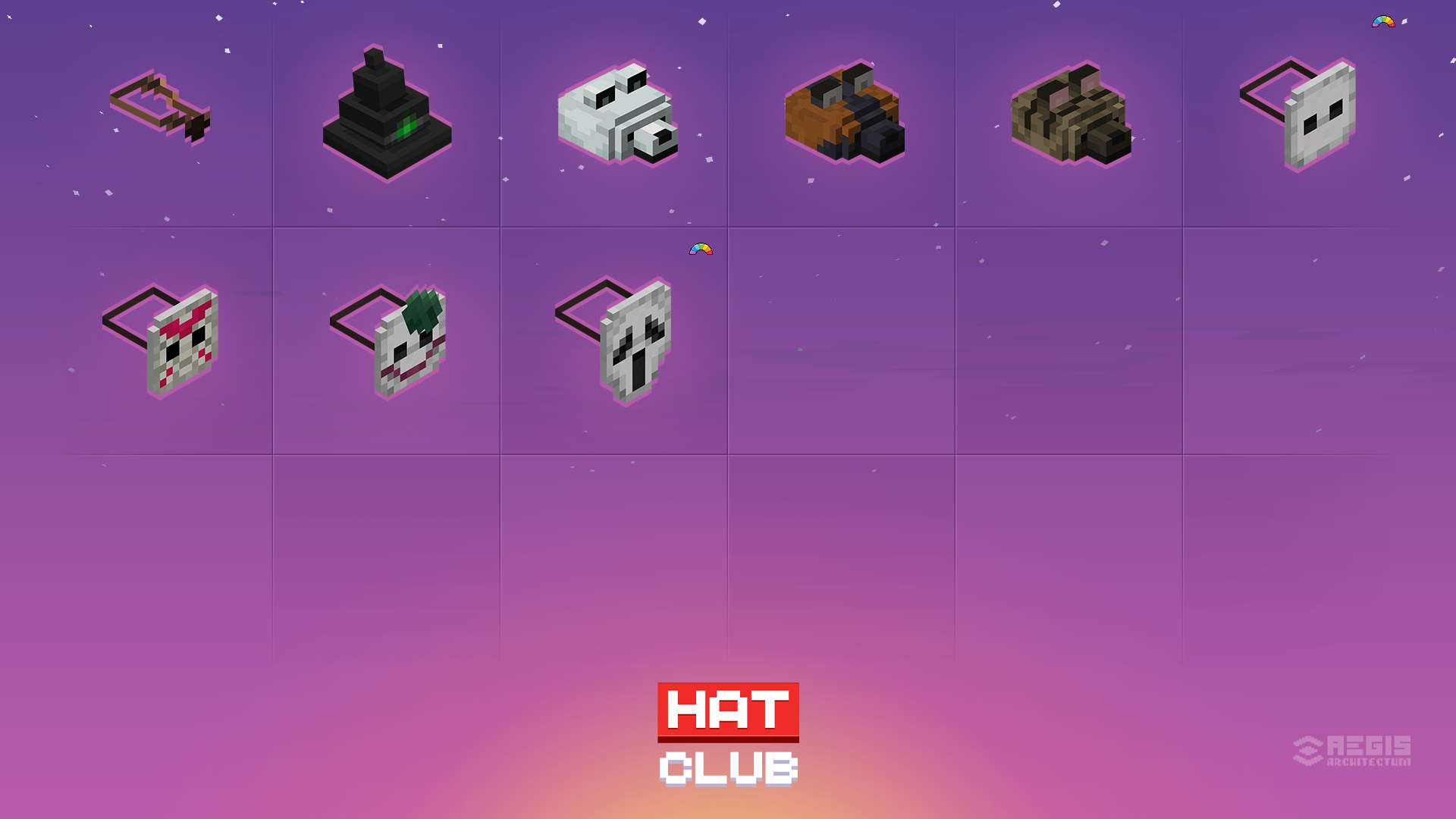
REQUIREMENTS (server side / singleplayer)
- Polymer
- Filament
- Enable "AutoHost" in Polymer config. See how to.
RECOMMENDATIONS
LINKS
CREDITS
Hat models & textures:
- filament (LGPL-3.0-or-later)
- Villager Hats (MIT)
- Ultimate Roleplay Kit - Hats & Ultimate Roleplay Kit - Resourcepack (CC-BY-SA-4.0)
- Animals Hats (MIT)
- Comic Mask (MIT)
Available Versions
How to Install Hat Club on Your Server
Order Server
Order a Minecraft Java server with at least 3 GB RAM (4 GB recommended).
Set datapack Loader
In the panel under "Egg", select the datapack loader and matching Minecraft version (1.21.10).
Install Mod
Open the mod browser in the dashboard and search for "Hat Club". Click "Install" – done! Alternatively, upload the .jar via SFTP to the /mods folder.
Compatibility
Mod Loaders
Minecraft Versions
1.21.10, 1.21.9, 1.21.8 (+2 more)
Server-side
✓ RequiredRecommended RAM
4 GB(min. 3 GB)Frequently Asked Questions
Hat Club server crashes on startup – what to do?
Most common cause: wrong datapack version or insufficient RAM. Check the server log (latest.log) for "OutOfMemoryError" or "Mixin" errors. With Mado Hosting: ensure at least 3 GB RAM is allocated and the loader matches the mod version (1.21.10). You can switch loaders with one click in the panel.
Is Hat Club compatible with datapack and fabric?
Hat Club officially supports datapack, fabric for Minecraft 1.21.10, 1.21.9, 1.21.8. The Mado dashboard automatically detects incompatible loader combinations.
Server lagging with Hat Club – how to optimize performance?
Recommended RAM: 4 GB (per 8 players). Use /spark profiler to check if Hat Club consumes the most tick time. Common fixes: reduce server view-distance to 8-10, install "performant" or "starlight" as supplementary mods on Forge. With Mado Hosting, your server runs on NVMe SSDs with dedicated CPU cores for minimal latency.
Similar Mods




![[TaCZ] Timeless and Classics Zero](https://cdn.modrinth.com/data/SzzJttH8/fd27766d2bb8390d284696b1dbd358f87e081439_96.webp)

Rent Modded Server
Install Hat Club with just one click on your server.