Hemalurgy
Bringing Hemalurgy to Minecraft!
Screenshots
About this Mod
Welcome to The Cosmere!


Overview
The Cosmere is a universe devised by Brandon Sanderson, encompassing many worlds, each with their own variation of magic.
This mod aims to bring Hemalurgy (from the Mistborn series' planet named Scadrial) specifically to Minecraft, ideally in a way as lore-friendly as possible while still making sense for gameplay purposes.
This mod is intended to be used with both Allomancy and Feruchemy modules for the Cosmere mod.
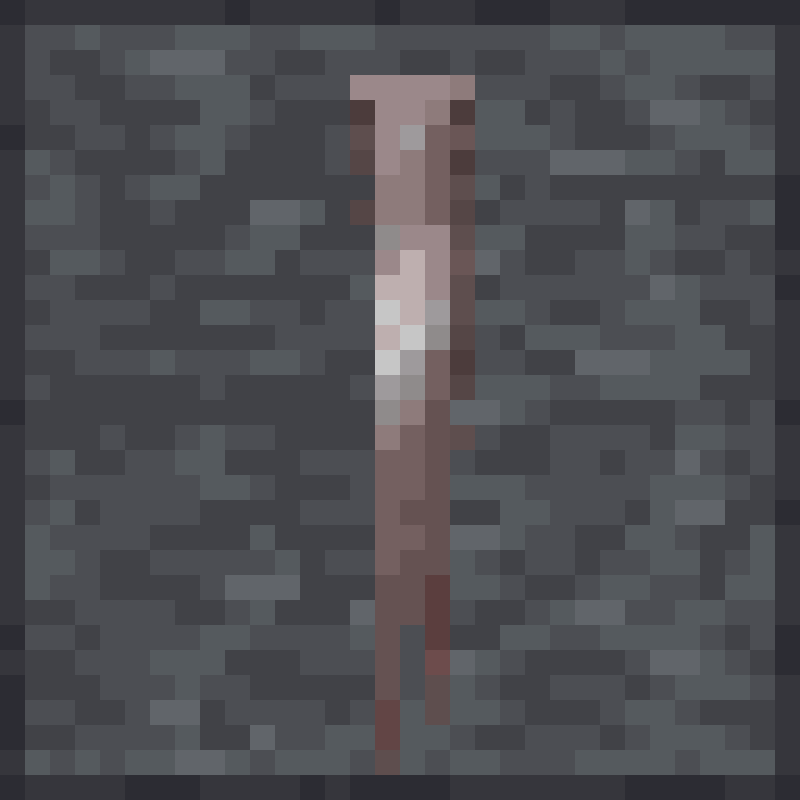
Multiple spikes implemented.
PHYSICAL:
IRON - Steals 70% of the attack damage of killed entity (except players).
STEEL - Steals a Physical Allomantic power - Iron//Steel//Tin//Pewter
TIN - Incremental improved night vision
PEWTER - Steals a Physical Feruchemical power - Iron//Steel//Tin//Pewter
MENTAL:
ZINC - Not Yet Implemented
BRASS - Steals a Cognitive Feruchemical power - Zinc//Brass//Copper//Bronze
COPPER - Incremental improved xp gain rate
BRONZE - Steals a Mental Allomantic power - Zinc//Brass//Copper//Bronze
SPIRITUAL:
CHROMIUM - Incremental improved chest loot luck
NICROSIL - Not Yet Implemented
ALUMINUM - Prevents the user from using their pwoers.
DURALUMIN - Not Yet Implemented
TEMPORAL:
GOLD - Steals a Hybrid Feruchemical power - Gold//Electrum//Cadmium//Bendalloy
ELECTRUM - Steals an Enhancement Allomantic power - Aluminum//Duralumin//Chromium//Nicrosil
CADMIUM - Steals a Temporal Allomantic power - Gold//Electrum//Cadmium//Bendalloy
BENDALLOY - Steals a Spiritual Feruchemical power - Aluminum//Duralumin//Chromium//Nicrosil
Inter-Mod Compatibilities
This mod is designed to have extra features if you also installed Allomancy and Feruchemy.
Allomancy - Allomancy lets you become a Misting or Mistborn! Consume certain types of metals based on the power you start with and burn it to access your allomantic ability!
Feruchemy - Feruchemy is the End-Neutral art of Scadrial, where you get out what you put in! If you have access to feruchemical abilities, that is.
We also like these mods:
(Required!) CuriosAPI - Because it's so much cooler to wear your metalminds and show off how cool you look.
JEI - because recipes are forever plentiful and who wants to have to google them all the time.
Patchouli - because I love well done in-game wiki/guidance
Available Versions
How to Install Hemalurgy on Your Server
Order Server
Order a Minecraft Java server with at least 3 GB RAM (4 GB recommended).
Set forge Loader
In the panel under "Egg", select the forge loader and matching Minecraft version (1.20.1).
Install Mod
Open the mod browser in the dashboard and search for "Hemalurgy". Click "Install" – done! Alternatively, upload the .jar via SFTP to the /mods folder.
Compatibility
Mod Loaders
Minecraft Versions
1.20.1, 1.19.2
Server-side
✓ RequiredRecommended RAM
4 GB(min. 3 GB)Frequently Asked Questions
Hemalurgy server crashes on startup – what to do?
Most common cause: wrong forge version or insufficient RAM. Check the server log (latest.log) for "OutOfMemoryError" or "Mixin" errors. With Mado Hosting: ensure at least 3 GB RAM is allocated and the loader matches the mod version (1.20.1). You can switch loaders with one click in the panel.
Is Hemalurgy compatible with forge and neoforge?
Hemalurgy officially supports forge, neoforge for Minecraft 1.20.1, 1.19.2. The Mado dashboard automatically detects incompatible loader combinations.
Server lagging with Hemalurgy – how to optimize performance?
Recommended RAM: 4 GB (per 8 players). Use /spark profiler to check if Hemalurgy consumes the most tick time. Common fixes: reduce server view-distance to 8-10, install "performant" or "starlight" as supplementary mods on Forge. With Mado Hosting, your server runs on NVMe SSDs with dedicated CPU cores for minimal latency.
Similar Mods




![[TaCZ] Timeless and Classics Zero](https://cdn.modrinth.com/data/SzzJttH8/fd27766d2bb8390d284696b1dbd358f87e081439_96.webp)

Rent Modded Server
Install Hemalurgy with just one click on your server.