
Hidden Armour
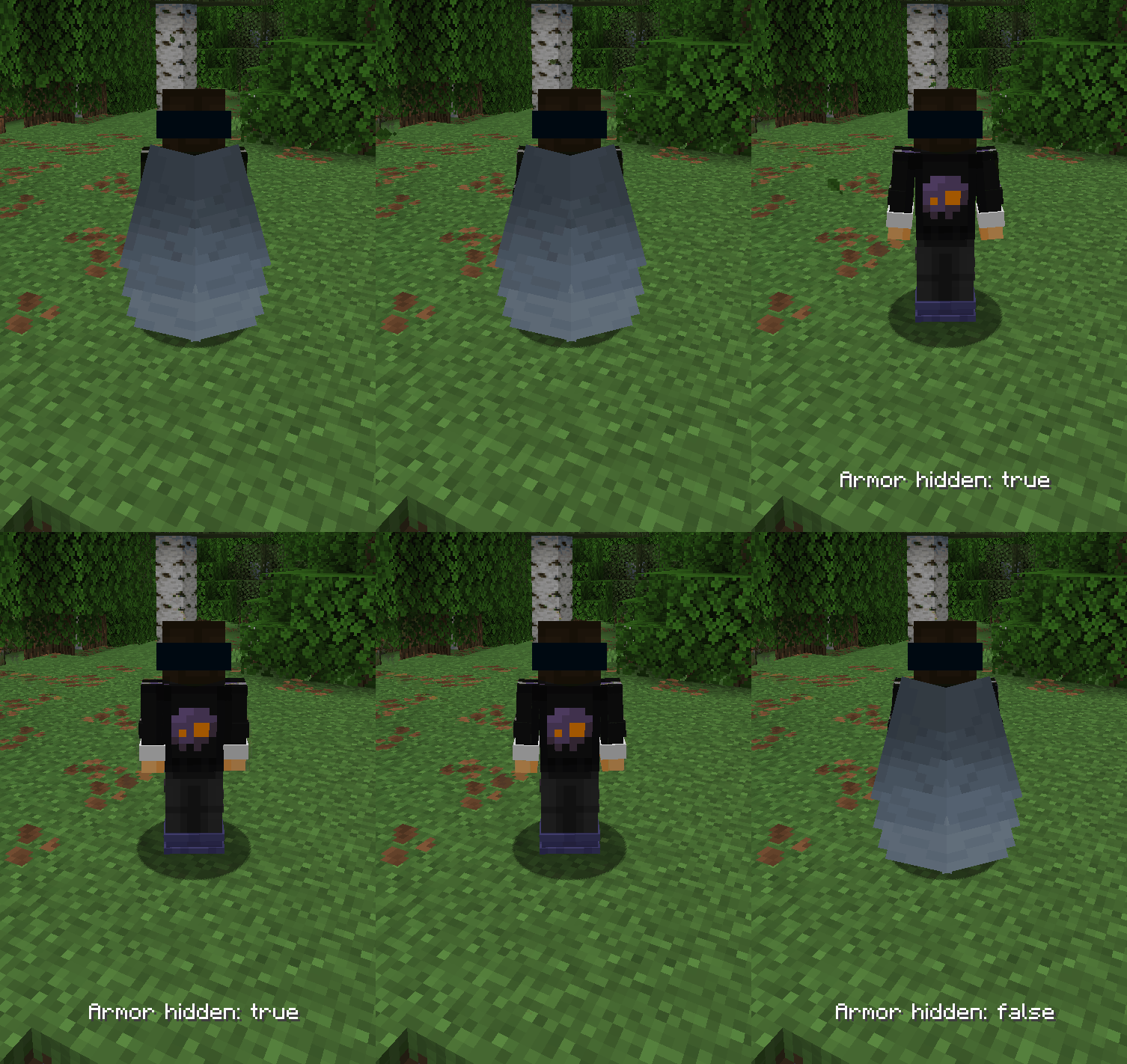
Toggle visibility of armor and other render stuff.
Screenshots
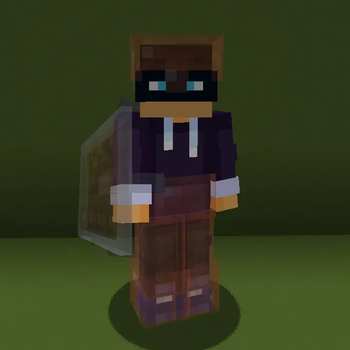

About this Mod

Hidden Armour
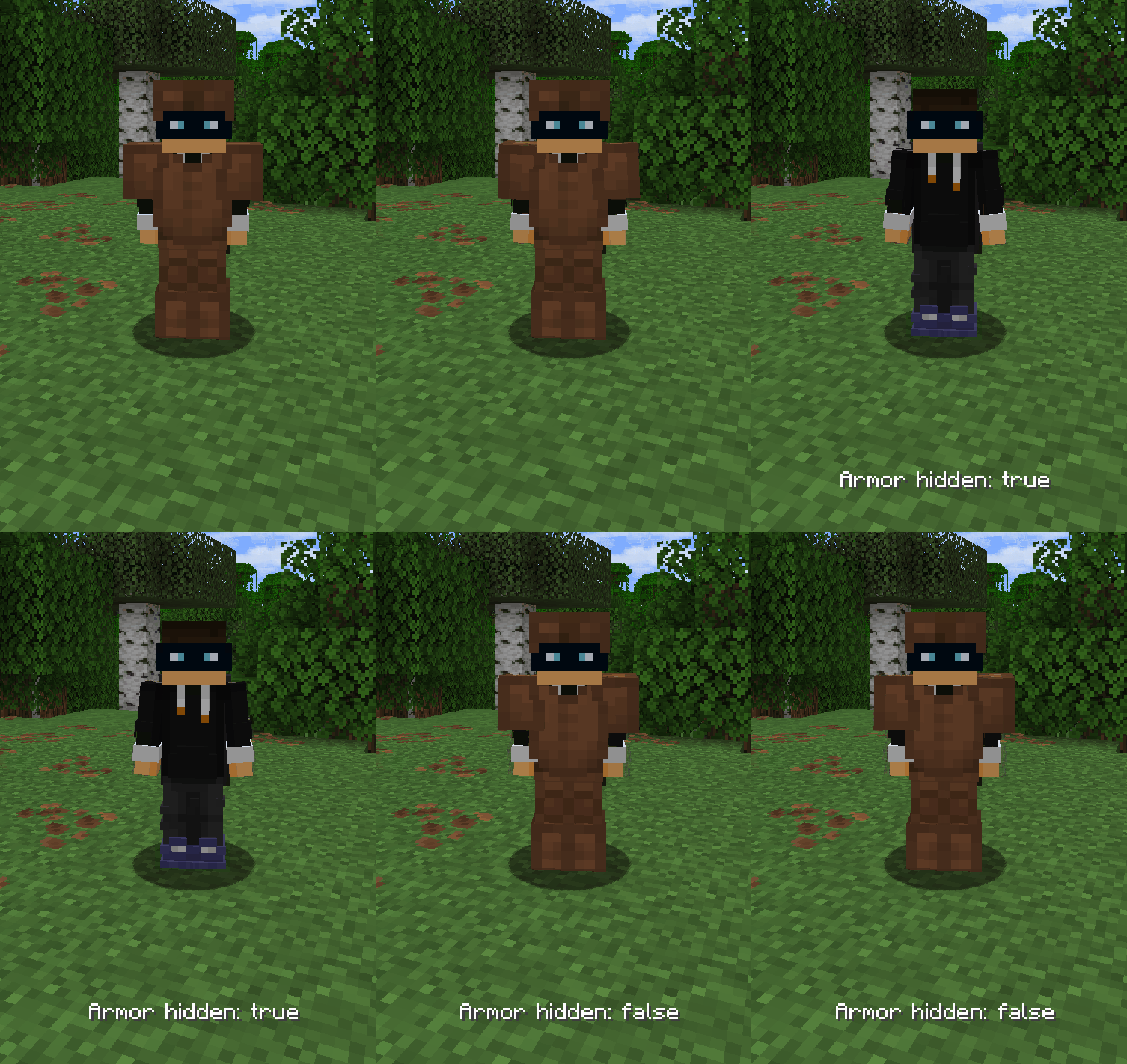
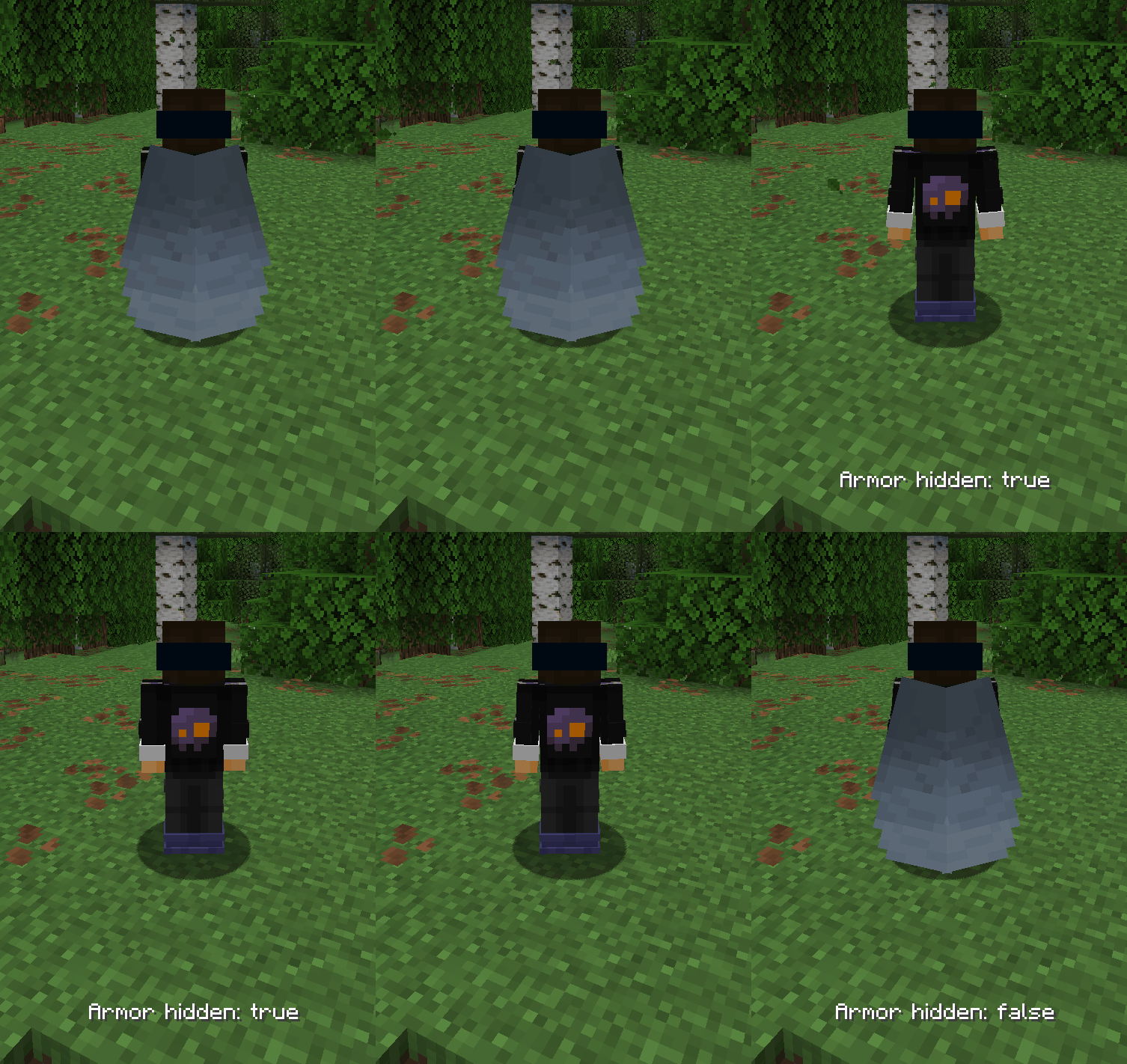
Hidden Armour is a lightweight Fabric mod that gives you full control over the rendering of armor, elytra, nametags, enchantment glint, and selected mob equipment.
Key Features
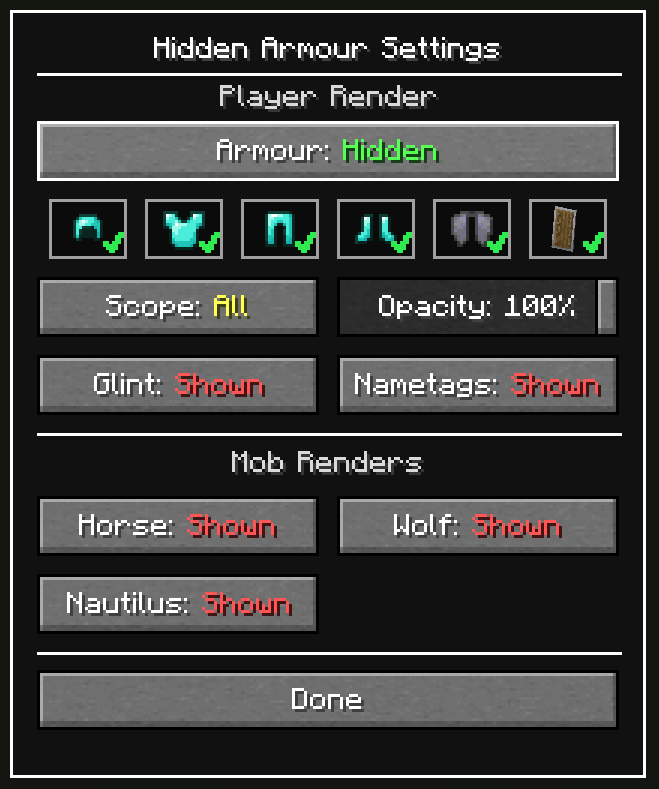
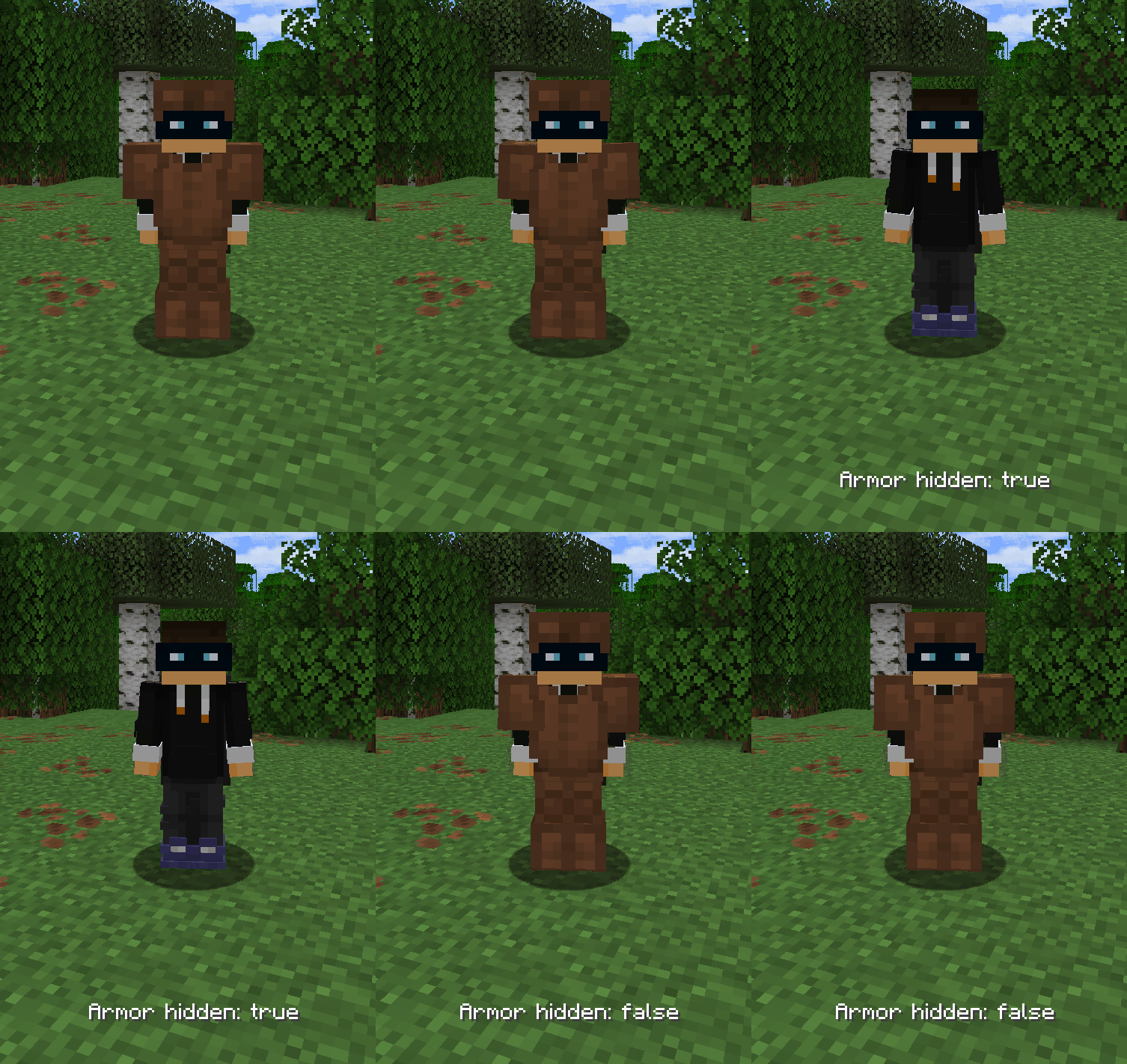
🔒 Toggle Player Armor
Show or hide armor rendering on players at the press of a button.🧭 Scope Modes (All / Self / Others)
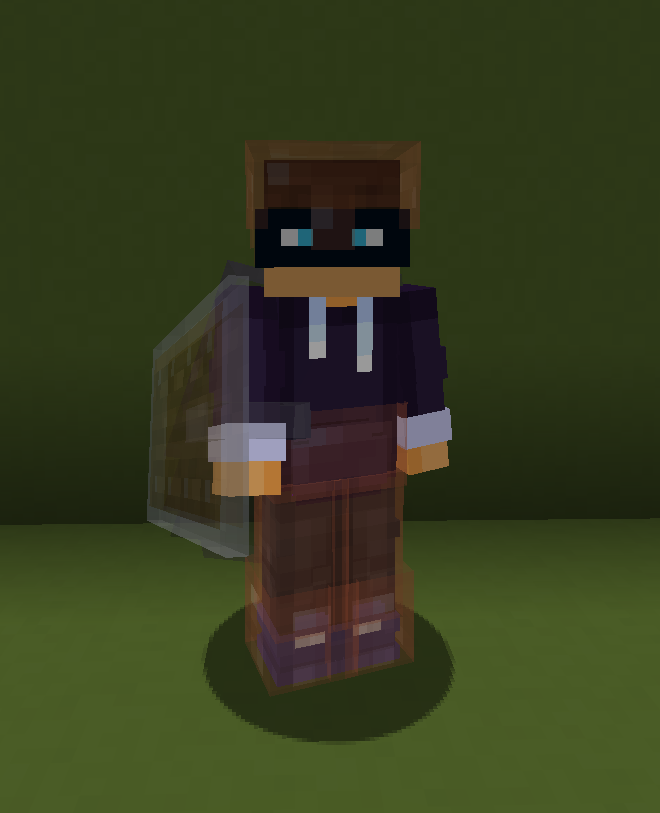
Choose whether hidden armor applies to everyone, only yourself, or only other players.🎚️ Opacity Slider
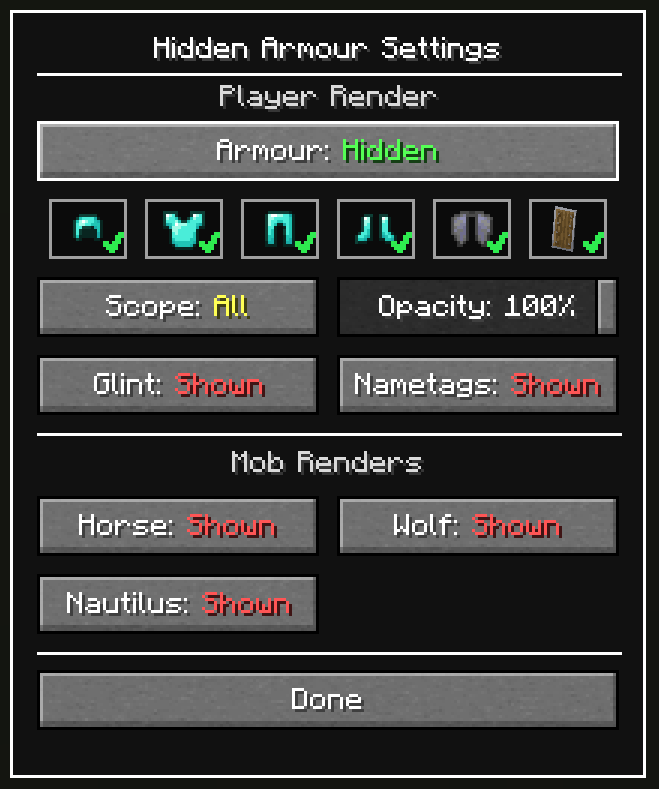
Use Opacity (0-100%) instead of a strict on/off look while armor hiding is active.👕 Per Piece Toggles
Toggle exactly which armor pieces are hidden.🪶 Include/Exclude Elytra
Decide whether elytra should be hidden together with armor.✨ Disable Enchantment Glint
Toggle the enchantment glint effect on tools and 2D items.🏷️ Hide Nametags
Toggle the visibility of nametags.🛡️ Shield Visibility Control
Hide or show shields on player renders (non-blocking state).🐴 Mob Equipment Controls
Hide or reveal equipment on horses, wolves, and nautilus.🎃 What Won’t Be Hidden
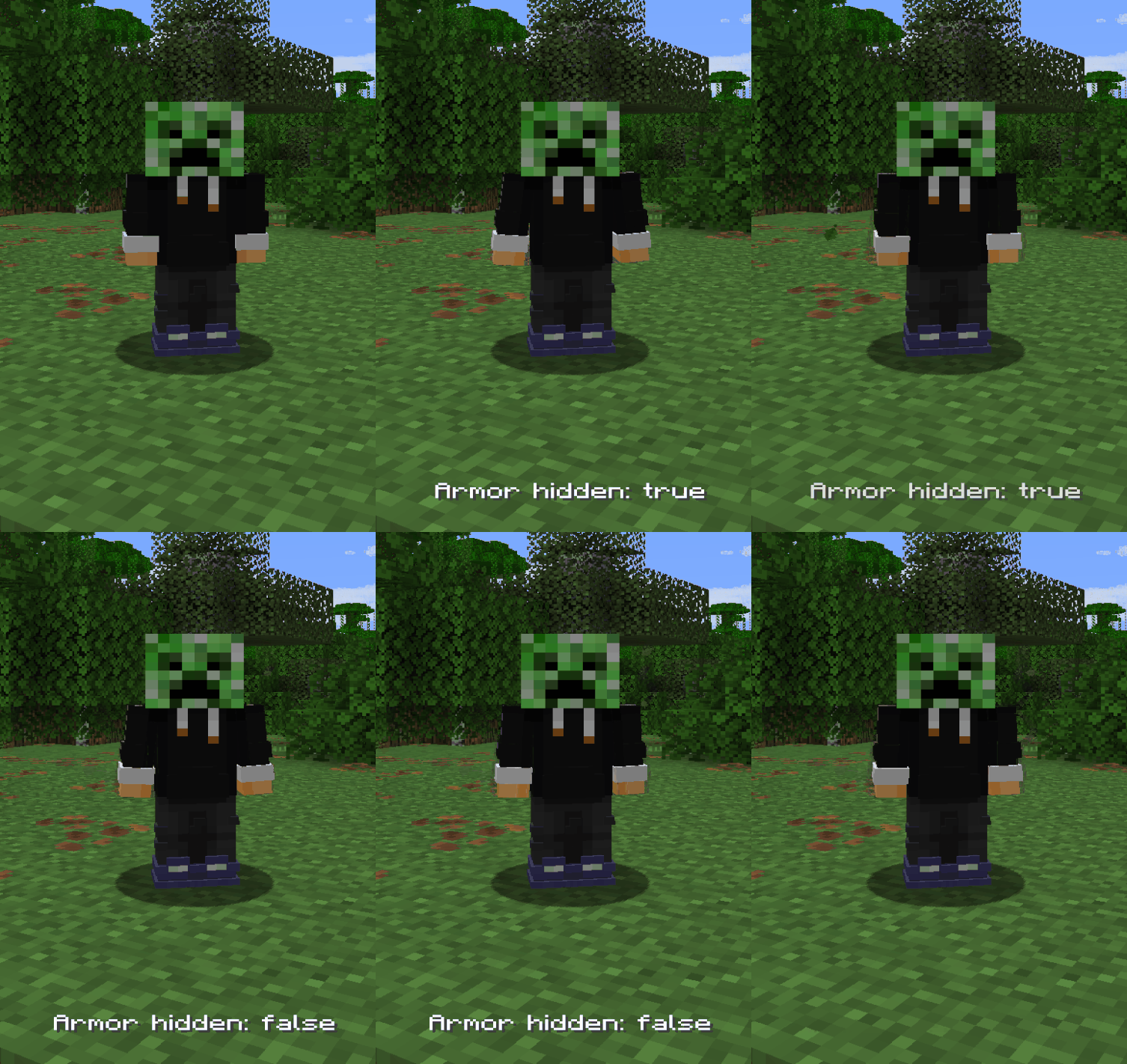
Heads, carved pumpkins, and other non-armor items will still render normally.⚙️ In-Game Configuration
Accessible via hotkey or ModMenu.
Controls
- Toggle Armor:
J - Open Settings:
U - Both keybinds can be remapped in Settings → Controls.
Commands
/hiddenarmour enable|disable|status/hiddenarmour elytra enable|disable|status/hiddenarmour scope all|self|others|status
🔗 Dependencies
Required
Optional (Recommended)

👥 Credits
- Update Help:
- 1.21.9 / 1.21.10: L3-N0X
- 1.21.9 / 1.21.10: L3-N0X

Available Versions
How to Install Hidden Armour on Your Server
Order Server
Order a Minecraft Java server with at least 3 GB RAM (4 GB recommended).
Set fabric Loader
In the panel under "Egg", select the fabric loader and matching Minecraft version (26.1.2).
Install Mod
Open the mod browser in the dashboard and search for "Hidden Armour". Click "Install" – done! Alternatively, upload the .jar via SFTP to the /mods folder.
Compatibility
Mod Loaders
Minecraft Versions
26.1.2, 26.1.1, 26.1 (+7 more)
Server-side
✗ UnsupportedRecommended RAM
4 GB(min. 3 GB)Frequently Asked Questions
Hidden Armour server crashes on startup – what to do?
Most common cause: wrong fabric version or insufficient RAM. Check the server log (latest.log) for "OutOfMemoryError" or "Mixin" errors. With Mado Hosting: ensure at least 3 GB RAM is allocated and the loader matches the mod version (26.1.2). You can switch loaders with one click in the panel.
Is Hidden Armour compatible with fabric?
Hidden Armour officially supports fabric for Minecraft 26.1.2, 26.1.1, 26.1. The Mado dashboard automatically detects incompatible loader combinations.
Server lagging with Hidden Armour – how to optimize performance?
Recommended RAM: 4 GB (per 8 players). Use /spark profiler to check if Hidden Armour consumes the most tick time. Common fixes: reduce server view-distance to 8-10, install "performant" or "starlight" as supplementary mods on Forge. With Mado Hosting, your server runs on NVMe SSDs with dedicated CPU cores for minimal latency.
Similar Mods




![[TaCZ] Timeless and Classics Zero](https://cdn.modrinth.com/data/SzzJttH8/fd27766d2bb8390d284696b1dbd358f87e081439_96.webp)

Rent Modded Server
Install Hidden Armour with just one click on your server.