
Screenshots
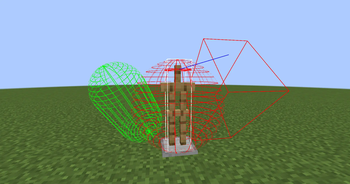
About this Mod
Hitbox API
Adding more common collider for Minecraft
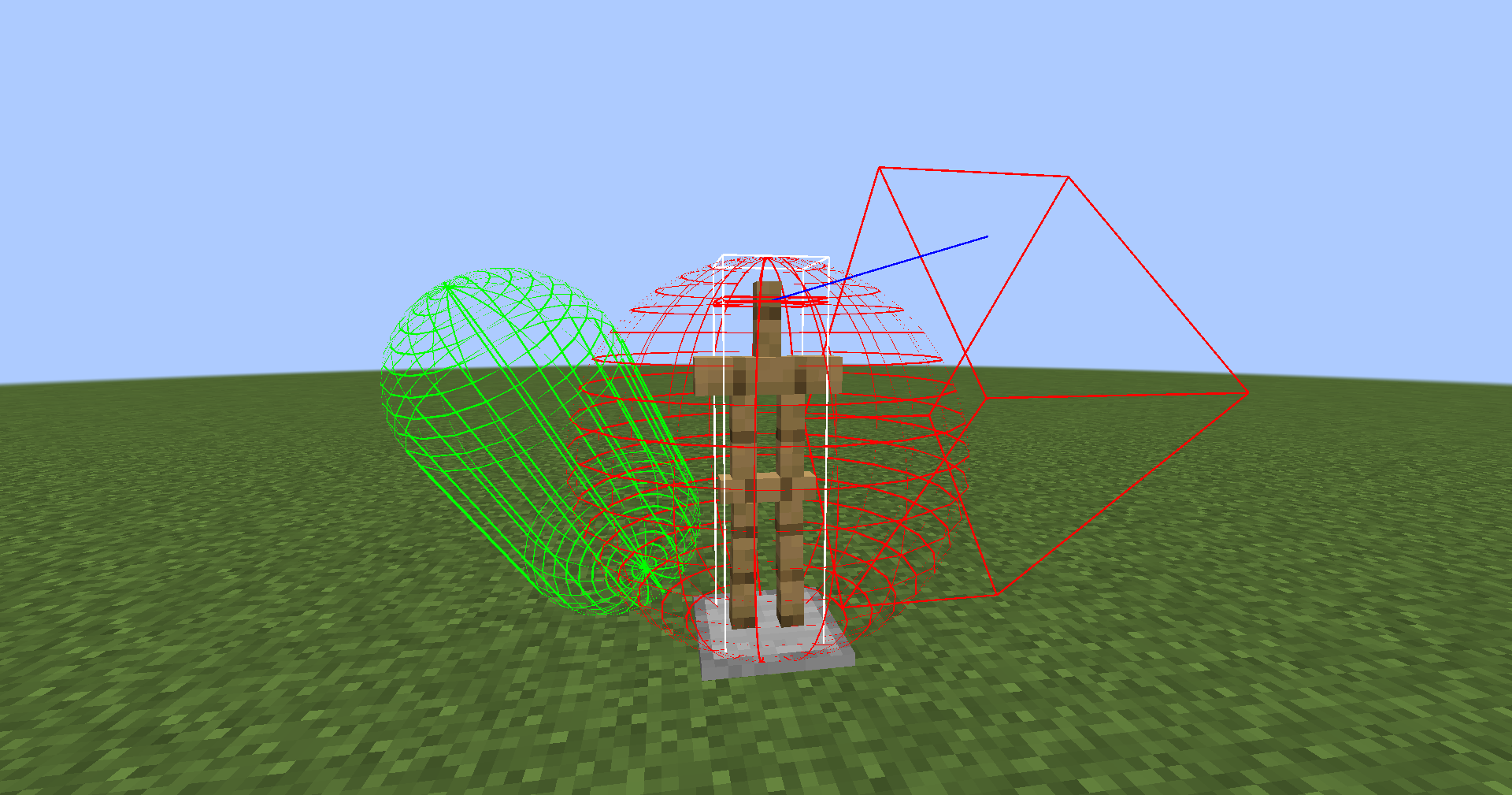
- Oriented Bounding Box (OBB)
- Sphere
- Capsule
- Ray
- Compound
- Multiple collider can be combined into one.
- Composite collider can be nested.
How to Use
In any place where collision detection is needed, create a collider object and use the methods in ColliderUtil to determine if a collider has occurred.
For entities (Entity), you can achieve collider box caching by attaching HitboxDataAttachments#COLLISION. The cached collider can be rendered by pressing F3 + B. Note that this Data does not have a persistence implementation.
Performance
Testing Method
- JMH Benchmark
Testing Environment
- CPU: AMD R5 5600G
- Memory: 32GB
- JDK: Microsoft OpenJDK 21.0
Testing Settings
- Warm-up Rounds: 5
- Test Rounds: 5
Testing Items
- Collision detection of the same type of collider
| Collider | Score | Error | Unit |
|---|---|---|---|
| Axis-Aligned Bounding Box | 3561837865.930 | 157982649.213 | ops/s |
| Capsule | 22350681.198 | 238993.658 | ops/s |
| Rotated Capsule | 16842309.523 | 103959.918 | ops/s |
| Oriented Bounding Box | 5528493.224 | 64548.996 | ops/s |
| Rotated Oriented Bounding Box | 4648963.750 | 111369.535 | ops/s |
| Sphere | 119556589.705 | 1711146.560 | ops/s |
Note: Higher scores indicate better performance. Rotated means the collider is rotated and the relevant vectors are recalculated.
Available Versions
How to Install Hitbox Api on Your Server
Order Server
Order a Minecraft Java server with at least 3 GB RAM (4 GB recommended).
Set neoforge Loader
In the panel under "Egg", select the neoforge loader and matching Minecraft version (1.21.3).
Install Mod
Open the mod browser in the dashboard and search for "Hitbox Api". Click "Install" – done! Alternatively, upload the .jar via SFTP to the /mods folder.
Compatibility
Mod Loaders
Minecraft Versions
1.21.3, 1.21.2, 1.21.1 (+1 more)
Server-side
✓ RequiredRecommended RAM
4 GB(min. 3 GB)Frequently Asked Questions
Hitbox Api server crashes on startup – what to do?
Most common cause: wrong neoforge version or insufficient RAM. Check the server log (latest.log) for "OutOfMemoryError" or "Mixin" errors. With Mado Hosting: ensure at least 3 GB RAM is allocated and the loader matches the mod version (1.21.3). You can switch loaders with one click in the panel.
Is Hitbox Api compatible with neoforge?
Hitbox Api officially supports neoforge for Minecraft 1.21.3, 1.21.2, 1.21.1. The Mado dashboard automatically detects incompatible loader combinations.
Server lagging with Hitbox Api – how to optimize performance?
Recommended RAM: 4 GB (per 8 players). Use /spark profiler to check if Hitbox Api consumes the most tick time. Common fixes: reduce server view-distance to 8-10, install "performant" or "starlight" as supplementary mods on Forge. With Mado Hosting, your server runs on NVMe SSDs with dedicated CPU cores for minimal latency.
Similar Mods



Rent Modded Server
Install Hitbox Api with just one click on your server.