
HMobs
Various animals, each having unique features!
Screenshots


About this Mod
🐾 HMobs — Wild Adventures Await!
Bring your world to life with HMobs, a growing wildlife-focused expansion for Minecraft.
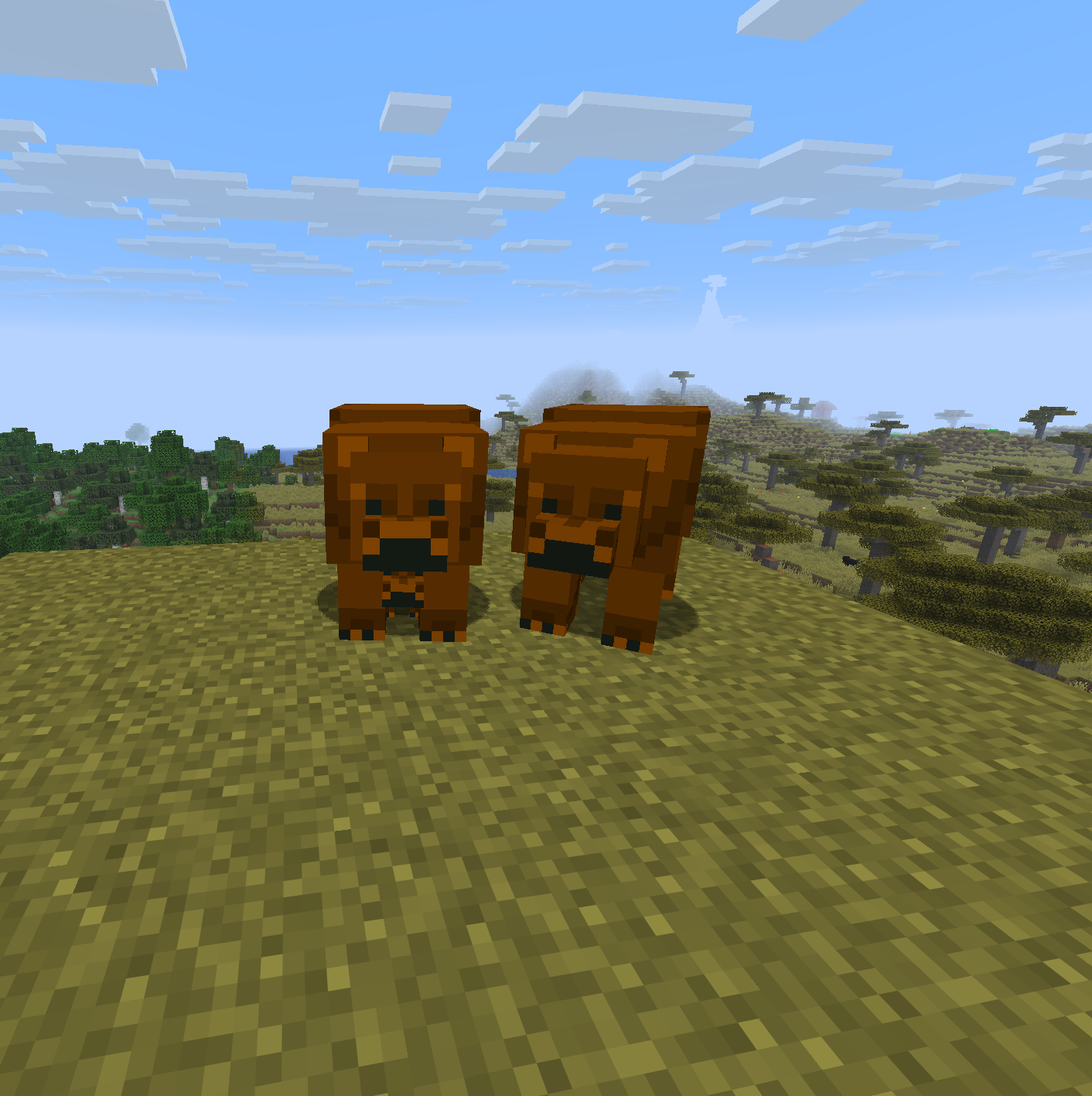
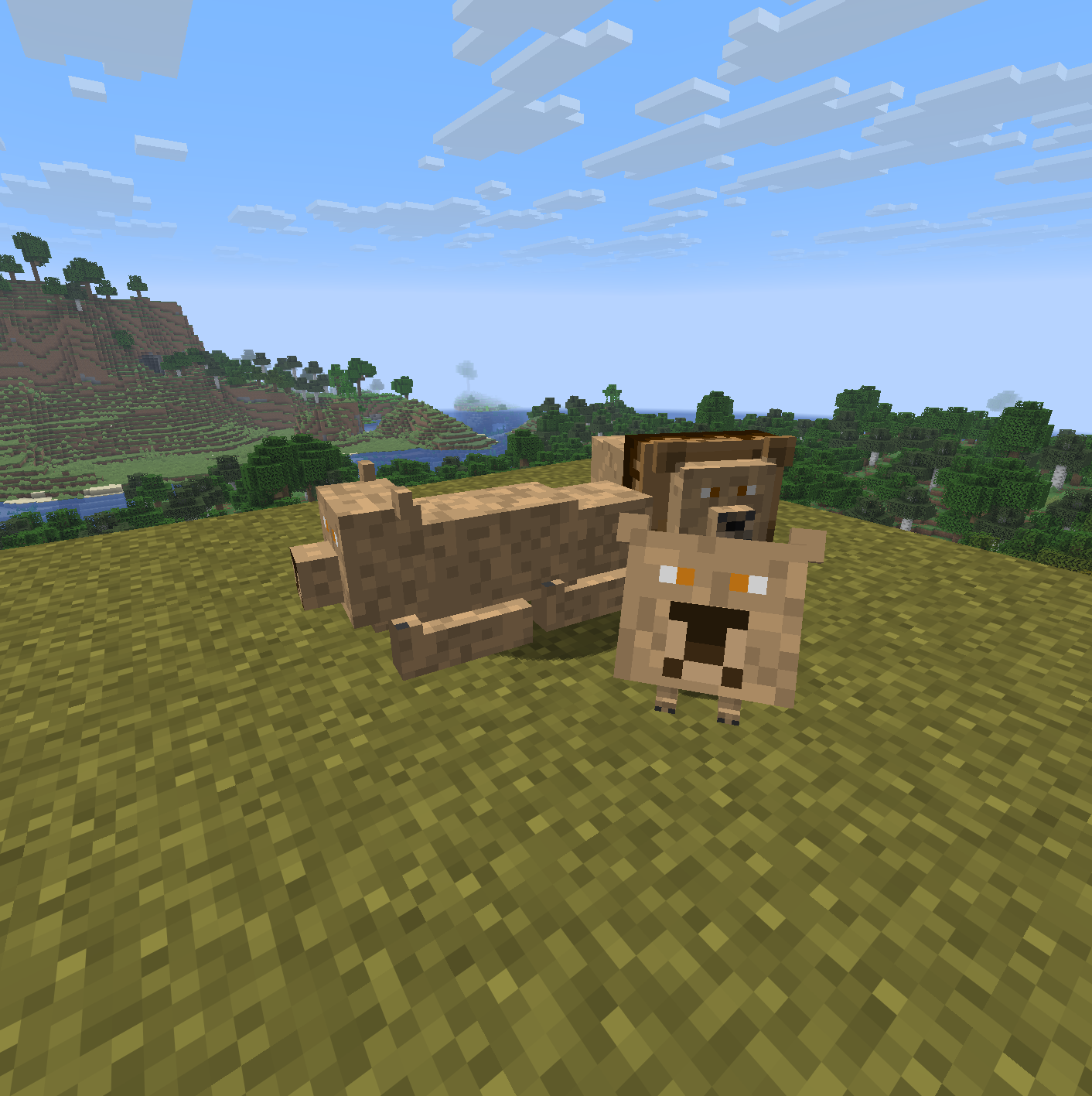
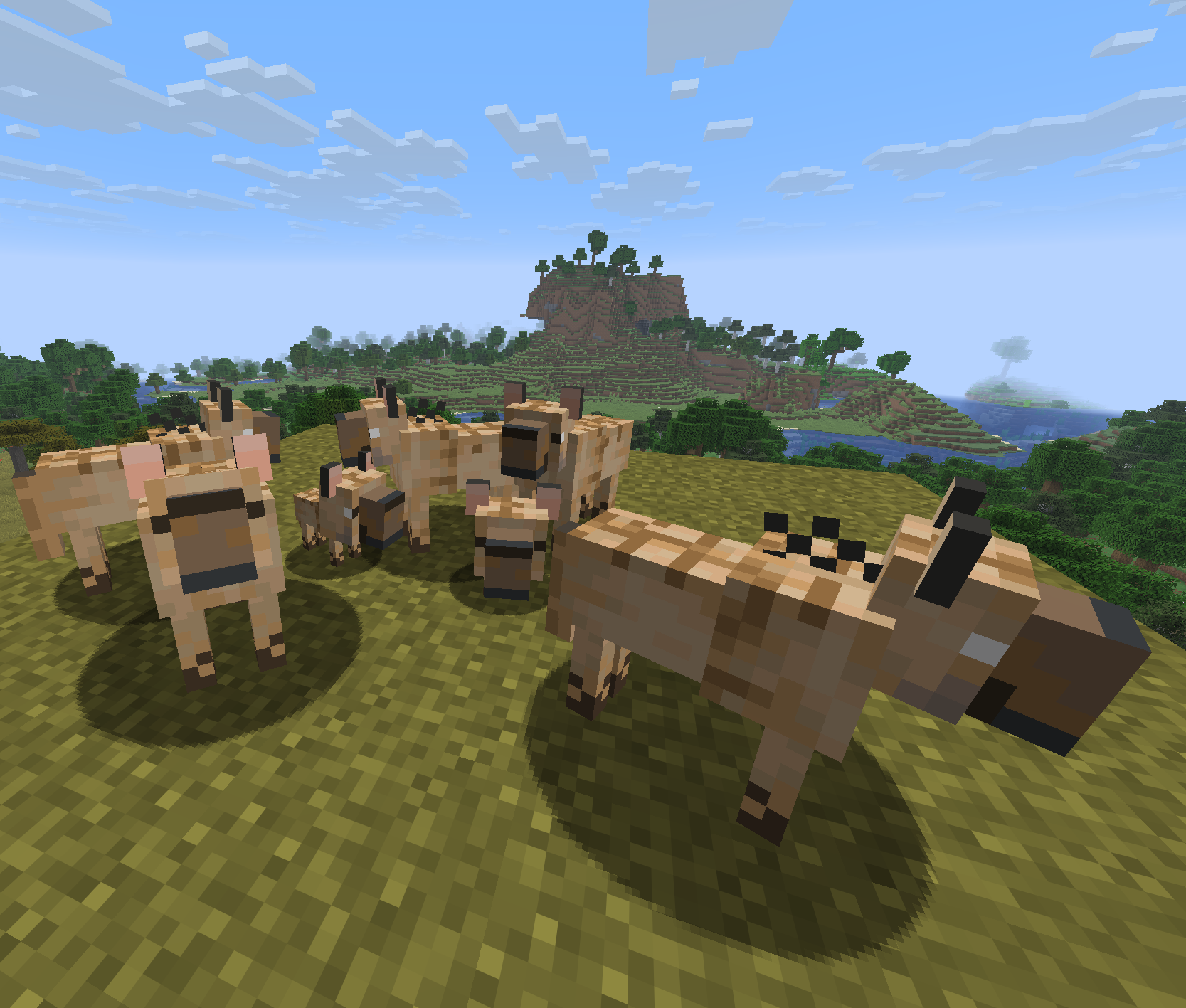
Encounter majestic creatures across different biomes — from the powerful Brown Bear roaming forests, to the fierce Lion ruling the savannas, and packs of cunning Hyenas prowling the plains.
Each mob comes with its own unique behavior, sounds, and atmosphere, designed to make your survival experience feel more alive (and a little more dangerous).
🦁 Current Mobs
Check the HMobs Wiki for detailed info on behaviors, spawning, drops, and more!
- Brown Bear — strong and territorial
- Lion — the king of the savanna
- Hyena — cunning and pack-oriented
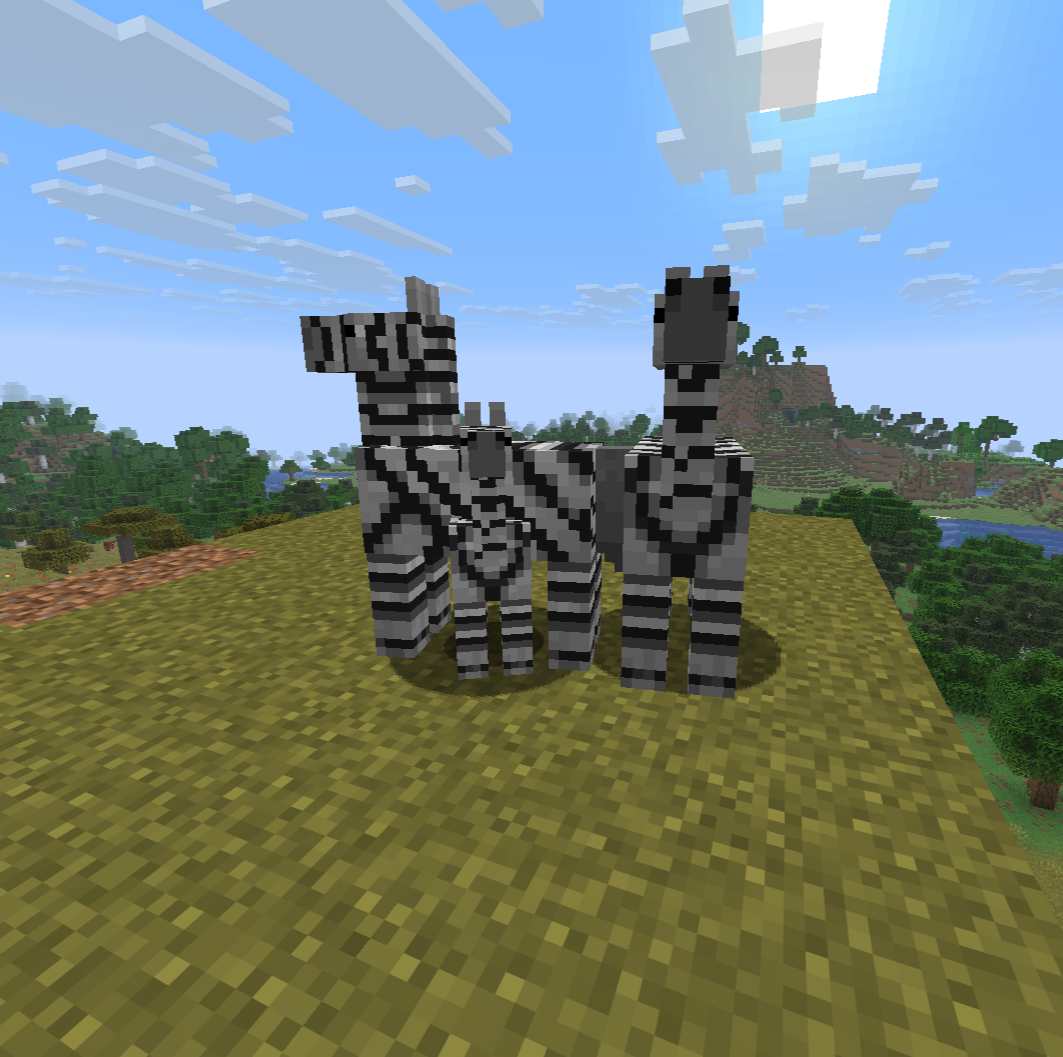
- Zebra — beatiful passive creature and pack-oriented
🌍 Coming Soon
More wildlife species, improved AI, and biome-specific interactions — this is just the beginning!
If you're a fan of immersive exploration and dynamic nature encounters, HMobs will make every journey in your world unforgettable.
Available Versions
How to Install HMobs on Your Server
Order Server
Order a Minecraft Java server with at least 3 GB RAM (4 GB recommended).
Set fabric Loader
In the panel under "Egg", select the fabric loader and matching Minecraft version (1.21.11).
Install Mod
Open the mod browser in the dashboard and search for "HMobs". Click "Install" – done! Alternatively, upload the .jar via SFTP to the /mods folder.
Compatibility
Mod Loaders
Minecraft Versions
1.21.11
Server-side
✓ RequiredRecommended RAM
4 GB(min. 3 GB)Frequently Asked Questions
HMobs server crashes on startup – what to do?
Most common cause: wrong fabric version or insufficient RAM. Check the server log (latest.log) for "OutOfMemoryError" or "Mixin" errors. With Mado Hosting: ensure at least 3 GB RAM is allocated and the loader matches the mod version (1.21.11). You can switch loaders with one click in the panel.
Is HMobs compatible with fabric?
HMobs officially supports fabric for Minecraft 1.21.11. The Mado dashboard automatically detects incompatible loader combinations.
Server lagging with HMobs – how to optimize performance?
Recommended RAM: 4 GB (per 8 players). Use /spark profiler to check if HMobs consumes the most tick time. Common fixes: reduce server view-distance to 8-10, install "performant" or "starlight" as supplementary mods on Forge. With Mado Hosting, your server runs on NVMe SSDs with dedicated CPU cores for minimal latency.
Similar Mods




Rent Modded Server
Install HMobs with just one click on your server.