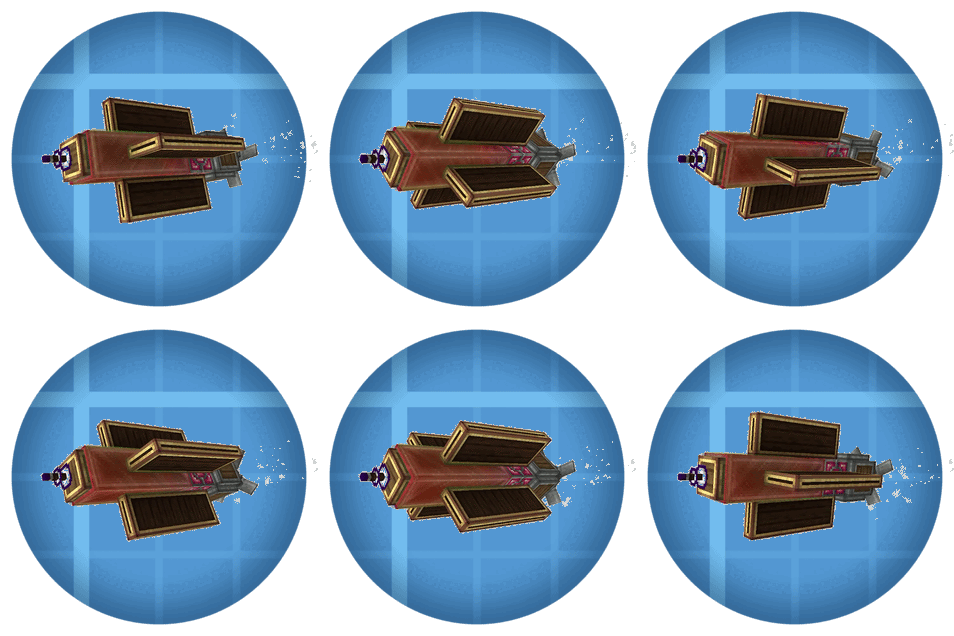
Hot's Aerostuff
A rabble of new Aeronautics bits
Screenshots
About this Mod
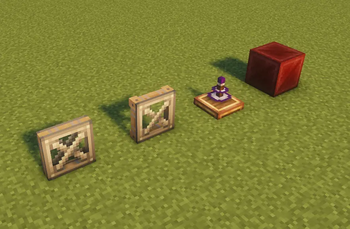
Some various blocks that I wanted in the game. Currently comprised of the link relay, redstone levitite, copycat sails, copycat symmetric sails, the analog torsion spring, and copycat link casings.
REDSTONE LEVITITE
Acts as levitite when powered by redstone.

Redstone Levitite
Can be created by using a redstone torch on levitite blend.
All connected redstone levitite will be powered if one recieves power.
COPYCAT SAILS
Adds both a copycat windmill sail and a copycat symmetric sail.
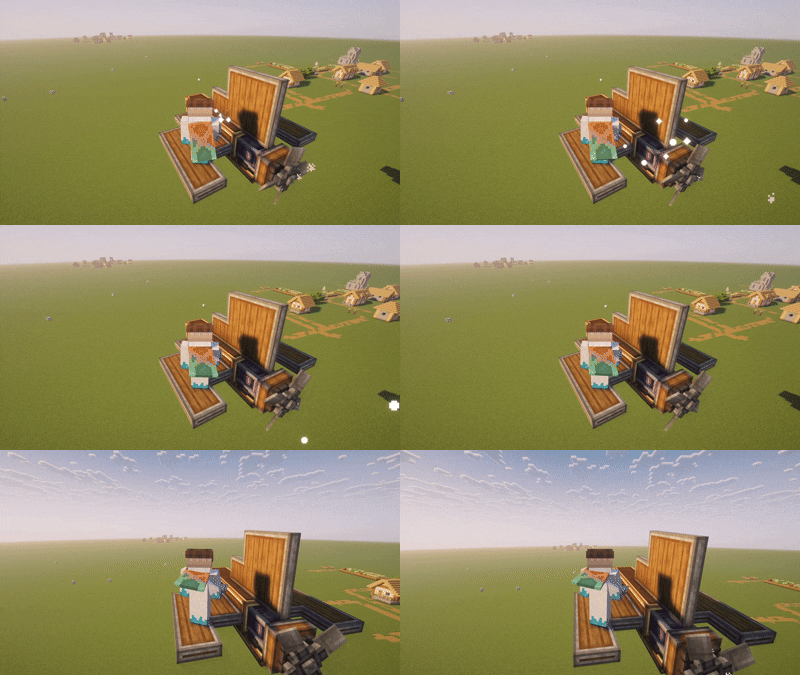
Copycat Sails
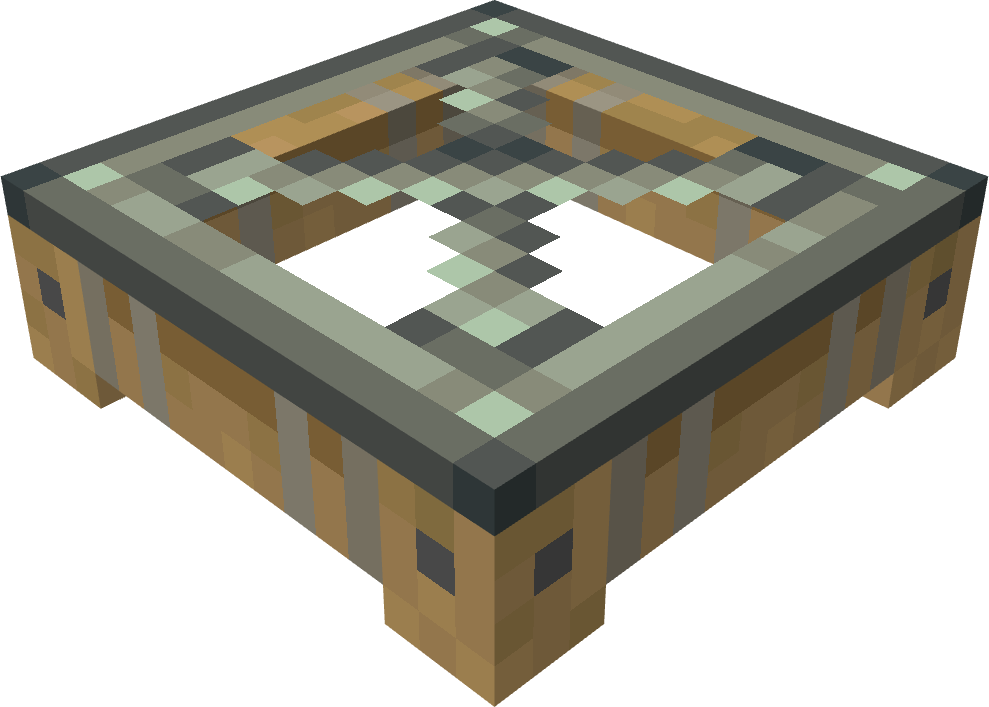
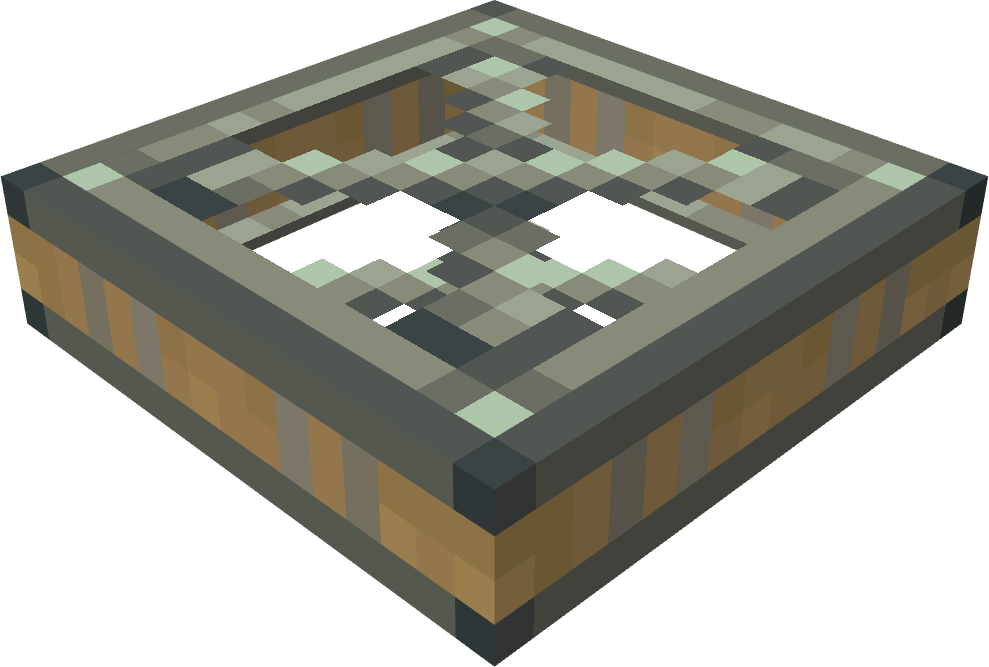
Crafted with a zinc ingot surrounded by 4 sails.
ANALOG TORSION SPRING
Similar to a torsion spring, but the max angle is dependent on redstone signal strength and the set value.
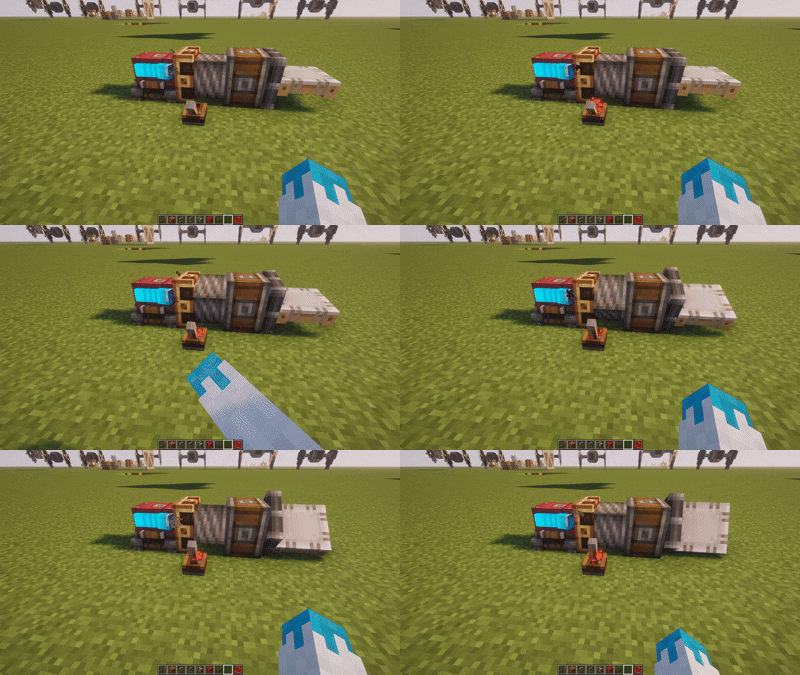
Analog Torsion Spring
Each redstone strength increment corresponds to 1/15 of the set angle. Meaning at a signal strength of 0, there will be no rotation, and at a signal strength of 15 (max) it will act as a normal torsion spring. Crafted with a brass casing, a shaft, a spring, and an electron tube.
COPYCAT LINK CASING
Right click any redstone link with a copycat panel to encase it.
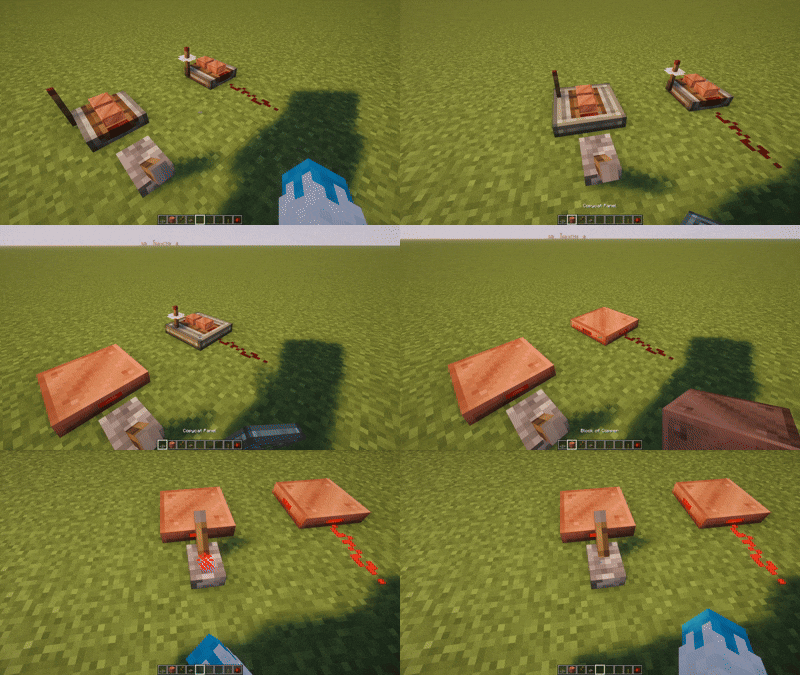
Copycat Link Casing
Adds functionality to the copycat panel to hide redstone links. Is flush with copycat panels. Can also be encased with andesite and brass casings for a full block casing.
LINK RELAY
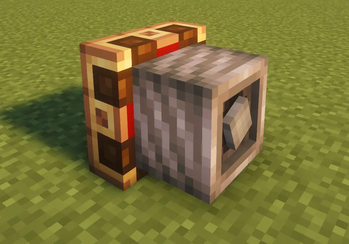
Compact utility block for Create’s Redstone Link system that lets you remap wireless frequencies.

Link Relay
Set an input frequency pair and an output frequency pair, and any signal received on the input will be transmitted on the output. You can stack unlimited bindings in a single relay block.This item stemmed out of frustration for not being able to fit the controls on my small aeronautics engine, and having ground relays meant that the controls would break down when I flew further than 256 blocks.
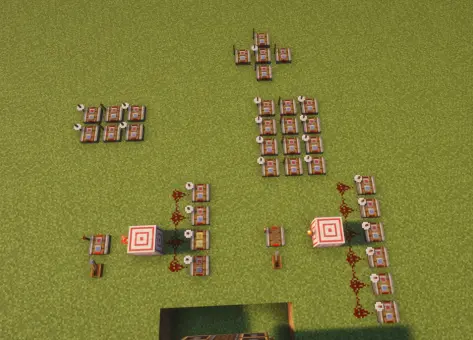
^The old system^
Simplified down to a single block

The relay also allows you to invert to the signal, so the output frequency is always active unless it is recieving the input.
Available Versions
How to Install Hot's Aerostuff on Your Server
Order Server
Order a Minecraft Java server with at least 3 GB RAM (4 GB recommended).
Set neoforge Loader
In the panel under "Egg", select the neoforge loader and matching Minecraft version (1.21.1).
Install Mod
Open the mod browser in the dashboard and search for "Hot's Aerostuff". Click "Install" – done! Alternatively, upload the .jar via SFTP to the /mods folder.
Compatibility
Mod Loaders
Minecraft Versions
1.21.1
Server-side
✓ RequiredRecommended RAM
4 GB(min. 3 GB)Frequently Asked Questions
Hot's Aerostuff server crashes on startup – what to do?
Most common cause: wrong neoforge version or insufficient RAM. Check the server log (latest.log) for "OutOfMemoryError" or "Mixin" errors. With Mado Hosting: ensure at least 3 GB RAM is allocated and the loader matches the mod version (1.21.1). You can switch loaders with one click in the panel.
Is Hot's Aerostuff compatible with neoforge?
Hot's Aerostuff officially supports neoforge for Minecraft 1.21.1. The Mado dashboard automatically detects incompatible loader combinations.
Server lagging with Hot's Aerostuff – how to optimize performance?
Recommended RAM: 4 GB (per 8 players). Use /spark profiler to check if Hot's Aerostuff consumes the most tick time. Common fixes: reduce server view-distance to 8-10, install "performant" or "starlight" as supplementary mods on Forge. With Mado Hosting, your server runs on NVMe SSDs with dedicated CPU cores for minimal latency.
Similar Mods




Rent Modded Server
Install Hot's Aerostuff with just one click on your server.