HT Materials
A simple Minecraft mod for Fabric/Quilt that provides Material System and Tag Sync
Screenshots
About this Mod
HT Materials


This is a simple Minecraft mod for Fabric+1.16.5 that provides Material System and Part Tag Format
Material System
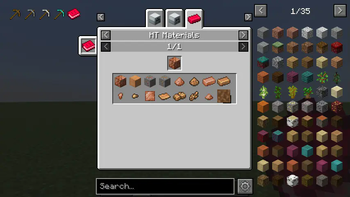
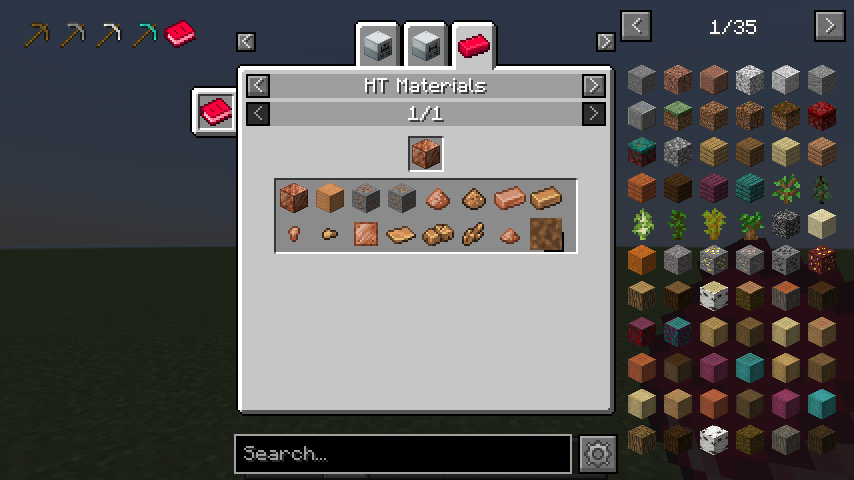
The Material System was invented to handle Tags more generally by decomposing them into HTMaterial and HTShape.HTMaterial represents the material of objects: Iron, Gold, Copper, Stone, Wood, ...HTShape represents the shape of objects: Ingot, Nugget, Plate, Gear, Rod, ...
Part Tag
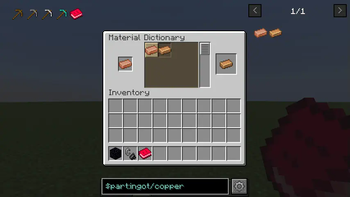
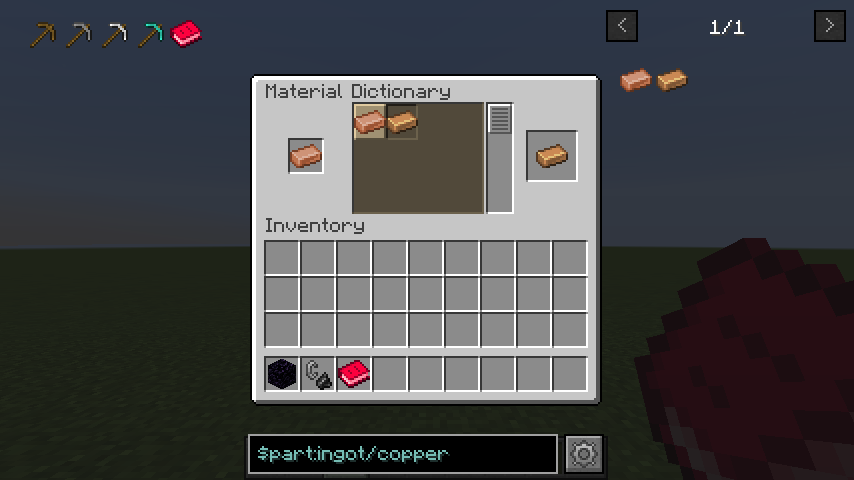
Many Fabric mods follows Conventional Tag format such as c:copper_ingots. This mod automatically replaces these
tags into Part
Tag Format by Material System. For example, c:copper_ingots will be converted into part:ingot/copper. You don't
need to replace existing tags in json files or internal codes!
Fluid Unification
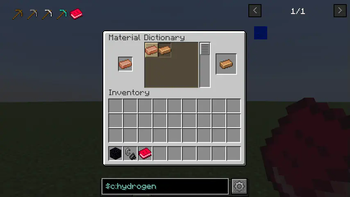
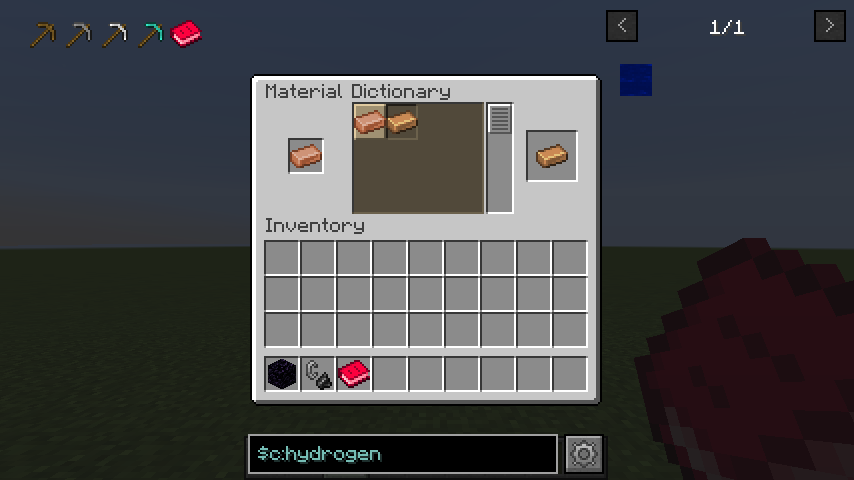
HT Materials can sync not only tags but also fluids! After the flattening, fluid became vanilla feature and has been
managed with Identifier: namespace and path. This destructive change divided fluid with same name and different
namespace. Based on the Material System, there fluids are linked to Conventional Tags.
How to create Addon
- Add new entrypoint
ht_materialsinfabric.mod.json - Implement io.github.hiiragi283.api.HTMaterialsAddon
Example
API
- Accessible HT-Materials' API via HTMaterialsAPI.INSTANCE
Available Versions
How to Install HT Materials on Your Server
Order Server
Order a Minecraft Java server with at least 3 GB RAM (4 GB recommended).
Set fabric Loader
In the panel under "Egg", select the fabric loader and matching Minecraft version (1.18.2).
Install Mod
Open the mod browser in the dashboard and search for "HT Materials". Click "Install" – done! Alternatively, upload the .jar via SFTP to the /mods folder.
Compatibility
Mod Loaders
Minecraft Versions
1.18.2, 1.16.5
Server-side
✓ RequiredRecommended RAM
4 GB(min. 3 GB)Frequently Asked Questions
HT Materials server crashes on startup – what to do?
Most common cause: wrong fabric version or insufficient RAM. Check the server log (latest.log) for "OutOfMemoryError" or "Mixin" errors. With Mado Hosting: ensure at least 3 GB RAM is allocated and the loader matches the mod version (1.18.2). You can switch loaders with one click in the panel.
Is HT Materials compatible with fabric?
HT Materials officially supports fabric for Minecraft 1.18.2, 1.16.5. The Mado dashboard automatically detects incompatible loader combinations.
Server lagging with HT Materials – how to optimize performance?
Recommended RAM: 4 GB (per 8 players). Use /spark profiler to check if HT Materials consumes the most tick time. Common fixes: reduce server view-distance to 8-10, install "performant" or "starlight" as supplementary mods on Forge. With Mado Hosting, your server runs on NVMe SSDs with dedicated CPU cores for minimal latency.
Similar Mods



Rent Modded Server
Install HT Materials with just one click on your server.