
HUD Lib
A library mod that provides a simple way for other mods to add HUD that can be moved with a visual editor.
Screenshots
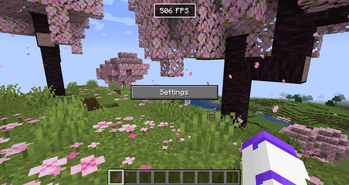
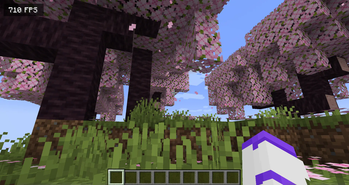
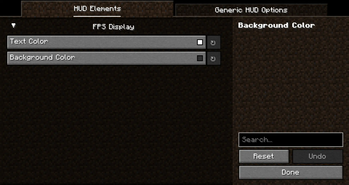
About this Mod
Hud Lib
This mod is a library for other mods to register their own HUD Elements. These HUD Elements has inbuilt repositioning, anchoring, and configuration. They can all be edited after pressing RIGHT SHIFT (Can be rebinded in Key Binds). This mod has no default elements, you will need a mod such as Generic Hud (mentioned below) if you want any features.
Mods using this library
Currently there are 3 mods that uses this library:
The Editor
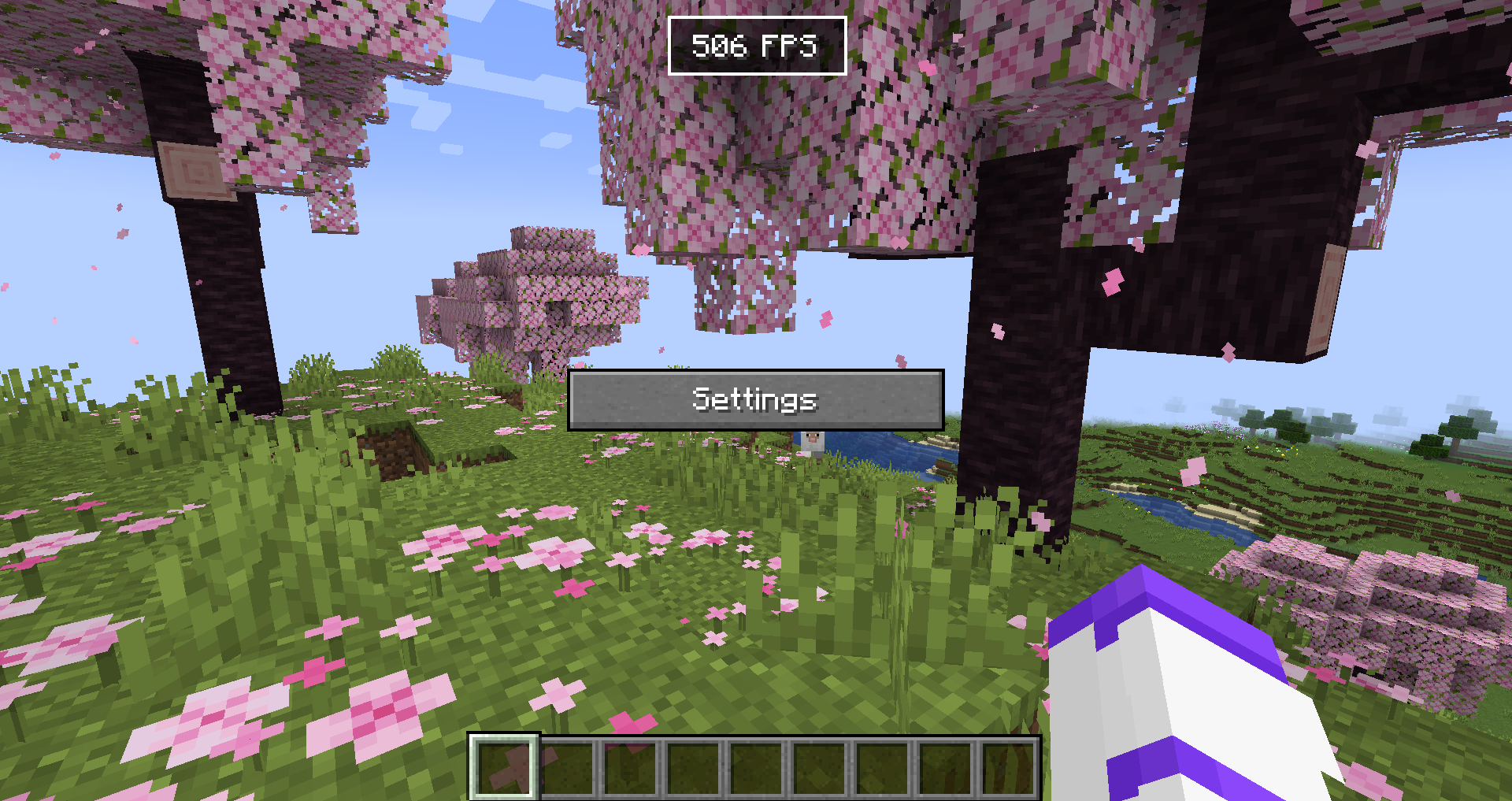
The editor allows you to reposition and disable any HUD Elements. If you want to hide the Settings button or stop snapping, hold CTRL. The settings menu will allow you to configure each HUD Element, and disable them/reset their position in the 'Generic HUD Options' tab.
For Developers
Currently no documentation exists, but you can use Generic HUD, Armor HUD or the internal HUD Lib testmod as an example, because they are all open source.
What is offered in the library?
- A simple way to render HUD elements, using
DrawContext, when rendering it you are also given an X and a Y coordinate which is where on the screen it should be rendered. - With minimal extra setup they can be repositioned in the editor.
- The repositioning also anchors to the screen (e.g. If you put it in the top right corner, it will stay there with any screen size)
- A way to register your own configuration in the "HUD Lib" configuration screen, this is done with YetAnotherConfigLib (YACL)
- They can also be hidden to only show in the editor, or completely disabled in the configuration.
Versions
The mod has been ported to all 1.21.X versions.
Available Versions
How to Install HUD Lib on Your Server
Order Server
Order a Minecraft Java server with at least 3 GB RAM (4 GB recommended).
Set fabric Loader
In the panel under "Egg", select the fabric loader and matching Minecraft version (1.21.11).
Install Mod
Open the mod browser in the dashboard and search for "HUD Lib". Click "Install" – done! Alternatively, upload the .jar via SFTP to the /mods folder.
Compatibility
Mod Loaders
Minecraft Versions
1.21.11, 1.21.10, 1.21.9 (+13 more)
Server-side
✗ UnsupportedRecommended RAM
4 GB(min. 3 GB)Frequently Asked Questions
HUD Lib server crashes on startup – what to do?
Most common cause: wrong fabric version or insufficient RAM. Check the server log (latest.log) for "OutOfMemoryError" or "Mixin" errors. With Mado Hosting: ensure at least 3 GB RAM is allocated and the loader matches the mod version (1.21.11). You can switch loaders with one click in the panel.
Is HUD Lib compatible with fabric?
HUD Lib officially supports fabric for Minecraft 1.21.11, 1.21.10, 1.21.9. The Mado dashboard automatically detects incompatible loader combinations.
Server lagging with HUD Lib – how to optimize performance?
Recommended RAM: 4 GB (per 8 players). Use /spark profiler to check if HUD Lib consumes the most tick time. Common fixes: reduce server view-distance to 8-10, install "performant" or "starlight" as supplementary mods on Forge. With Mado Hosting, your server runs on NVMe SSDs with dedicated CPU cores for minimal latency.
Similar Mods



Rent Modded Server
Install HUD Lib with just one click on your server.