
Hyper Login
A simple yet powerful data pack that allows every player to protect their account with a password.
Screenshots

About this Mod
💡 How does this work?
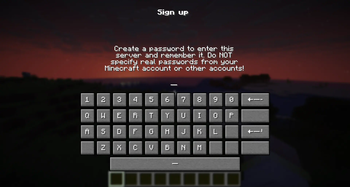
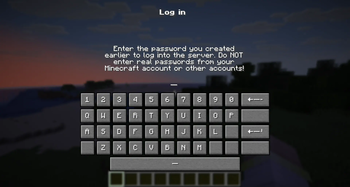
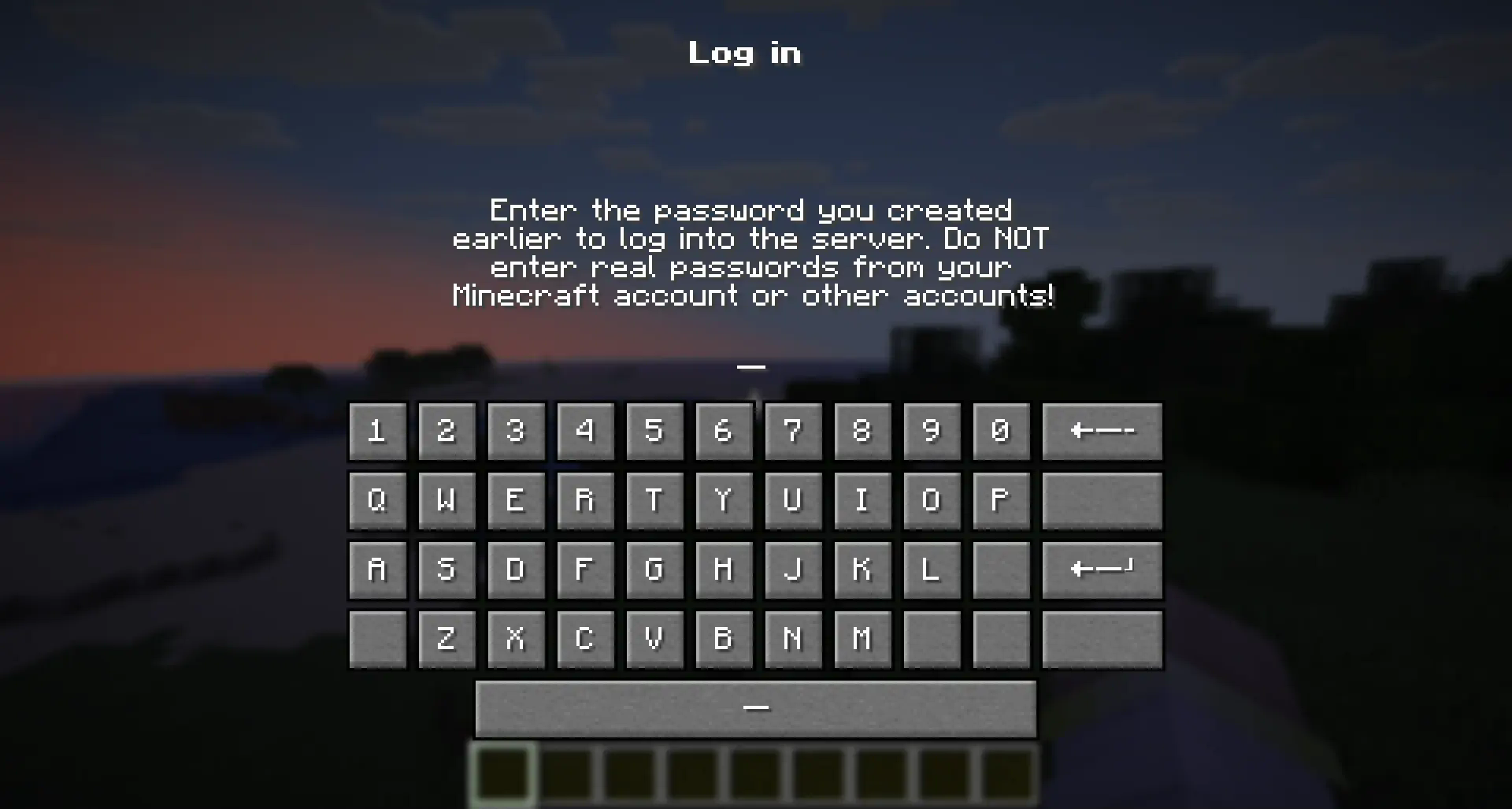
"Hyper Login" uses a forced dialogue system to ensure the safety of each player entering the server.
When you first enter, you will need to come up with a unique alphanumeric combination, which you will use later to enter the server under the same nickname.
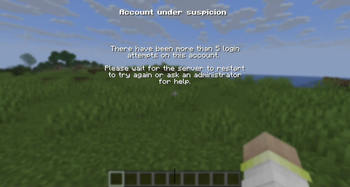
If a player enters an incorrect password several times in a row, he can try again after the server restart (or re-enter the world if it is a single-player game)
🔐 Is this safe to use?
All players' passwords are stored offline and no player can find out the other player's password.
At the moment of registration or entering a password, the player is not vulnerable and is not subject to gravity, which will not allow him to be deliberately harmed until he has entered the correct password.
The datapack does not change anything in the world it is installed in. If you decide to stop using the mod/datapack, then after deleting it, the world/server will be available without entering a password.
❓ What happens if I forget my password?
If a player has forgotten their password, server operators can reset it with the command:
/tag <Player> remove xhl_signed_inIf it is necessary to force a player to log in again, server operators can do this with the command:
/tag <Player> remove xhl_logged_in
🖥 Where should I install the mod (OR) datapack?
- The datapack must be installed in the "datapacks" folder of a world or a server you want to password protect.
- The mod must be installed in the "mods" folder on the server you want to password protect.
- Installing a mod on the client only makes sense if you want to protect all your singleplayer worlds from another person using your pc
Available Versions
How to Install Hyper Login on Your Server
Order Server
Order a Minecraft Java server with at least 3 GB RAM (4 GB recommended).
Set datapack Loader
In the panel under "Egg", select the datapack loader and matching Minecraft version (26.1.2).
Install Mod
Open the mod browser in the dashboard and search for "Hyper Login". Click "Install" – done! Alternatively, upload the .jar via SFTP to the /mods folder.
Compatibility
Mod Loaders
Minecraft Versions
26.1.2, 26.1.1, 26.1 (+6 more)
Server-side
✓ RequiredRecommended RAM
4 GB(min. 3 GB)Frequently Asked Questions
Hyper Login server crashes on startup – what to do?
Most common cause: wrong datapack version or insufficient RAM. Check the server log (latest.log) for "OutOfMemoryError" or "Mixin" errors. With Mado Hosting: ensure at least 3 GB RAM is allocated and the loader matches the mod version (26.1.2). You can switch loaders with one click in the panel.
Is Hyper Login compatible with datapack and fabric and forge and neoforge and quilt?
Hyper Login officially supports datapack, fabric, forge, neoforge, quilt for Minecraft 26.1.2, 26.1.1, 26.1. Note: Forge and Fabric mods are NOT cross-compatible – pick one loader and stick with it. The Mado dashboard automatically detects incompatible loader combinations.
Server lagging with Hyper Login – how to optimize performance?
Recommended RAM: 4 GB (per 8 players). Use /spark profiler to check if Hyper Login consumes the most tick time. Common fixes: reduce server view-distance to 8-10, install "performant" or "starlight" as supplementary mods on Forge. With Mado Hosting, your server runs on NVMe SSDs with dedicated CPU cores for minimal latency.
Similar Mods






Rent Modded Server
Install Hyper Login with just one click on your server.