
Immersive Craft
Add a more immersive way to handle, craft and store objects in Minecraft
Screenshots
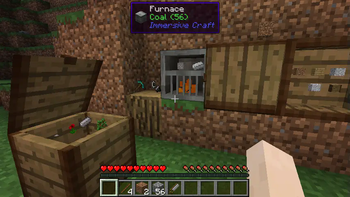
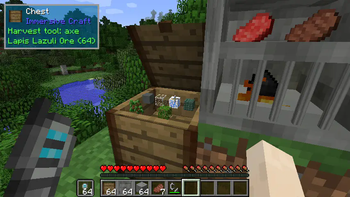
About this Mod
Immersive Craft
This mod adds a more immersive way to handle, craft and store objects in Minecraft. It features the following:
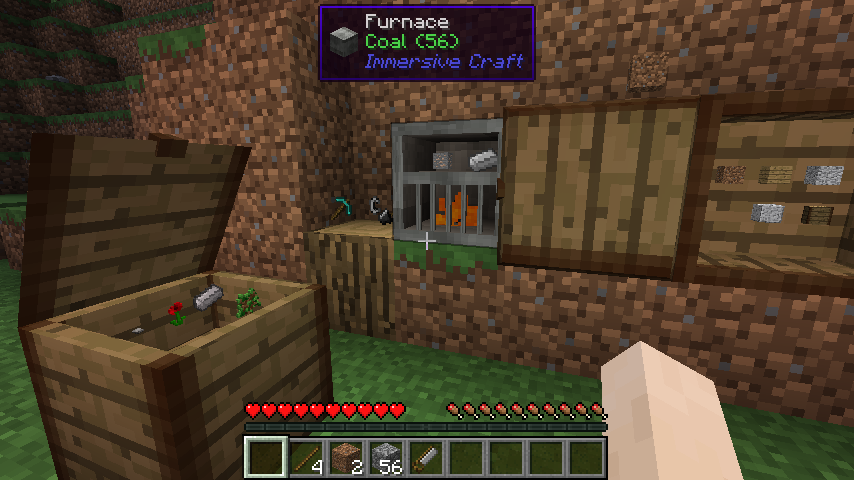
- Adds a chest where you can visually see and interact with the items in the chest
- Adds a cupboard that works in a similar way but is mounted on the wall
- Adds a furnace that works like a regular furnace but also features in-world interaction. You need to use flint and steel to ignite the coal in the furnace
- Allows the player to place tools (axes, swords, etc.) on any block by right clicking it or pressing 'p'. You can put 4 items on a flat or vertical face that way
- Adds worldgen for sticks and rocks in the world (can be disabled)
- Adds a workbench to have an immersive way to craft. This workbench is still work in progress as you can now only craft a limited number of items. This will be improved later. To make a workbench (if you want to try it out) just place two logs in the world and right click with a stone axe<
- Adds a chisel and saw which are intented to be used in the toolslot of the workbench
- Sticks can be placed on the ground in stacks of up to 64. Using flint and steel you can also make them burn (model slightly broken currently)
Note! This mod works on 1.10.2 and 1.11.2 with the same JAR!
1.12 is another release and doesn't require CompatLayer anymore.
This mod is still work in progress but works well enough to be usable in my opinion. Feedback is of course welcome.
Modpacks
You can freely use this mod in any modpack. No restrictions.
Screenshot
Available Versions
How to Install Immersive Craft on Your Server
Order Server
Order a Minecraft Java server with at least 3 GB RAM (4 GB recommended).
Set forge Loader
In the panel under "Egg", select the forge loader and matching Minecraft version (1.12.2).
Install Mod
Open the mod browser in the dashboard and search for "Immersive Craft". Click "Install" – done! Alternatively, upload the .jar via SFTP to the /mods folder.
Compatibility
Mod Loaders
Minecraft Versions
1.12.2, 1.12.1, 1.12 (+6 more)
Server-side
✓ RequiredRecommended RAM
4 GB(min. 3 GB)Frequently Asked Questions
Immersive Craft server crashes on startup – what to do?
Most common cause: wrong forge version or insufficient RAM. Check the server log (latest.log) for "OutOfMemoryError" or "Mixin" errors. With Mado Hosting: ensure at least 3 GB RAM is allocated and the loader matches the mod version (1.12.2). You can switch loaders with one click in the panel.
Is Immersive Craft compatible with forge?
Immersive Craft officially supports forge for Minecraft 1.12.2, 1.12.1, 1.12. The Mado dashboard automatically detects incompatible loader combinations.
Server lagging with Immersive Craft – how to optimize performance?
Recommended RAM: 4 GB (per 8 players). Use /spark profiler to check if Immersive Craft consumes the most tick time. Common fixes: reduce server view-distance to 8-10, install "performant" or "starlight" as supplementary mods on Forge. With Mado Hosting, your server runs on NVMe SSDs with dedicated CPU cores for minimal latency.
Similar Mods




Rent Modded Server
Install Immersive Craft with just one click on your server.