
Indexer
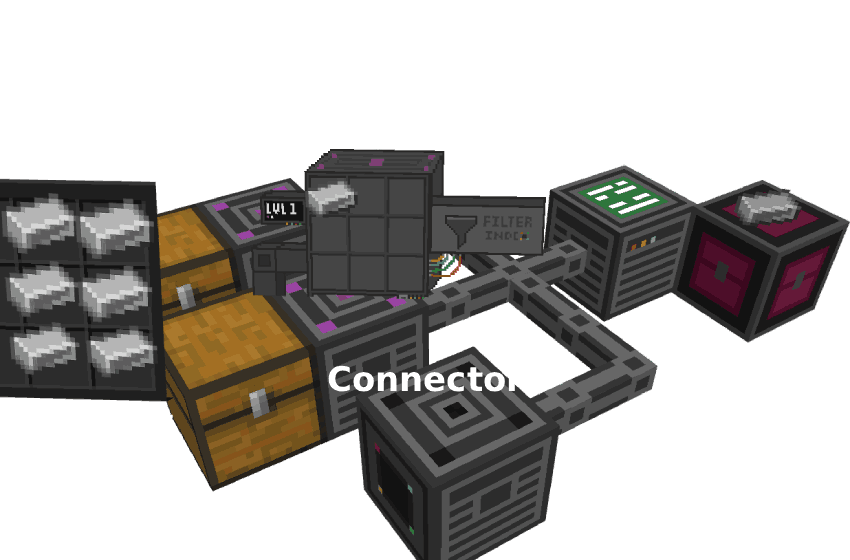
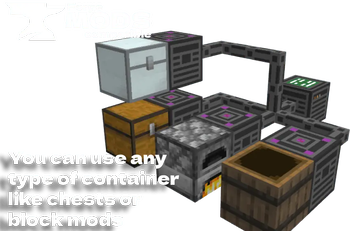
Indexer is a mod that helps you organize and manage your items. This automation system allows you to filter and automatically distribute the contents of your Chests / Containers, eliminating the need to manually sort your resources
Screenshots


About this Mod



Indexer Mod
Indexer is a mod that helps you organize and manage your items. This automation system allows you to filter and automatically distribute the contents of your Chests / Containers, eliminating the need to manually sort your resources.
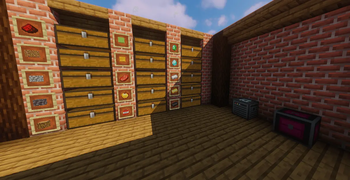
With Indexer, you can deposit all your items in a central point and the system will take care of distributing them to the appropriate containers according to the filters you have configured, saving you time and keeping your base perfectly organized!
GO TO WEB WIKI📖
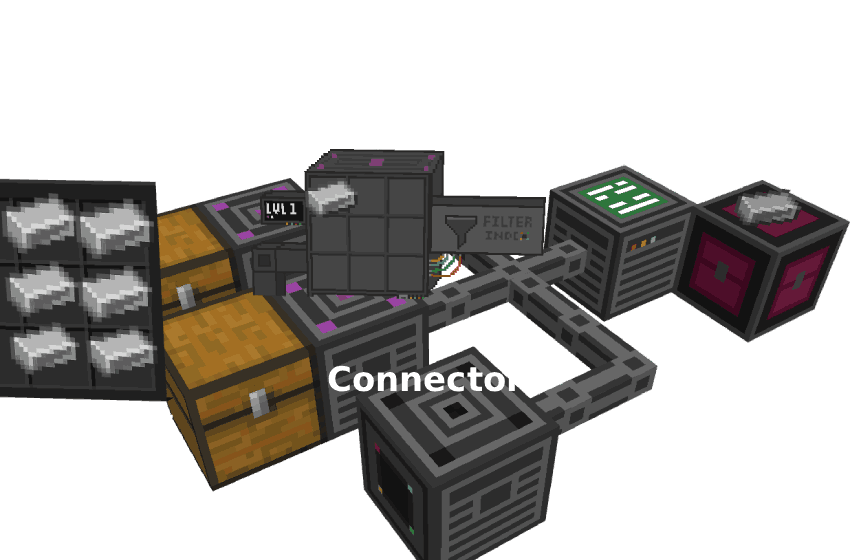
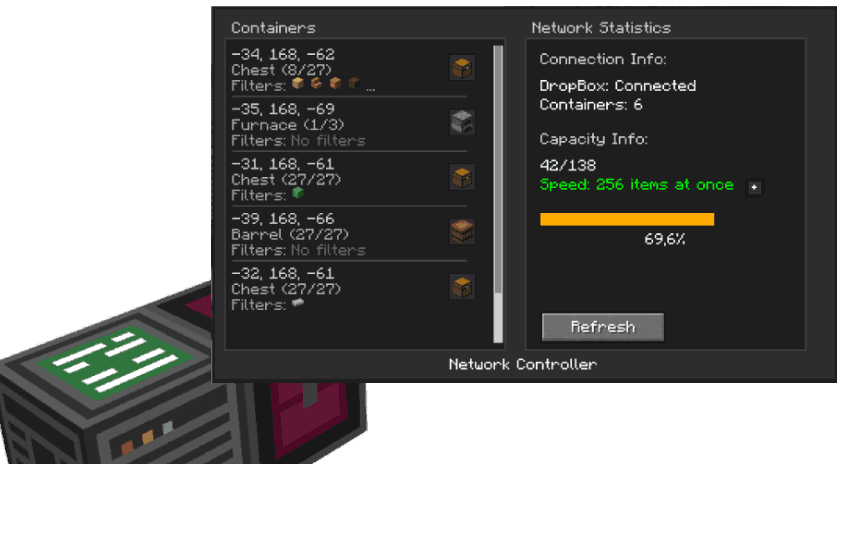
Indexer Manager. When you open it, a UI displays all the items connected to the system, allowing you to withdraw them directly into your inventory.
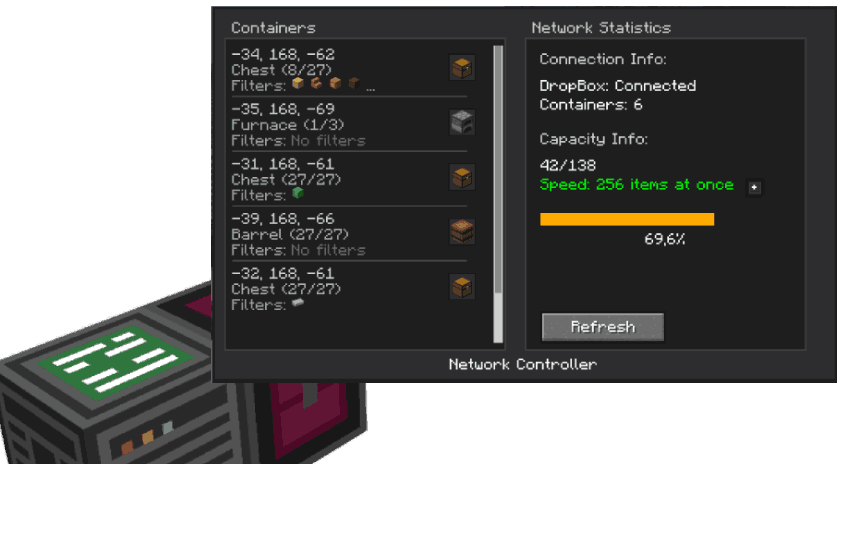
Containers :
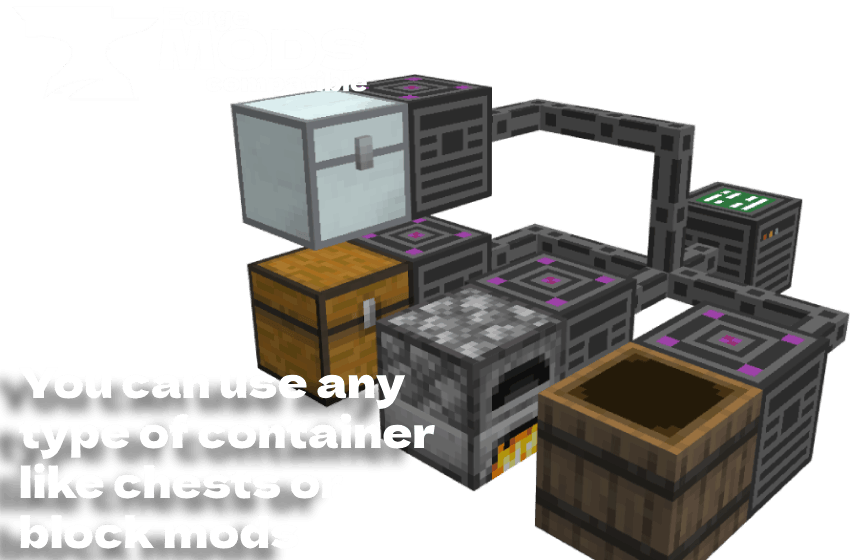
Furnace Compatibility
The system automatically detects furnaces and can refill fuel (coal or charcoal) without additional configuration.**

Extractor Block:
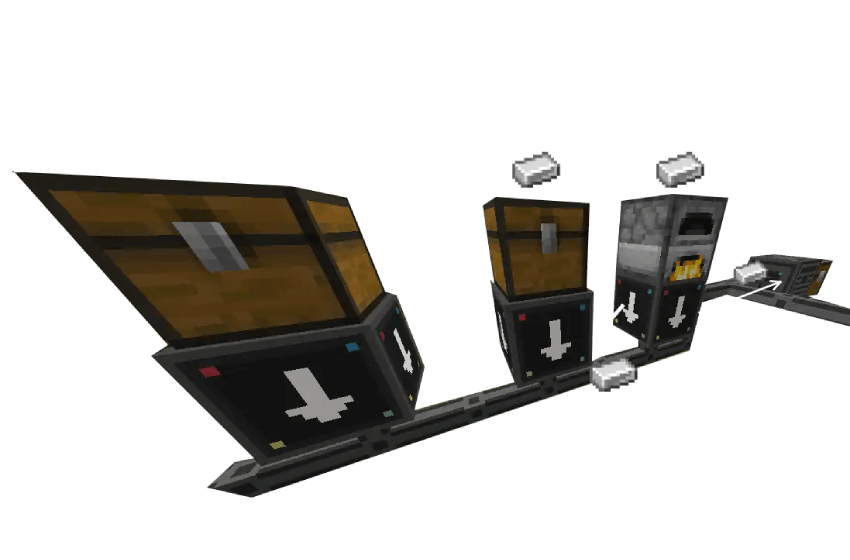
Speed Upgrades
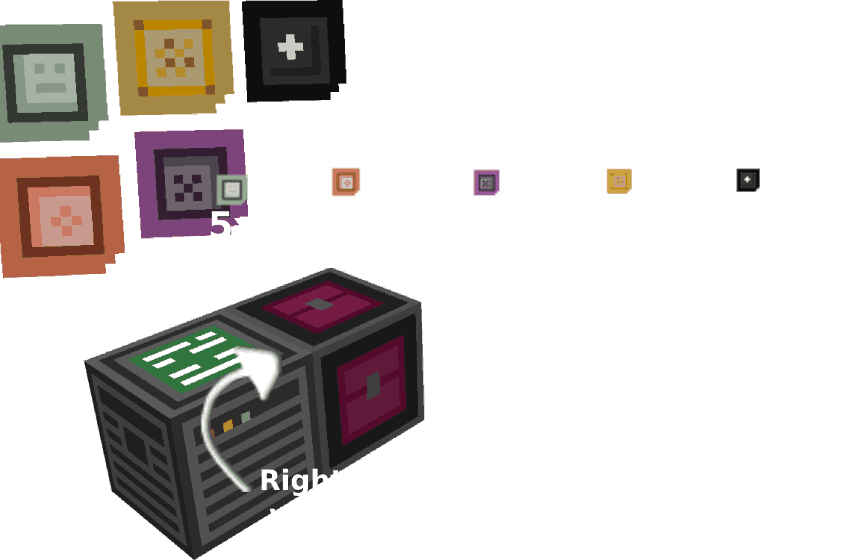
- Basic Upgrade: Allows the Controller to transfer up to 5 items at a time per cycle.
- copper Upgrade: Allows the Controller to transfer up to 10 items at a time per cycle.
- Advanced Upgrade: Allows the Controller to transfer up to 20 items at a time per cycle.
- Elite Upgrade: Allows the Controller to transfer up to 64 items at a time per cycle.
- Definitive Upgrade: Allows the Controller to transfer up to 256 items at a time per cycle.
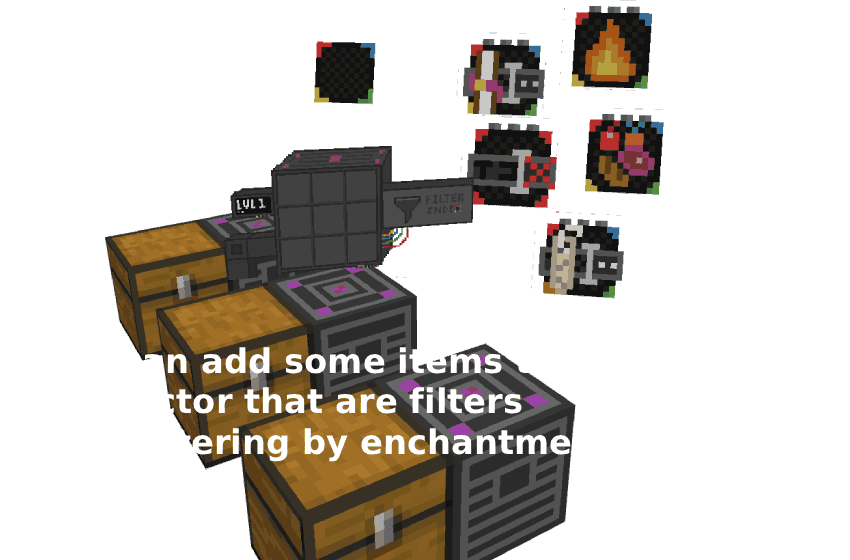
New items Filters to filter by attributes etc...
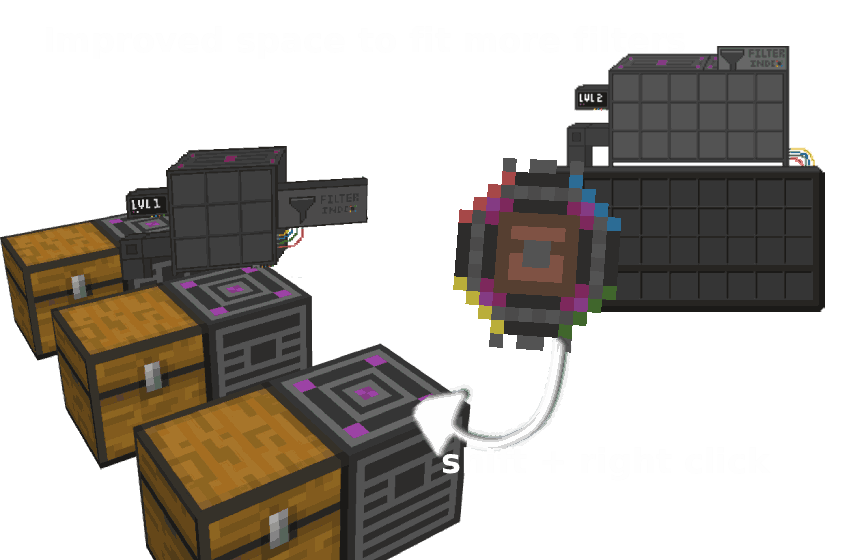
New Connector improvement to be able to match its filter capacity
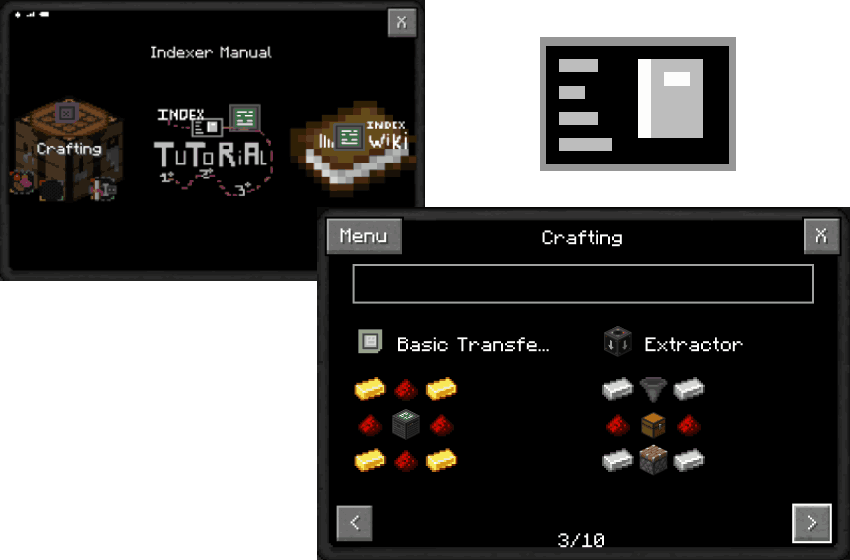
New manual where you can see the crafting and a tutorial on how to assemble the indexer system
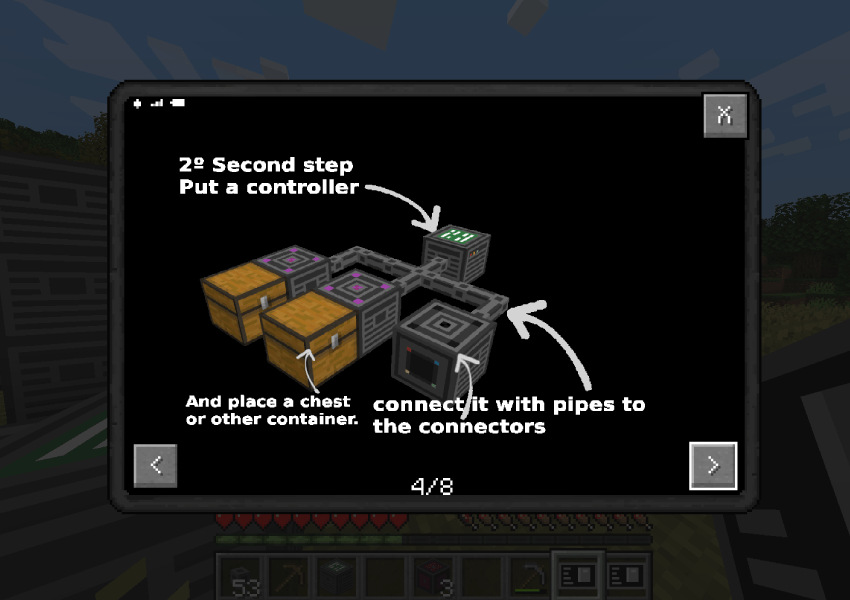
**Thanks for using this mod <3
By AgustinBenitez**
Available Versions
How to Install Indexer on Your Server
Order Server
Order a Minecraft Java server with at least 3 GB RAM (4 GB recommended).
Set fabric Loader
In the panel under "Egg", select the fabric loader and matching Minecraft version (1.21.11).
Install Mod
Open the mod browser in the dashboard and search for "Indexer". Click "Install" – done! Alternatively, upload the .jar via SFTP to the /mods folder.
Compatibility
Mod Loaders
Minecraft Versions
1.21.11, 1.21.10, 1.21.9 (+9 more)
Server-side
✓ RequiredRecommended RAM
4 GB(min. 3 GB)Frequently Asked Questions
Indexer server crashes on startup – what to do?
Most common cause: wrong fabric version or insufficient RAM. Check the server log (latest.log) for "OutOfMemoryError" or "Mixin" errors. With Mado Hosting: ensure at least 3 GB RAM is allocated and the loader matches the mod version (1.21.11). You can switch loaders with one click in the panel.
Is Indexer compatible with fabric and forge?
Indexer officially supports fabric, forge for Minecraft 1.21.11, 1.21.10, 1.21.9. Note: Forge and Fabric mods are NOT cross-compatible – pick one loader and stick with it. The Mado dashboard automatically detects incompatible loader combinations.
Server lagging with Indexer – how to optimize performance?
Recommended RAM: 4 GB (per 8 players). Use /spark profiler to check if Indexer consumes the most tick time. Common fixes: reduce server view-distance to 8-10, install "performant" or "starlight" as supplementary mods on Forge. With Mado Hosting, your server runs on NVMe SSDs with dedicated CPU cores for minimal latency.
Similar Mods


Rent Modded Server
Install Indexer with just one click on your server.