
Instant Build
This mod can help you quickly place a large number of blocks. View and modify data of the world, entities, blocks, and items, or manipulate them.
Screenshots

About this Mod
Godlike Building Powers!
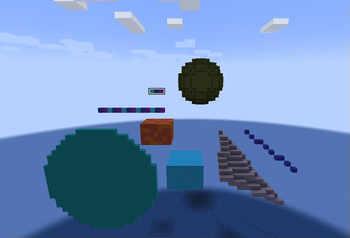
This mod offers a comprehensive suite of building assistance tools that enable godlike creation capabilities. It includes management systems for blocks, items, entities, and world editing. With regular updates introducing new features, the mod continuously enhances construction efficiency and creative possibilities.
Additionally, no commands are required – extremely intuitive to operate.
Building Function
Menu / Build
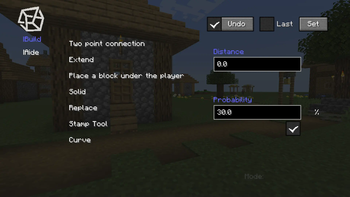
Use the B key to open the menu, select the placement mode, and place blocks in the game to determine points for batch placement.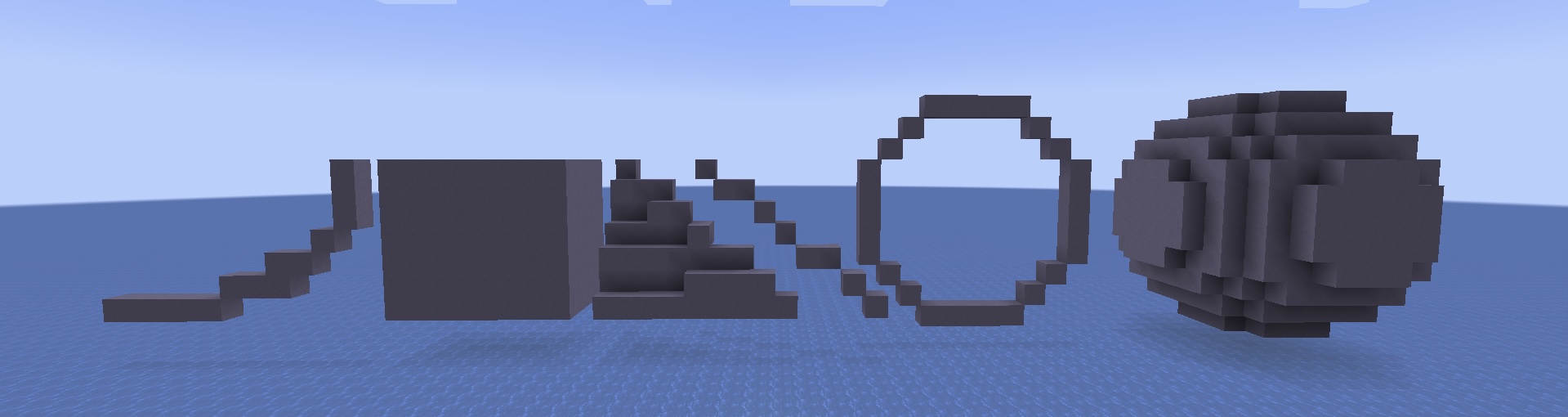
Some modes require numerical values such as radius, which need to be filled in the corresponding text box.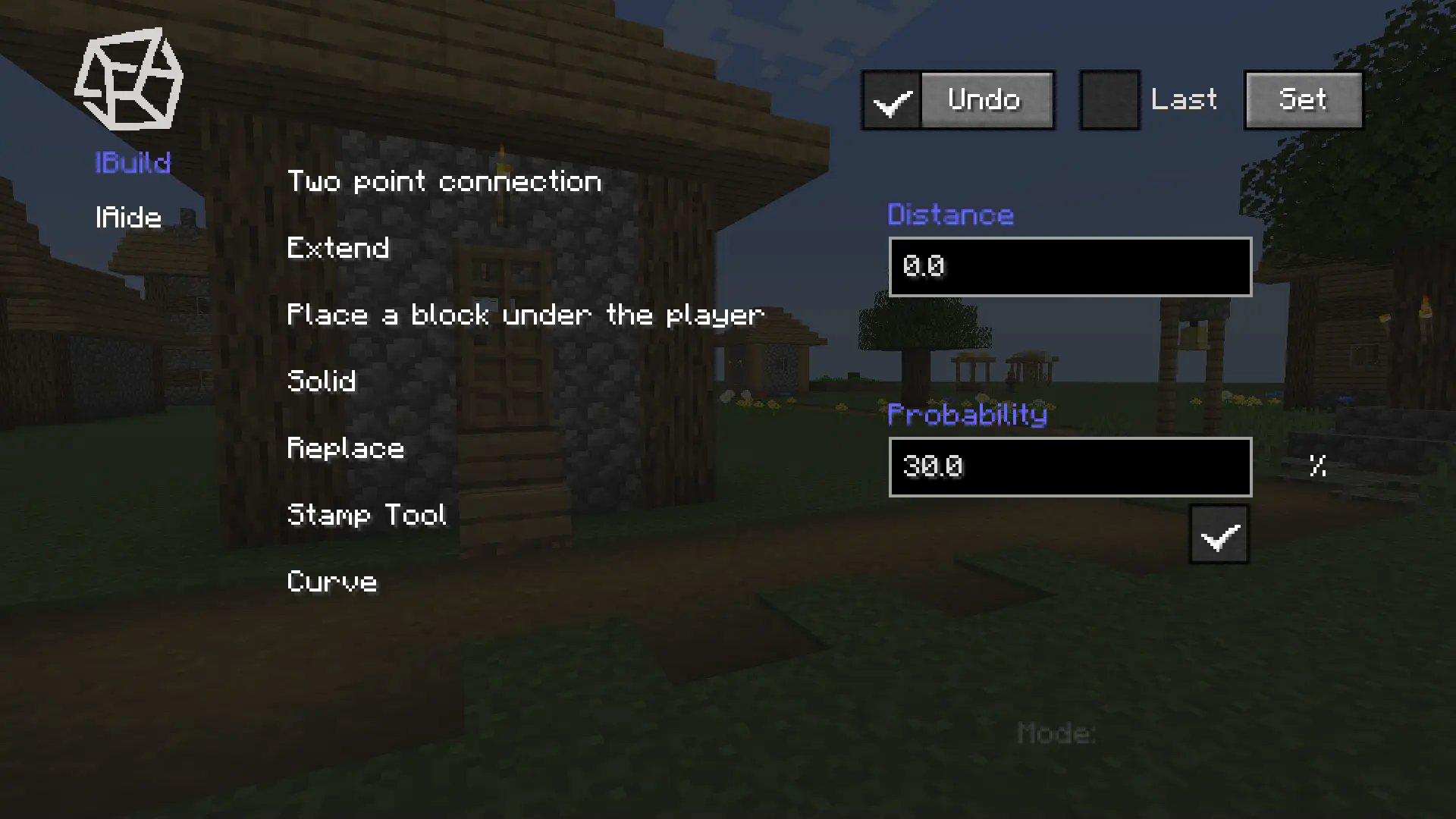
Stamp Tool
Menu / Build / Stamp Tool
You can find the button for the stamp tool in the main menu, click on it, and enter the stamp tool menu.
- Click the New button, and you will exit the menu.
- Select blocks in order using the Mark(an item). (this set of blocks will be placed in a loop when using the Stamp Tool)
- Fill in the name of this stamp in the text box and click Save.
- When you need to use it, select the saved stamp and check it in the main menu to enable the stamp.
When using Two point connection mode, it will be placed in stamp order.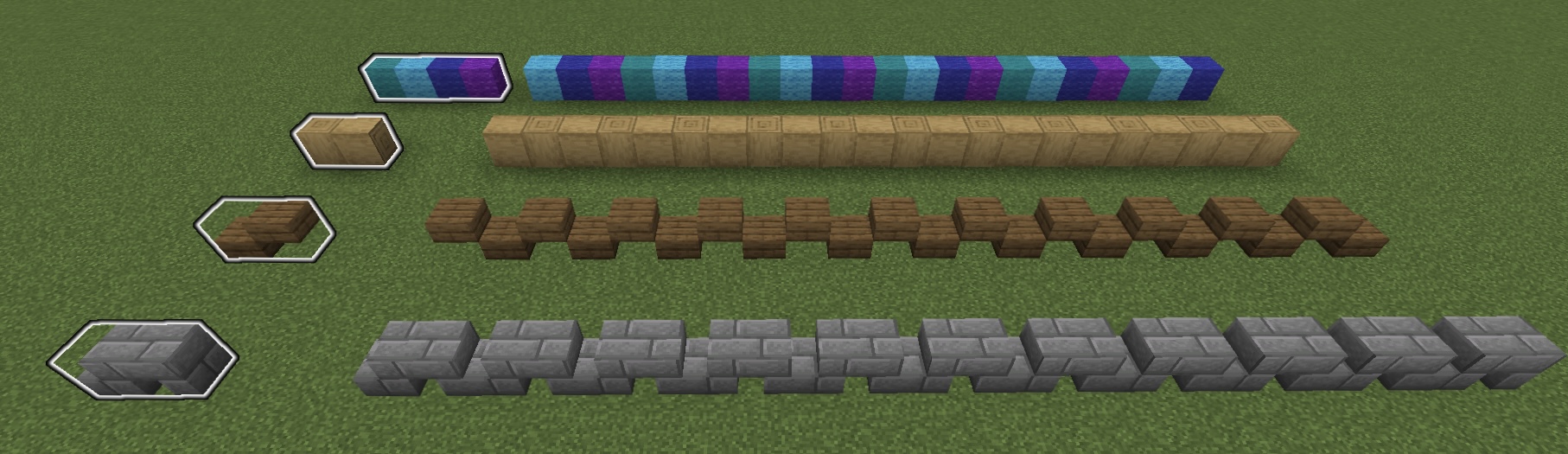
Supporting Function
Menu / Aide
Aide helps players better manage Marks, easily access special items like command blocks, and manipulate the world with advanced tools.
Query and Operation
Menu / Aide / Query and Operation
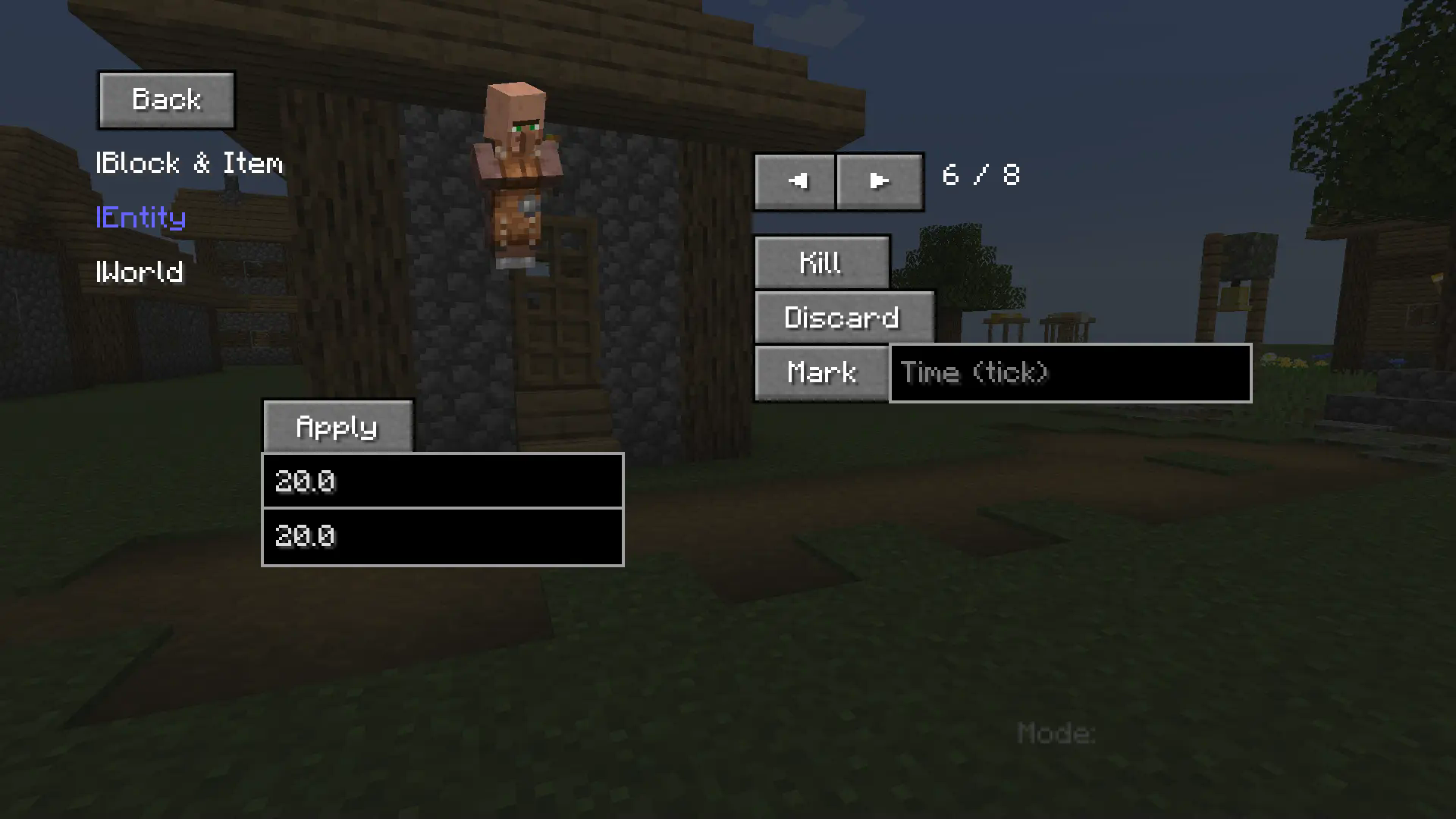
This part enables players to:
- Query detailed block/item metadata.
- Inspect specific entity attributes / Manipulate entities (e.g. modify max health values).
- Retrieve world diagnostics / Execute advanced world operations.
Additional Notes
Shortcut Key
- B - open menu.
- V - place a block under your feet.
- C - inherit the previous mode.
- G - exit preview and complete placement.
- Backspace - exit current mode/preview.
The mod is continuously updating and adding new features.
- The version 1.0.3 may contain bugs - please report any issues immediately.
Available Versions
How to Install Instant Build on Your Server
Order Server
Order a Minecraft Java server with at least 3 GB RAM (4 GB recommended).
Set forge Loader
In the panel under "Egg", select the forge loader and matching Minecraft version (1.20.1).
Install Mod
Open the mod browser in the dashboard and search for "Instant Build". Click "Install" – done! Alternatively, upload the .jar via SFTP to the /mods folder.
Compatibility
Mod Loaders
Minecraft Versions
1.20.1
Server-side
✓ RequiredRecommended RAM
4 GB(min. 3 GB)Frequently Asked Questions
Instant Build server crashes on startup – what to do?
Most common cause: wrong forge version or insufficient RAM. Check the server log (latest.log) for "OutOfMemoryError" or "Mixin" errors. With Mado Hosting: ensure at least 3 GB RAM is allocated and the loader matches the mod version (1.20.1). You can switch loaders with one click in the panel.
Is Instant Build compatible with forge?
Instant Build officially supports forge for Minecraft 1.20.1. The Mado dashboard automatically detects incompatible loader combinations.
Server lagging with Instant Build – how to optimize performance?
Recommended RAM: 4 GB (per 8 players). Use /spark profiler to check if Instant Build consumes the most tick time. Common fixes: reduce server view-distance to 8-10, install "performant" or "starlight" as supplementary mods on Forge. With Mado Hosting, your server runs on NVMe SSDs with dedicated CPU cores for minimal latency.
Similar Mods





Rent Modded Server
Install Instant Build with just one click on your server.