Intarsia
Intarsia is an art of decorating wood by inlaying pieces of other woods, ivory or bone. It's a mod containing lots of different small features. Works best with curios and hexcasting.
Screenshots
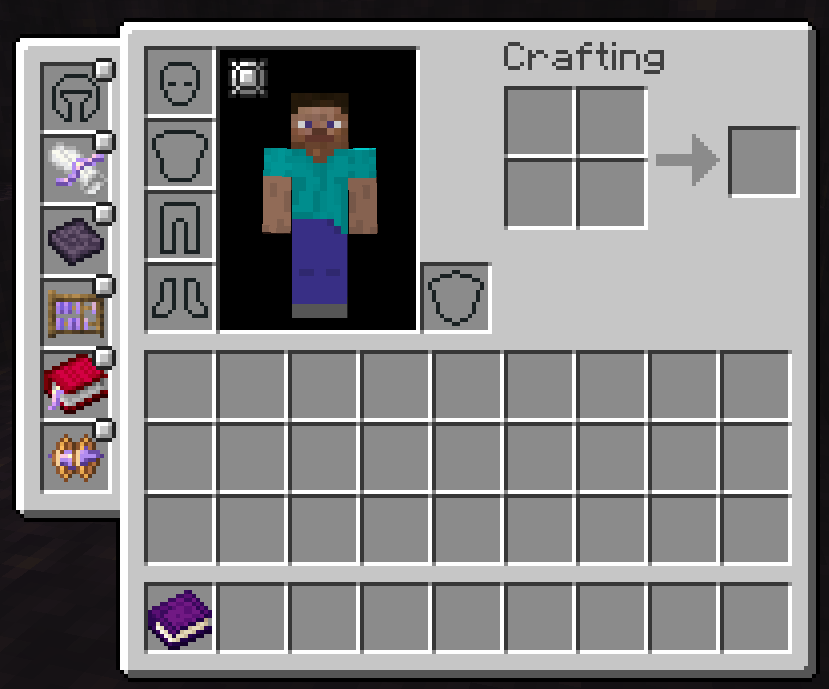
About this Mod
About
A mod for Forge adding few small features to minecraft. Right now the list is short, but it might grow later. Mod depends on hexcasting, but I'll probably make it optional.
Features
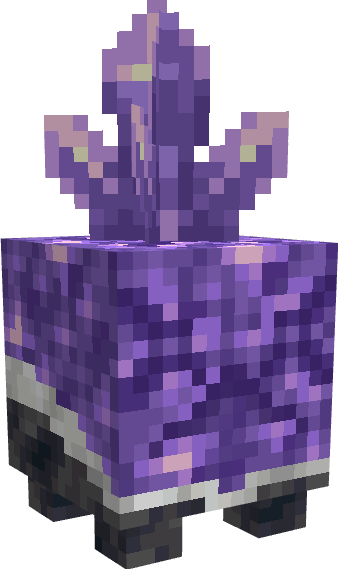
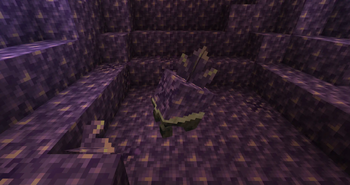
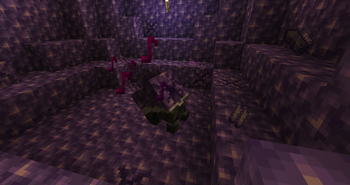
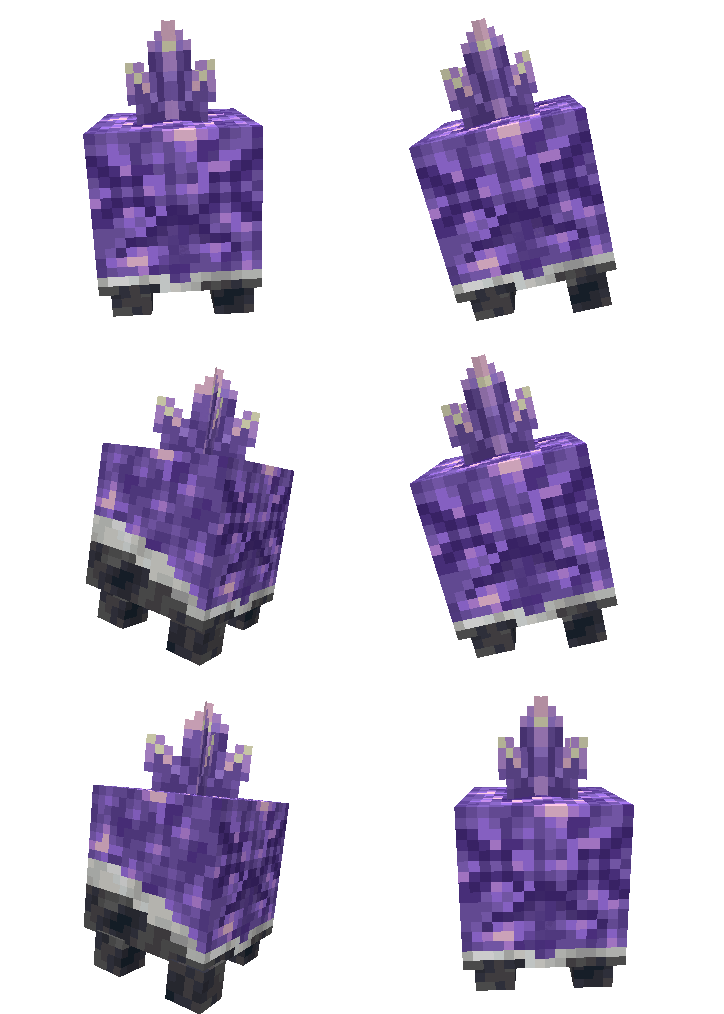
Amethyst Golem
This singing cute little fella will allow you to farm amethyst, and if you are heartless enough to kill it, move budding amethyst blocks.
Phial Fusing
For those who cannot accept an upper cap on how big a phial can be, a recipe to fuse 2 phials together.
Hex Patterns
- Jeweler's Reflection - Returns amount of media in inventory
- Archivist's Distillation - Checks if two iotas are the same type
- Scholar's Gambit - Write iotas to quick-slots
- Scholar's Reflection - Read iotas from quick-slots
- Kahuna's Purification - Get health of an entity
- Instant Delivery - Send items unlimited range
Enchantments
- Curse of Mercy - This enchant prevents you from killing, you leave enemies at half a heart.
- Temperance - This enchant prevents you from instant mining.
Other
Quick-cast Curio slots
Special curio slots that will allow you to cast hexes from focuses on keybind, you still need to hold staff, you gain up to 5 of them by completing hexcasting advancements.
Available Versions
How to Install Intarsia on Your Server
Order Server
Order a Minecraft Java server with at least 3 GB RAM (4 GB recommended).
Set forge Loader
In the panel under "Egg", select the forge loader and matching Minecraft version (1.19.4).
Install Mod
Open the mod browser in the dashboard and search for "Intarsia". Click "Install" – done! Alternatively, upload the .jar via SFTP to the /mods folder.
Compatibility
Mod Loaders
Minecraft Versions
1.19.4, 1.19.3, 1.19.2
Server-side
✓ RequiredRecommended RAM
4 GB(min. 3 GB)Frequently Asked Questions
Intarsia server crashes on startup – what to do?
Most common cause: wrong forge version or insufficient RAM. Check the server log (latest.log) for "OutOfMemoryError" or "Mixin" errors. With Mado Hosting: ensure at least 3 GB RAM is allocated and the loader matches the mod version (1.19.4). You can switch loaders with one click in the panel.
Is Intarsia compatible with forge?
Intarsia officially supports forge for Minecraft 1.19.4, 1.19.3, 1.19.2. The Mado dashboard automatically detects incompatible loader combinations.
Server lagging with Intarsia – how to optimize performance?
Recommended RAM: 4 GB (per 8 players). Use /spark profiler to check if Intarsia consumes the most tick time. Common fixes: reduce server view-distance to 8-10, install "performant" or "starlight" as supplementary mods on Forge. With Mado Hosting, your server runs on NVMe SSDs with dedicated CPU cores for minimal latency.
Rent Modded Server
Install Intarsia with just one click on your server.
Details
- License
- Creative Commons Attribution Non Commercial Share Alike 4.0 International
- Server-side
- Required