
InVlate
Lots of content to make Minecraft more challenging!
Screenshots

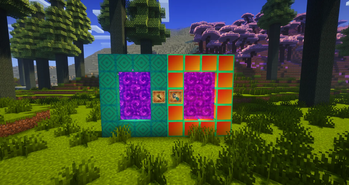
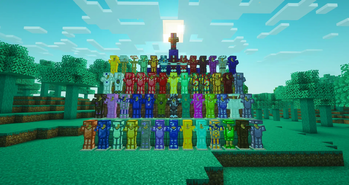
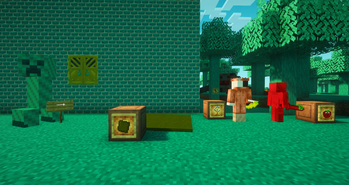
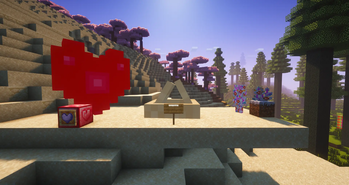
About this Mod
The InVlate mod is perfect for all types of Minecraft players. Don't you need an exciting and long adventure where you have to fight, craft, farm, and dig a lot? Then InVlate is for you! With him, your world will become a little more complicated, but there will be several more worlds that you have to go through in order to... The mod has not been completed yet, so there are still two dimensions, but the passage will take at least several hours of play, and maybe even real days! Good luck! No riddles will stop you!
Mod adds:
Spoiler
Lots of building blocks!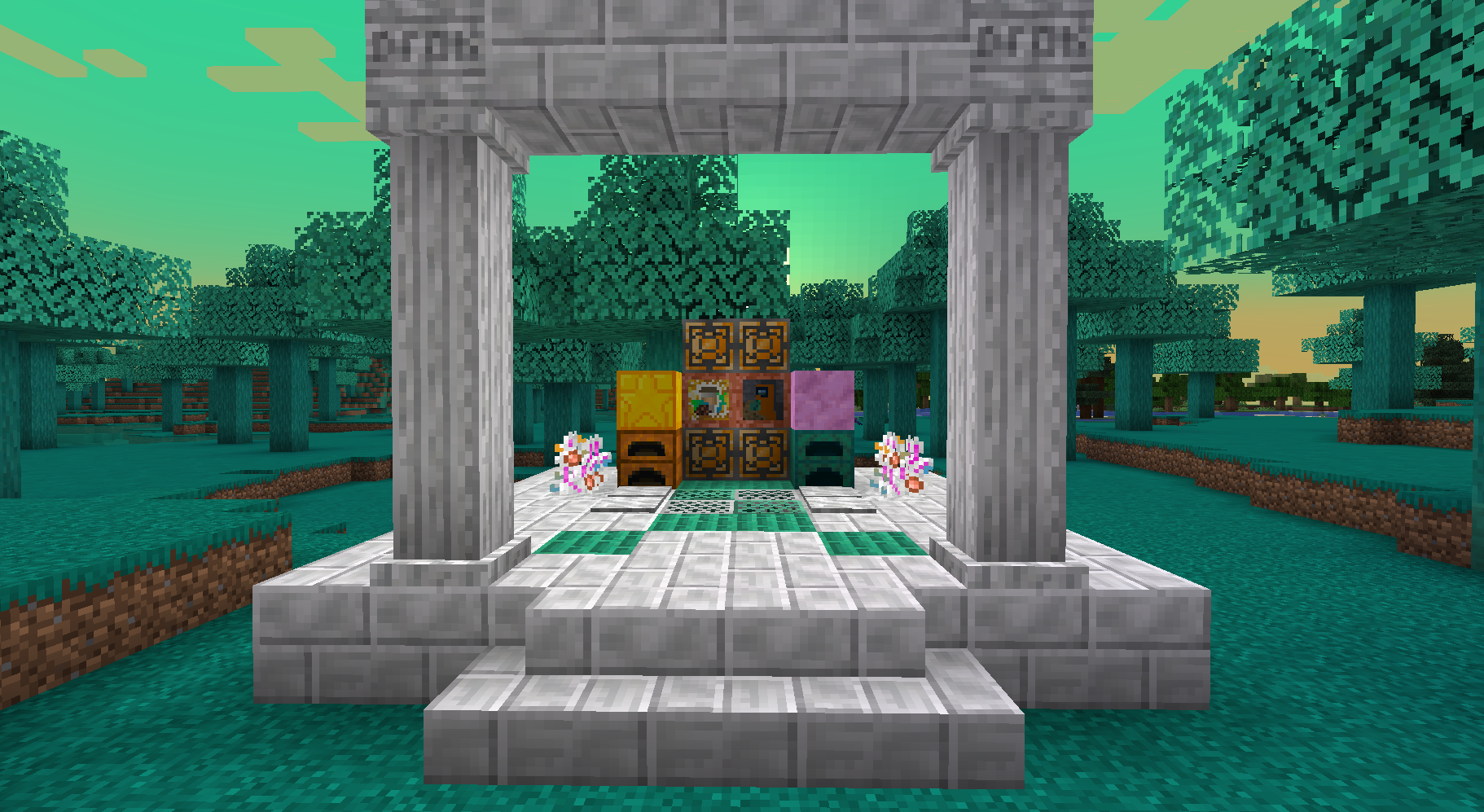
Spoiler
More than 600 different items and blocks!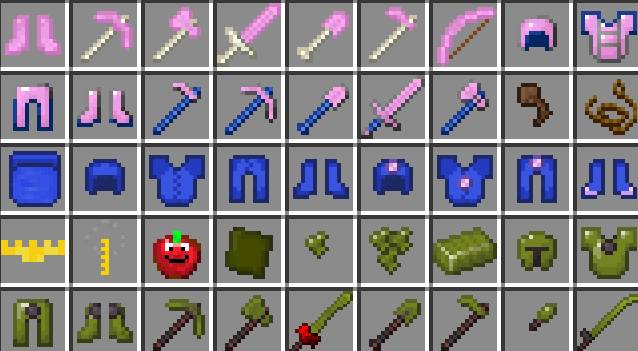
Spoiler
Mysterious bosses with good loot!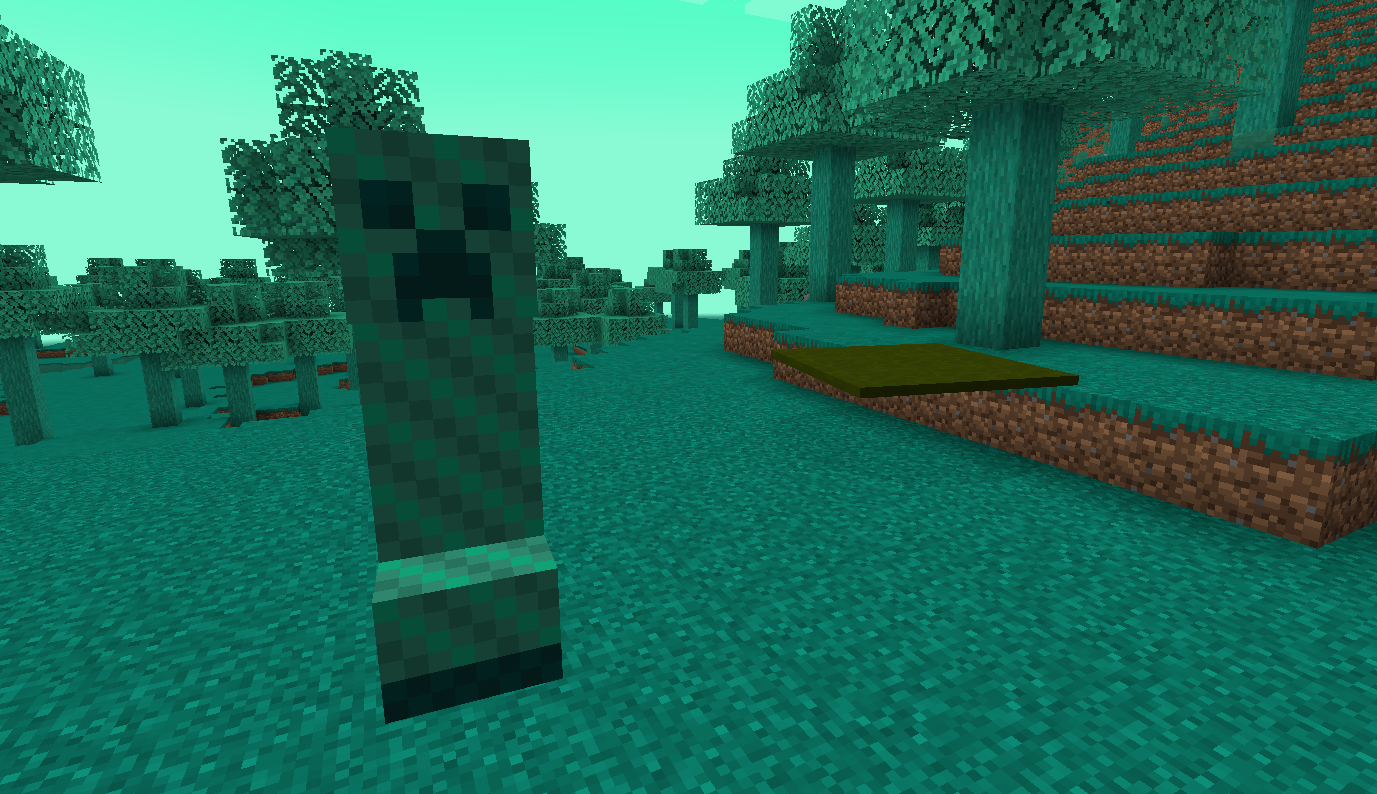
Spoiler
Several different measurements!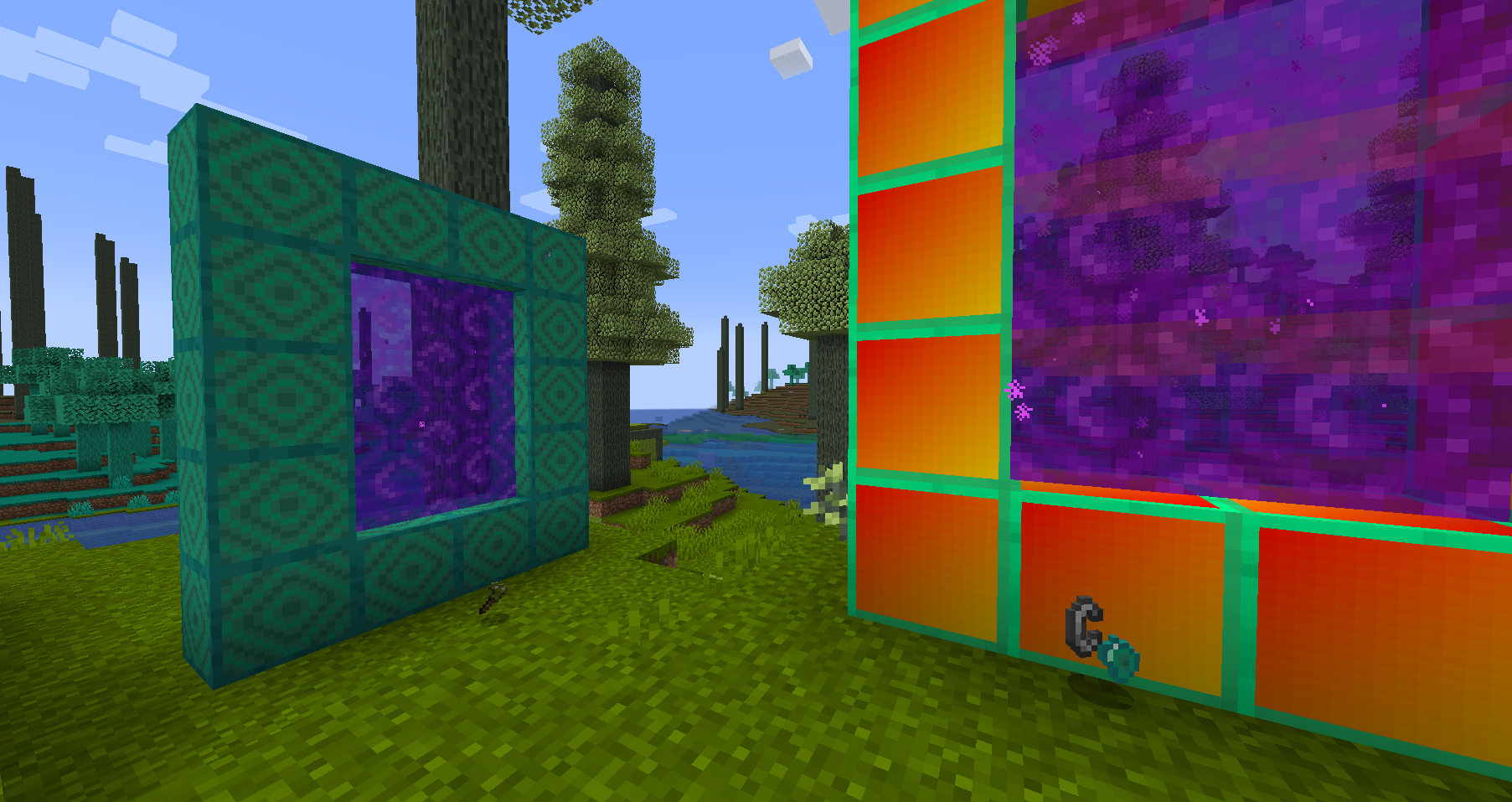
Spoiler
Anti-break mode!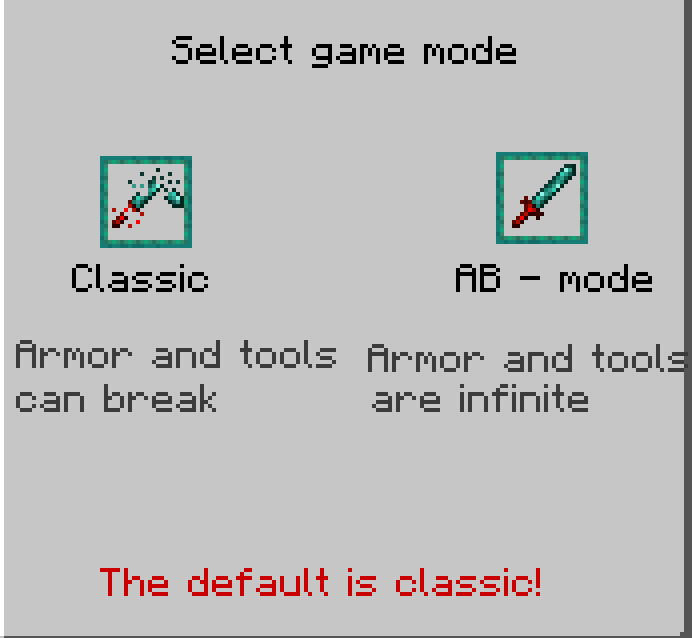
Updates and Must-Have Mods:
I RECOMMEND PLAYING ONLY THE LATEST VERSION!
The mod is updated very often, so you can get more and more content in each update!
The GeckoLib and Just Enough Items is required (with 1.2.1, both mods are not needed).
Available Versions
How to Install InVlate on Your Server
Order Server
Order a Minecraft Java server with at least 3 GB RAM (4 GB recommended).
Set forge Loader
In the panel under "Egg", select the forge loader and matching Minecraft version (1.21.1).
Install Mod
Open the mod browser in the dashboard and search for "InVlate". Click "Install" – done! Alternatively, upload the .jar via SFTP to the /mods folder.
Compatibility
Mod Loaders
Minecraft Versions
1.21.1, 1.20.1
Server-side
✓ RequiredRecommended RAM
4 GB(min. 3 GB)Frequently Asked Questions
InVlate server crashes on startup – what to do?
Most common cause: wrong forge version or insufficient RAM. Check the server log (latest.log) for "OutOfMemoryError" or "Mixin" errors. With Mado Hosting: ensure at least 3 GB RAM is allocated and the loader matches the mod version (1.21.1). You can switch loaders with one click in the panel.
Is InVlate compatible with forge and neoforge?
InVlate officially supports forge, neoforge for Minecraft 1.21.1, 1.20.1. The Mado dashboard automatically detects incompatible loader combinations.
Server lagging with InVlate – how to optimize performance?
Recommended RAM: 4 GB (per 8 players). Use /spark profiler to check if InVlate consumes the most tick time. Common fixes: reduce server view-distance to 8-10, install "performant" or "starlight" as supplementary mods on Forge. With Mado Hosting, your server runs on NVMe SSDs with dedicated CPU cores for minimal latency.
Similar Mods




Rent Modded Server
Install InVlate with just one click on your server.