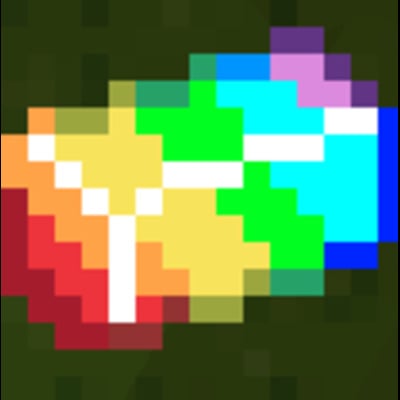
A little splash of colour
This mod adds many wonderful features to the game such as custom weapons, gear and even lucky locks, there are also some more Easter eggs such as a secret biome. Download this modpack and enjoy the fun
Screenshots





About this Mod
You need to download Forge 1.12.2 To get this mod here is the link: https://files.minecraftforge.net/net/minecraftforge/forge/index_1.12.2.html
Then you can download my mod
One you downloaded my mod you need to go to the search bar on the bottom left of your screen and type %appdata% then open .minecraft then open mods then you put my mods folder in it
Open Minecraft launcher and change your installation to Forge 1.12.2 and enjoy
Here is my website for seeing what my mods do izapsmcmods.000webhostapp.com/
Colour splash biome : It is A 1/1024 (0.01%) chance of finding it. It is made of command blocks, emerald ore, obsidian, diamond ore, colour splash ore
Magic armour: Each piece of armour is very strong and gives you a infinate potion effect for each piece of armour
Lava gun: shoot It and you will see massive dripping arches of lava
Lightning hammer: It is the colur splash sword but when you right click you summon lightning
Colour splash sword: A sword that does the most damage in the game
Colour splash ingot: The result if you smelt a colour splash ore
Colour splash ore: A rare ore near bedrock which can be crafted into very cool items
Grenade: when you throw it it gives a boom
Cluster Grenade: when you throw it. It splits into 10 grenades which all explode
Build Potion: throw it and it spawns a 5 by 5 by 5 cube of TNT
Structure block: when you place it down it spawns a neat survival home
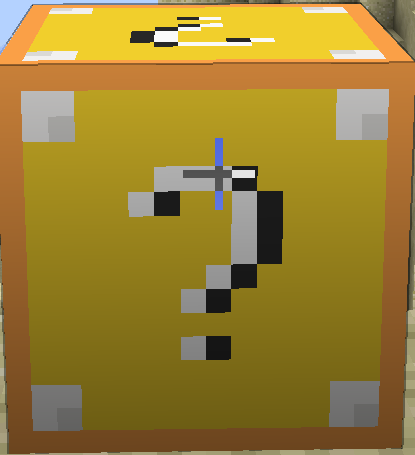
Lucky block: It is the OG lucky block but it can give you some of the items above
Cursed pig: It is a new mob that spawns in Plains, Birch forest, Beach It is very fast.
Cow launcher: It is raining cows when you right click it, that means free food.
Available Versions
How to Install A little splash of colour on Your Server
Order Server
Order a Minecraft Java server with at least 3 GB RAM (4 GB recommended).
Set forge Loader
In the panel under "Egg", select the forge loader and matching Minecraft version (1.12.2).
Install Mod
Open the mod browser in the dashboard and search for "A little splash of colour". Click "Install" – done! Alternatively, upload the .jar via SFTP to the /mods folder.
Compatibility
Mod Loaders
Minecraft Versions
1.12.2
Server-side
✓ RequiredRecommended RAM
4 GB(min. 3 GB)Frequently Asked Questions
A little splash of colour server crashes on startup – what to do?
Most common cause: wrong forge version or insufficient RAM. Check the server log (latest.log) for "OutOfMemoryError" or "Mixin" errors. With Mado Hosting: ensure at least 3 GB RAM is allocated and the loader matches the mod version (1.12.2). You can switch loaders with one click in the panel.
Is A little splash of colour compatible with forge?
A little splash of colour officially supports forge for Minecraft 1.12.2. The Mado dashboard automatically detects incompatible loader combinations.
Server lagging with A little splash of colour – how to optimize performance?
Recommended RAM: 4 GB (per 8 players). Use /spark profiler to check if A little splash of colour consumes the most tick time. Common fixes: reduce server view-distance to 8-10, install "performant" or "starlight" as supplementary mods on Forge. With Mado Hosting, your server runs on NVMe SSDs with dedicated CPU cores for minimal latency.
Similar Mods




Rent Modded Server
Install A little splash of colour with just one click on your server.