
Jim Mech
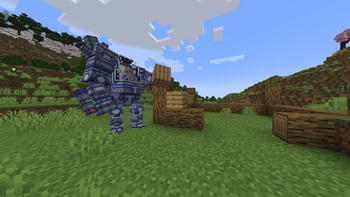
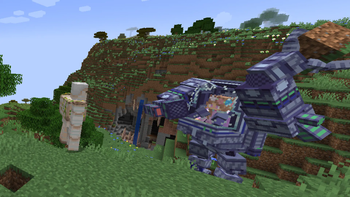
Adds a powerful Mech to the game!
Screenshots
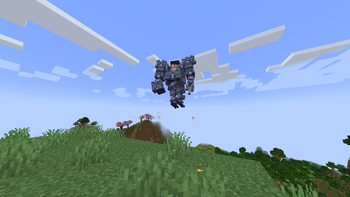
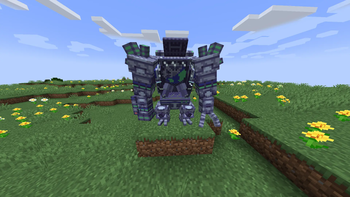
About this Mod
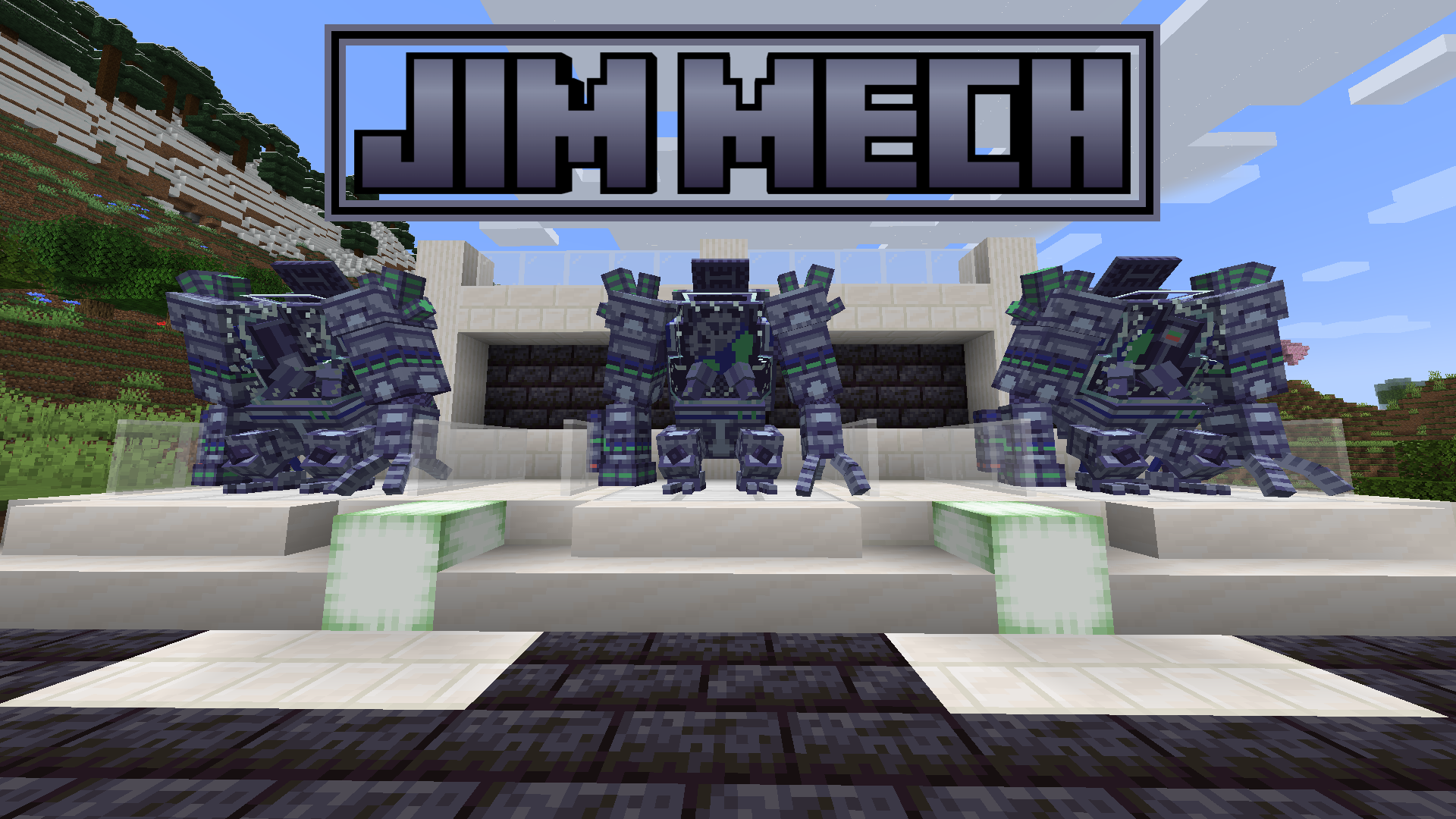
This mod requires geckolib to run.
Notice: This mod was made as a one-off for an ItsJim modding competition, thus it likely will not receive any updates and you may experience bugs while playing. sorry :(
Description
Have you ever wanted an incredibly versatile mech that could both protect you from danger and manipulate the world? Well look no further, for the Jim Mech can do both of these things!
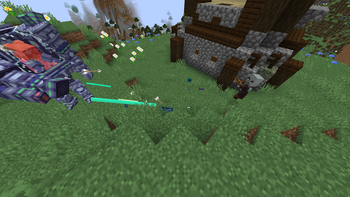
Using an advanced manipulation technique known as a mechanical arm, this mech allows you to instantly grab blocks and transport them (it even works on bedrock!), or to throw them at your enemies. Perhaps you prefer combat, and using the latest innovations in offensive technology, we've been able to transform one of the mech's arms into a machine gun, allowing quick and easy access to destruction. If you simply want transport, this mech also comes equipped with a jetpack, allowing you to soar to the skies!
Usage
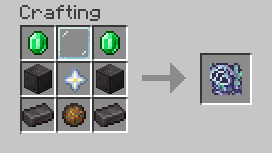
After crafting the mech, simply right click on the ground to place it down. If you'd like to pick it back up, shift right click on it.
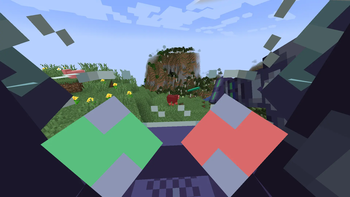
Once it is placed, right click it to enter.
While in the mech, press left click while looking at a block to pick it up. You can then press left click again to put the block down somewhere else or hold and then release right click to throw the block.
While in the mech, hold right click to shoot using the machine gun.
While in the mech, hold space to activate the thrusters and fly.
Available Versions
How to Install Jim Mech on Your Server
Order Server
Order a Minecraft Java server with at least 3 GB RAM (4 GB recommended).
Set fabric Loader
In the panel under "Egg", select the fabric loader and matching Minecraft version (1.20.1).
Install Mod
Open the mod browser in the dashboard and search for "Jim Mech". Click "Install" – done! Alternatively, upload the .jar via SFTP to the /mods folder.
Compatibility
Mod Loaders
Minecraft Versions
1.20.1
Server-side
✓ RequiredRecommended RAM
4 GB(min. 3 GB)Frequently Asked Questions
Jim Mech server crashes on startup – what to do?
Most common cause: wrong fabric version or insufficient RAM. Check the server log (latest.log) for "OutOfMemoryError" or "Mixin" errors. With Mado Hosting: ensure at least 3 GB RAM is allocated and the loader matches the mod version (1.20.1). You can switch loaders with one click in the panel.
Is Jim Mech compatible with fabric?
Jim Mech officially supports fabric for Minecraft 1.20.1. The Mado dashboard automatically detects incompatible loader combinations.
Server lagging with Jim Mech – how to optimize performance?
Recommended RAM: 4 GB (per 8 players). Use /spark profiler to check if Jim Mech consumes the most tick time. Common fixes: reduce server view-distance to 8-10, install "performant" or "starlight" as supplementary mods on Forge. With Mado Hosting, your server runs on NVMe SSDs with dedicated CPU cores for minimal latency.
Similar Mods




![[TaCZ] Timeless and Classics Zero](https://cdn.modrinth.com/data/SzzJttH8/fd27766d2bb8390d284696b1dbd358f87e081439_96.webp)

Rent Modded Server
Install Jim Mech with just one click on your server.