
John
Take a journey into the realm of an ancient villager god - John.
Screenshots
About this Mod
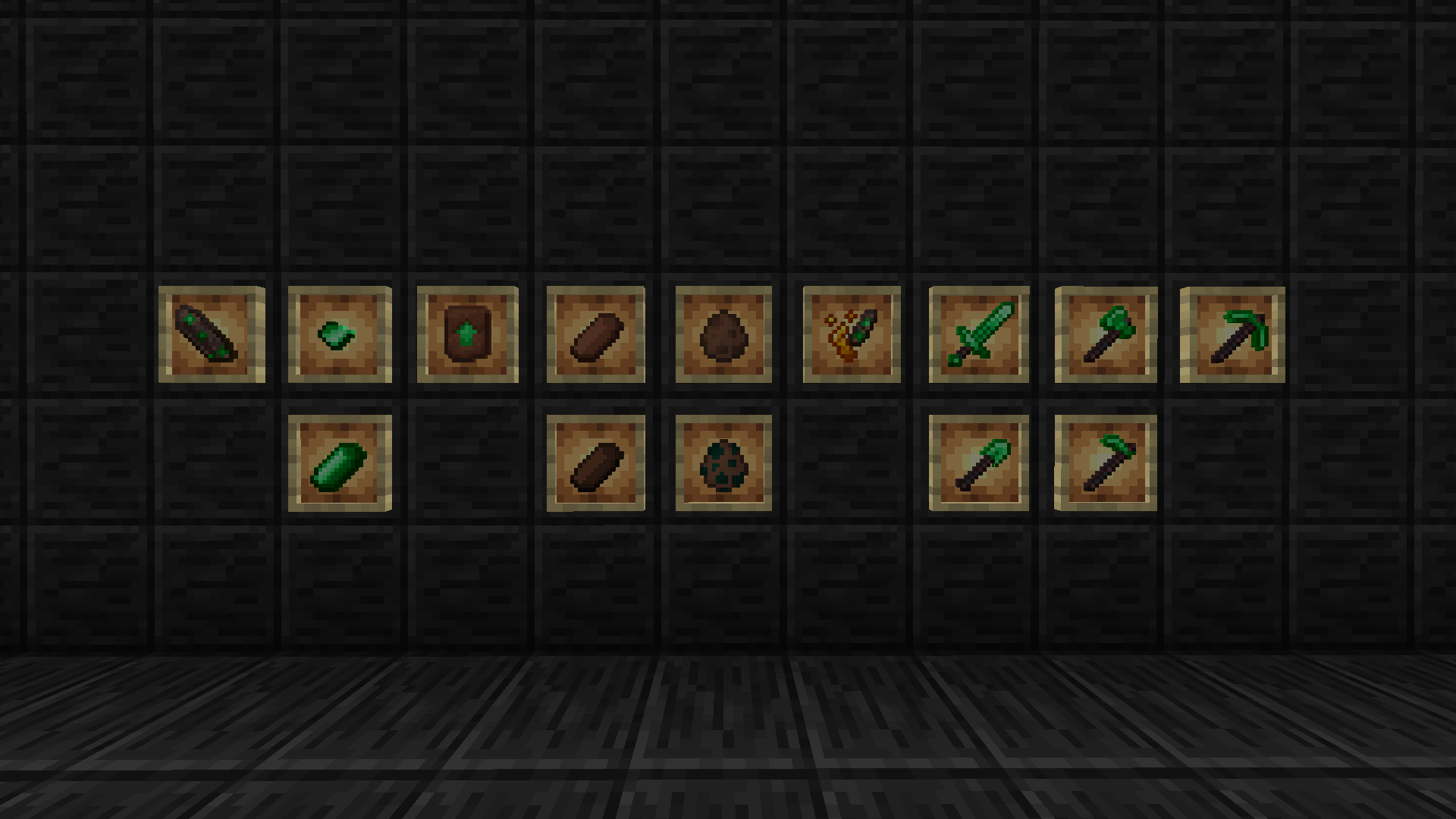
"John" (the mod) so far has added a new dimension, three new mobs, fourteen new items, three new blocks (one having stairs, slabs, and wall variants), and multiple structures spanning across the overworld and John's World.
The dimension:
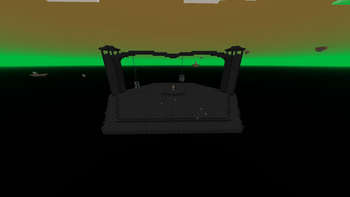
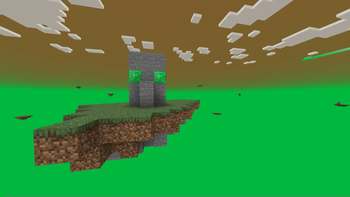
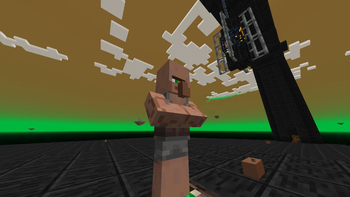
John's World is a vast void sparsely filled with floating islands filled with loot and stuff and also platforms that seemingly have John himself waiting on them.
The mobs:
The Nose may look like an ordinary Villager's nose detached from its head, but it is a menacing, speedy, and hard-to-hit little gremlin.
The Witch Nose is even more terrifying than the Nose. They afflict their target with poison on each hit.
John is an ancient deity that was worshiped by villagers long ago. Some of the ancient temples to him are still standing in the overworld. He resides in his dimension where he stands waiting to be disturbed by a mortal being. He seems to get fed up with projectiles really fast...
The Items:
The John Shard is an item with suspicious properties crafted down from a John Block and is used to create the Shard and Powder and the John Frame.
The John Nose and John Nose Fragment are pretty self-explanatory. It's John's Nose. The John Nose can be worn in the helmet slot and appears as a villager nose would, but green.
The Raw Nose is a food item dropped by the Nose mob that can be cooked into Cooked Nose. The Raw Nose can be worn in the helmet slot and appears as a villager nose would.
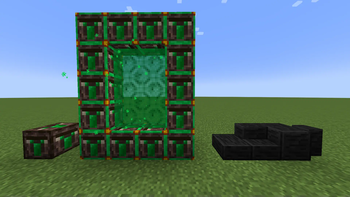
The Shard and Powder is a strange item that can activate a portal to John's World.
John Tools and Weapons are upgraded from Netherite using the proper Upgrade Template and are faster, stronger, and more durable.
The Blocks:
The John Block is a block found in the ancient John temples that presumably holds some sort of religious function.
The John Frame is the outline used to form a portal to John's World.
Johnstone is a very dark and stone-like block that is used exclusively in John's spawn platforms.
Special thanks to Henwy and JeromeASF for making videos featuring this mod.
Available Versions
How to Install John on Your Server
Order Server
Order a Minecraft Java server with at least 4 GB RAM (6 GB recommended).
Set fabric Loader
In the panel under "Egg", select the fabric loader and matching Minecraft version (1.20.4).
Install Mod
Open the mod browser in the dashboard and search for "John". Click "Install" – done! Alternatively, upload the .jar via SFTP to the /mods folder.
Compatibility
Mod Loaders
Minecraft Versions
1.20.4
Server-side
✓ RequiredRecommended RAM
6 GB(min. 4 GB)Frequently Asked Questions
John server crashes on startup – what to do?
Most common cause: wrong fabric version or insufficient RAM. Check the server log (latest.log) for "OutOfMemoryError" or "Mixin" errors. With Mado Hosting: ensure at least 4 GB RAM is allocated and the loader matches the mod version (1.20.4). You can switch loaders with one click in the panel.
Is John compatible with fabric?
John officially supports fabric for Minecraft 1.20.4. The Mado dashboard automatically detects incompatible loader combinations.
Server lagging with John – how to optimize performance?
Recommended RAM: 6 GB (per 5 players). Use /spark profiler to check if John consumes the most tick time. Common fixes: reduce server view-distance to 8-10, install "performant" or "starlight" as supplementary mods on Forge. With Mado Hosting, your server runs on NVMe SSDs with dedicated CPU cores for minimal latency.
Similar Mods




Rent Modded Server
Install John with just one click on your server.