
Pickup
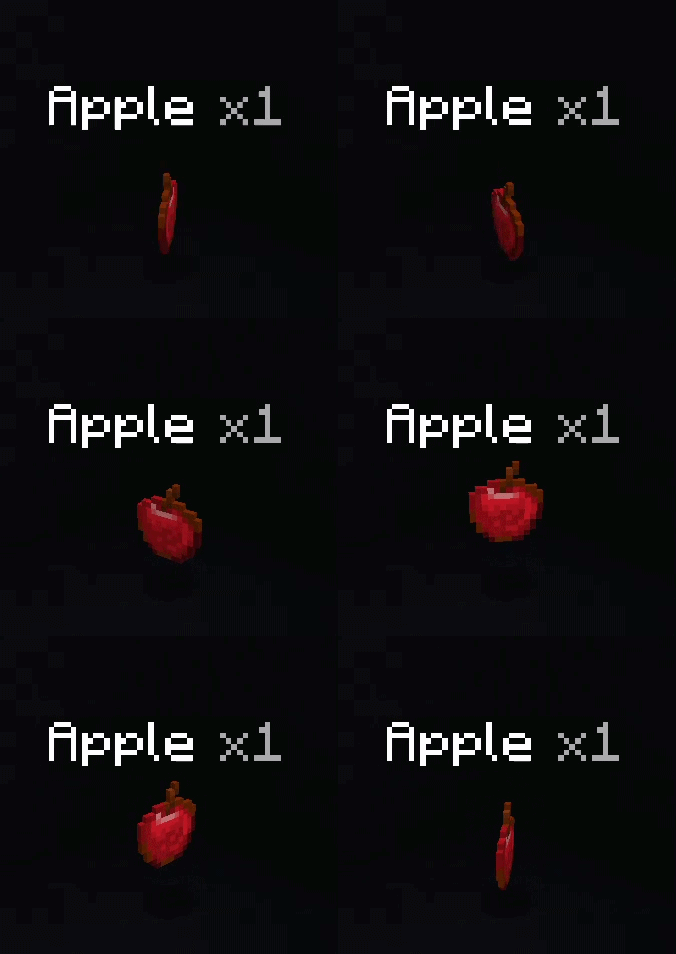
Pick up items by right clicking them!
Screenshots
About this Mod
Pickup
Pickup is a mod that lets players pick up items by right-clicking them. (or whatever their interact key is set to) It works completely server-side so any vanilla client can join. The only client-side feature is the configuration modification system, an extra system for modifying the mod's configuration while the server is running (as opposed to editing the JSON and restarting).

Configuration
Core mechanics
- Enable/disable modified pickup behavior - toggles the mod's right-click-to-pick-up feature
- Enable/disable vanilla pickup behavior - toggles Minecraft's walk-over-to-pick-up system
Both of the above can be turned on and off independently of each other.
You can also override the default item entity's hitbox with custom dimensions. This makes targeting easier because the vanilla item entities have a fairly small hitbox. (The hitbox has a maximum limit of 1x1x1 blocks to prevent cramming)
Extras
- Item name and count overlay - shows the name and amount of the item the player is looking at
- Glowing item overlay - gives the targeted item a glowing effect
- Overlay range - how far the player has to be for the overlays to appear (separate from actually being able to interact with them)
- Use default range - uses the player's
EntityInteractionRangeattribute instead of the provided value - Pickup to current hand - instead of stacking to the player's hotbar/inventory like normal, a picked up item will be placed in the active slot of the player if it is empty
Editing configuration
Aside from editing the JSON while the server is offline, you have a couple other options to get the mod configured if you have it installed on your client.
- Command - Running
pickup_configas an admin will open a nice GUI where you can edit the config and apply it without restarting the world. - ModMenu - With Mod Menu, you can access the same config GUI by opening the Mod list and clicking the configure icon.
Operator permissions are required. All configuration changes are validated server-side to catch any invalid values. Once again, the client mod is completely optional!
Prerequisites
All you need is a version of Fabric API that is for the same minecraft version, no extra config libs.
Available Versions
How to Install Pickup on Your Server
Order Server
Order a Minecraft Java server with at least 3 GB RAM (4 GB recommended).
Set fabric Loader
In the panel under "Egg", select the fabric loader and matching Minecraft version (26.1.2).
Install Mod
Open the mod browser in the dashboard and search for "Pickup". Click "Install" – done! Alternatively, upload the .jar via SFTP to the /mods folder.
Compatibility
Mod Loaders
Minecraft Versions
26.1.2, 26.1.1, 26.1
Server-side
✓ RequiredRecommended RAM
4 GB(min. 3 GB)Frequently Asked Questions
Pickup server crashes on startup – what to do?
Most common cause: wrong fabric version or insufficient RAM. Check the server log (latest.log) for "OutOfMemoryError" or "Mixin" errors. With Mado Hosting: ensure at least 3 GB RAM is allocated and the loader matches the mod version (26.1.2). You can switch loaders with one click in the panel.
Is Pickup compatible with fabric?
Pickup officially supports fabric for Minecraft 26.1.2, 26.1.1, 26.1. The Mado dashboard automatically detects incompatible loader combinations.
Server lagging with Pickup – how to optimize performance?
Recommended RAM: 4 GB (per 8 players). Use /spark profiler to check if Pickup consumes the most tick time. Common fixes: reduce server view-distance to 8-10, install "performant" or "starlight" as supplementary mods on Forge. With Mado Hosting, your server runs on NVMe SSDs with dedicated CPU cores for minimal latency.
Similar Mods




Rent Modded Server
Install Pickup with just one click on your server.