
Journal
A client mod that gives various quality-of-life features and customization options.
Screenshots
About this Mod
Journal is a client-side only mod that aims to provide various utilities and general "nice to have"'s. The mod is called Journal because like a real-life journal, it's not something you need but it's a nice thing to have with you in case you need it or have a good use for it.
Journal Features:
Functions
Create
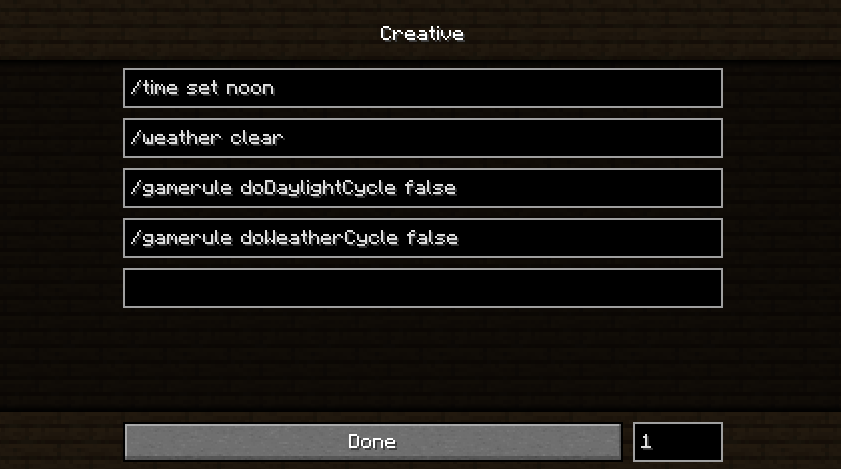
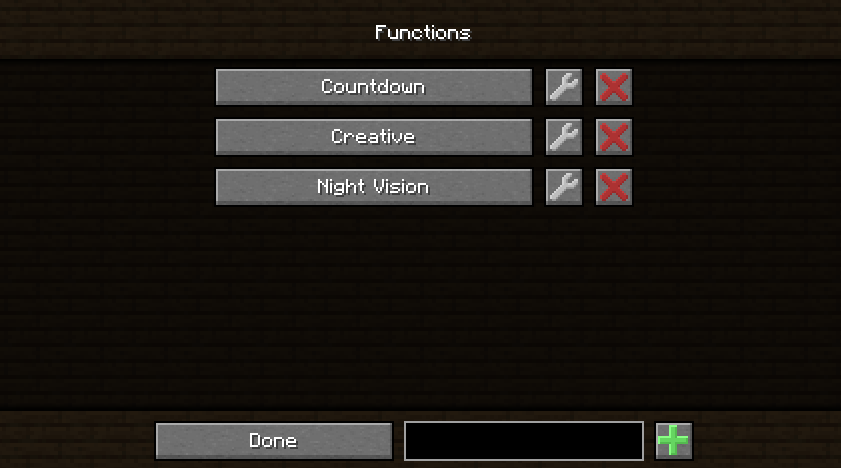
- Create functions that can execute several commands or send pre-written messages sequentially with a delay between sends to the server.
Run
- Functions can be easily run by pressing F8 (Remappable Keybind) to execute commands or send pre-written messages.
Share
- Functions are saved in .minecraft/journal/functions as .jfunc files. They can be opened in a text editor and can be manually edited or shared with others.
Built-in Resource Packs
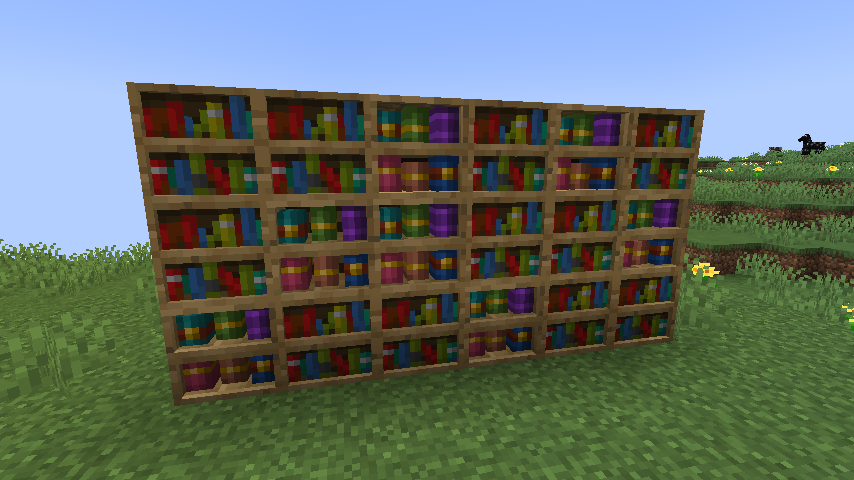
Default+
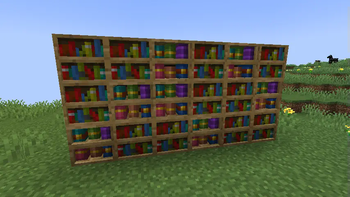
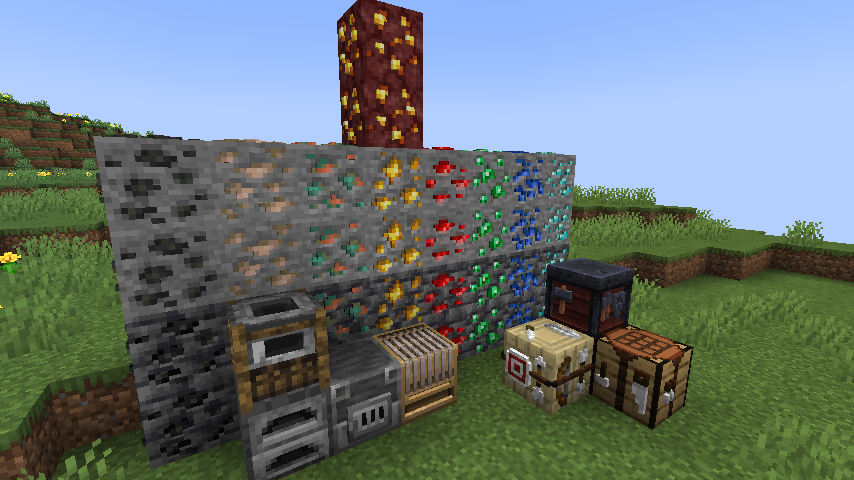
- A Completely remade from the ground-up version of my old resource pack for the latest Minecraft Version.
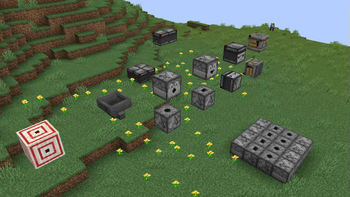
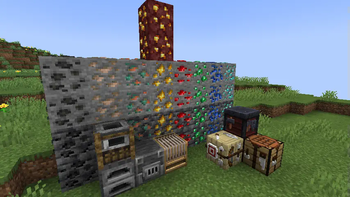
- Adds 3d models to workbenches, ores, and other blocks.
- Adds some minor texture changes for utility or consistency.
Redstone+
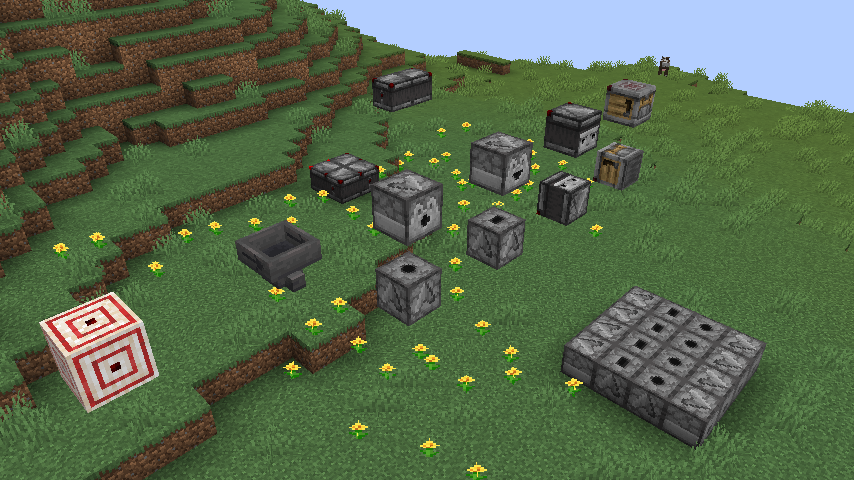
- Adds indicators to several redstone blocks of their facing direction and powered state.
- Good redstone utility.
Keybinds
Built-in Zoom Button
- Default Bound to 'M' but can be remapped in Keybinds.
- Menu to edit default zoom length, scroll sensitivity, and maximum zoom length.
Functions Keybinds
- Open menu with 'INSERT' (Rebindable) click a function to run it
- Unbound keybinds for up to 10 functions
Misc
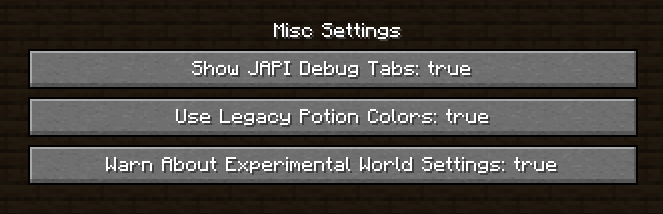
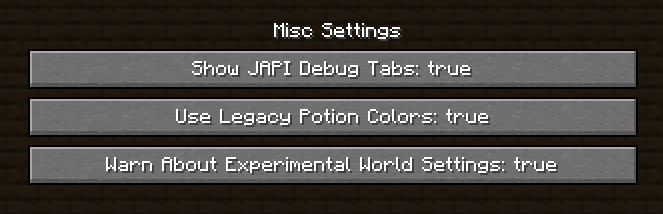
Toggle JAPI Debug Tabs
- When enabled all mods registered through JAPI will be given a creative inventory tab containing all items from that mod.
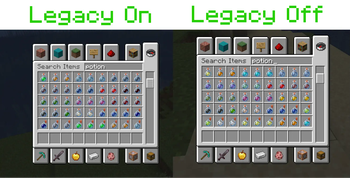
Legacy Potion Colors
- My Old Mod has been added as a toggleable feature to this mod. (Old Mod is discontinued)
Warn About Experimental World Settings
- Removes annoying 'Here Be Dragons' message that appears when playing in modded instances of worlds in single-player.
Available Versions
How to Install Journal on Your Server
Order Server
Order a Minecraft Java server with at least 3 GB RAM (4 GB recommended).
Set fabric Loader
In the panel under "Egg", select the fabric loader and matching Minecraft version (1.21.1).
Install Mod
Open the mod browser in the dashboard and search for "Journal". Click "Install" – done! Alternatively, upload the .jar via SFTP to the /mods folder.
Compatibility
Mod Loaders
Minecraft Versions
1.21.1, 1.21, 1.20.4 (+1 more)
Server-side
✗ UnsupportedRecommended RAM
4 GB(min. 3 GB)Frequently Asked Questions
Journal server crashes on startup – what to do?
Most common cause: wrong fabric version or insufficient RAM. Check the server log (latest.log) for "OutOfMemoryError" or "Mixin" errors. With Mado Hosting: ensure at least 3 GB RAM is allocated and the loader matches the mod version (1.21.1). You can switch loaders with one click in the panel.
Is Journal compatible with fabric?
Journal officially supports fabric for Minecraft 1.21.1, 1.21, 1.20.4. The Mado dashboard automatically detects incompatible loader combinations.
Server lagging with Journal – how to optimize performance?
Recommended RAM: 4 GB (per 8 players). Use /spark profiler to check if Journal consumes the most tick time. Common fixes: reduce server view-distance to 8-10, install "performant" or "starlight" as supplementary mods on Forge. With Mado Hosting, your server runs on NVMe SSDs with dedicated CPU cores for minimal latency.
Similar Mods






Rent Modded Server
Install Journal with just one click on your server.